Progress indicator
A progress indicator shows that a task is running, as a bar, a ring or a spinner. Apple calls the spinner an activity indicator, and Material 3 calls the family progress indicators.
Why it matters
Waiting is the moment people decide whether to stay. A determinate indicator, which fills as the task completes, lets them decide whether to do something else; an indeterminate one only says that something is happening.
Apple asks for accuracy: 90 percent in five seconds and the last 10 percent in five minutes makes people doubt the app.
Progress indicator on iOS and Android
Also called Spinner, Activity indicator, Progress bar, Loader. The same idea in each system, with the values Appetite UI gives it.
| Value | iOS | Android | Appetite UI |
|---|---|---|---|
| Name | Progress view and activity indicator | Linear and circular progress indicator | Spinner, Progress Bar and Progress Ring |
| Spinner sizes in the file | Small 14, Regular 20, Large 35 | Circular, indeterminate | See below |
| Track thickness | Progress Bar 4 in the file | Recommended 8 dp, corner 4 dp | See below |
In Appetite UI
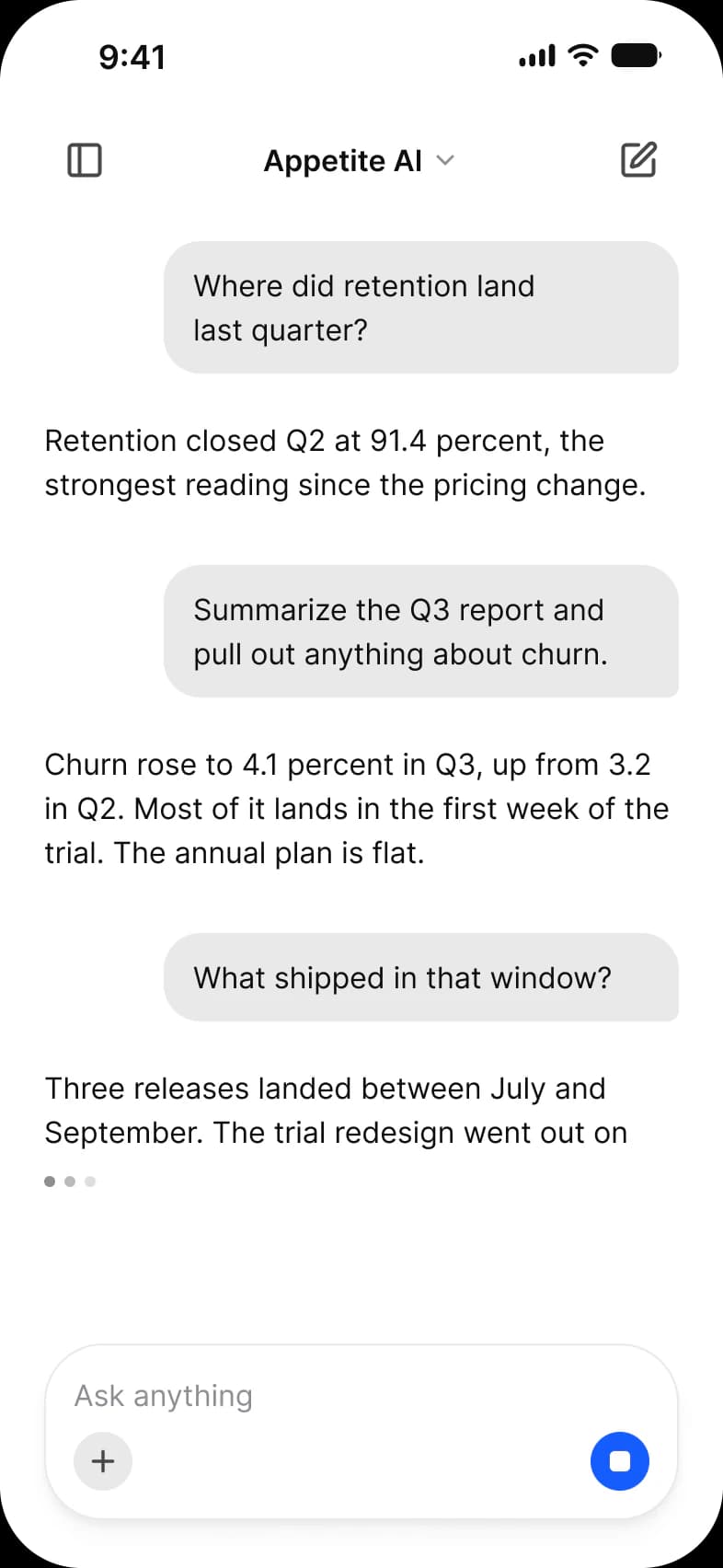
Appetite UI holds Spinner, Progress Bar and Progress Ring. The bar is 320 by 8 at full radius with five values to design against; the ring is a 48 box with a stroke of 4. The platforms animate natively, so code binds the real number.
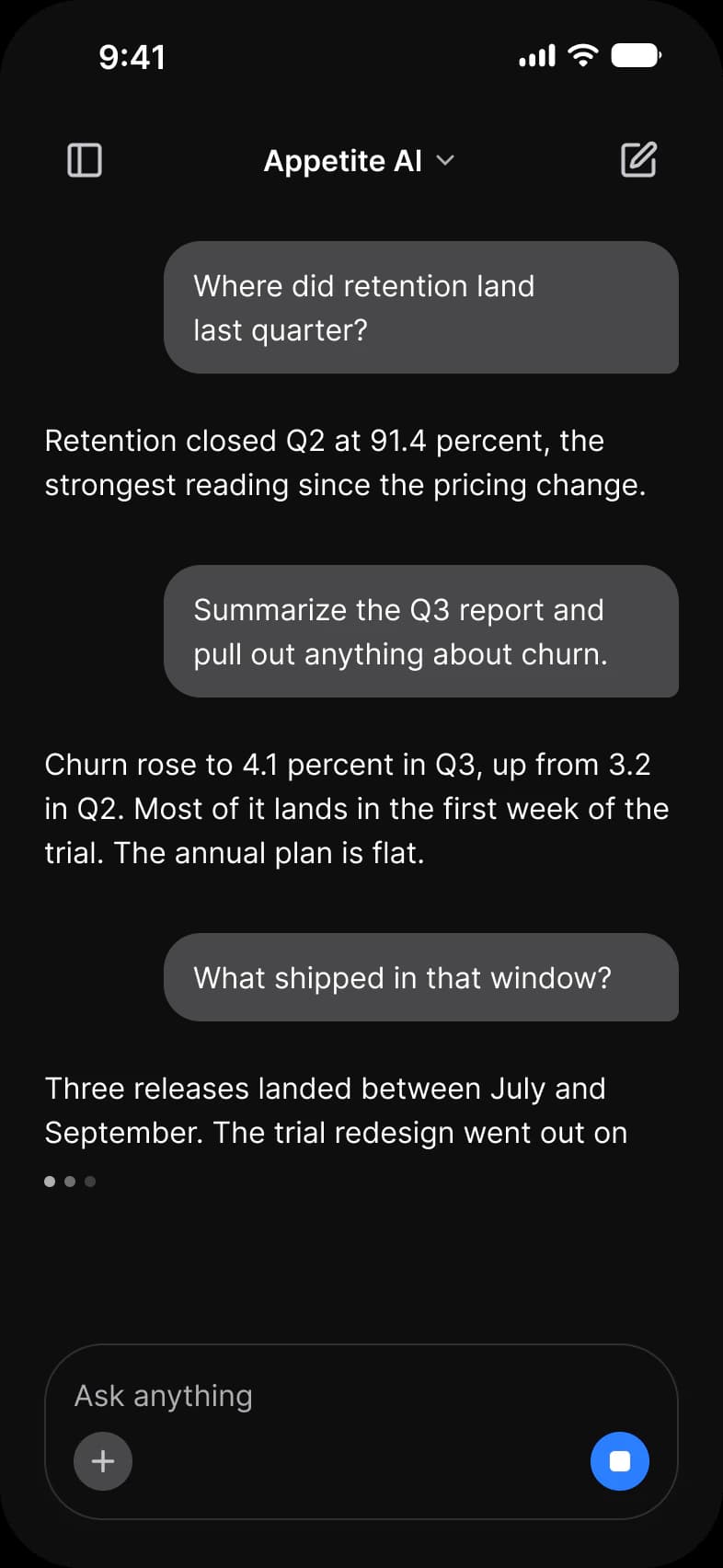
Where it appears in Appetite UI: AI chat app, Generating. The theme switch beside the title shows the dark frame.
Example
Uploading a photo shows a bar that fills with the real upload; loading a feed of unknown length shows a spinner, or better a skeleton of the list.
Common mistakes
- Using a spinner when the duration is known. Use a determinate bar or ring.
- Reporting progress unevenly, so the last 10 percent takes the longest.
- Using a spinner for a list whose shape is known. Draw a skeleton screen.
- Giving no way out of a long task. Offer Cancel.
Questions
What is the difference between determinate and indeterminate progress?
Determinate progress knows how far the task has come and fills a bar or ring; indeterminate progress does not, and shows an animation until the task ends. Use determinate whenever you can.
Should I use a spinner or a progress bar?
A progress bar when you know the length of the wait, a spinner when you do not, and a skeleton screen when you know the shape of what is loading.
Sources
The pages the facts above rest on, each read October 30, 2026.