App screens
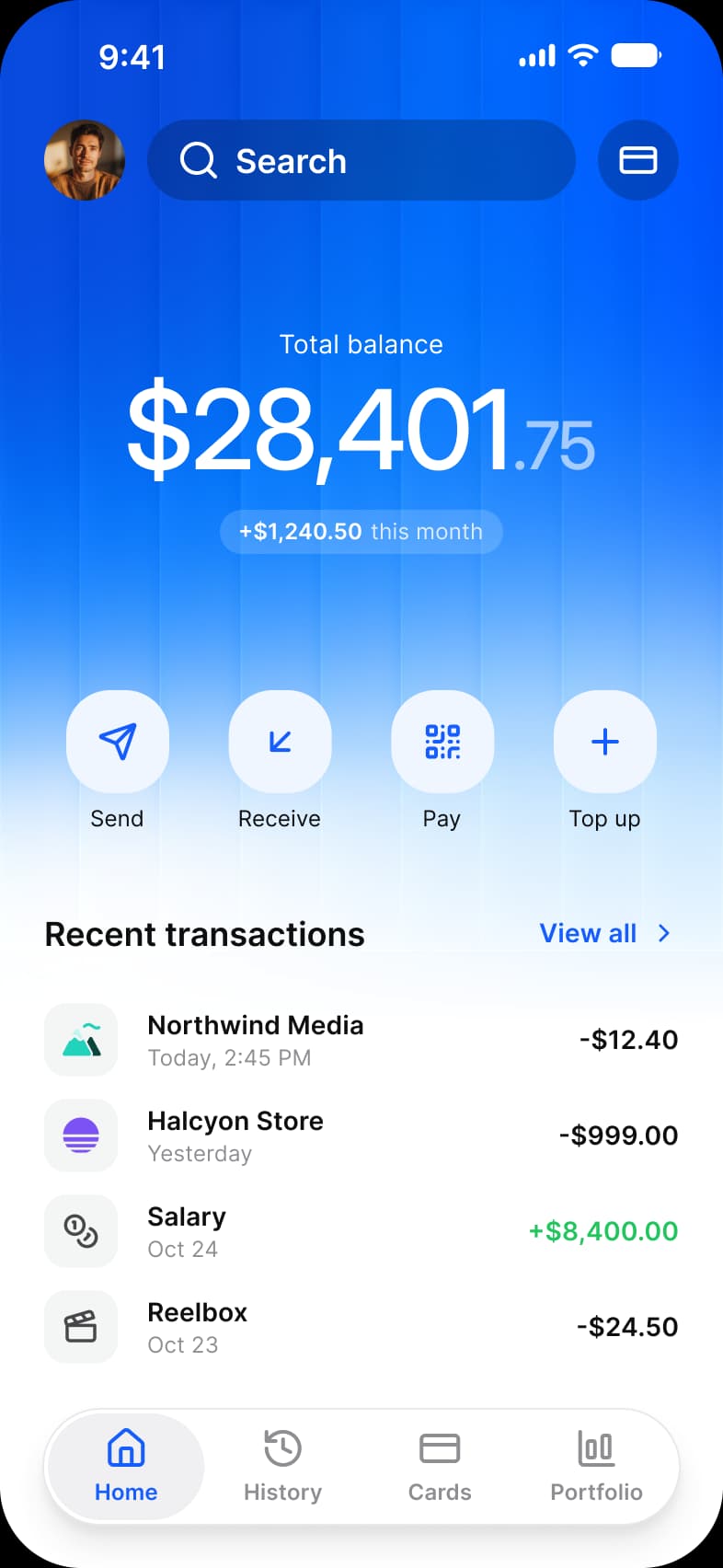
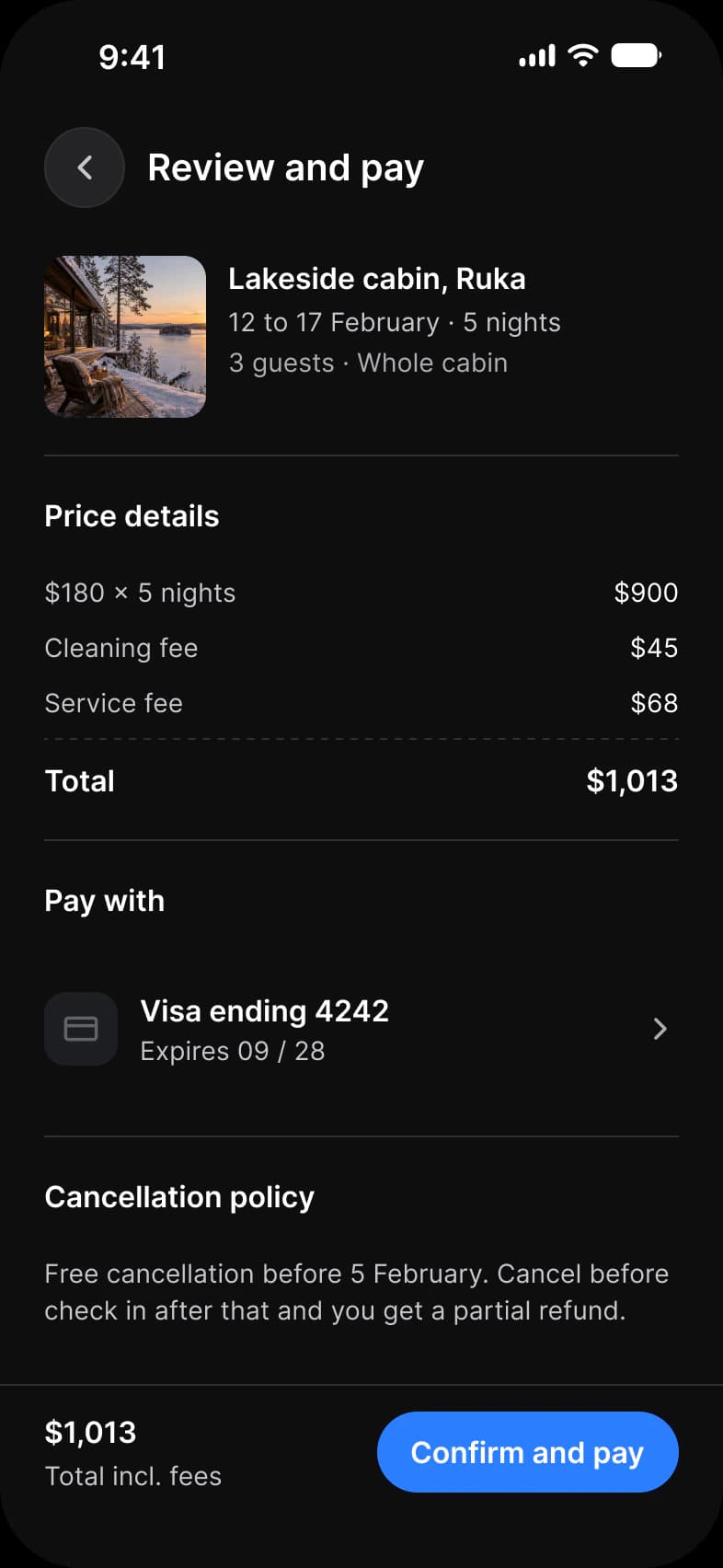
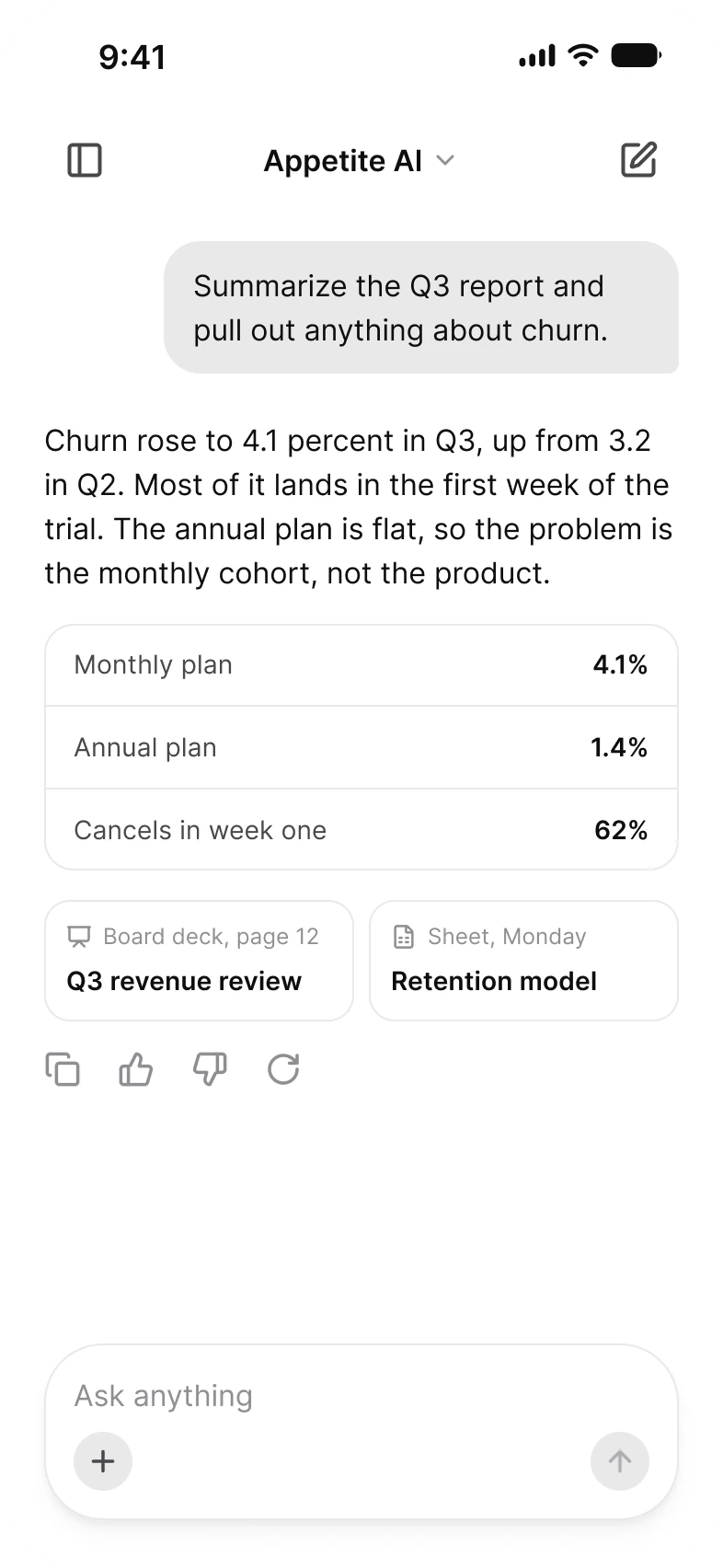
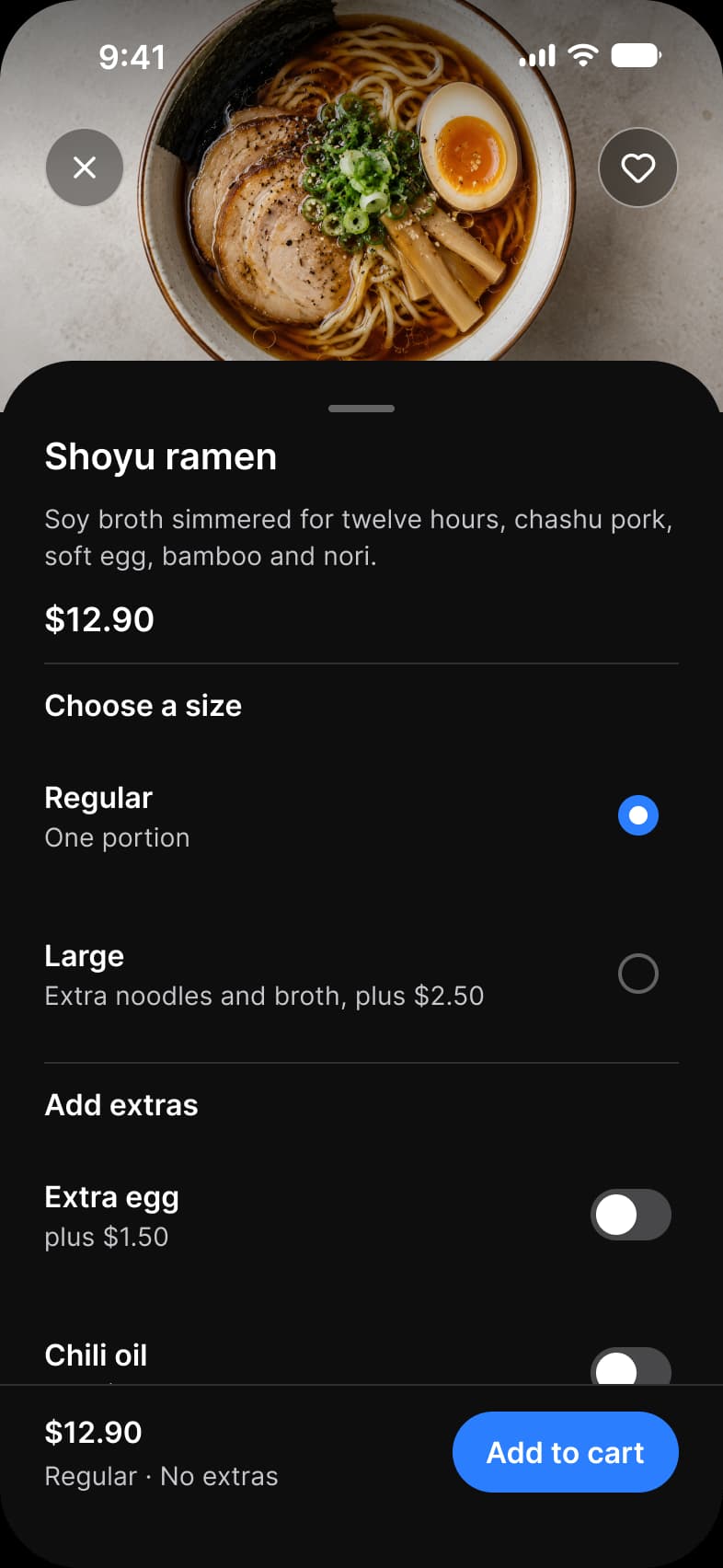
Finished screens you can build from today.
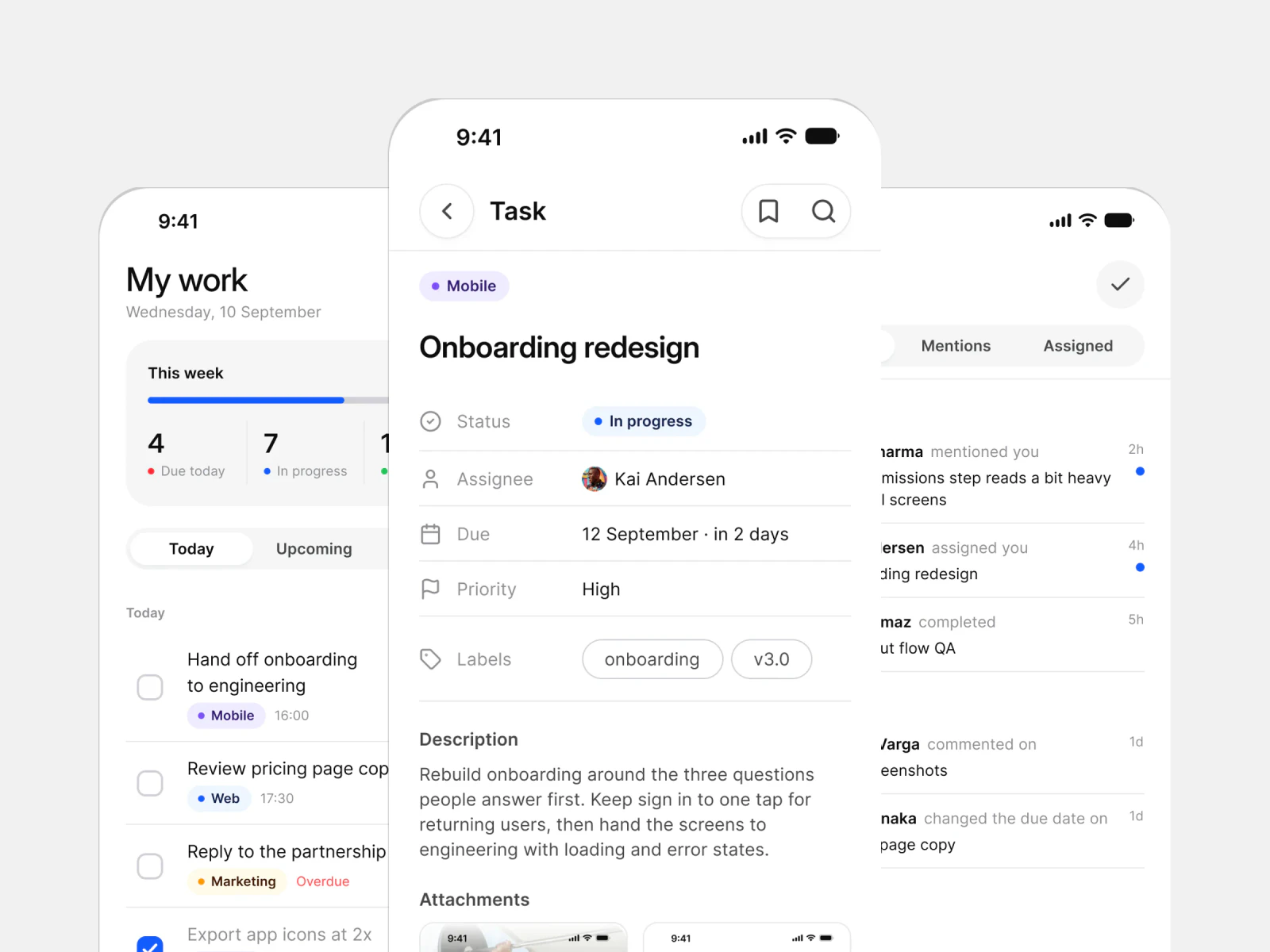
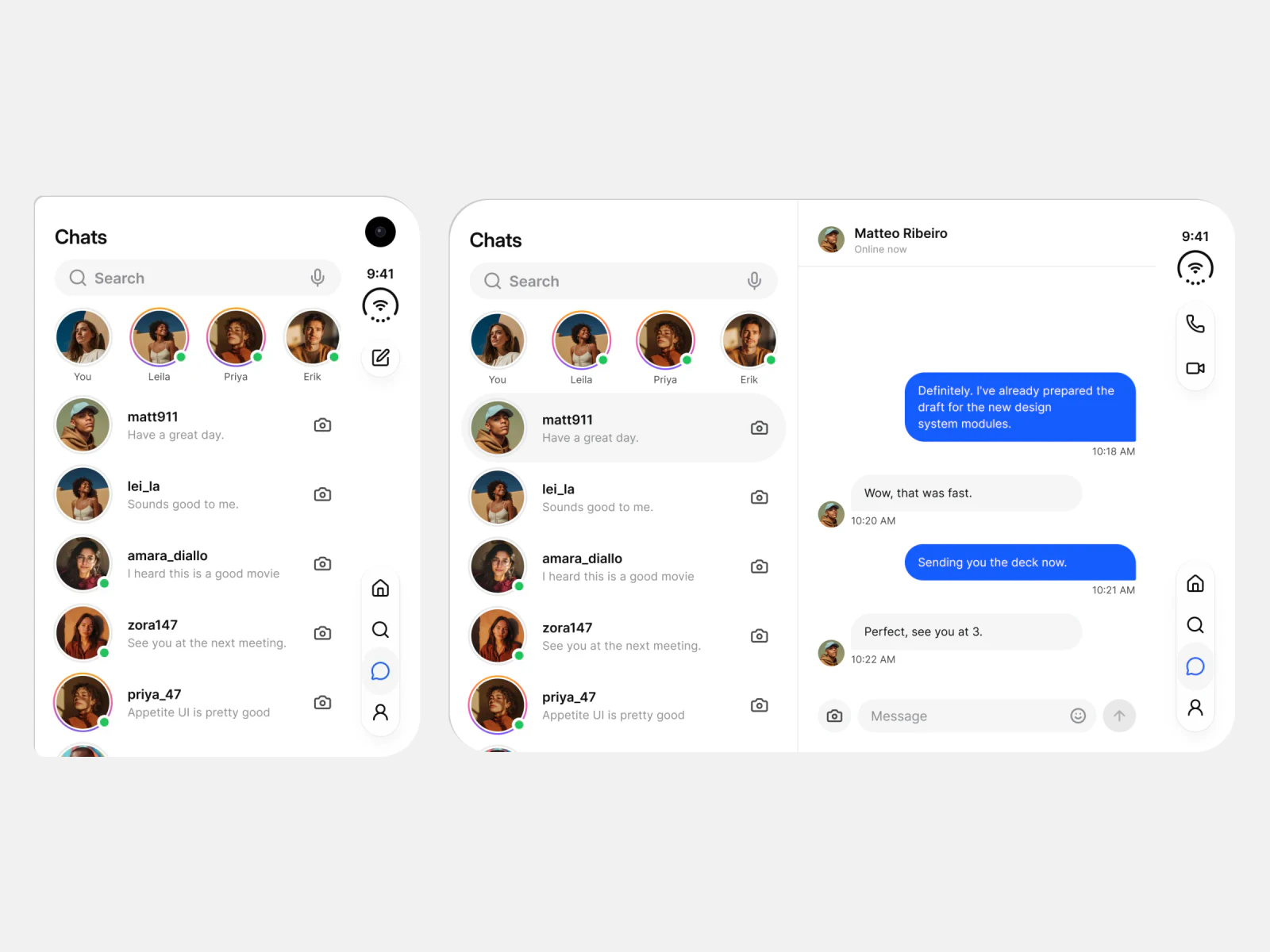
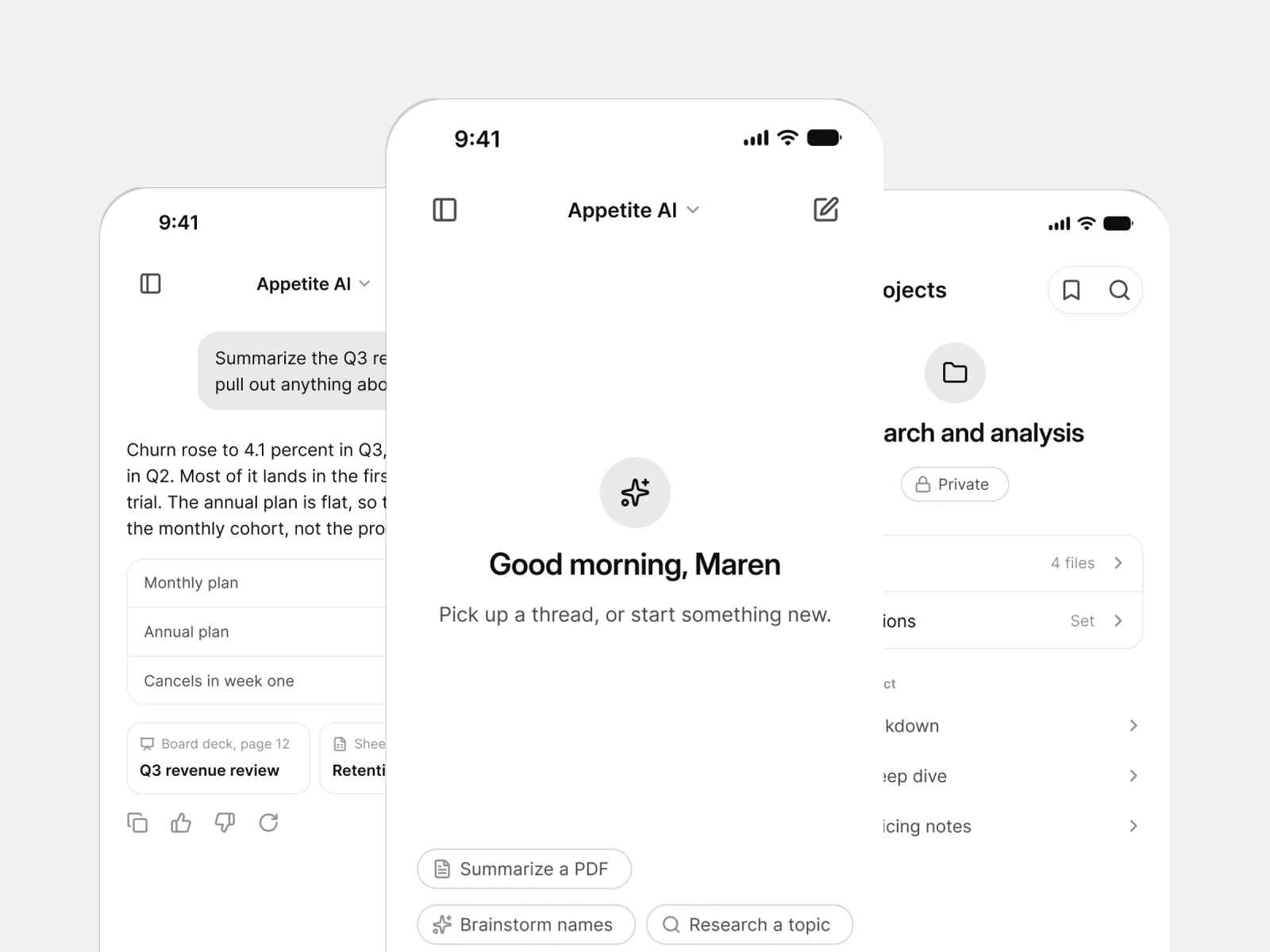
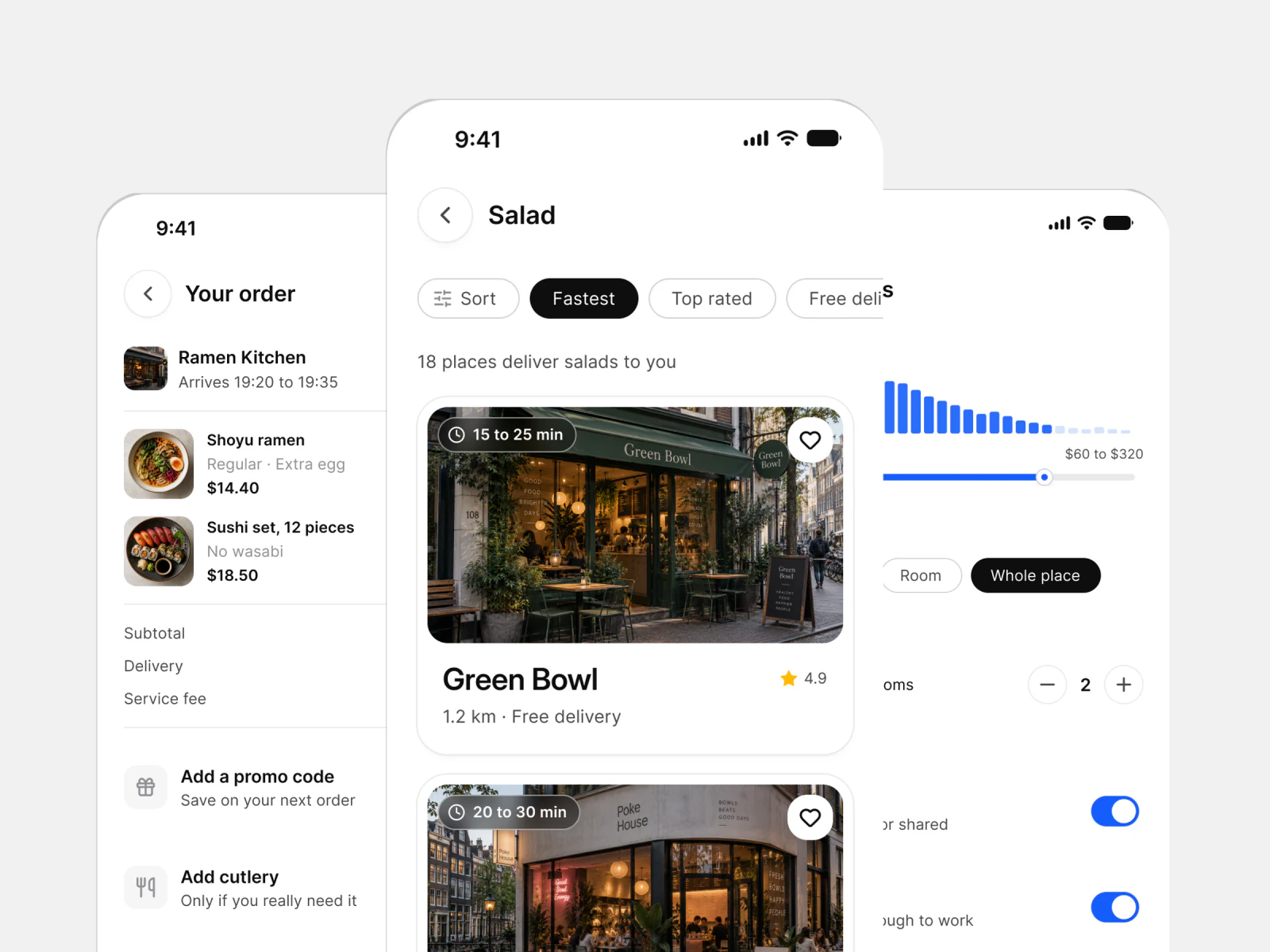
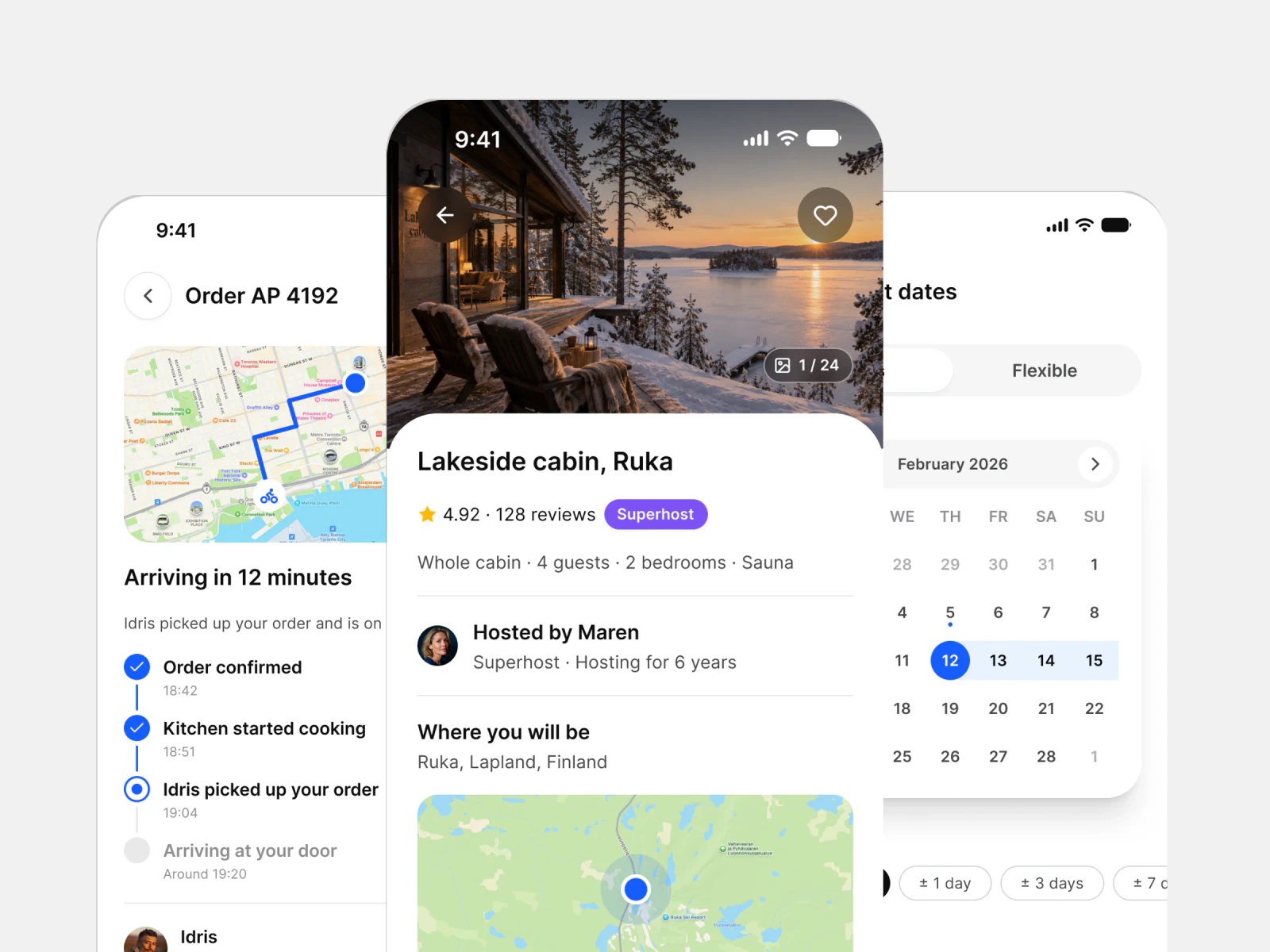
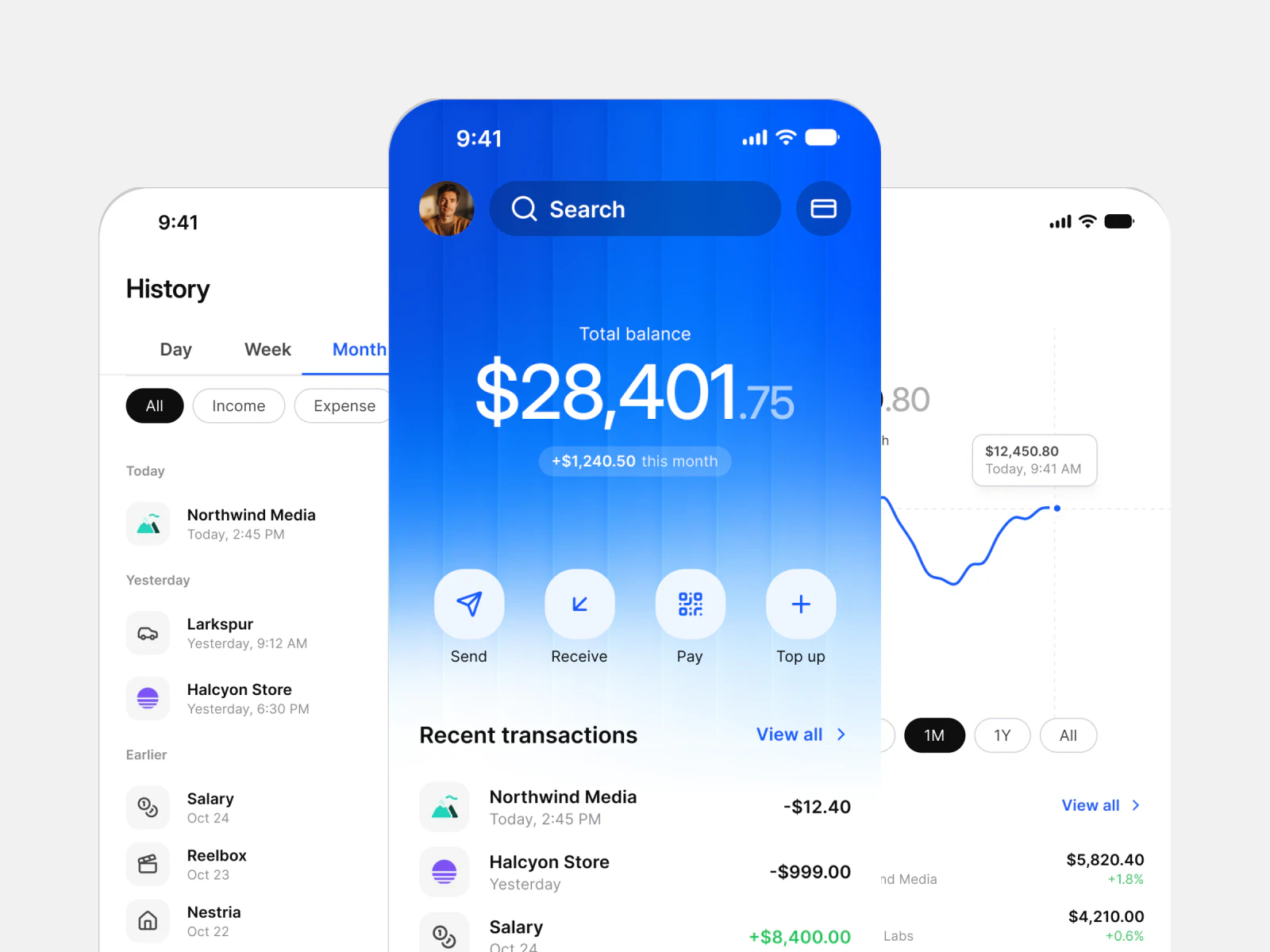
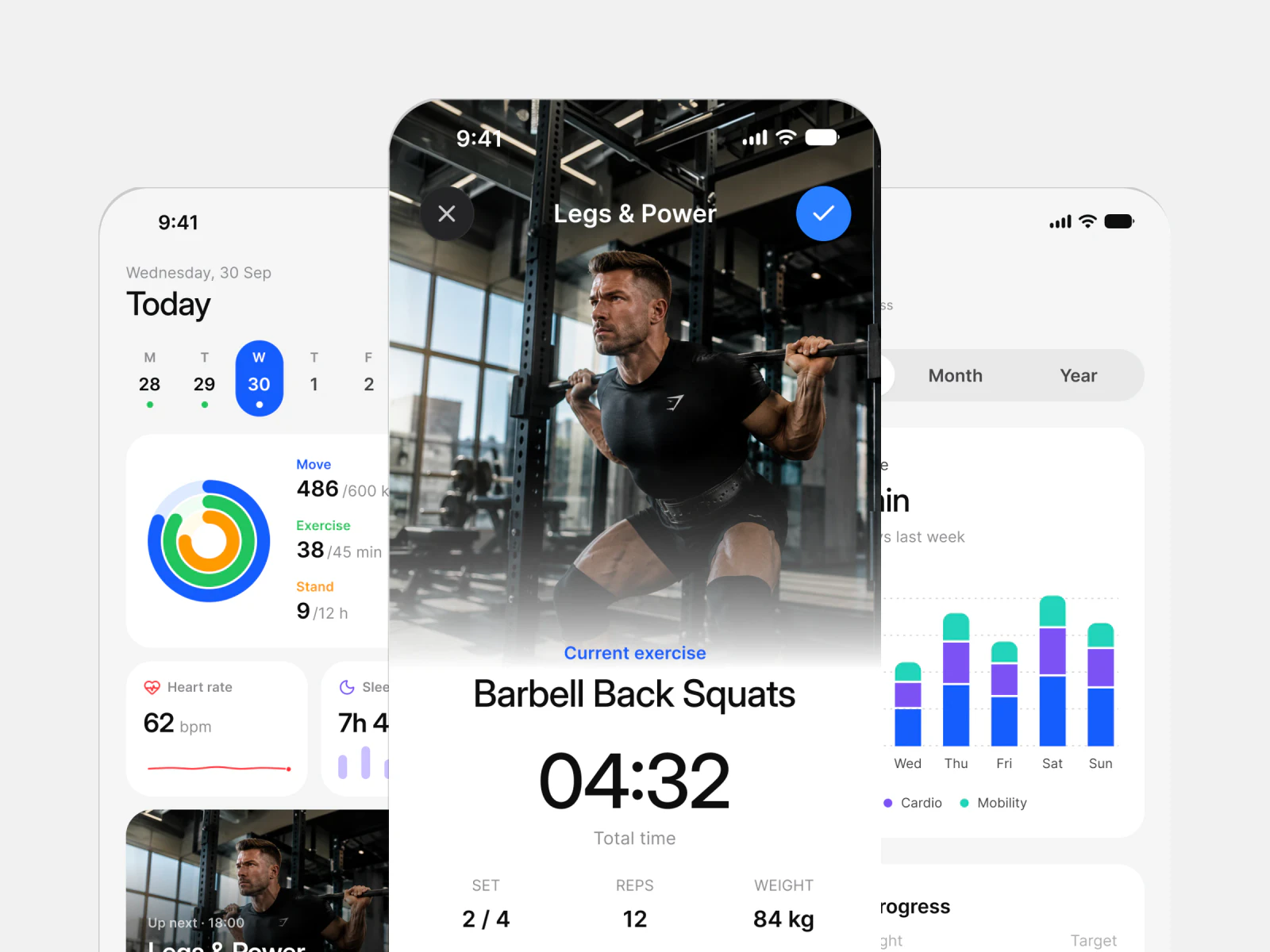
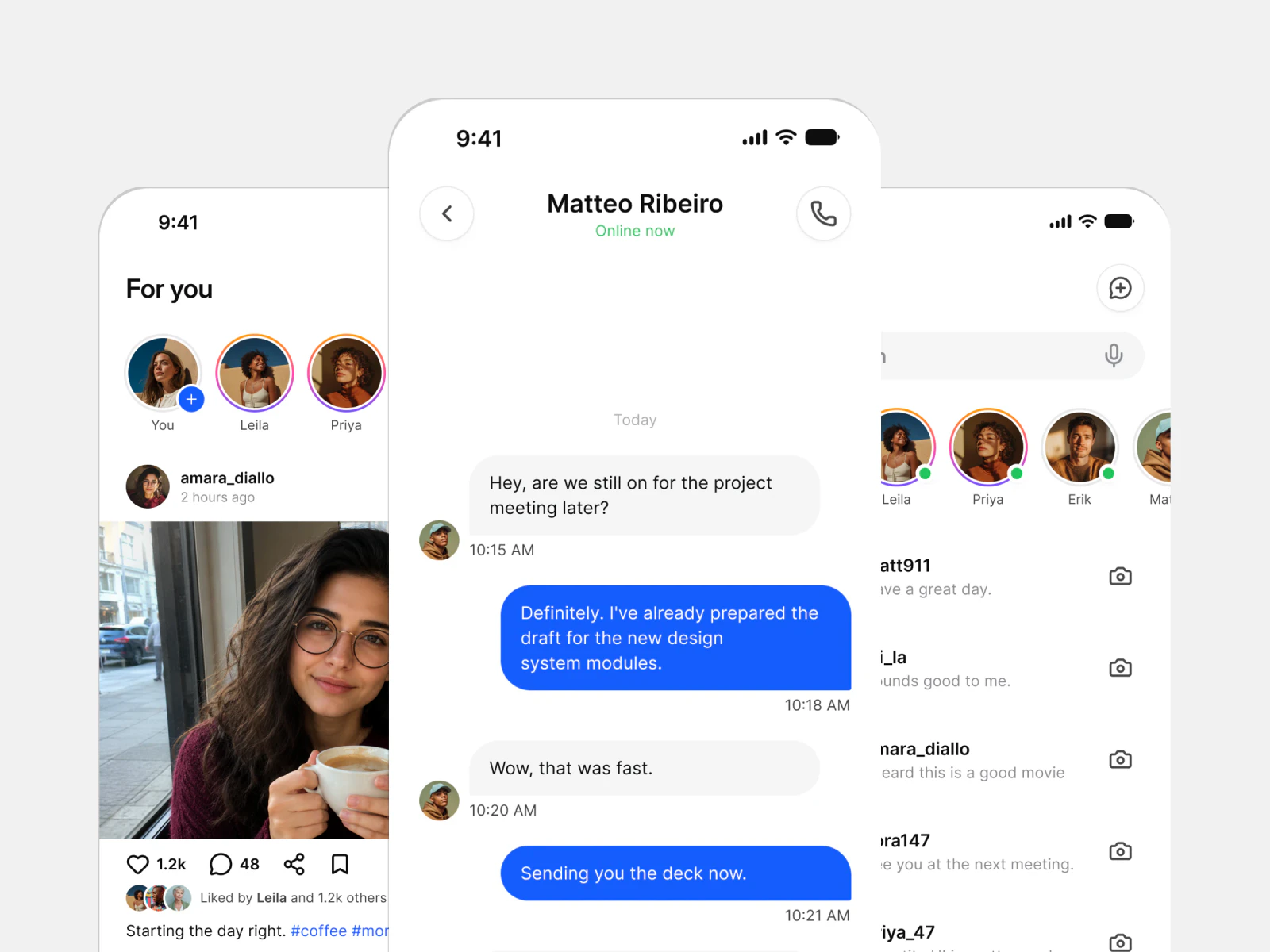
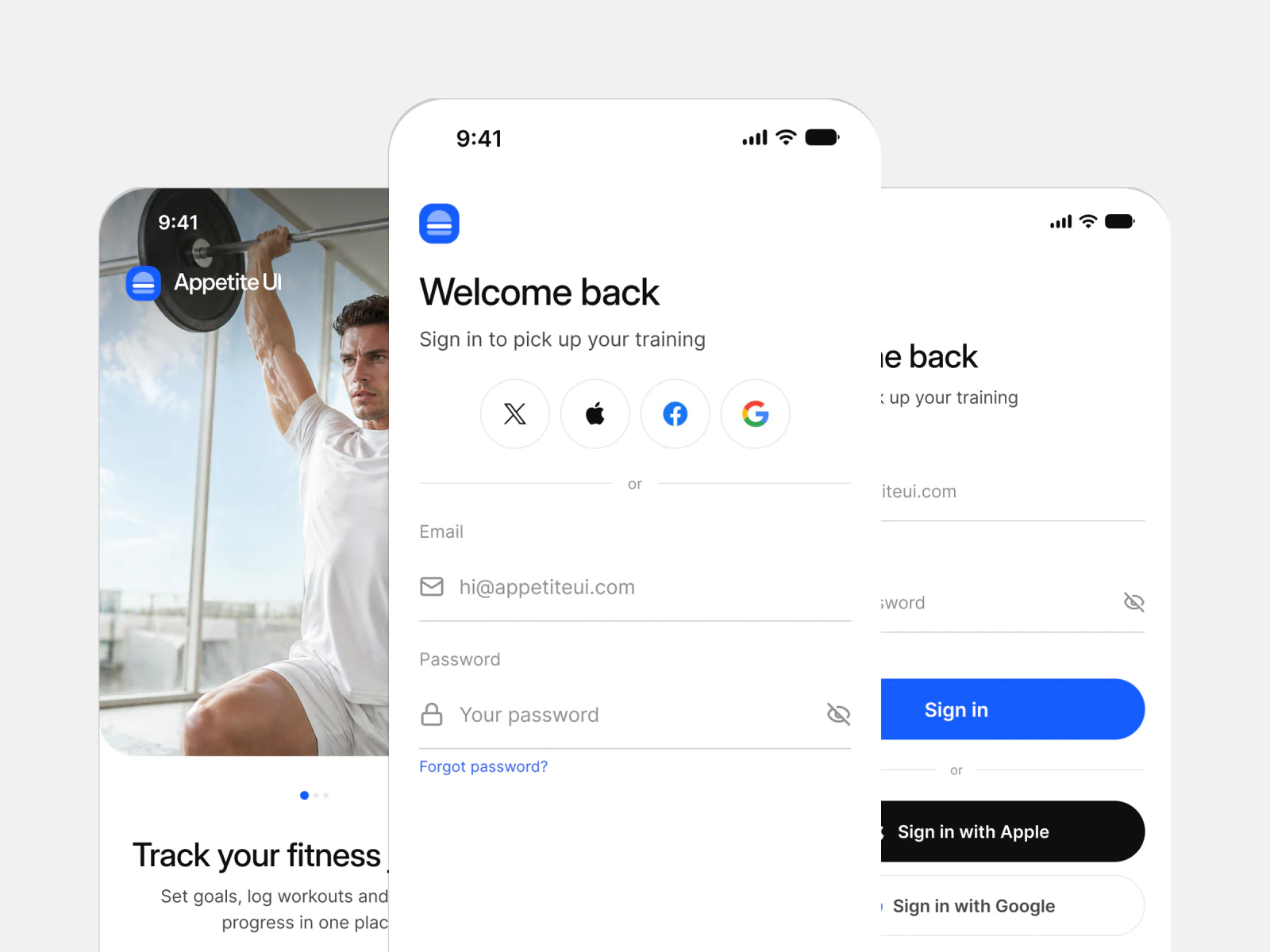
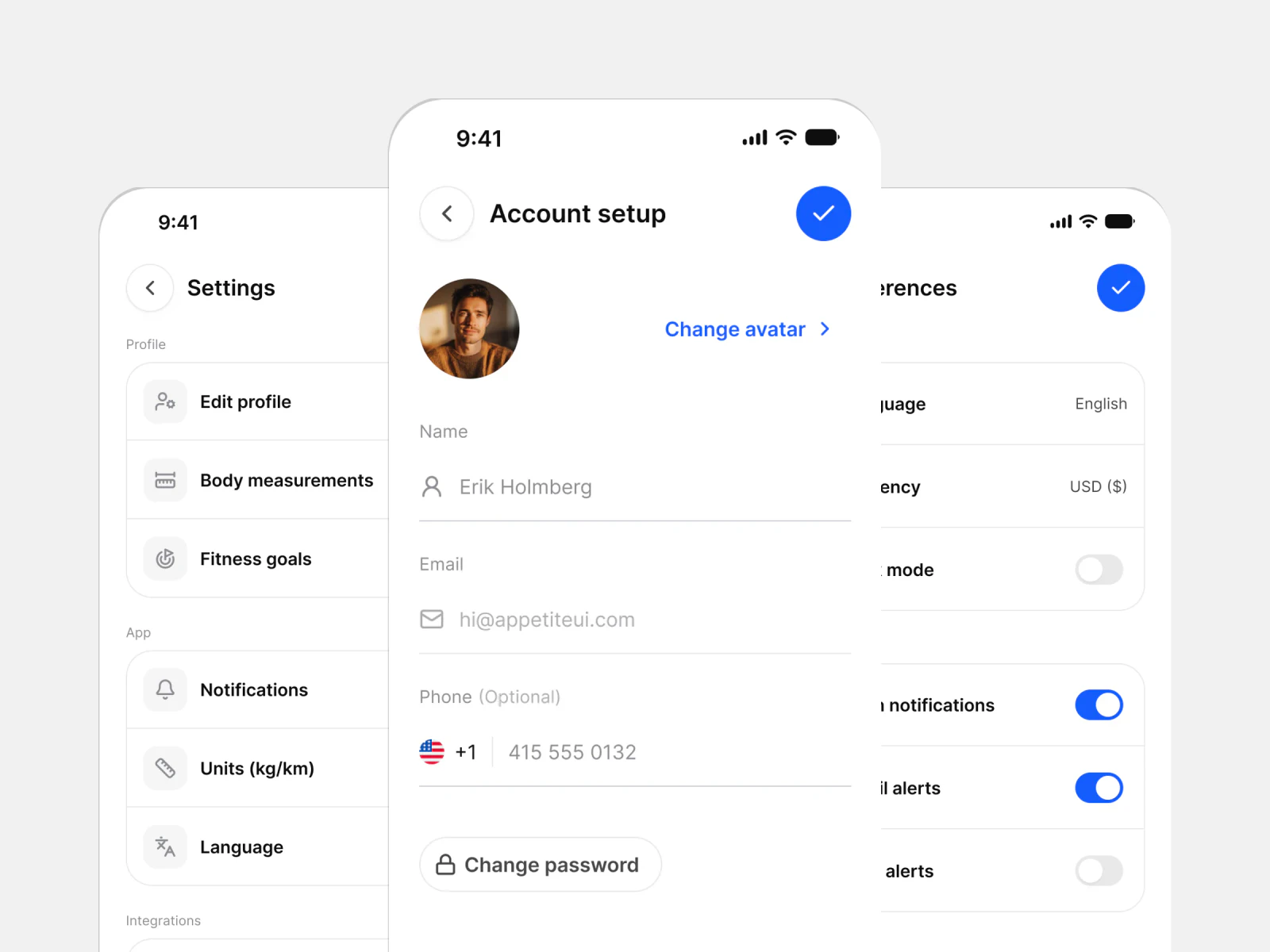
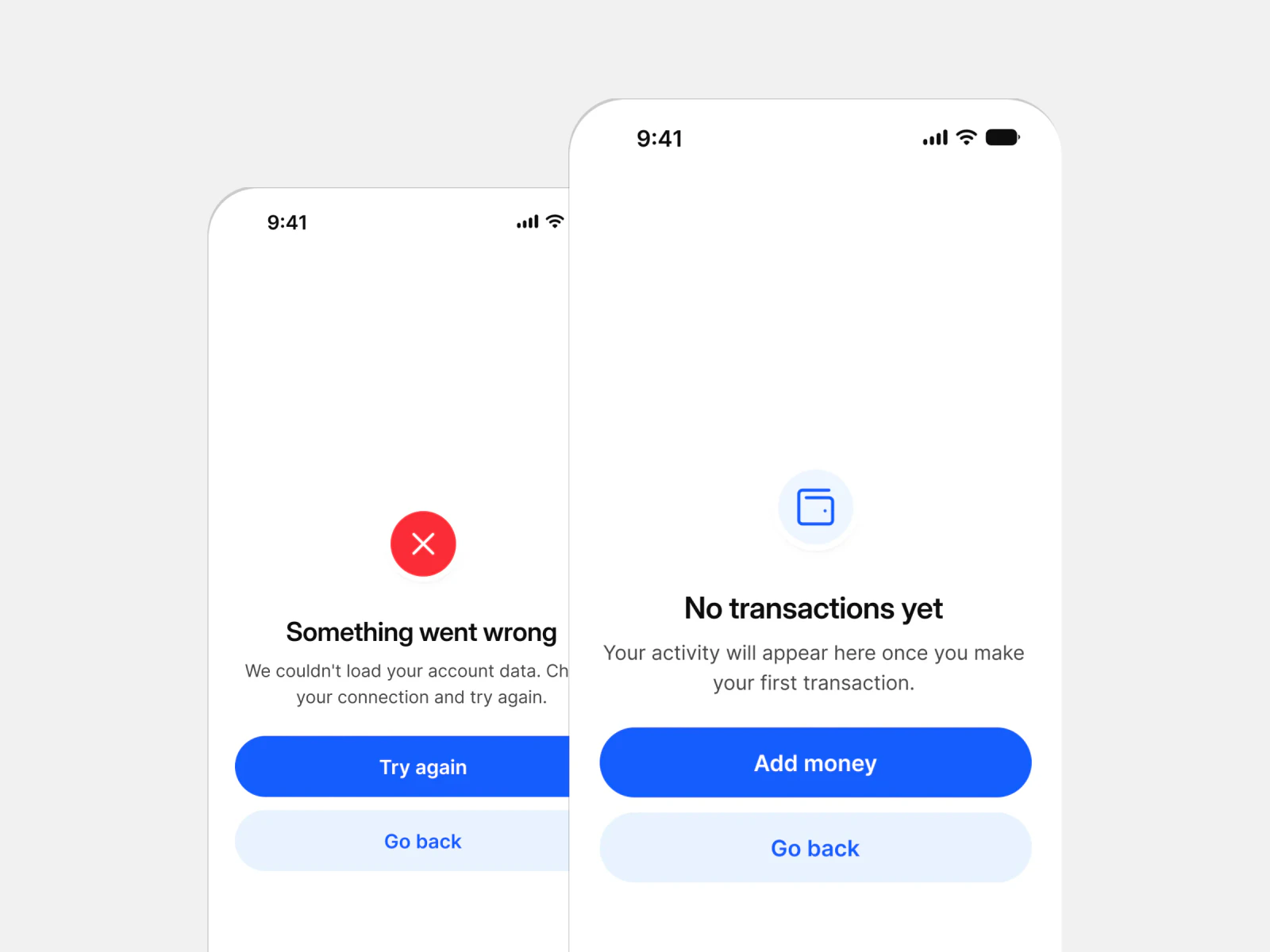
Eleven app groups built from the same components and tokens. Open one to see every screen in light and dark.
How a screen is built
A screen is not a picture. It is a stack you can take apart.
Open any screen and you get the layer below it, then the layer below that. This is the part a folder of PNG exports cannot give you.
Screen
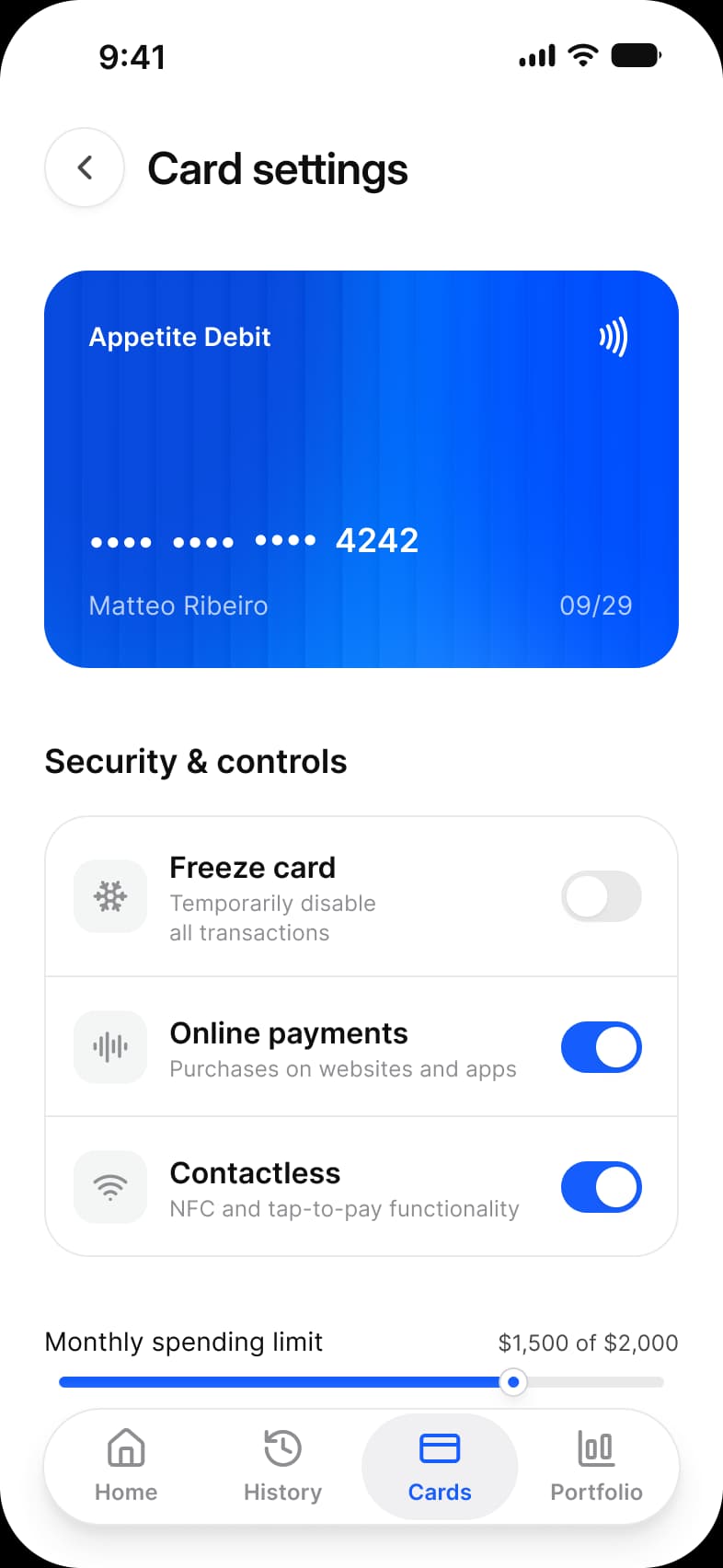
Finance Card settings, in light and dark, at the width it was drawn for.
Components
Top bar, section header, list, toggle and slider. Each one links to its own documentation.
Tokens
The variables those components read, and the code they generate for your platform.
The handoff
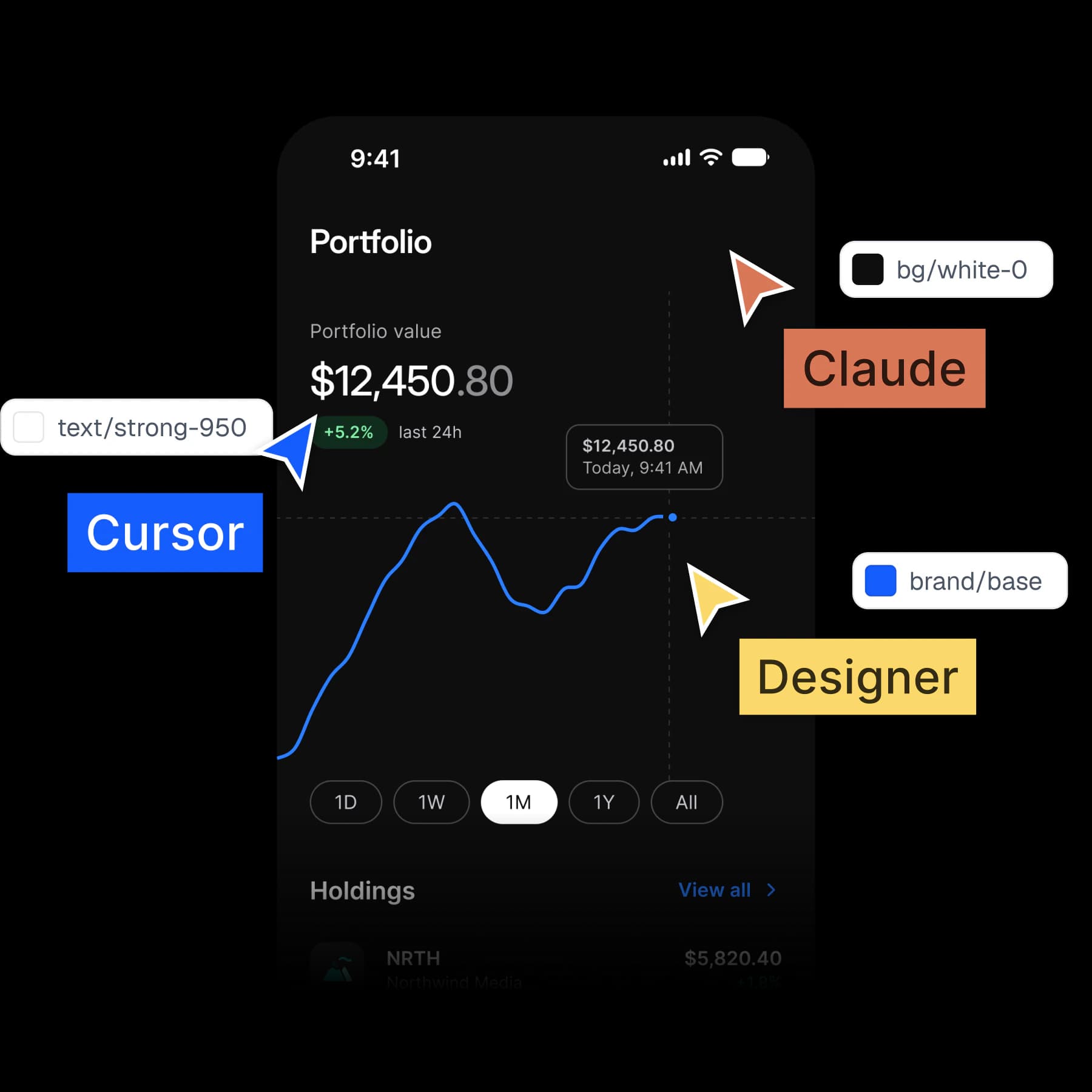
Hand a screen to an agent and it builds the same screen.
Every screen reads from the same tokens the Core Skill describes. The agent gets your decisions, not a picture to guess from.
Your next rebrand is one edit.
One-time payment, Lifetime updates, Unlimited client projects