Skip to content

The decisions behind the file, written down.

Where Appetite UI fits against the other Figma kits, how one token source becomes SwiftUI and Compose, and what an AI agent reads when it draws a screen.

Latest

How to design one app for iOS and Android in Figma

Keep one token set, share the components that behave alike, draw bars and sheets once per platform, and switch touch targets with a Figma variable mode.

Guide    11 min read
The Flutter and SwiftUI app icons side by side over a blurred sunset coastline, with a cursor labeled Dev pointing at SwiftUI

More articles

  • Platforms · Sep 24, 2026 · 14 min read

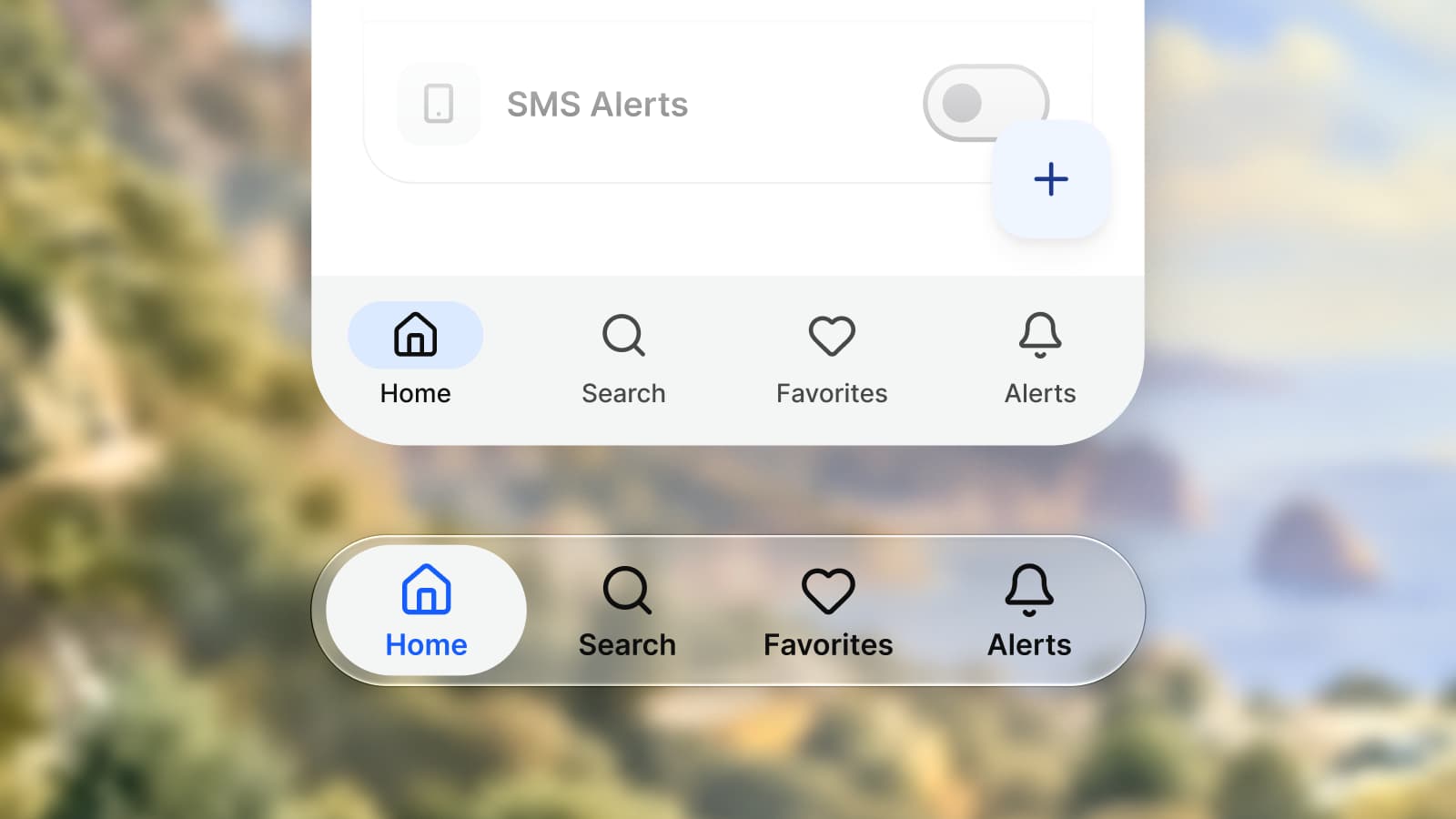
    iOS vs Material 3: what changes per component

    iOS and Material 3 differ most in navigation, the primary action, sheets and snackbars. Per component: SwiftUI and Compose names, touch targets and sizes.

  • Comparison · Sep 24, 2026 · 13 min read

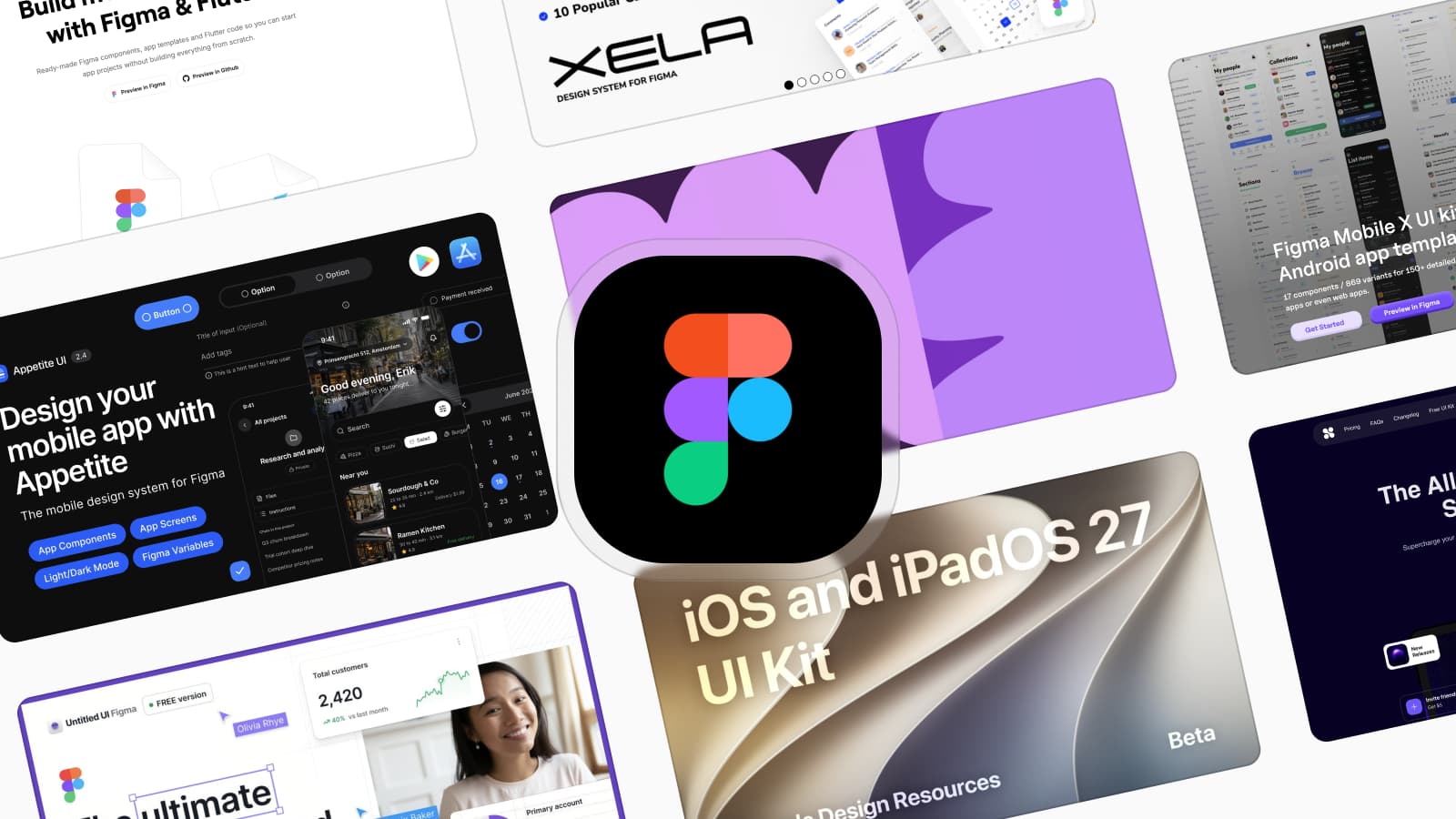
    The best Figma UI kits for mobile apps in 2026

    Apple's kit for iOS only, Google's Material 3 kit for Android only, one token source for both. Eight Figma UI kits for mobile apps, sorted by the app you ship.

  • Platforms · Sep 24, 2026 · 10 min read

    Apple's iOS kit, Google's Material 3 kit or Appetite UI: which to start from

    Which Figma kit to start from: Apple's iOS 27 kit for an iPhone-only app, Google's Material 3 kit for Android, Appetite UI when one app ships on both.

  • Guide · Sep 24, 2026 · 9 min read

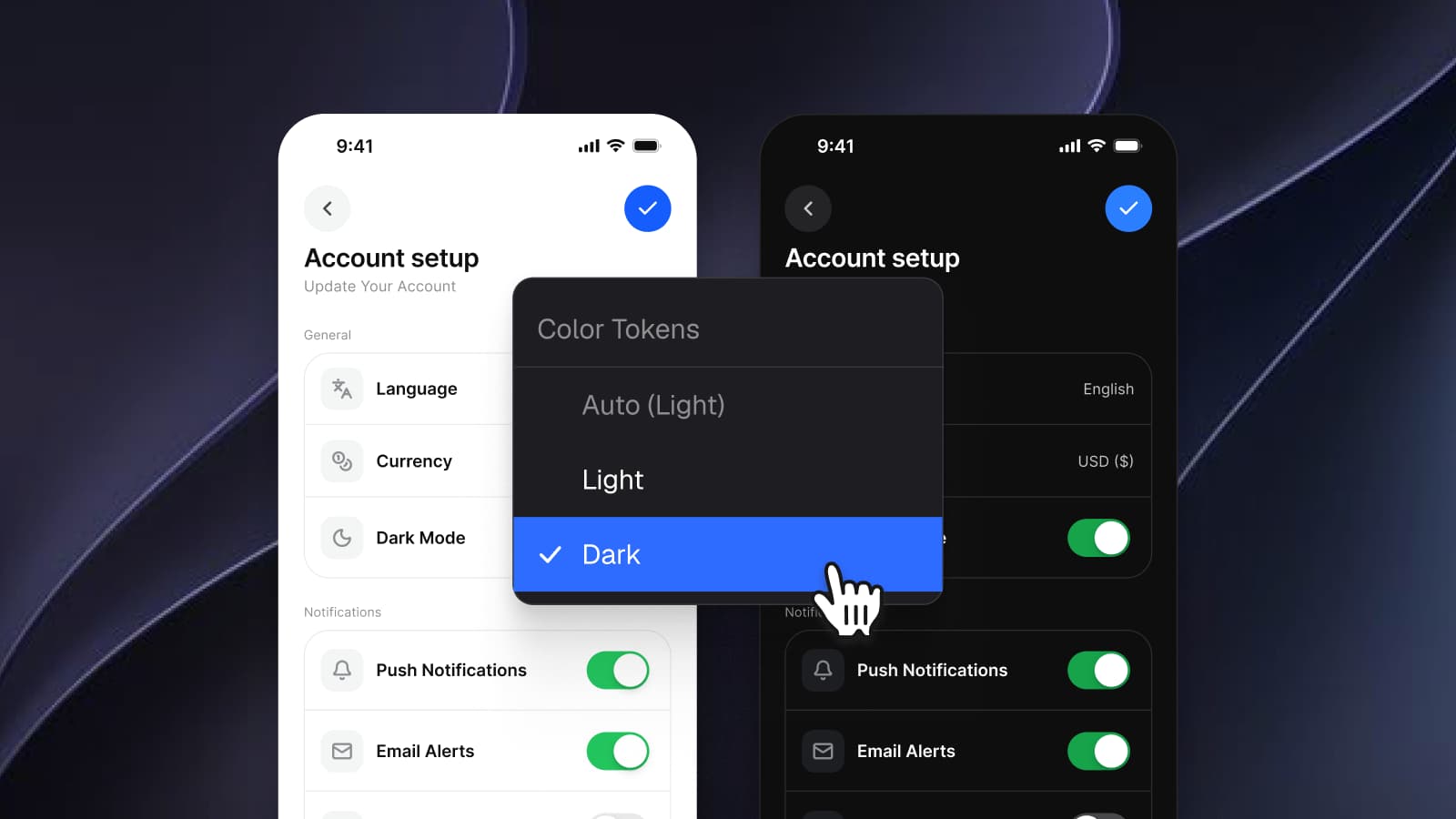
    Dark mode with Figma variables, not duplicate frames

    Dark mode in Figma without a second set of frames: semantic variables with a Light and a Dark mode, one frame per screen, and the checks to run before handoff.

  • Tokens · Sep 24, 2026 · 11 min read

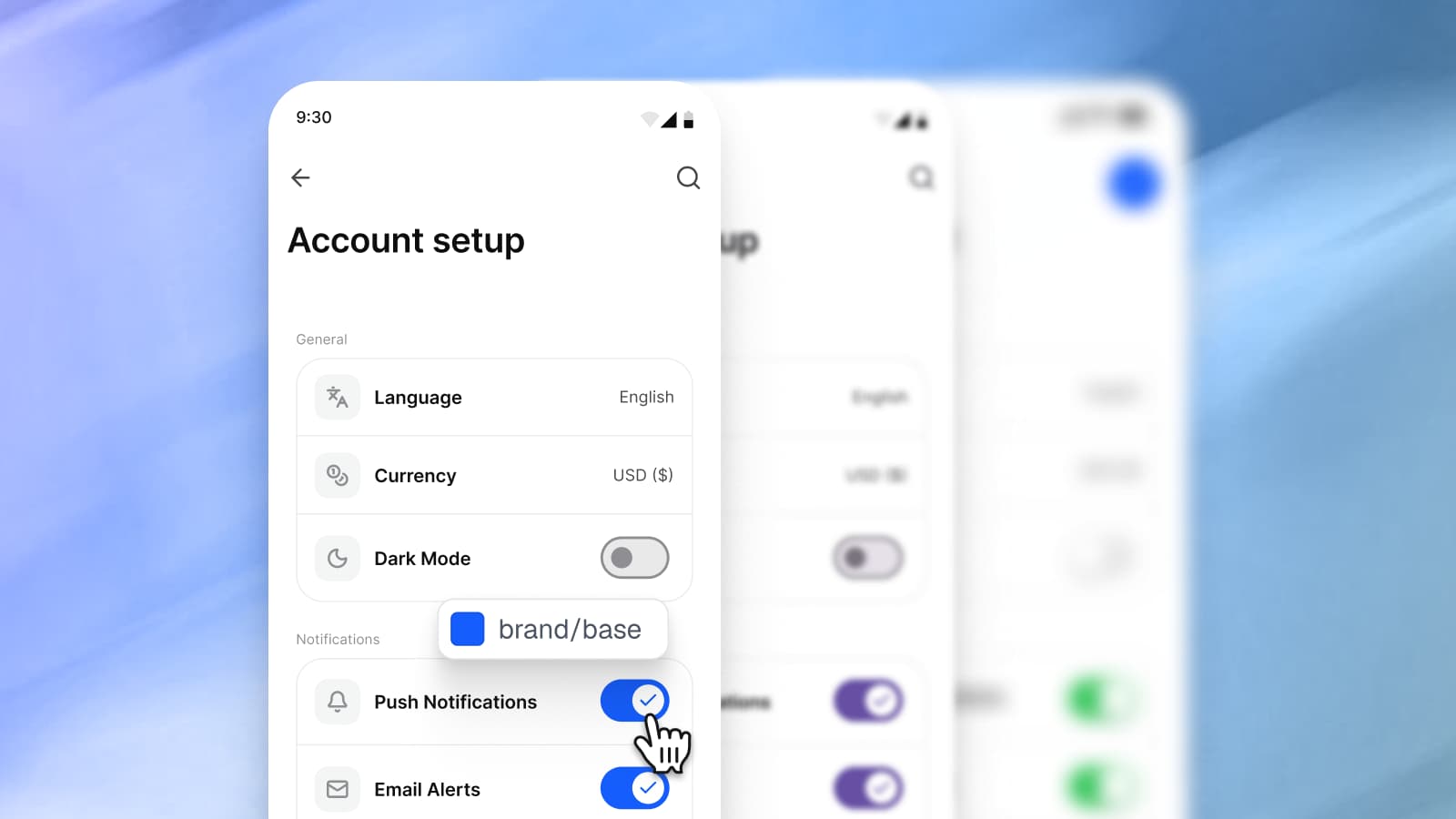
    How one Figma token becomes SwiftUI, Compose, Flutter and CSS

    One Figma variable, brand/base, followed into CSS, SwiftUI, Compose and Flutter: where each code name comes from, what a mode becomes, what cannot translate.

  • Comparison · Sep 18, 2026 · 8 min read

    Appetite UI vs Untitled UI for a mobile app, screen by screen

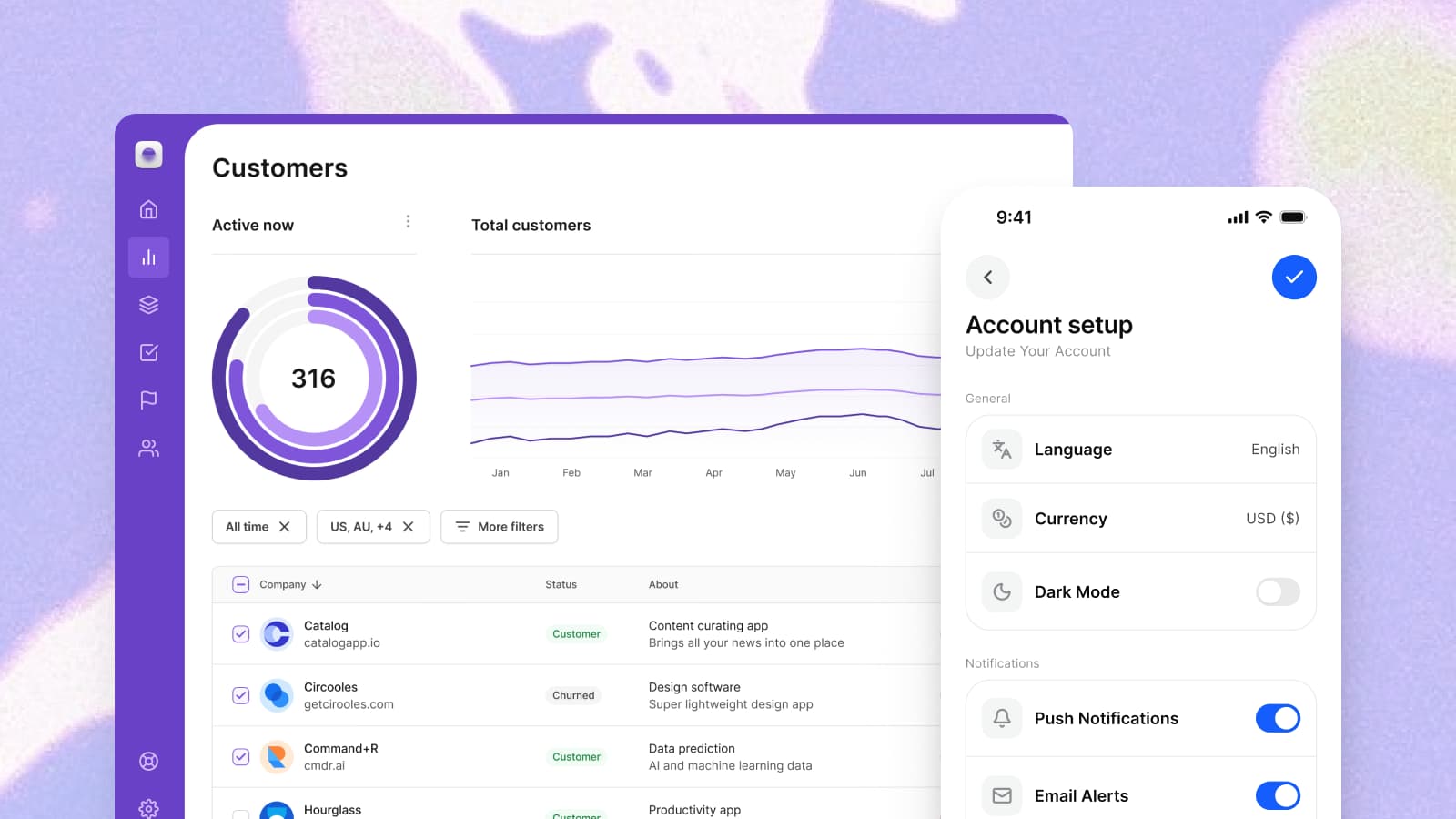
    Untitled UI is built for web apps and dashboards, Appetite UI for iOS and Android apps. The settings list, the sheet and dark mode show where each one fits.

  • Comparison · Sep 17, 2026 · 9 min read

    Alternatives to Dynamic Layer for Figma mobile design

    The main Dynamic Layer alternatives are Appetite UI, Xela UI, Mobile X, Nucleus UI and Apple's and Google's free kits, sorted by what ships beside each file.

  • AI · Sep 16, 2026 · 9 min read

    How Appetite UI works with AI agents: Claude, Cursor and the Core Skill

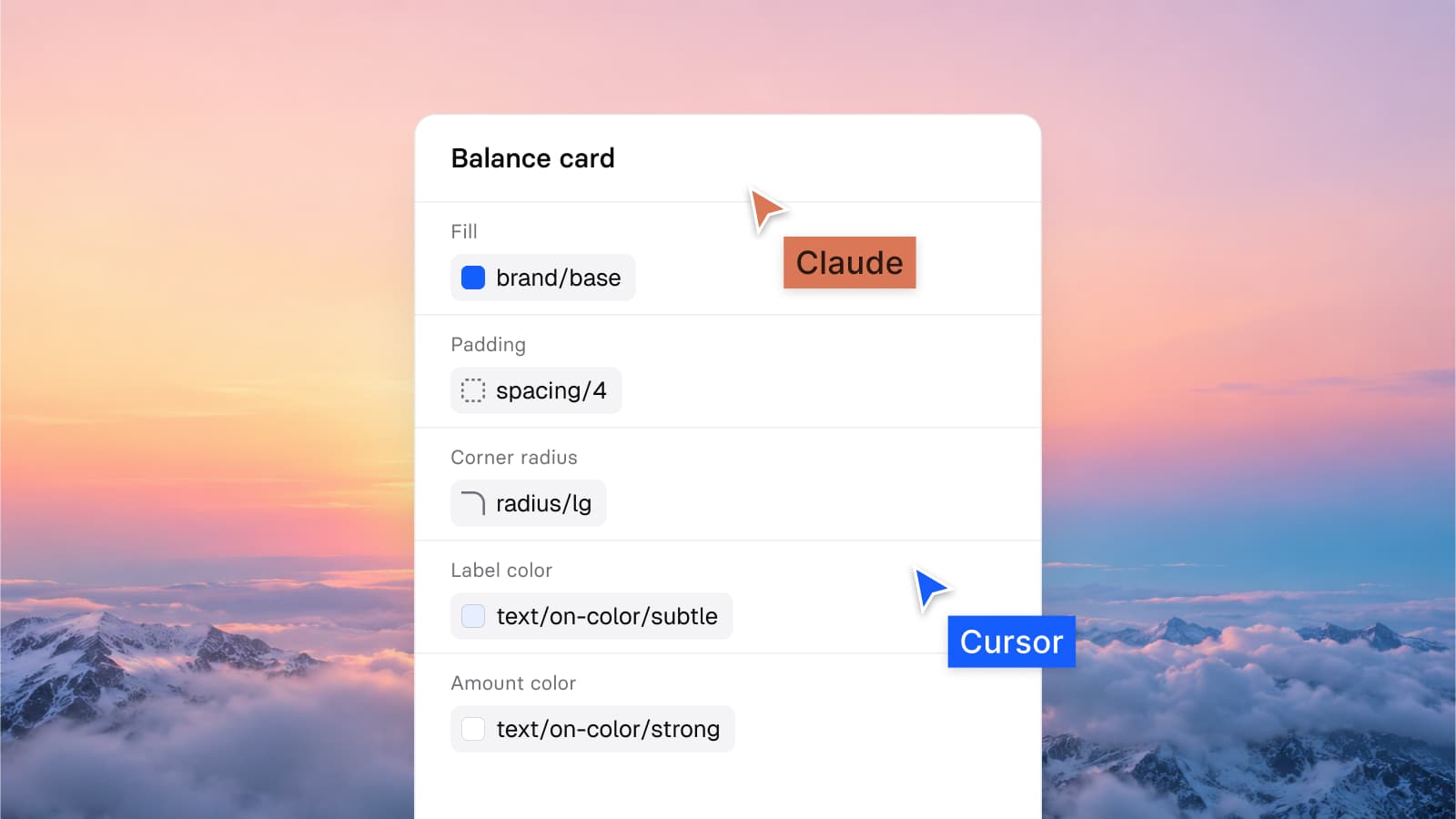
    The Appetite UI Core Skill, included in the file you buy, tells Claude, Cursor and other agents which token to use, so a generated screen reads your values.

Side by side

The short answer, one page each.

Decision pages with a dated table and the sources they read. The articles above are the long answer.

Appetite UI and Untitled UI

A web kit and a mobile kit, side by side on the screens where they differ.

Compare with Untitled UI

Appetite UI and Dynamic Layer

Two mobile kits, compared on the rebrand, the second platform and the code.

Compare with Dynamic Layer

Figma UI kits for mobile apps

The other files people weigh for iOS and Android, each in its own words.

See the alternatives

Your next rebrand is one edit.

One-time payment, Lifetime updates, Unlimited client projects