The best Figma UI kits with dark mode for mobile apps in 2026
For dark mode on iOS and Android with your brand, Appetite UI. Eight Figma UI kits checked for how dark is built: variable modes, variants or not stated.

On this page
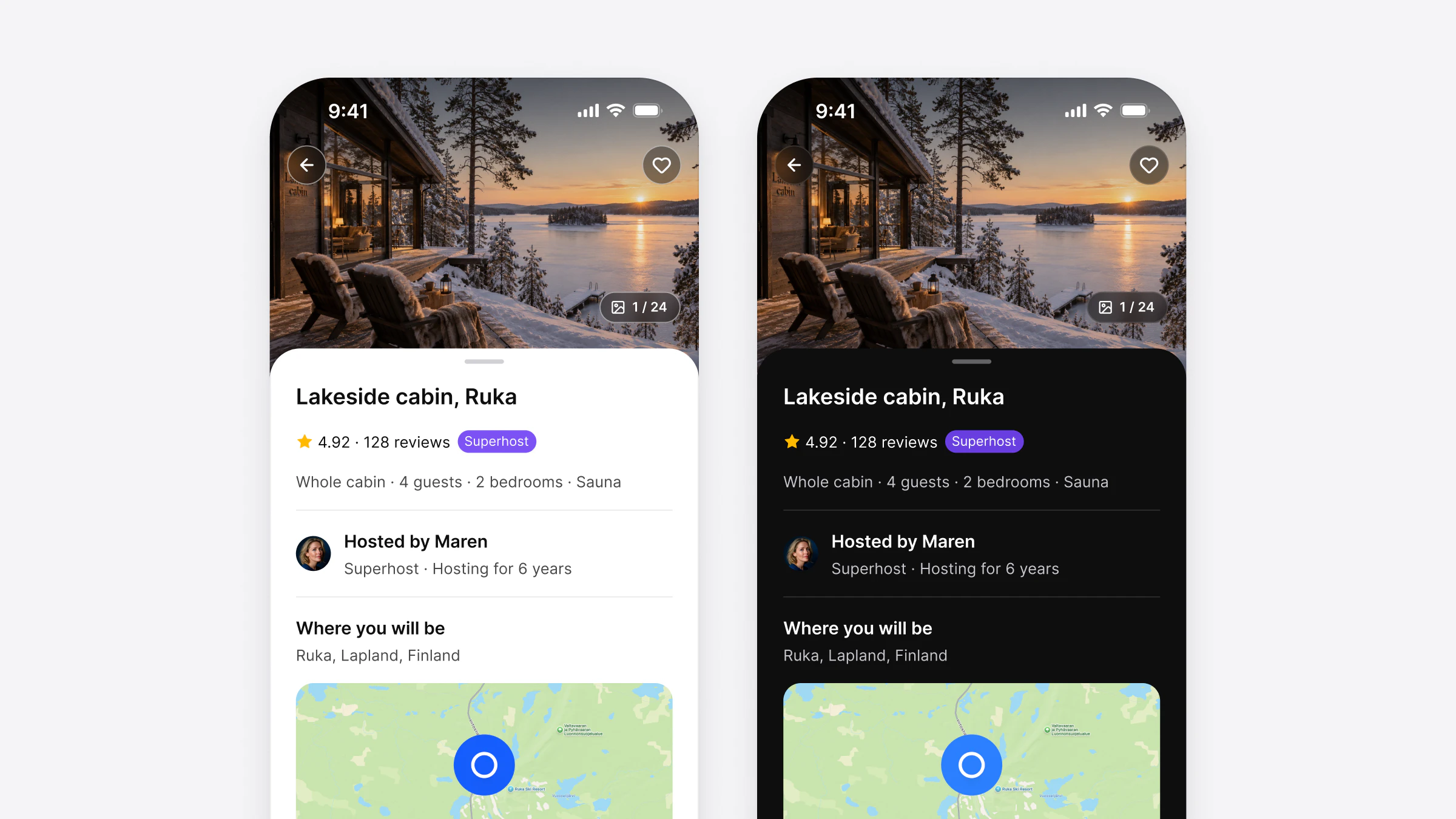
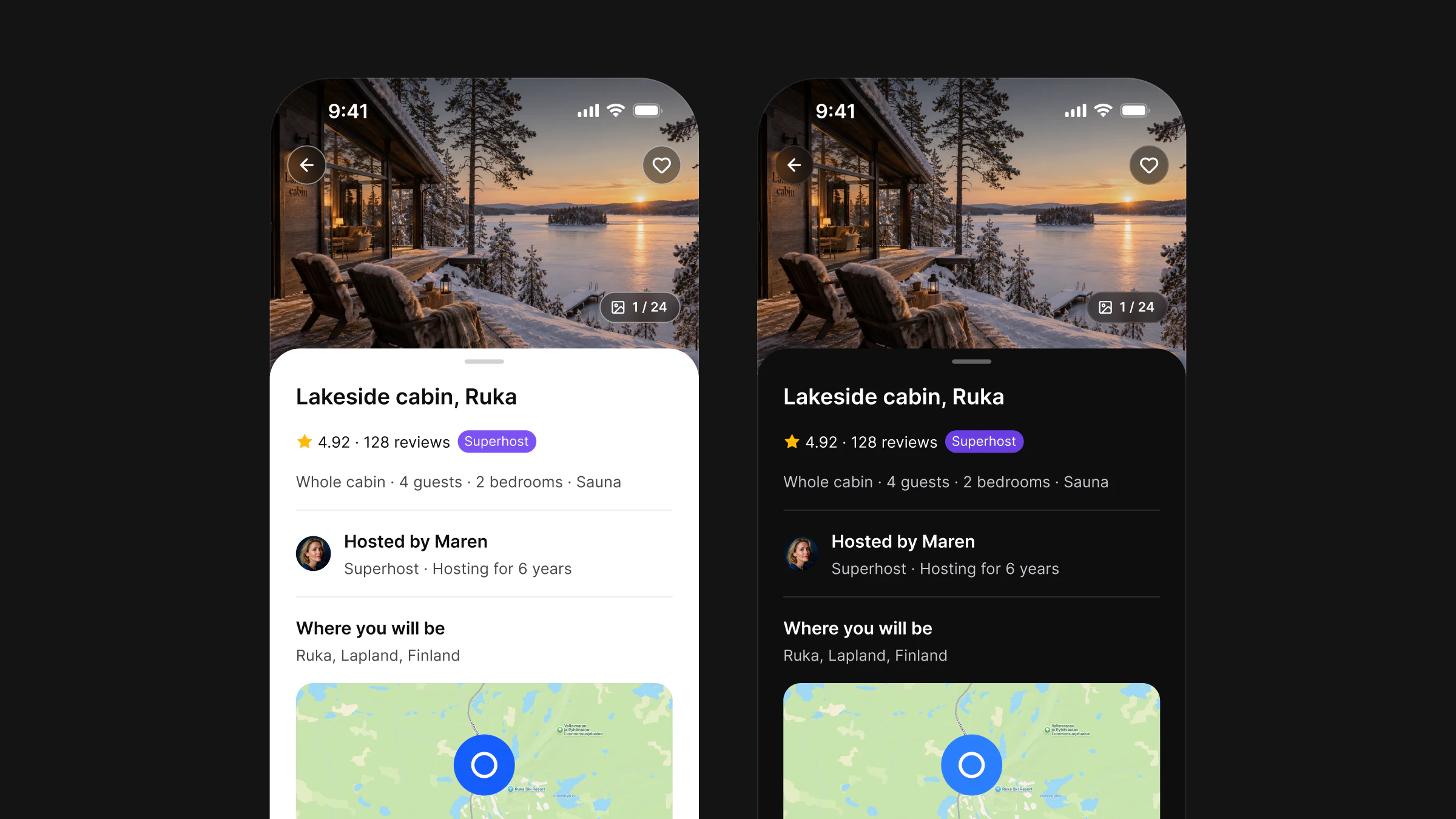
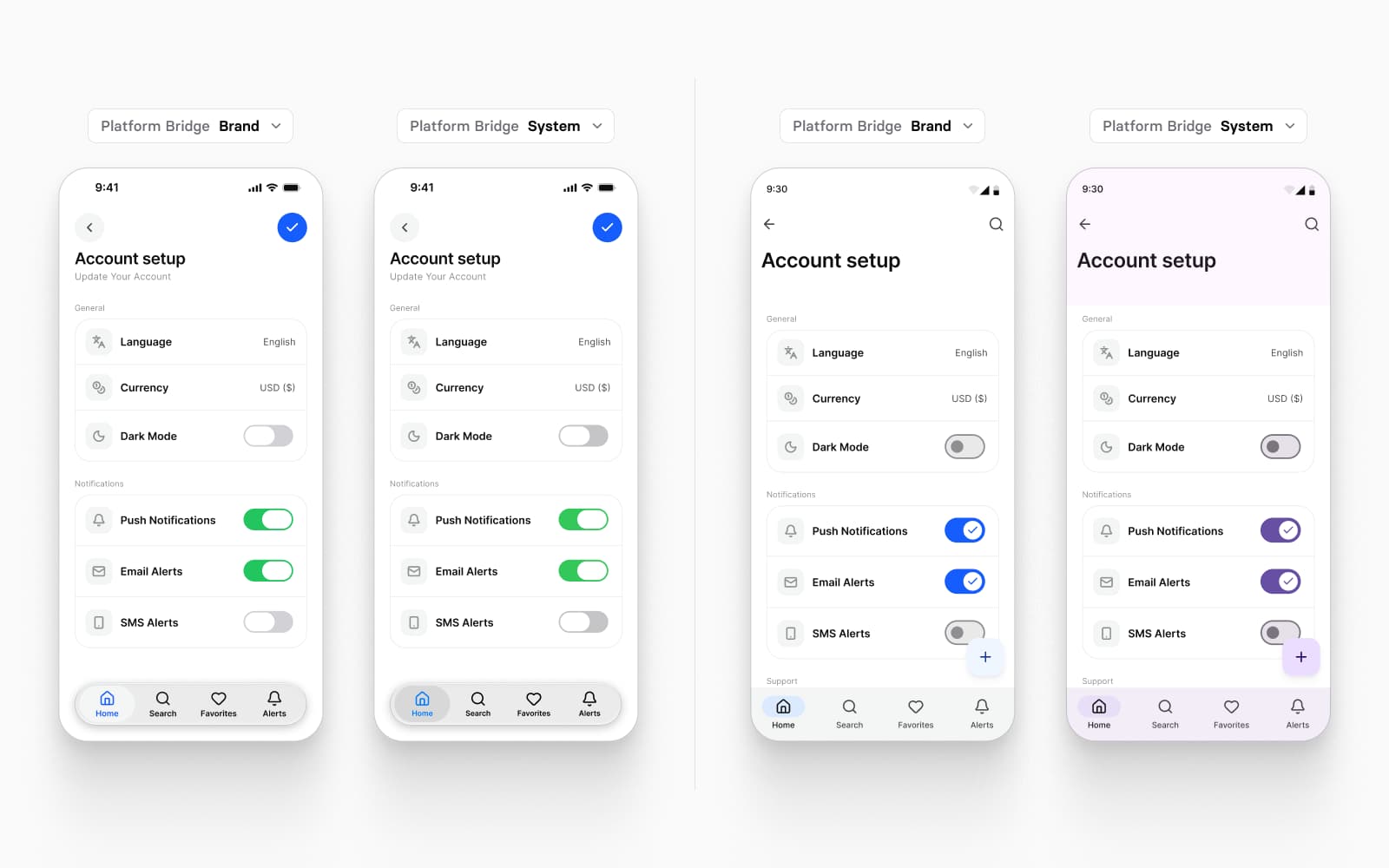
The best Figma UI kit for dark mode in an app that ships on iOS and Android is Appetite UI, because Light and Dark are two modes of the same color tokens that Apple's and Material's components both read, so one setting on a frame turns either platform dark and your brand color follows. For an app on one platform in the platform's own look, the official kits are the reference, and for a kit with dark mode in its Flutter code, Dynamic Layer.
I design Appetite UI, so the first entry is my own product. It is first because this list is ranked for one case, dark mode on both platforms with your brand on top; where another kit does better, its section says so.
| Kit | Best for | Starts at |
|---|---|---|
| Appetite UI | Dark mode on iOS and Android with your brand, one mode for both | $129 once, Solo (one person)appetiteui.com/pricing |
| Dynamic Layer | Dark by mode in Figma and in its Flutter code | Free plan; Personal €149 once (one user)dynamiclayer.io/pricing |
| Nucleus UI | Dark mode on variables for an app and its website | Free Lite; Pro $99 once (one user)nucleus-ui.com/pricing |
| Google's Material 3 Design Kit | Android's own dark theme, generated from your color | No price on its page; CC BY 4.0figma.com/community/file/1035203688168086460 |
| Apple's iOS and iPadOS 27 UI kit | iPhone and iPad in Apple's exact components | No price on its pagesdeveloper.apple.com/design/resources |
| Xela UI | A light and dark toggle with code for several frameworks | $128 once (Figma kit); $499 with codesetproduct.com/templates/xela-flutter |
| Setproduct Mobile X | Ready templates with a dark variant on each component | $98 oncesetproduct.com/templates/mobile-x |
| Untitled UI | Dark mode on variables for a web app or dashboard | Free version; PRO Solo $129 (one user); React from $349untitledui.com/pricing |
Prices as each maker's page printed them on , the lowest tier first, with the page each was read on; “once” is a one-time payment. Check the page before you buy, prices move.
How this list was made.
- Who wrote it. Bob Poláček, who designs Appetite UI with the bpolacek.cz studio team and external collaborators. Appetite UI is the author's product, and this page says so before the list.
- What was checked. Four checks for dark mode in a mobile app, below. Each one is a sentence a maker's public page either states or does not.
- When. Every page was read on October 30, 2026, prices included, and every quote was matched in the page's text that day. The pages are listed under Sources.
- The rules. Only a maker's own words; prices only as the maker's page printed them, with the day; where a page is silent the scorecard says Not stated, never No; and the dark test below works on any kit you can open in Figma.
| Kit | Best for | Why |
|---|---|---|
| Appetite UI | Dark mode on iOS and Android with your brand | Light and Dark are modes of one set of color tokens that both platforms' components read |
| Dynamic Layer | Dark by mode in Figma and in Flutter code | Its docs switch dark by a mode, and its code version supports dark mode |
| Nucleus UI | Dark on variables for an app and its website | Built-in variables switch light and dark |
| Google's Material 3 Design Kit | Android's own dark theme | Variables for color, and a plugin that switches the light and the dark theme |
| Apple's iOS and iPadOS 27 UI kit | iPhone and iPad in Apple's exact components | The iOS reference; its pages do not say how dark switches |
| Xela UI | A light and dark toggle with code for several frameworks | Its page names a toggle and does not say how it works |
| Setproduct Mobile X | Ready templates with a dark variant on each component | Dark is a variant set per component, not a mode on the frame |
| Untitled UI | Dark on variables for a web app | Variables switch a page to dark, in a kit built for the web |
The list is ranked for dark mode on both platforms, with your brand.
Dark mode in a Figma kit is built one of three ways. Duplicated frames give every screen a dark copy, so every later edit happens twice. A Mode variant on the components gives every instance a Light or Dark property to set by hand. A variable mode stores the dark value under the same variable, so a frame picks Dark once and everything bound inside it follows. Only the third keeps one frame per screen, and only the third lets a brand color carry its own dark value, chosen once.
For an app on iOS and Android, the mode has to reach both platforms' components, and the brand has to sit in the same variables. The checks follow from that.
| Check | What to look for |
|---|---|
| Dark as a variable mode | Light and dark are modes of the same variables, so a whole frame switches at once. |
| iOS and Android | The maker's page names both platforms. |
| Brand in variables | The brand color lives in a variable, so it can carry its own dark value. |
| Dark in the code | The dark values reach developers, as tokens or as code. |
| Kit | Dark as a mode | iOS and Android | Brand in variables | Dark in the code |
|---|---|---|---|---|
| Appetite UI | Yes | Yes | Yes | Yes: tokens |
| Dynamic Layer | Yes | Yes | Yes | Yes: Flutter |
| Nucleus UI | Yes | Not stated | Yes | Not stated |
| Google's Material 3 Design Kit | Yes | Not stated | Yes | Yes: Theme Builder export |
| Apple's iOS and iPadOS 27 UI kit | Not stated | No: iPhone and iPad | Not stated | Not stated |
| Xela UI | Not stated | Yes | Not stated | Not stated |
| Setproduct Mobile X | No: a variant per component | Yes | Not stated | Not stated |
| Untitled UI | Yes | Not stated | Yes | Yes: CSS variables |
Checked on , against each maker's own public pages. Not stated means the page does not say it, which is not the same as the kit lacking it.
Appetite UI switches both platforms to Dark with one mode.
This is the entry I make, so here is what it does and what it does not.
Appetite UI is a Figma UI kit for iOS and Android apps, built like a design system. One token source drives Apple and Material components in light and dark mode, and exports to SwiftUI, Jetpack Compose, Flutter and CSS.
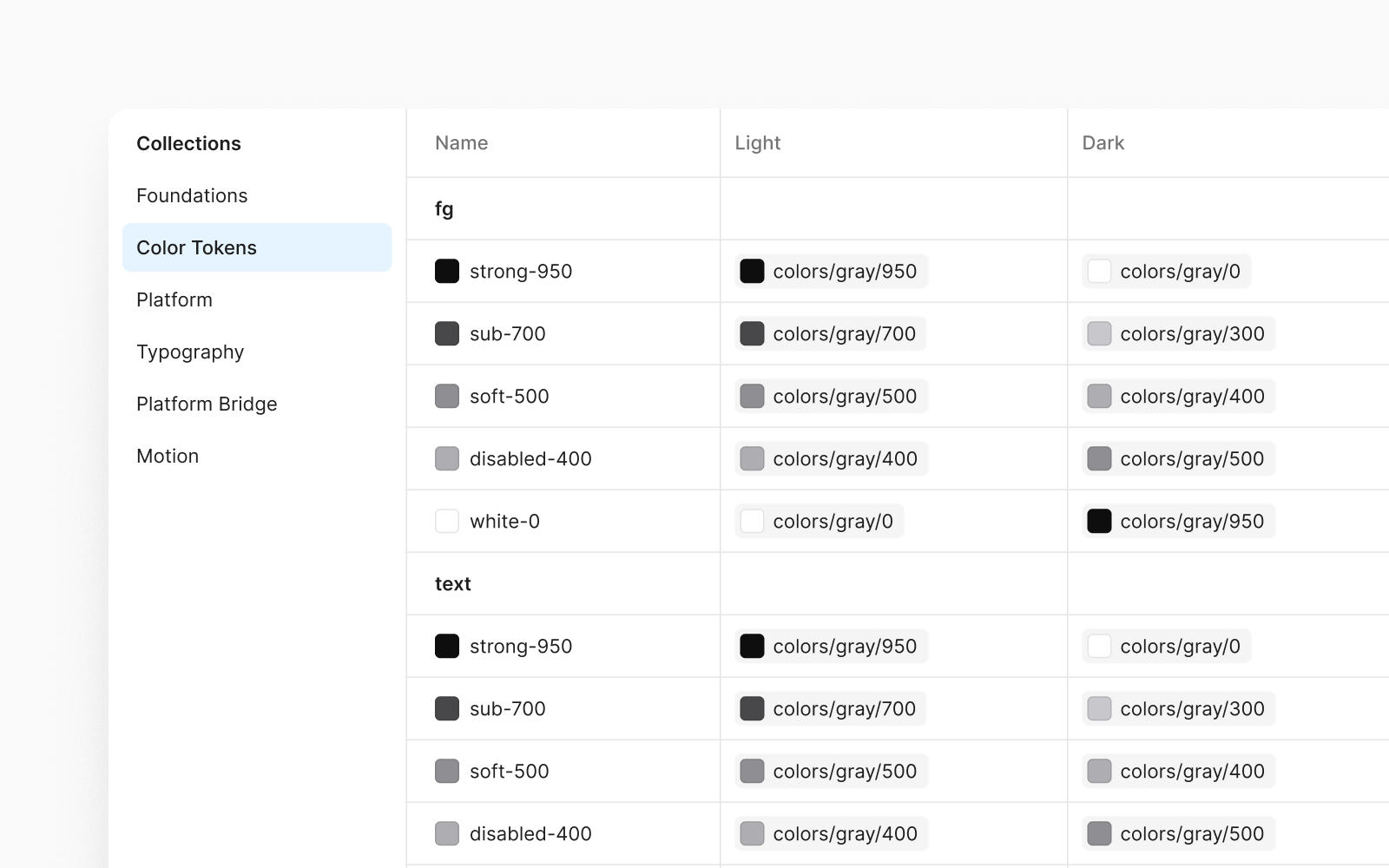
Light and Dark are two modes of the 190 variables in its Color Tokens collection, so a frame switches with one setting and everything bound inside it follows (colors). A role does not hold a dark color of its own; it points at another step of the palette in each mode, so text/ points at colors/ in Light and at colors/ in Dark. The Apple components and the Material components read the same roles through the Platform Bridge, so an iOS screen and an Android screen go dark from the same switch. Release 2.4 removed the Mode variant the iOS sets used to carry, so no instance has a dark property to set by hand (changelog).
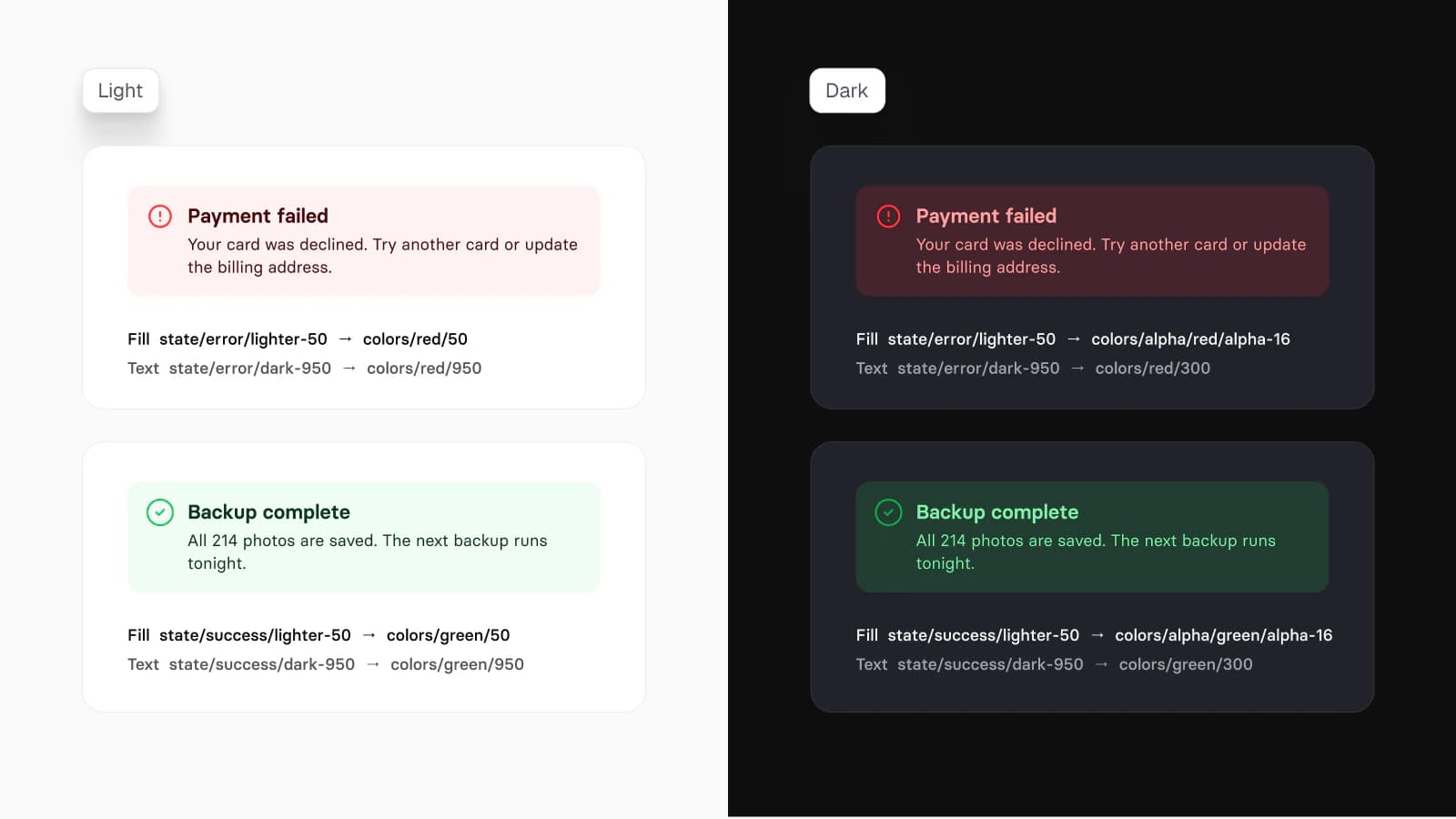
The brand gets its own dark value. brand/ points at colors/ in Light and at colors/ in Dark, because the first measures 3.68:1 on the near-black ground and the second 5.13:1; tinted surfaces such as a soft error banner turn translucent in Dark instead of sitting on the screen as a bright slab. Dark mode with Figma variables, not duplicate frames goes through each of these decisions, and the tokens page switches the chain on a phone screen.
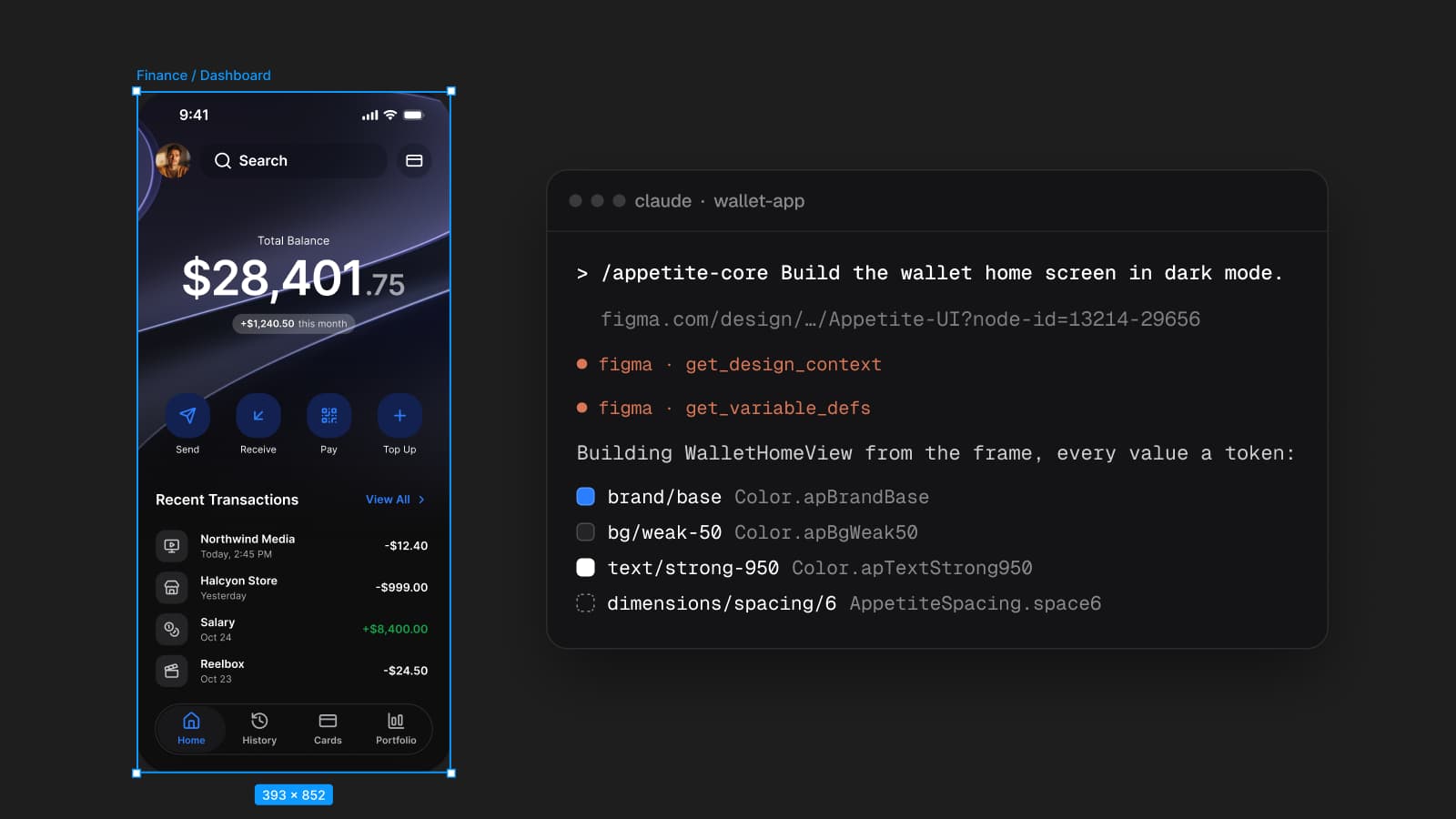
The dark values reach code too: the token source exports them to SwiftUI, Jetpack Compose, Flutter and CSS, with the dark set beside the light one (code output). What it leaves out: Apple's own artwork, SF Symbols and San Francisco typeface, coded components, and the web. Its modes need a paid Figma plan, as every kit's variable modes do.
Where other kits beat Appetite UI
- Dark mode in component code. Dynamic Layer's code version supports dark mode, and Untitled UI's React library switches with CSS variables. Appetite UI's dark mode reaches code as token values, not components.
- Apple's exact dark appearance. For an iPhone-only app that has to look exactly like iOS, Apple's kit is the reference; Appetite UI is drawn in Inter with Lucide icons.
- Android's generated dark theme. Material Theme Builder generates Material's dark scheme from your color, with Google's own color science.
- One kit for the app and its website. Nucleus UI covers mobile and web templates on the same variables.
- Free to start. Apple's and Google's pages print no price, and Nucleus UI and Dynamic Layer have free versions; Appetite UI is paid.
Pick it when the same app ships on iOS and Android, your brand has to hold up in Dark, and a screen should never exist twice.
Dynamic Layer switches by mode, in Figma and in Flutter.
Use Dynamic Layer if the app is built in Flutter and the dark mode should come with the code.
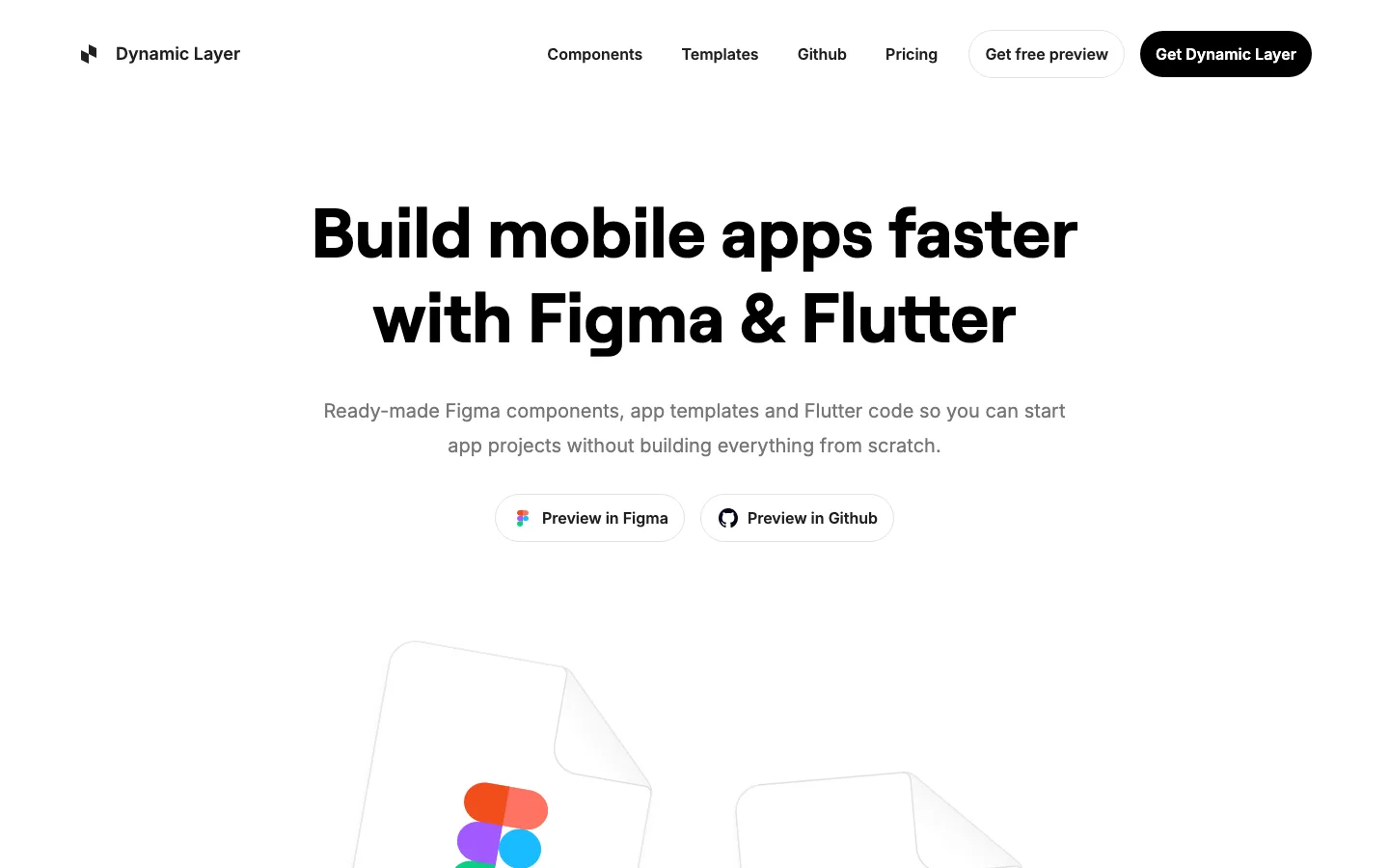
Dynamic Layer's Figma page says "Switch between Light and Dark Mode" and "All of the components, sections, and pages from the Figma design system and code version also supports dark mode." Its docs describe a mode: "If you change the mode to Dark, the background color also changes to grey-800", and on dark mode, "The opposite colors replace each other as soon as you switch between light and dark mode." Its homepage lists "Automatic Dark Mode" and offers iOS and Android screen templates; its pages name no switch between the two platforms. Side by side on Appetite UI vs Dynamic Layer.
Nucleus UI switches dark mode with built-in variables.
Use Nucleus UI if one Figma kit has to cover an app and its website, in light and dark.
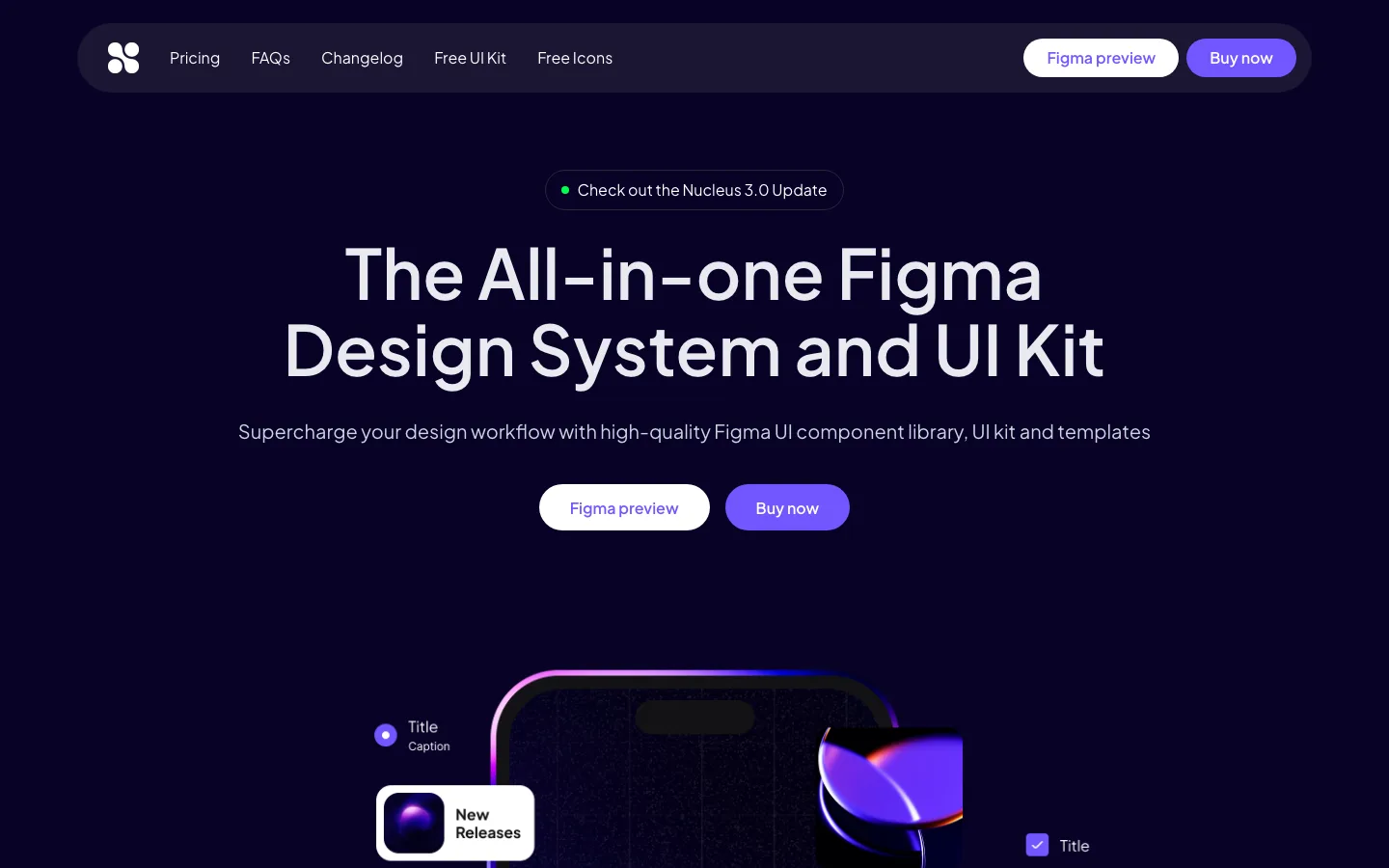
Nucleus UI's page says "Built-in variables make switching between light and dark mode easy", and names variables for "colors, typography, effects styles, spacing, and radius". Its templates run "From mobile apps to web UI kits for dashboards, e-commerce, and marketing pages". The page does not name iOS or Android conventions, and no token export. Its pricing page lists a free Lite version and paid tiers, each a one-time purchase.
Google's Material 3 kit is the dark baseline for Android.
Use Google's kit if you ship an Android app and want Material's own dark theme.
The kit's changelog lists "Variables added: color, typography, and state layers", and the Material Theme Builder plugin switches between the light and the dark theme it generates from your color, shifting colors "to generate accessible colors within the same color space as dynamic colors". The latest changelog entry says "Material Android is Compose-first. Use this design kit for Jetpack Compose." The kit page states no price and is licensed under CC BY 4.0. Side by side on Appetite UI vs the Material 3 Design Kit.
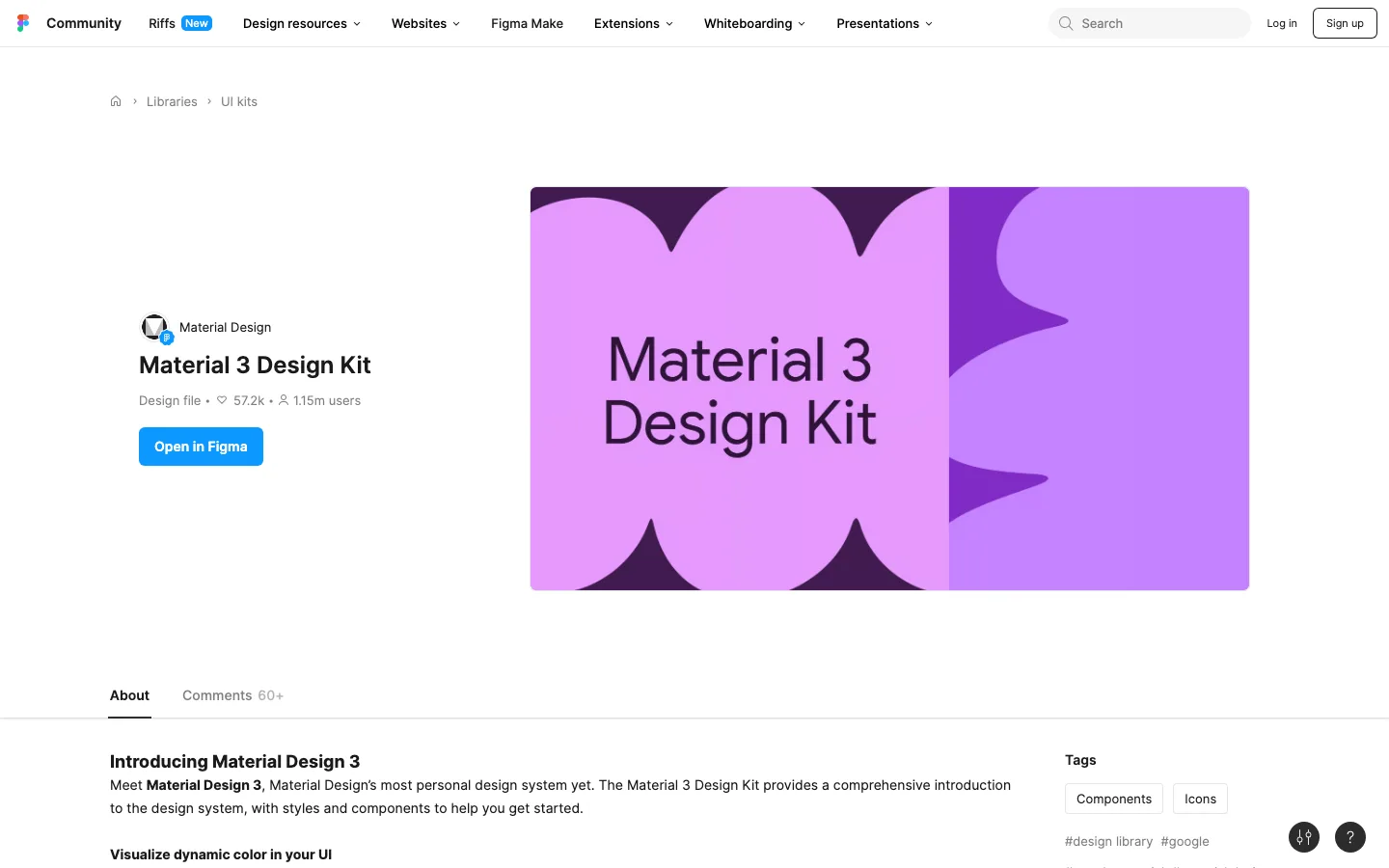
Apple's iOS 27 kit is the iPhone reference, silent on how dark switches.
Use Apple's kit if you design for iPhone and iPad only, in Apple's exact components.
Apple's text for the kit lists "components for all common controls and views, design templates, text styles, color styles, and materials", and none of Apple's pages for it says how its dark appearance is switched, so the scorecard says Not stated. Open the file and look before relying on it: whether dark is a mode or a set of components decides how much a dark screen costs you. It is Apple's own drawing of Apple's controls, so for an iPhone-only app it is the file everything else gets compared against. Side by side on Appetite UI vs Apple's iOS 27 UI kit.
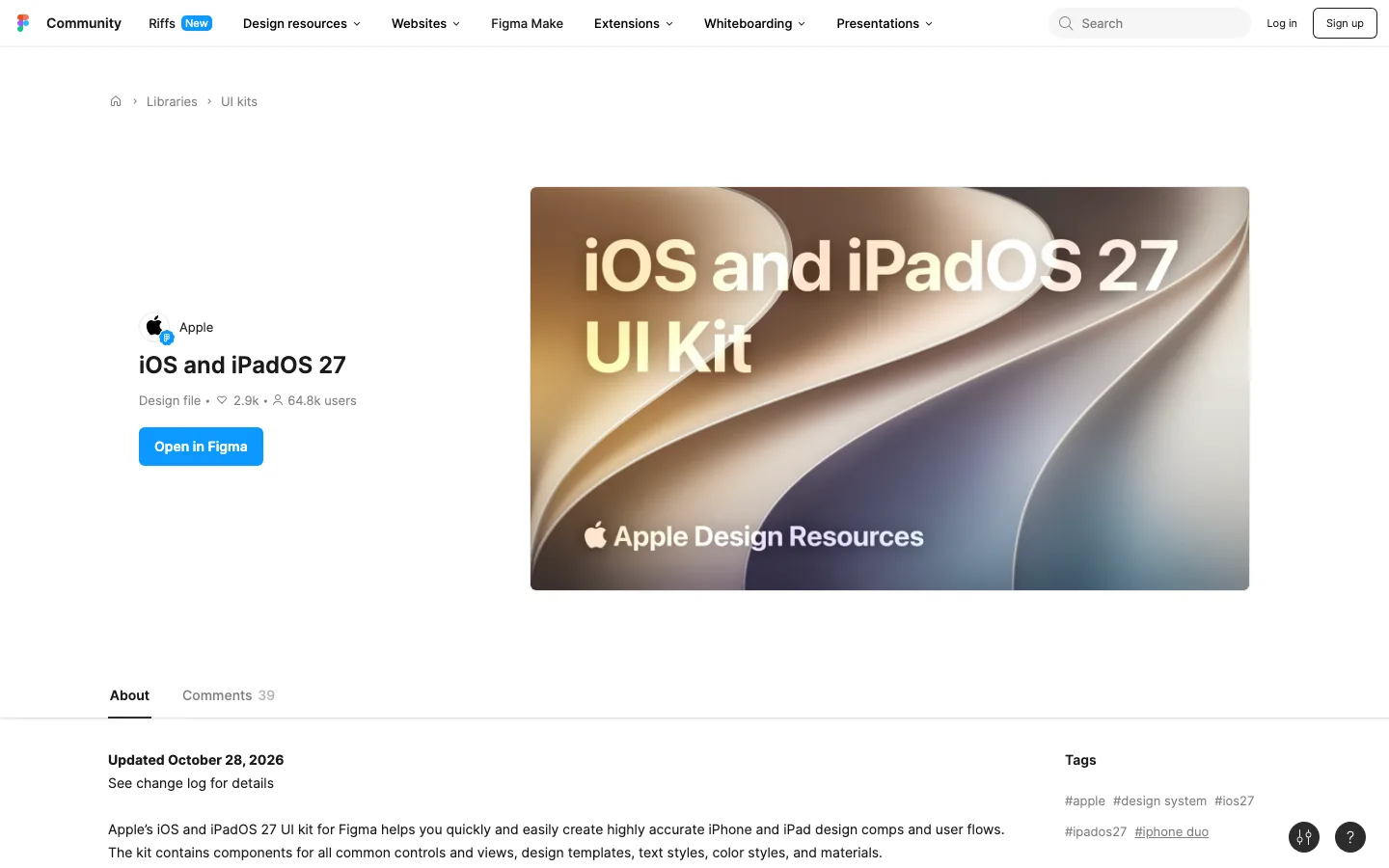
Xela UI toggles dark and light without saying how.
Use Xela UI if you want coded components for several frameworks, light and dark included.
Xela UI's page lists "Toggle between dark & light" and "Color Tokens" among its sections, and does not say whether the toggle is a variable mode or a variant. Its design and code bundle comes with React, Flutter, SwiftUI and Jetpack Compose components, sold as one-time purchases.
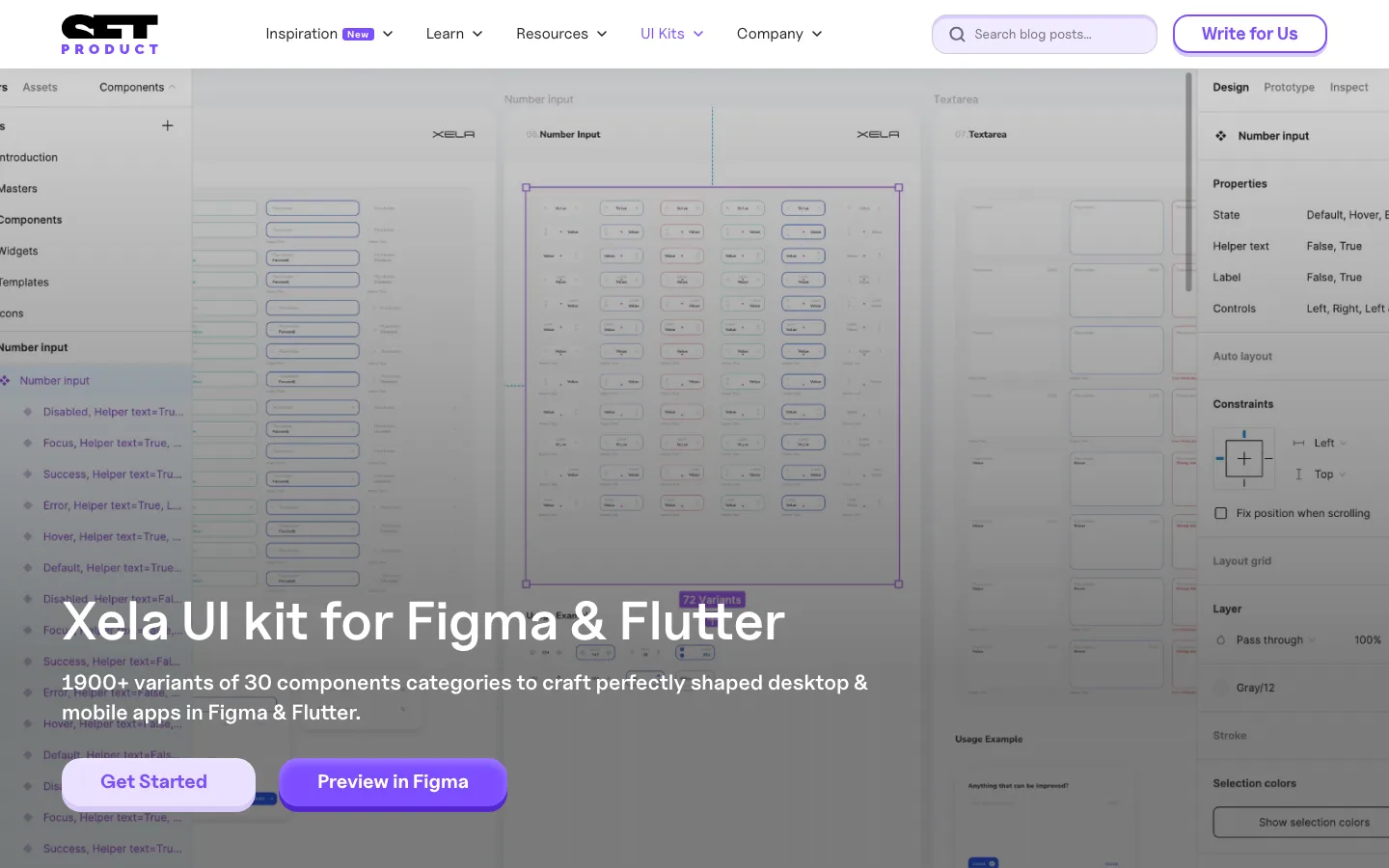
Setproduct Mobile X draws dark as a variant on each component.
Use Setproduct Mobile X if you want ready app templates and will set the dark variant per component.
Its page puts it plainly: "Dark theme made with Variants", "Easy to toggle theme for each component". In Figma that means each component carries a light and a dark variant that you set per instance, where a variable mode switches a whole frame at once. Its templates are "based on iOS specs adopted for 8dp Android grid". Side by side on Appetite UI vs Setproduct Mobile X.
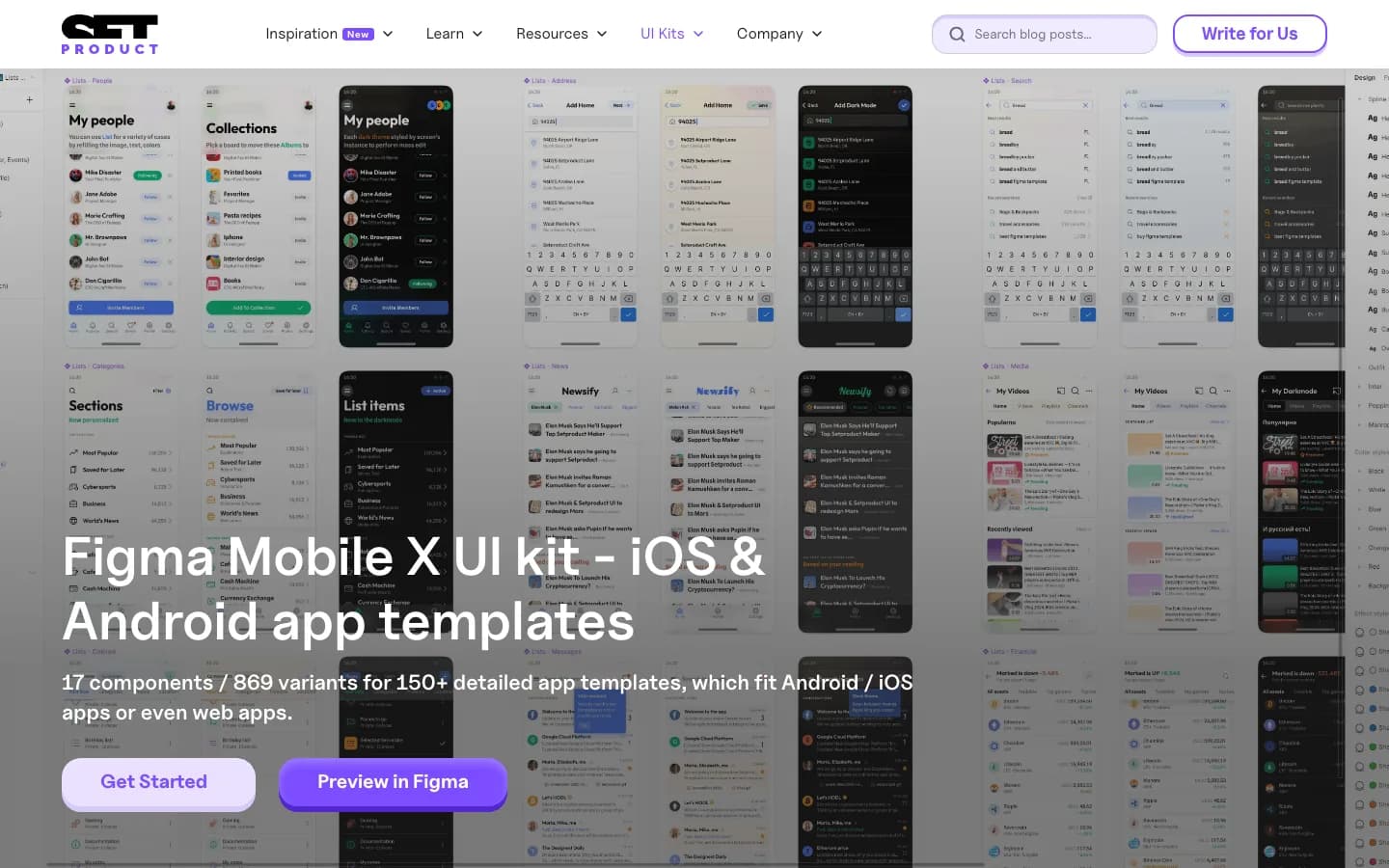
Untitled UI switches dark with variables, for the web.
Use Untitled UI if the product is a web app or a dashboard and needs light and dark.
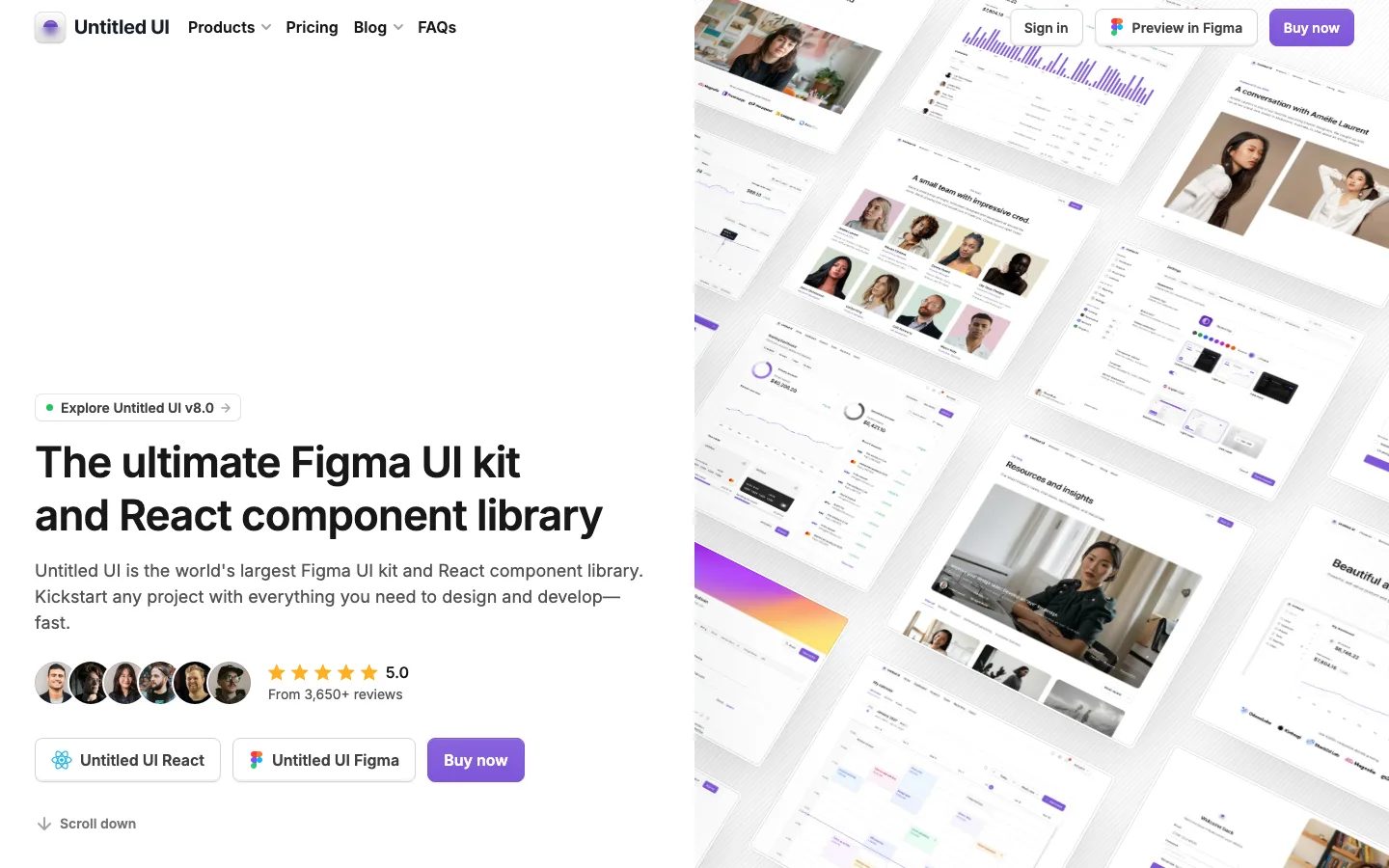
Untitled UI's Figma page says its variables let you "switch any component, layout, or page to dark mode with one click", in its PRO VARIABLES version, and its React library manages dark mode styles "via design tokens and CSS variables, not hardcoded in components". It is built for web apps, dashboards and marketing sites. Its own FAQ is honest about Figma's side: for "multiple variable modes, you'll need to purchase a Professional plan" of Figma. More in Appetite UI vs Untitled UI for a mobile app, screen by screen.
The dark test shows how a kit's dark mode is built in a minute.
The scorecard reads the makers' pages. This test reads the file, and it works on any kit you can open in Figma's editor.
Open one screen
Pick a screen with a primary button, a list and a banner. If the kit has two platforms, open one of each.
Switch the frame to Dark
Select the frame and change its variable mode in the Appearance section. If the whole screen turns dark, dark is a mode. If nothing moves, look for a Mode or Theme property on the components: dark is a variant.
Follow the brand color
Select the primary button and follow its fill to the variable. If the variable has a different value in Dark, the brand was given a dark value; if it has the same one, check its contrast on the dark ground.
Look for what stays light
Raw fills, shadows and pictures are not bound to a variable, so they stay as they were. A kit that is dark everywhere after one switch bound them all.
Pick by the app you are shipping.
Answer three questions and the picker names the kit to start with and two more to look at. Appetite UI comes up only where its traits answer: for one platform in its own look, the official kits come first.
Which kit fits your app's dark mode?
- An app on iPhone and iPad only: start with Apple's iOS and iPadOS 27 UI kit, then Appetite UI or Dynamic Layer.
- An app on Android only: start with Google's Material 3 Design Kit, then Appetite UI or Dynamic Layer.
- One app on iOS and Android, with your brand: start with Appetite UI, then Dynamic Layer or Nucleus UI.
- A web app or a dashboard: start with Untitled UI, then Nucleus UI or Xela UI.
This page is one of three rankings for one case. The best Figma UI kits with variables for mobile apps in 2026 ranks the kits by what lives in variables and reaches code, and The best Figma UI kits for AI coding agents in 2026 by what an AI agent gets to build from. For every kit against the checks for one app on iOS and Android, see The best Figma UI kits for mobile apps in 2026, and for the same decision on one page, Appetite UI alternatives.
Questions
Which Figma UI kit has the best dark mode for an iOS and Android app?
Appetite UI. Light and Dark are two modes of its color tokens, which the Apple and the Material components both read, so one setting turns a screen dark on either platform, and the brand color has its own dark value. Dynamic Layer switches dark by a mode in Figma and supports it in its Flutter code; Setproduct Mobile X makes its dark theme with variants on each component.
What is Appetite UI?
Appetite UI is a Figma UI kit for iOS and Android apps, built like a design system. One token source drives Apple and Material components in light and dark mode, and exports to SwiftUI, Jetpack Compose, Flutter and CSS.
What is the difference between dark mode with variants and with variable modes?
With variants, each component carries a light and a dark version, and you set it on every instance. With variable modes, the dark value lives in the same variable as the light one, and a frame picks Dark once, so everything bound inside it follows. Variable modes keep one frame per screen; variants double the component sets.
Do I need a paid Figma plan for dark mode in a UI kit?
For variable modes, yes. Figma's help says "Anyone on Education, Professional, Organization, and Enterprise plans can create and use modes for variables." Untitled UI's FAQ says the same of its kit: for "multiple variable modes, you'll need to purchase a Professional plan". A kit that draws dark as variants works on the free plan, one instance at a time.
Does Apple's iOS 27 UI kit have dark mode?
Apple's pages for the kit do not say how its dark appearance switches; they list "text styles, color styles, and materials". Open the file and switch a frame before relying on it. For an iPhone-only app in Apple's exact components, it is still the reference.
Which free Figma UI kit has dark mode for mobile apps?
Nucleus UI has a free Lite version and switches dark with variables, and Dynamic Layer has a free plan with selected components. Google's Material 3 Design Kit prints no price and is licensed under CC BY 4.0. Appetite UI is paid, and its read-only preview shows both modes before you buy.
Sources
- read October 30, 2026Modes for variables, Figma Learn
- read October 30, 2026Dynamic Layer
- read October 30, 2026Dynamic Layer for Figma
- read October 30, 2026Dynamic Layer docs, dark mode
- read October 30, 2026Dynamic Layer docs, background color
- read October 30, 2026Dynamic Layer pricing
- read October 30, 2026Nucleus UI
- read October 30, 2026Nucleus UI pricing
- read October 30, 2026Material 3 Design Kit, Google's kit on Figma Community
- read October 30, 2026Material Theme Builder, Figma plugin
- read October 30, 2026Apple Design Resources
- read October 30, 2026iOS and iPadOS 27, Apple's UI kit on Figma Community
- read October 30, 2026Xela UI kit for Figma & Flutter, Setproduct
- read October 30, 2026Figma Mobile X UI kit, Setproduct
- read October 30, 2026Untitled UI for Figma
- read October 30, 2026Untitled UI
- read October 30, 2026Untitled UI pricing