Updated
AI screens
An AI app UI kit for Figma, drawn as Eleven screens in light and dark: an empty prompt, a streaming answer with cited sources, an image result, and the states a model forces you to handle. Every control is an instance of a component you already have, so one token change moves all 11 screens.
Updated
Preview
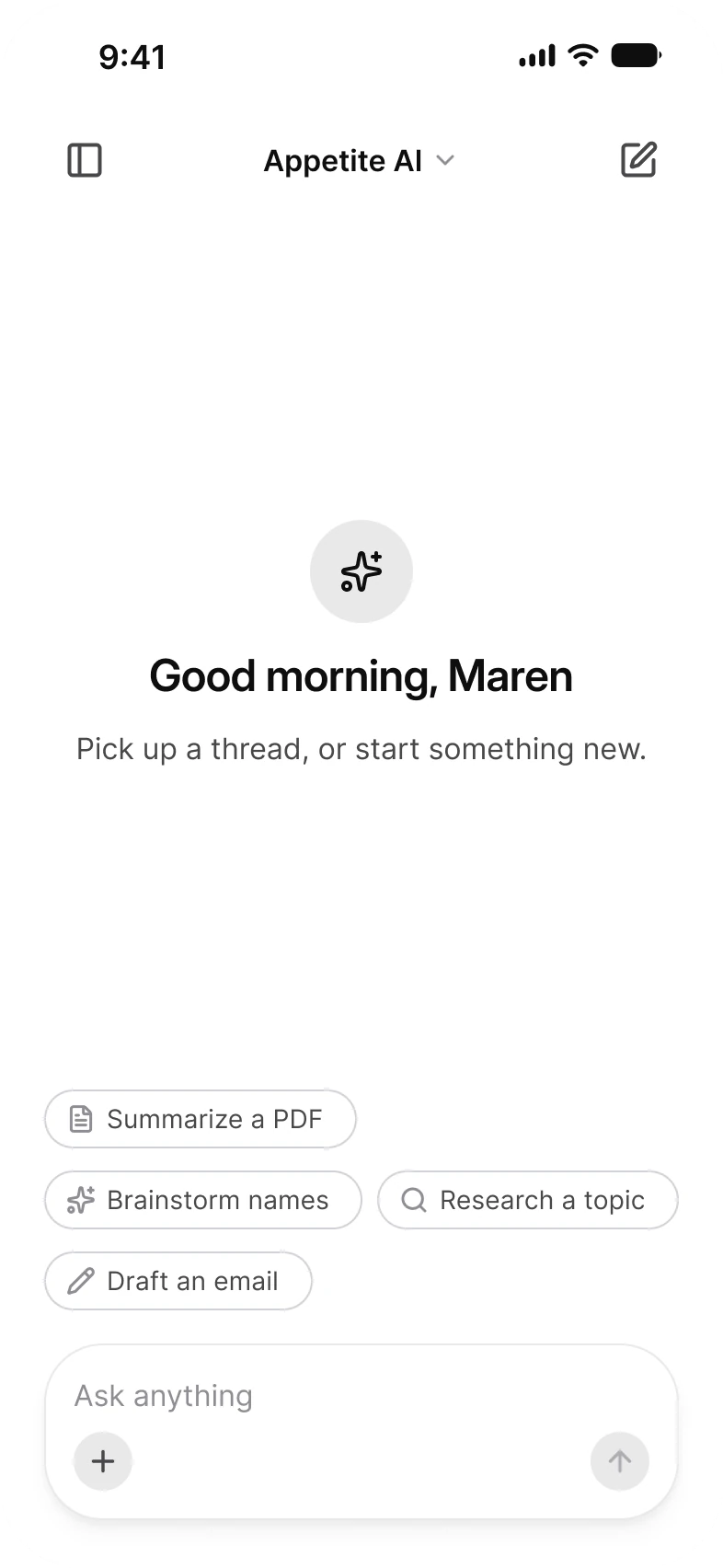
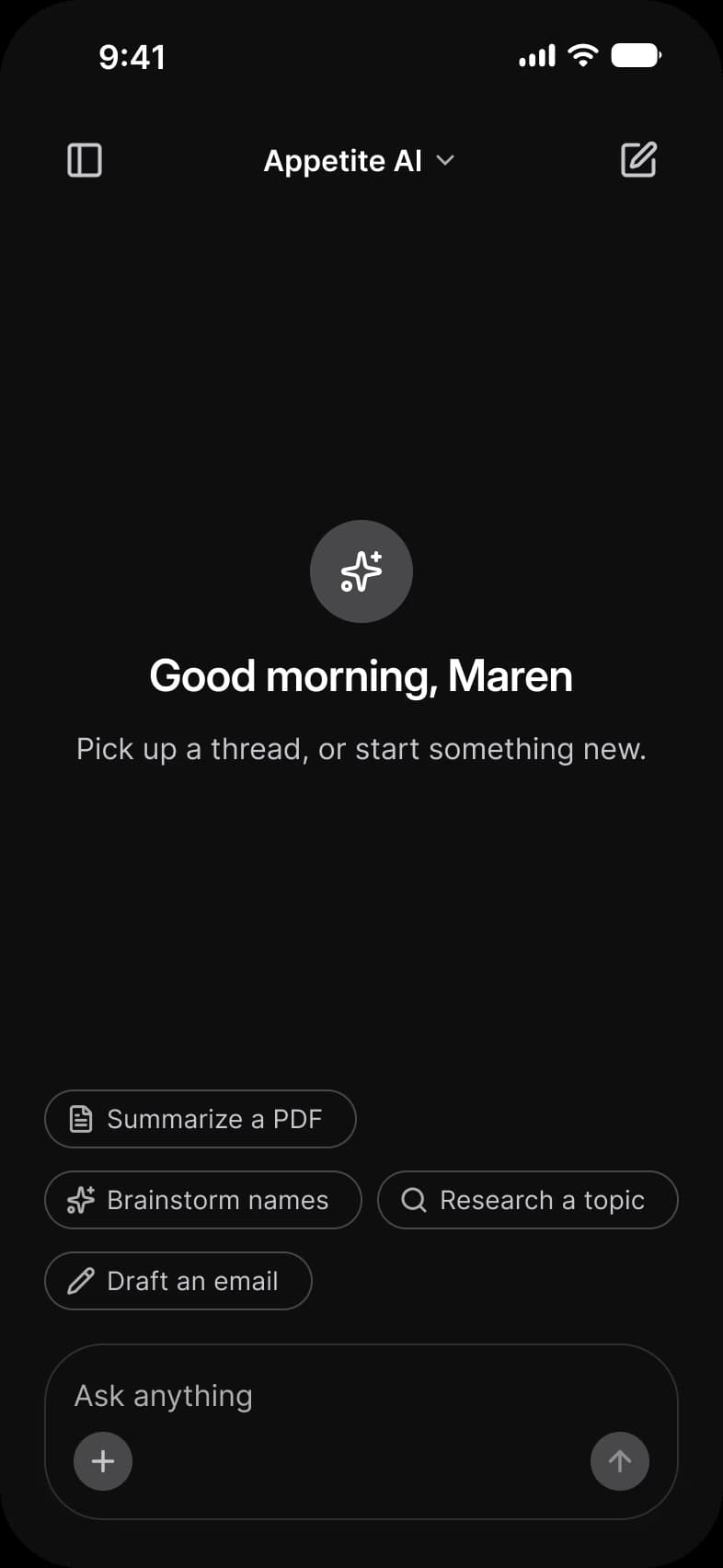
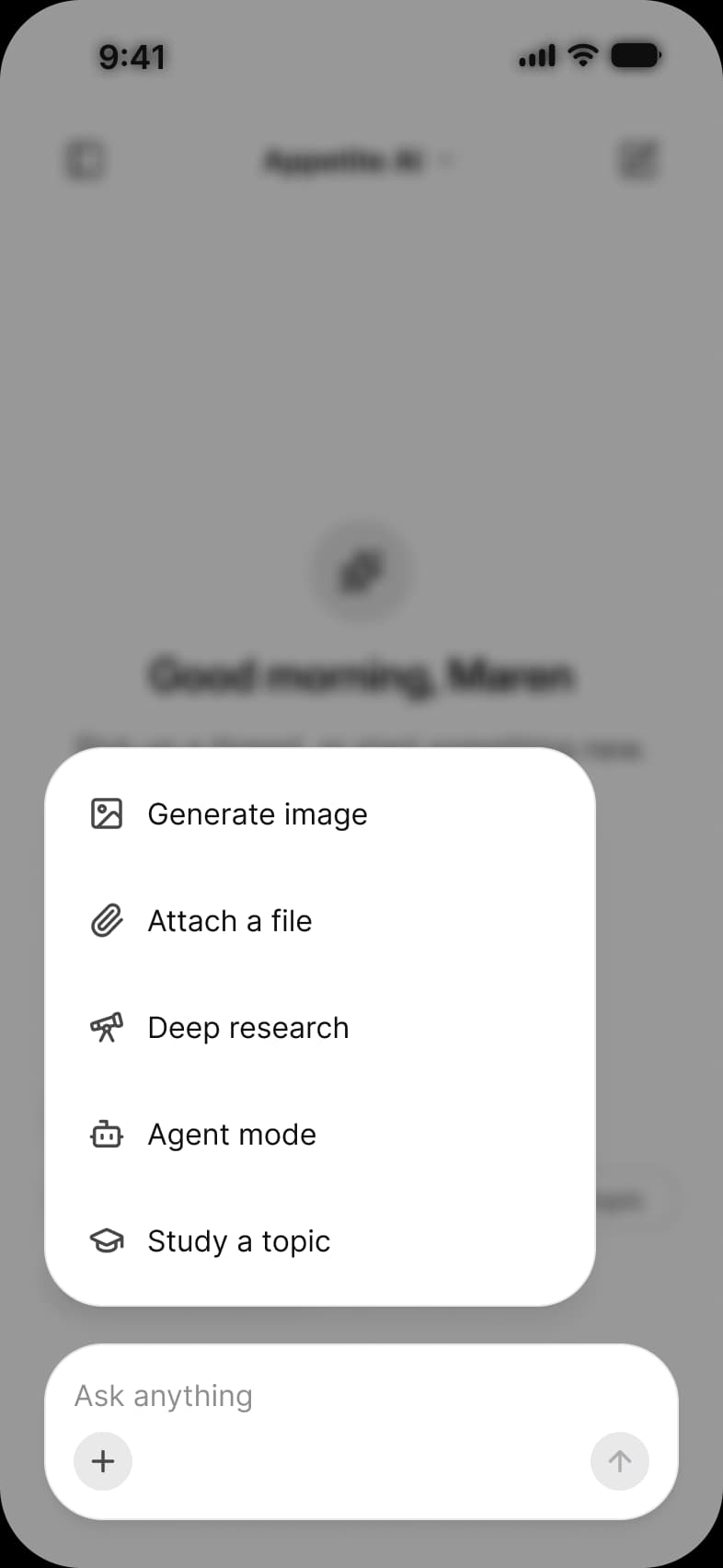
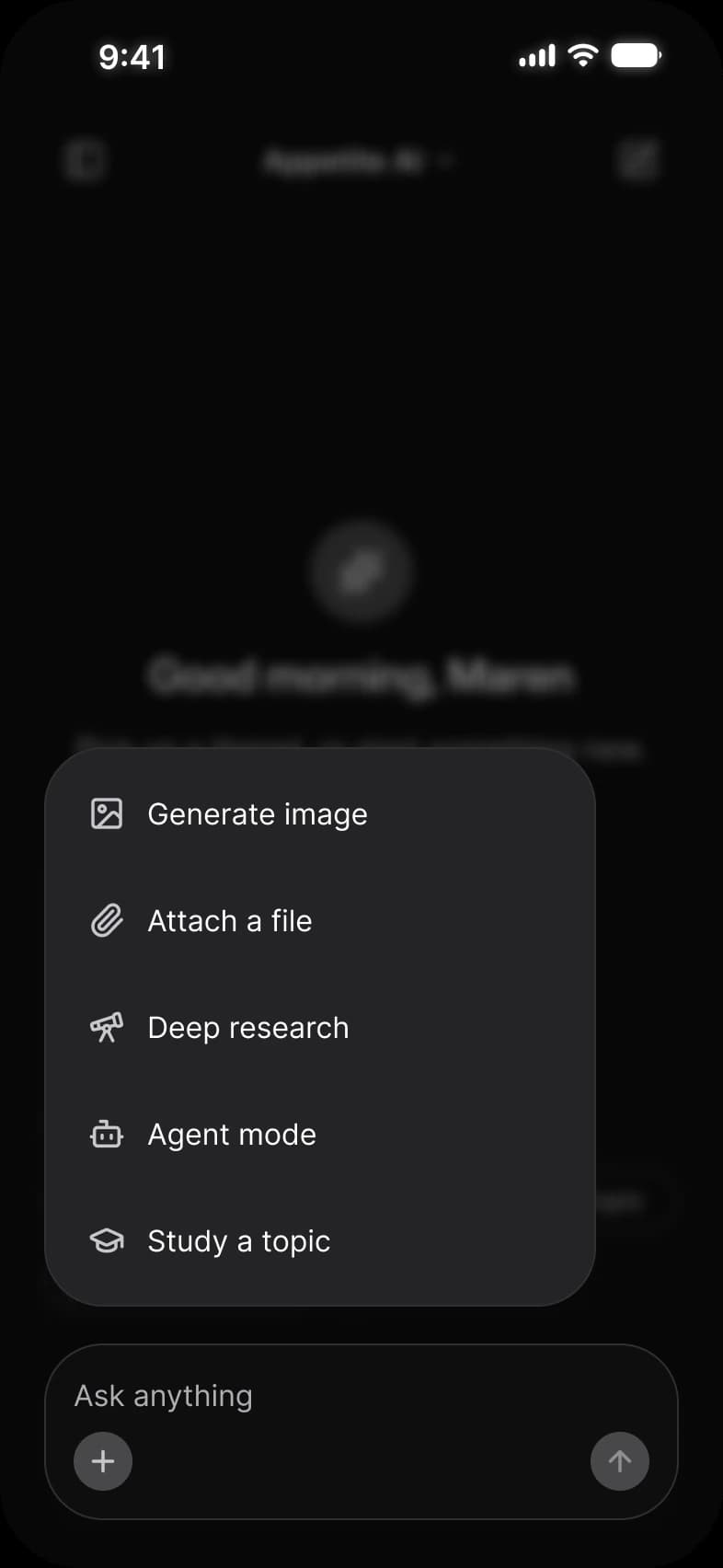
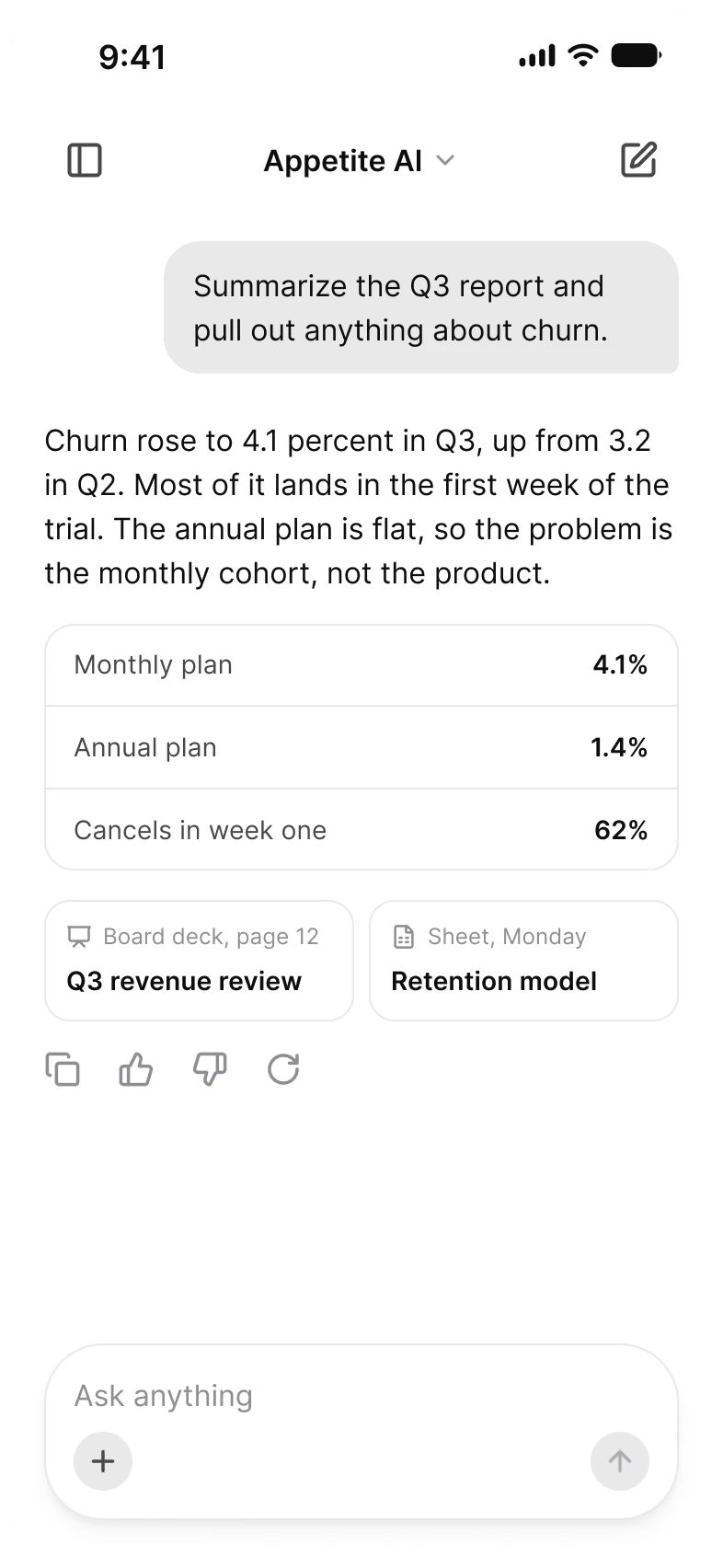
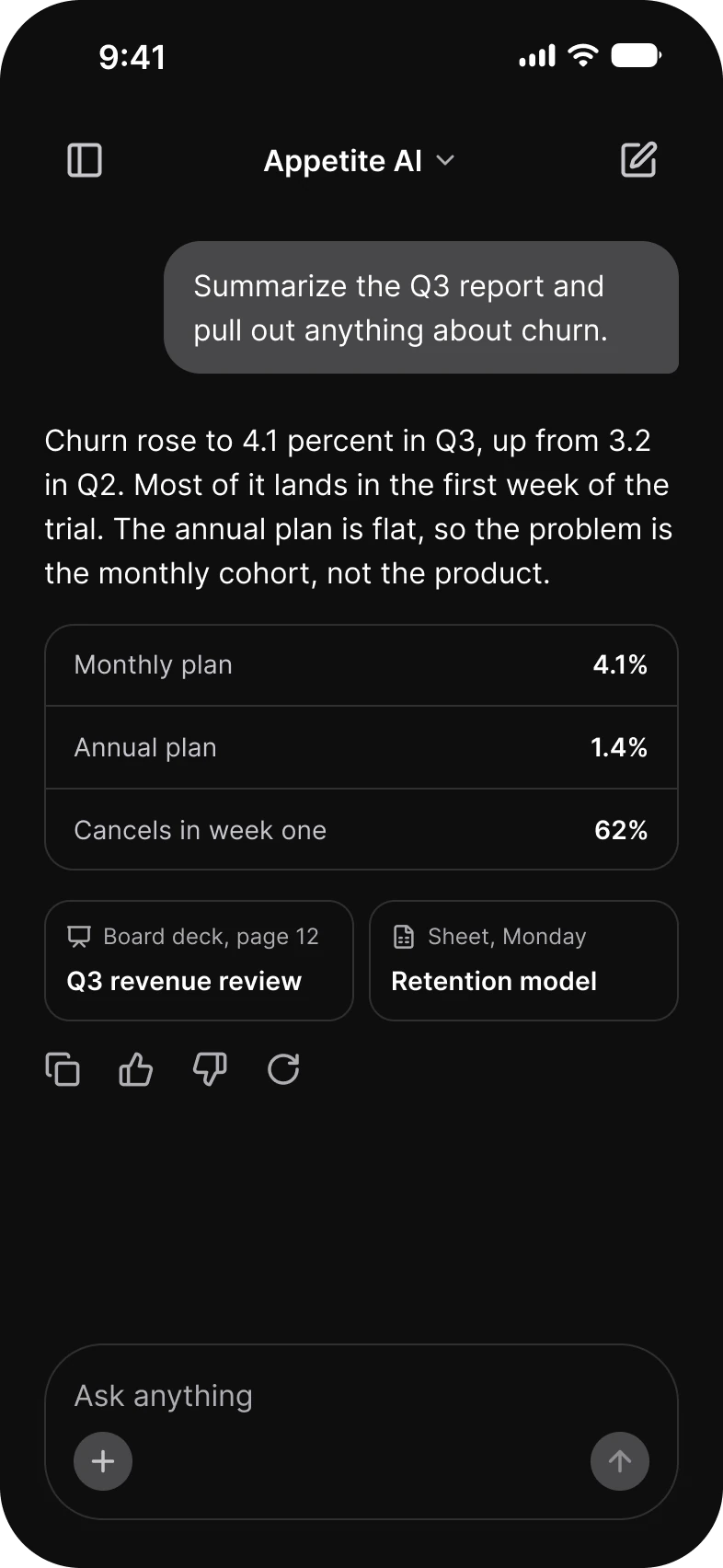
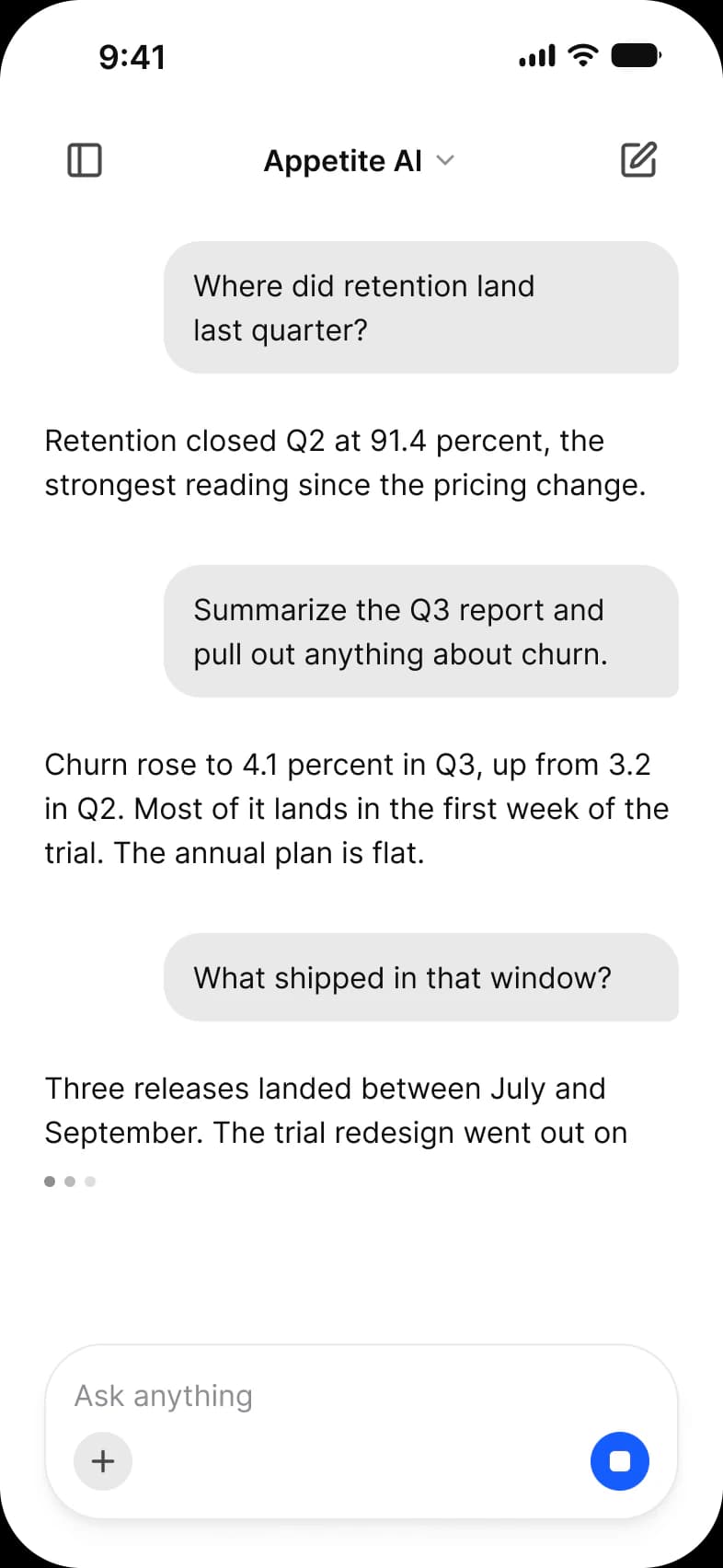
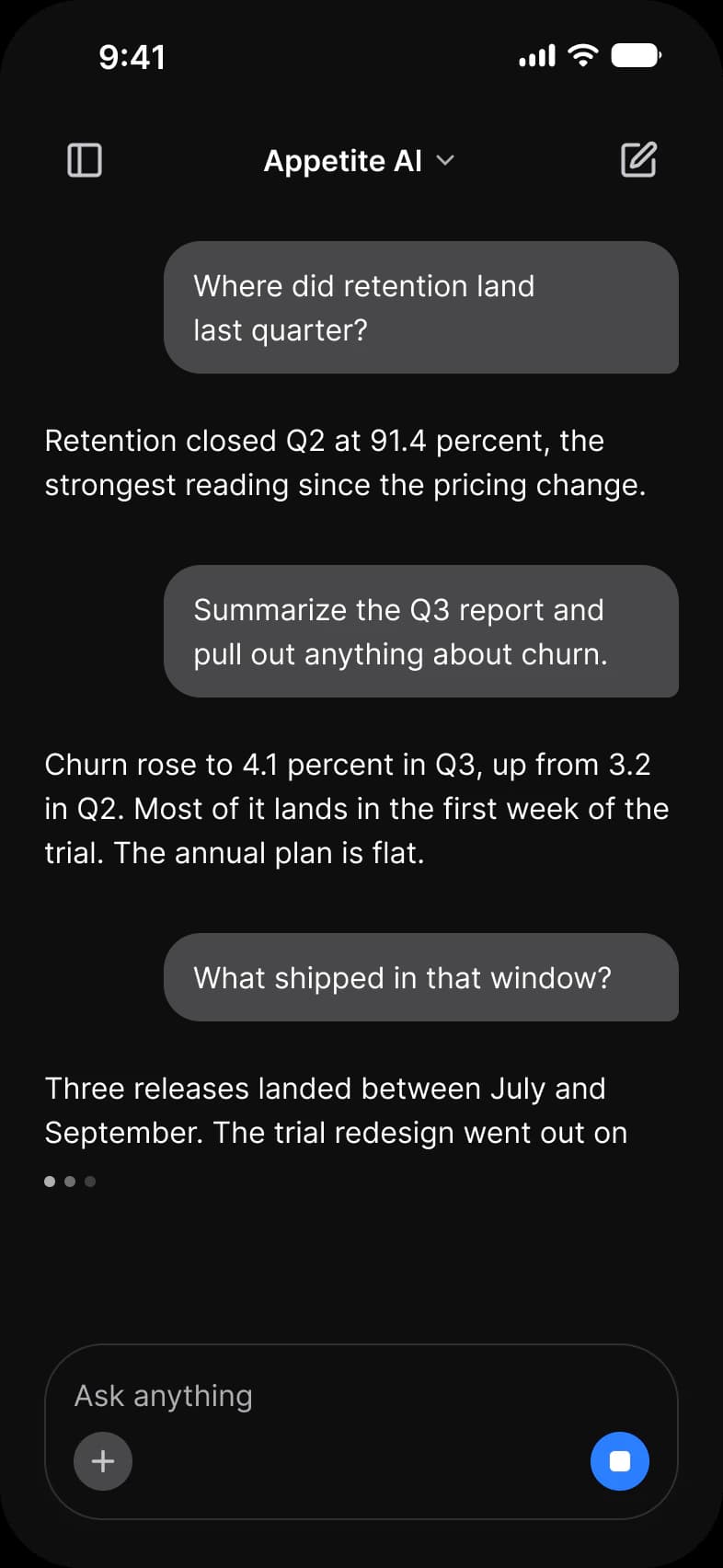
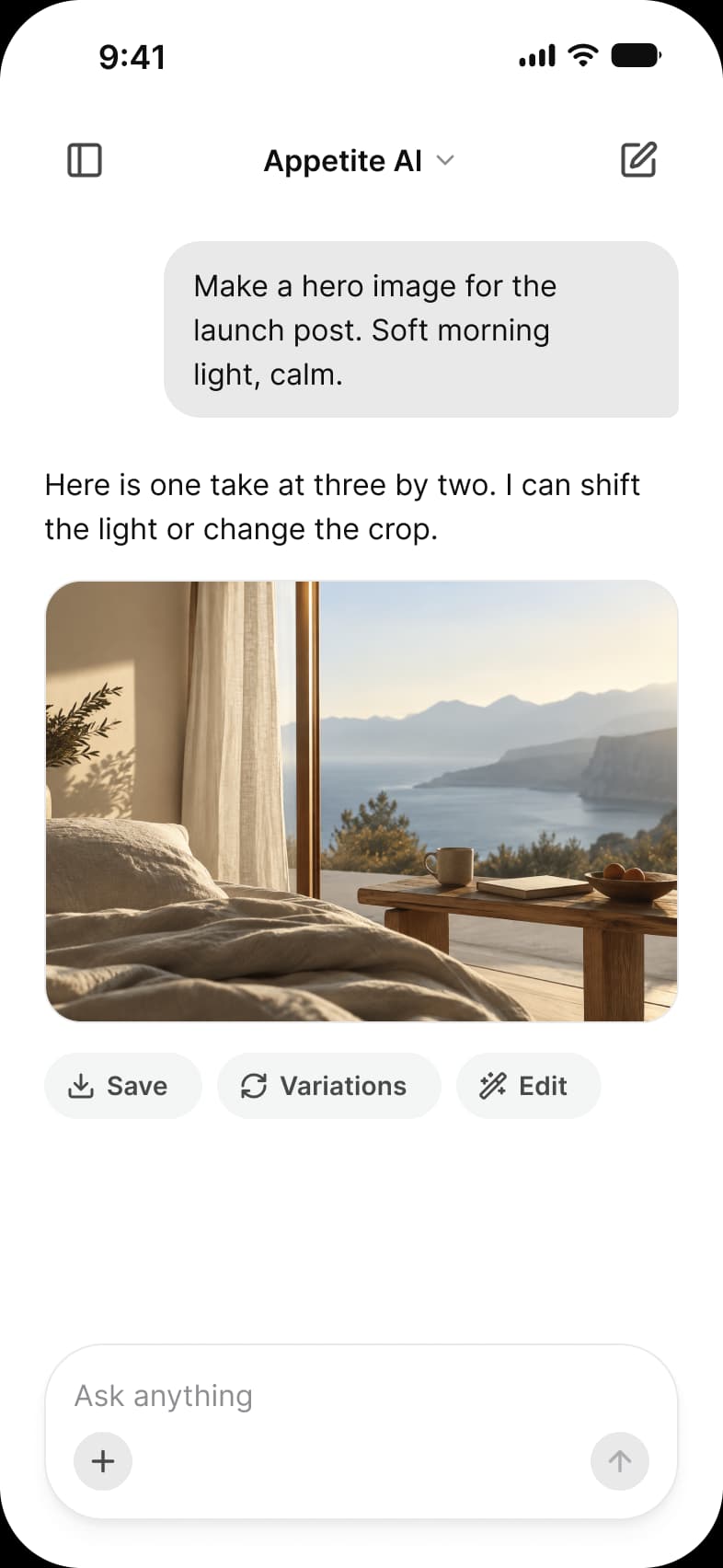
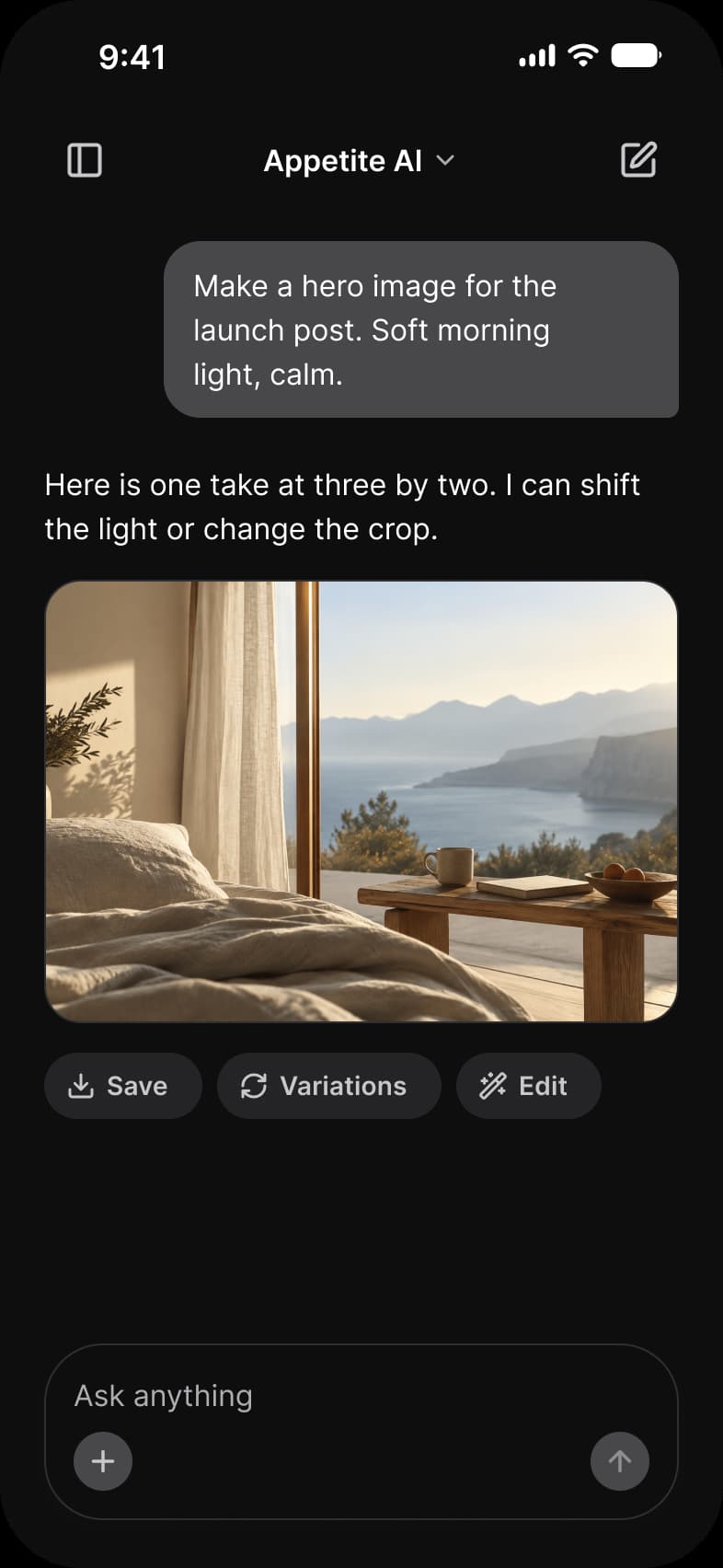
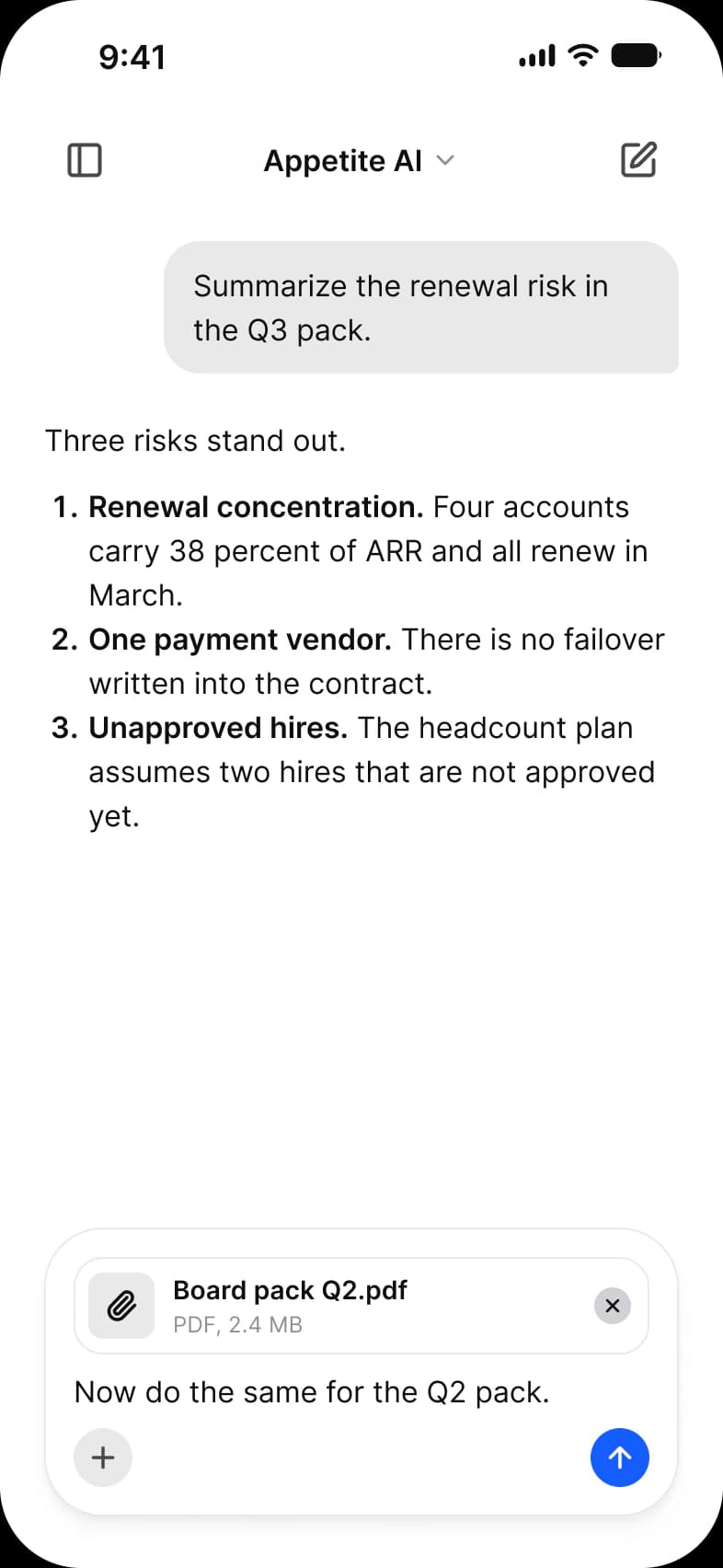
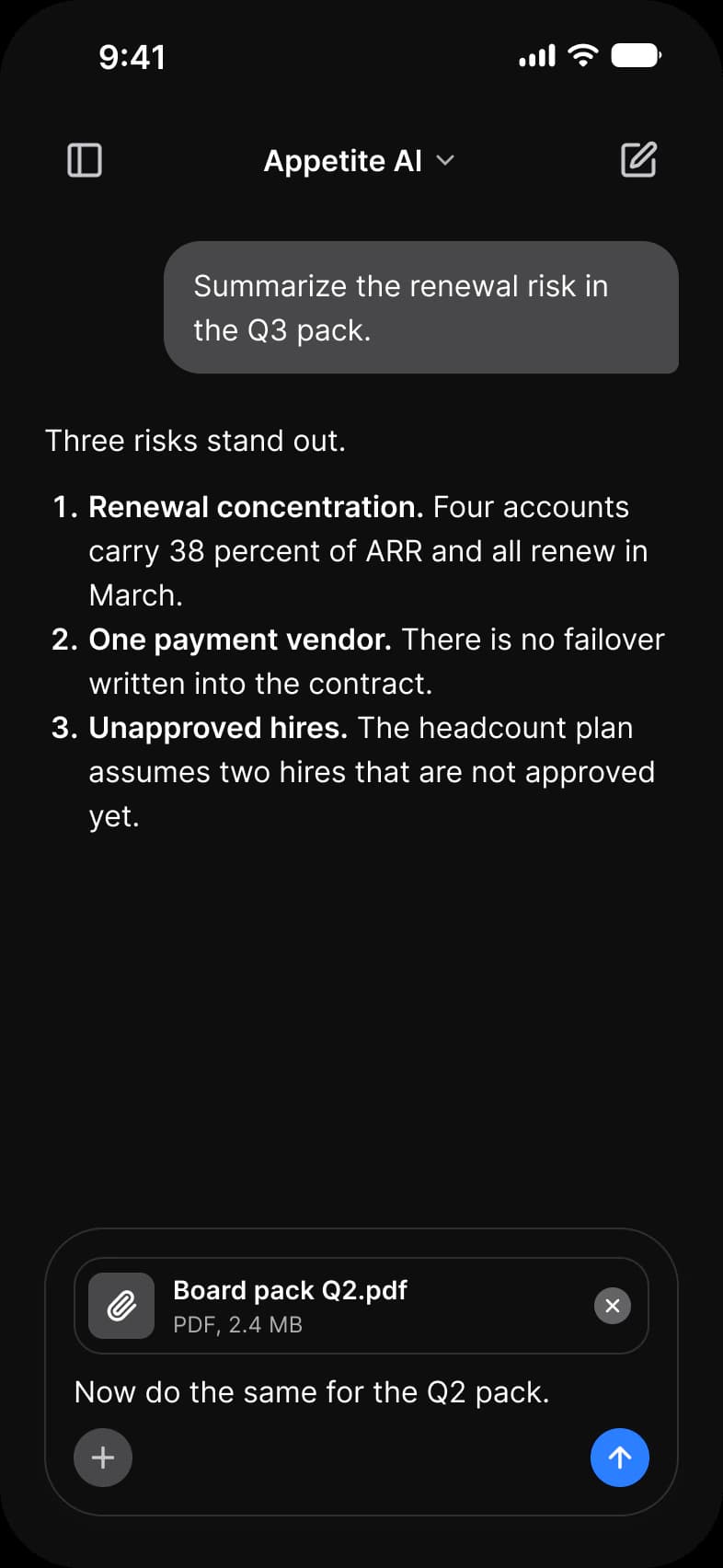
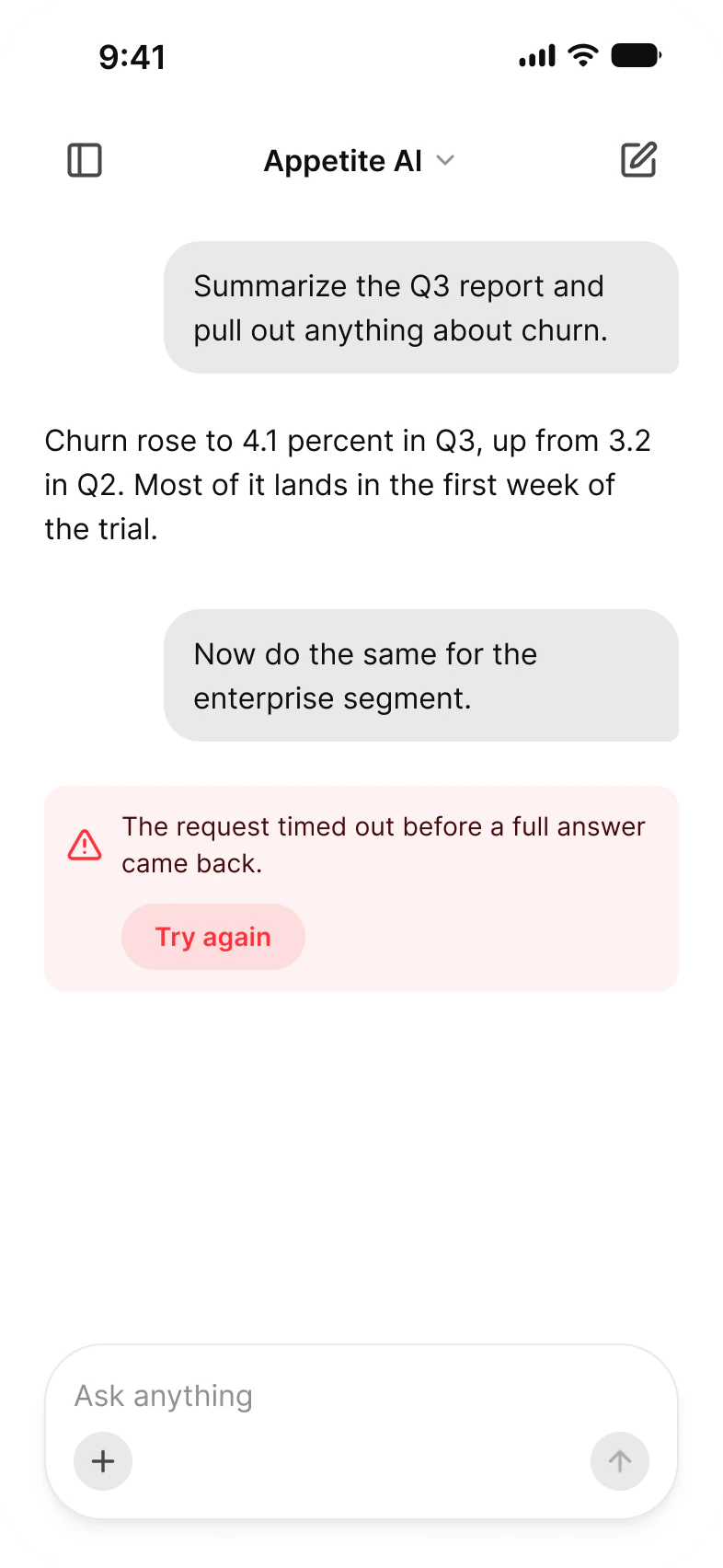
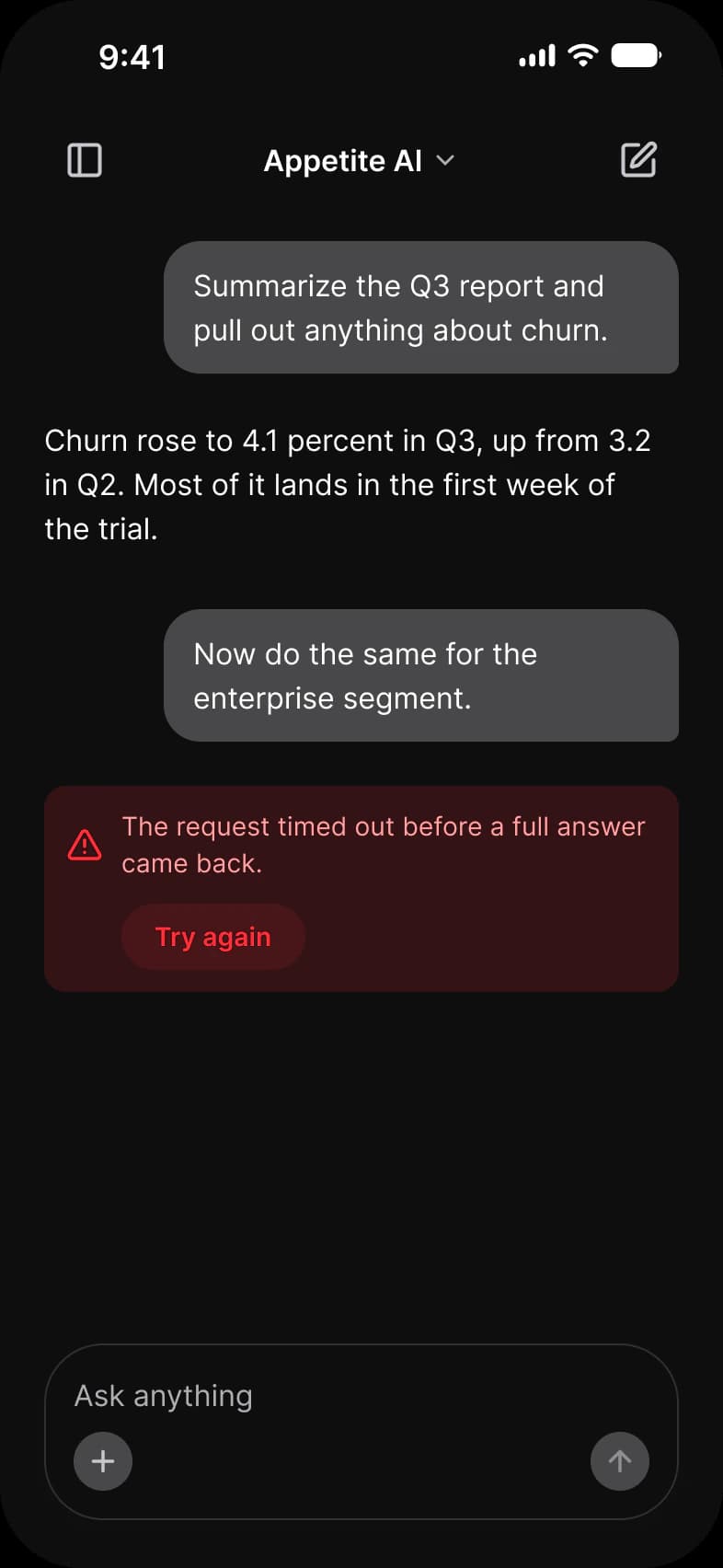
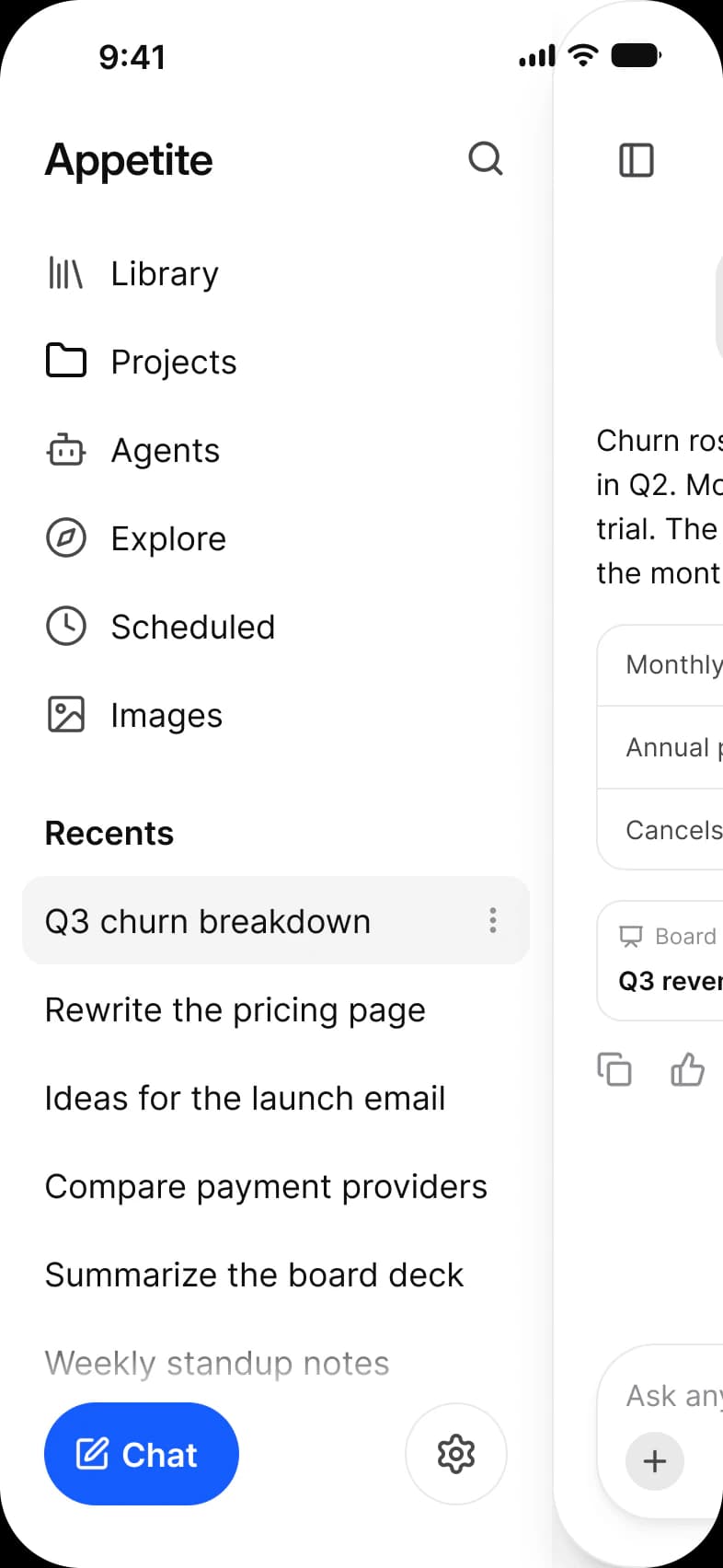
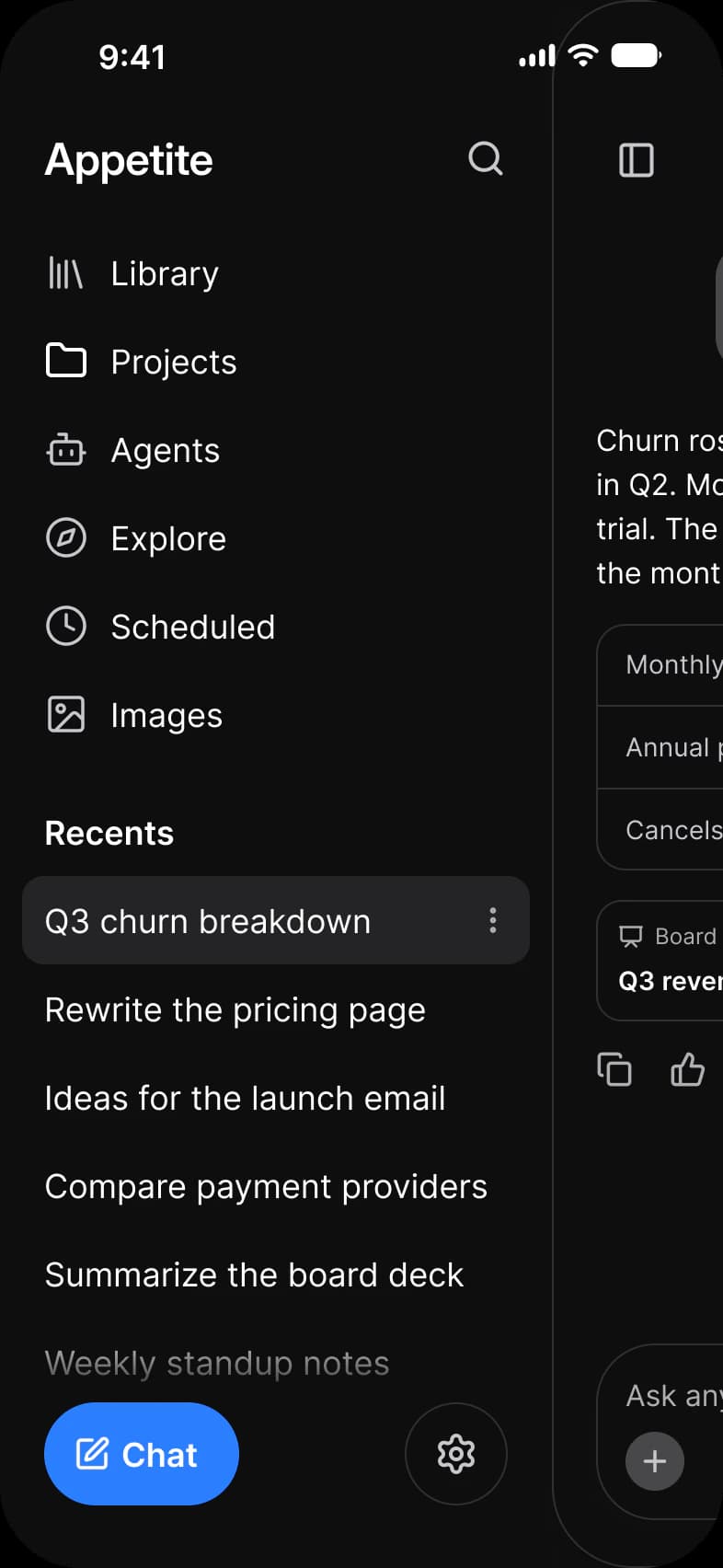
A new chat, a thread with sources, a reply that is still generating, an image result, an attachment, an error, and the history drawer with its menu. Each screen is drawn in Light and in Dark.
| Screen | What it shows | Built from |
|---|---|---|
| New chat | An empty prompt with four suggestions | AI / Prompt Composer, Chip, Button |
| Tools | The composer menu: image, file, research, agent and study | Context Menu, AI / Prompt Composer, Chip |
| Thread | A question, a reply with a table and sources, and the reply actions | AI / Message, AI / Prompt Composer |
| Generating | A reply that is still arriving, with a stop button | AI / Message, AI / Prompt Composer |
| Image | A picture reply with Save, Variations and Edit | AI / Message, Button |
| Attachment | A file waiting in the composer, a numbered list in the reply | AI / Message, AI / Prompt Composer |
| Error | A failed reply with a retry | AI / Message, Button |
| History | The drawer with navigation and recent chats | Navigation Drawer, AI / Message |
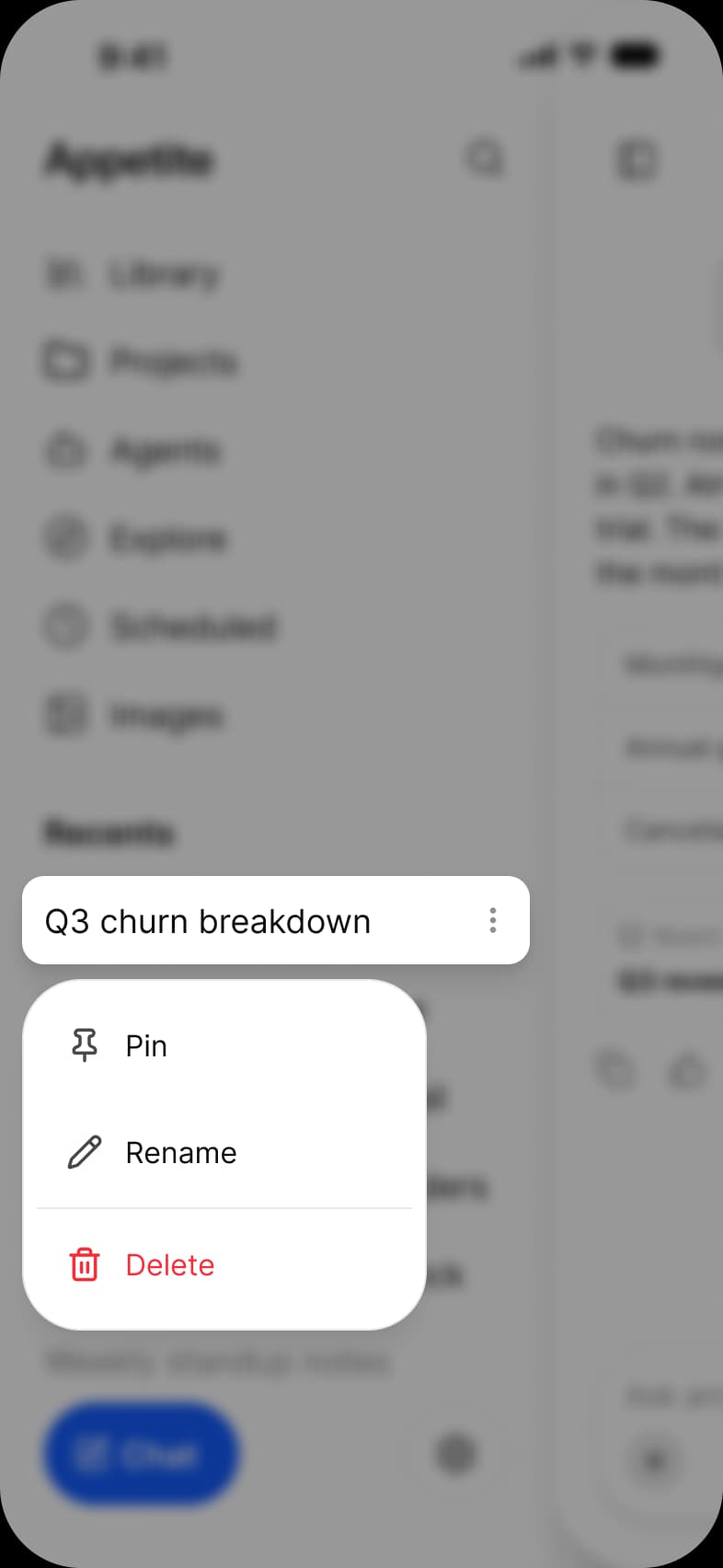
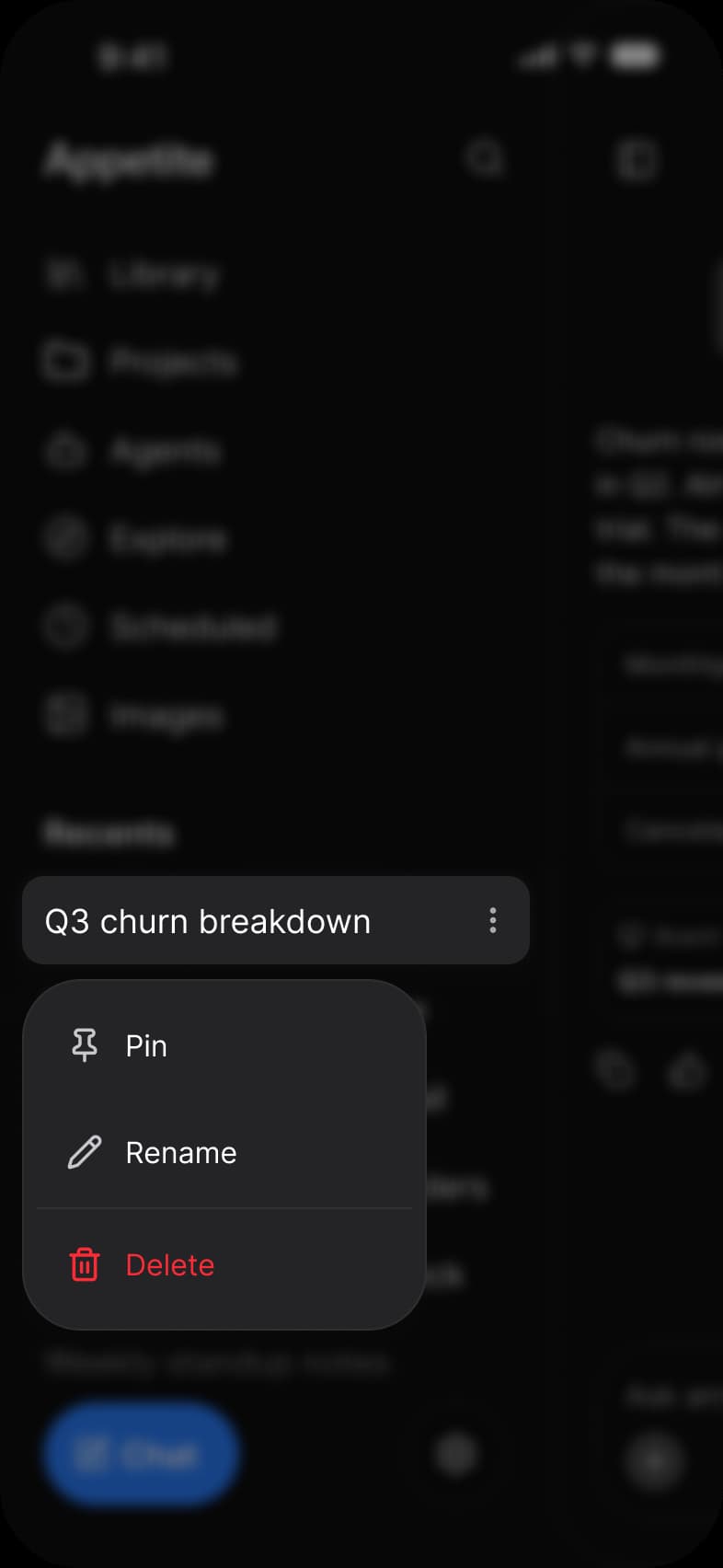
| Manage chat | A recent chat with Pin, Rename and Delete | Navigation Drawer, Context Menu |
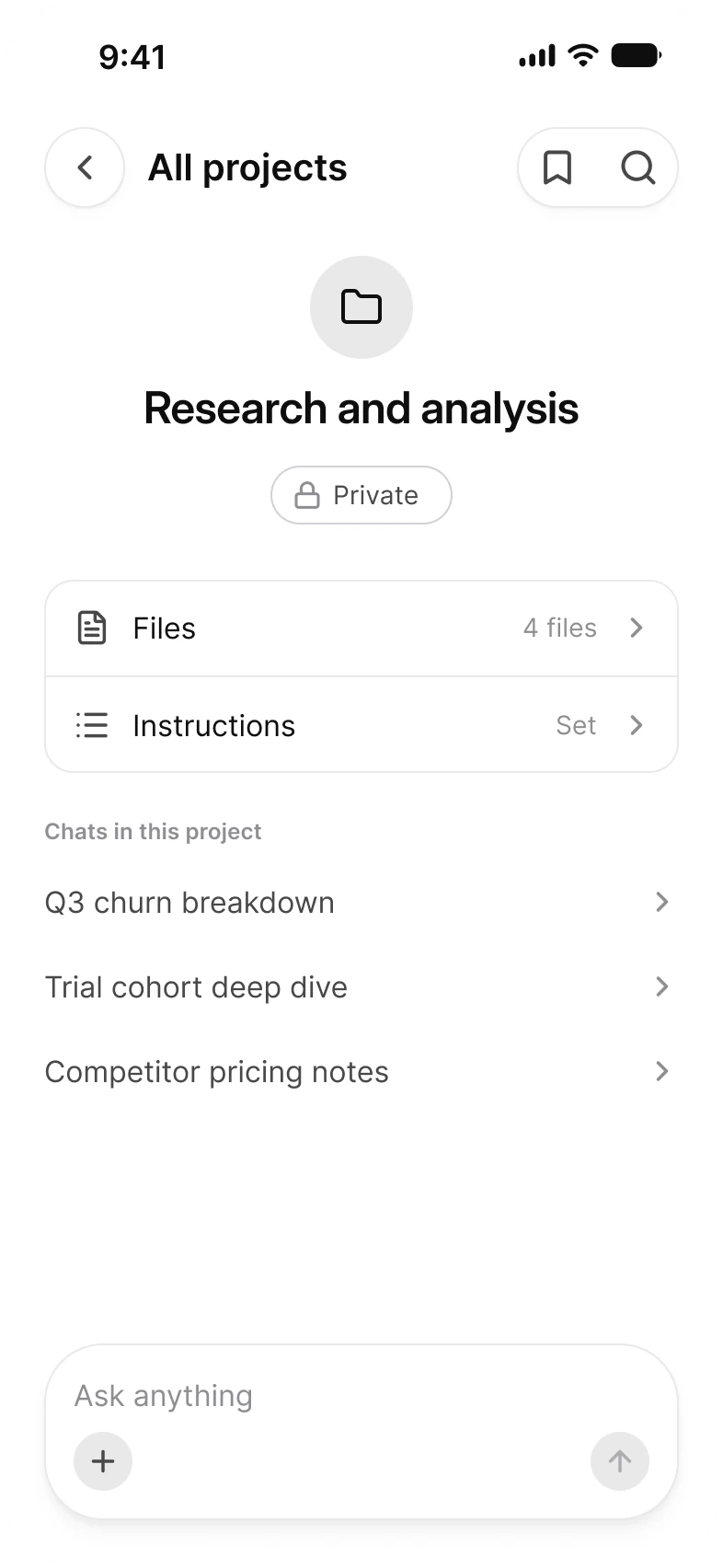
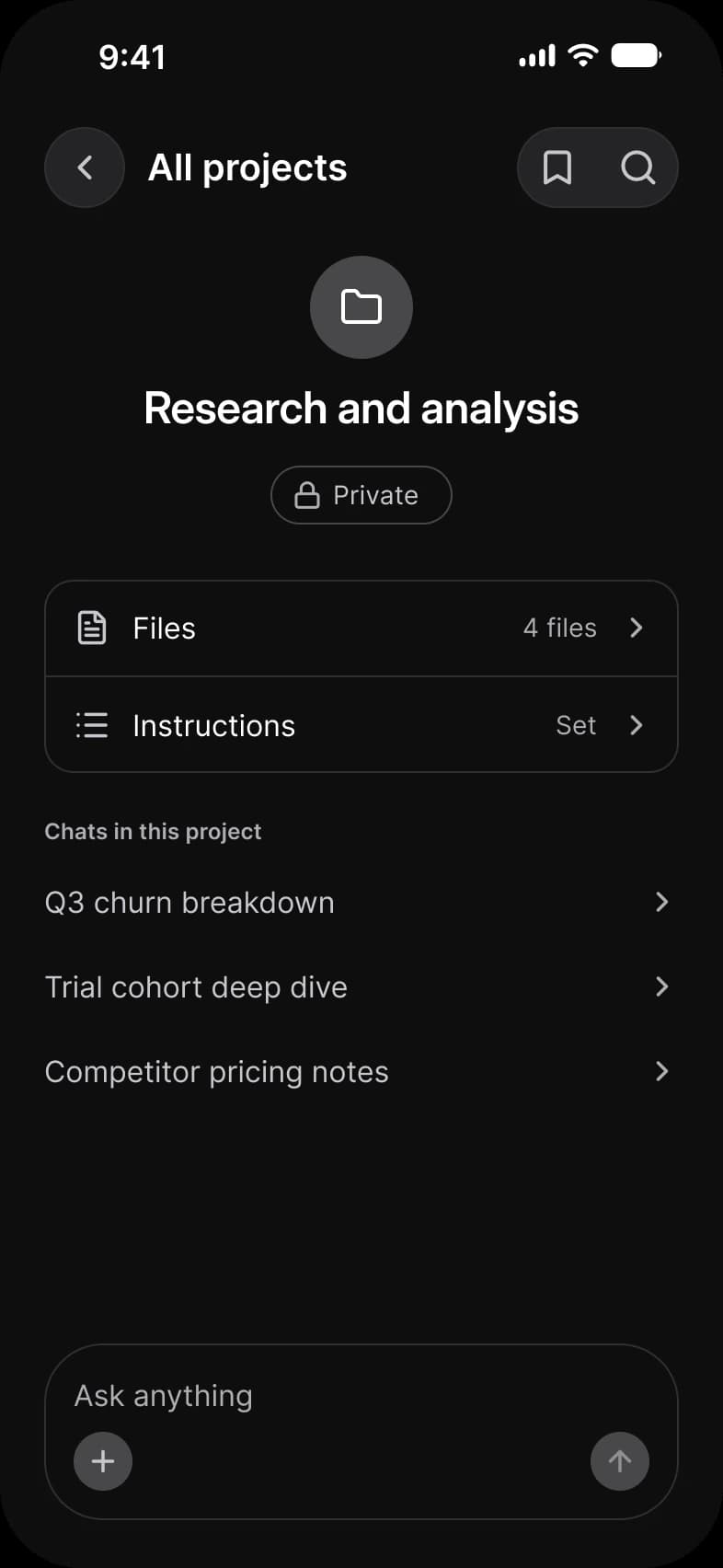
| Projects | One project with its files, instructions and chats | Top Bar, Chip, AI / Prompt Composer |
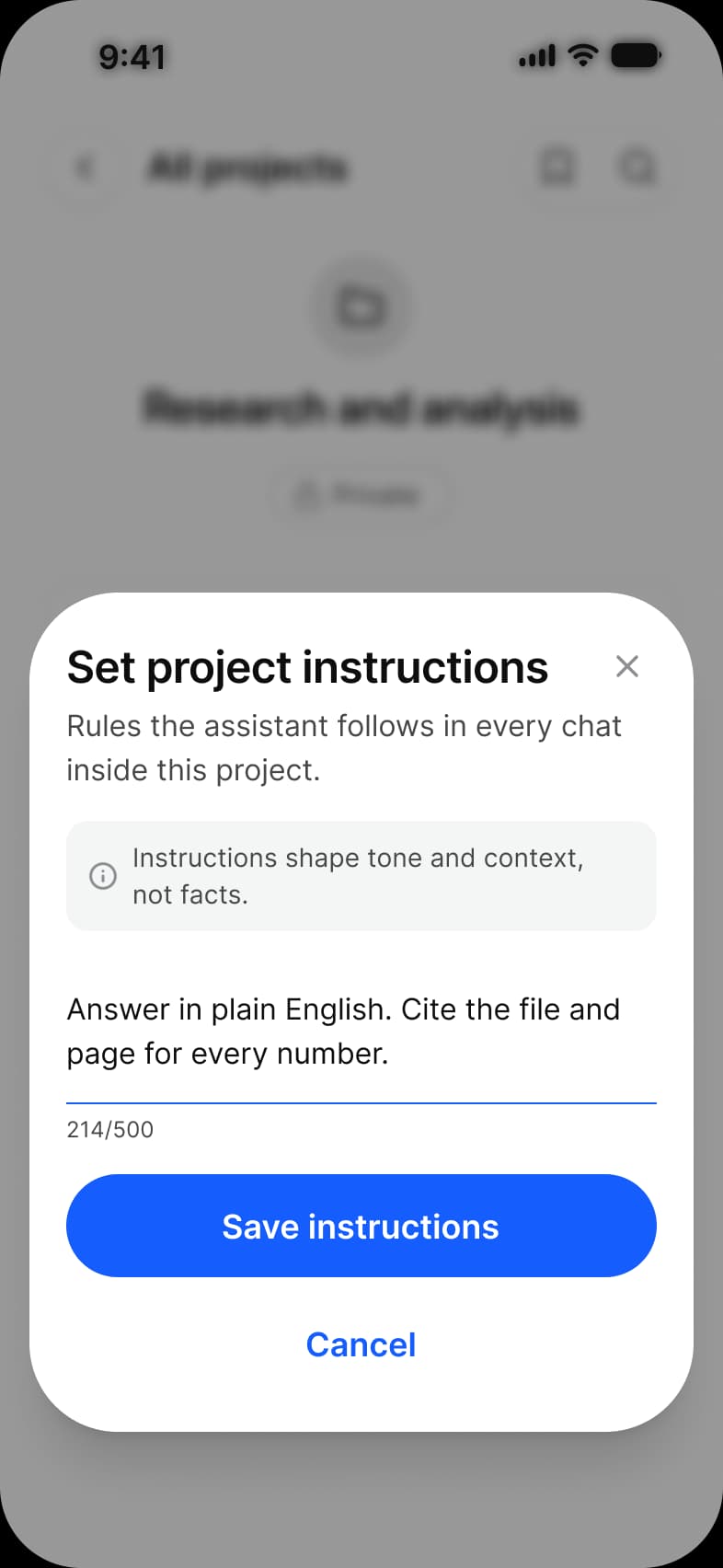
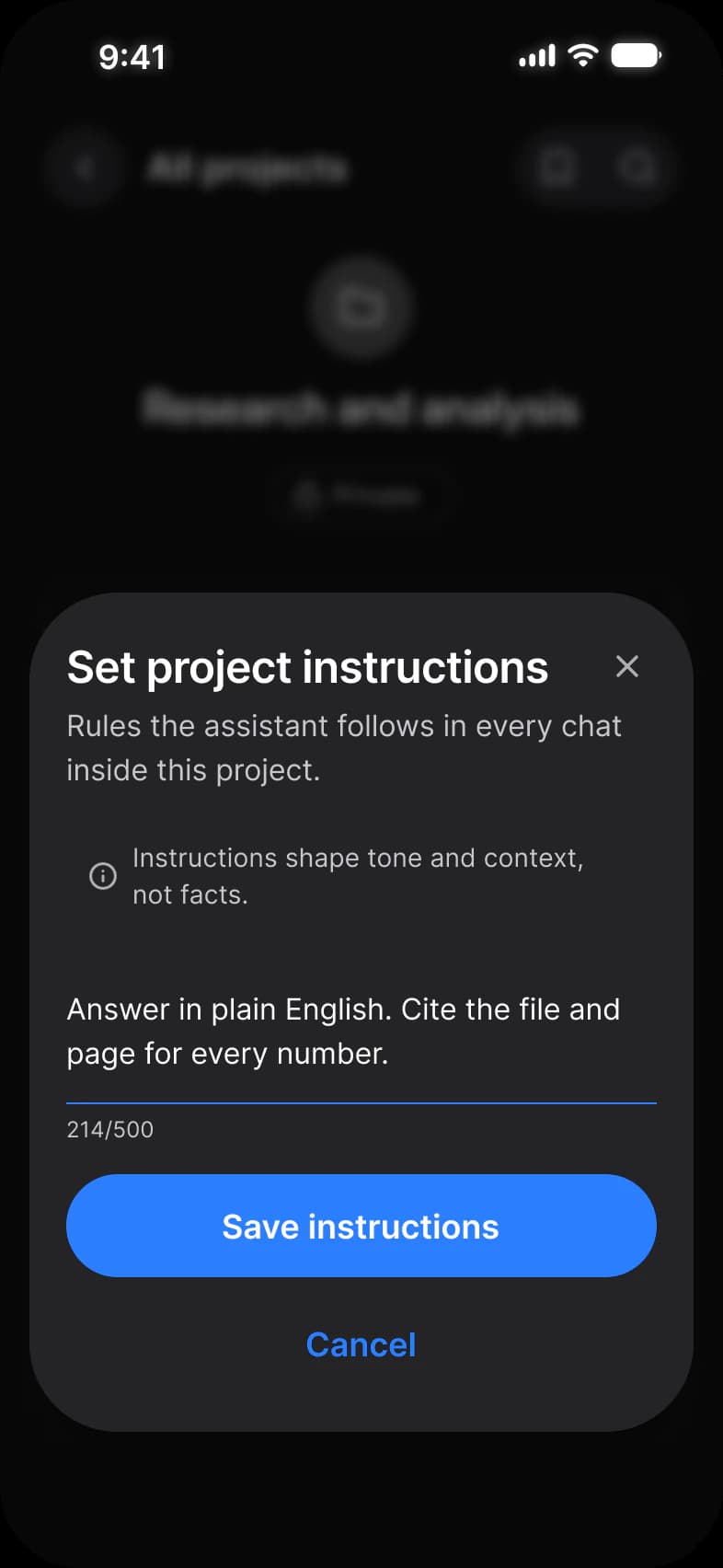
| Instructions | A sheet for the rules a project follows | Action Sheet, Input, Button |
Each screen is drawn in Light and in Dark, with Color Tokens set on the frame itself, and the dark screens are the same instances resolved against the other mode. AI is also drawn for the outer and inner display of iPhone Duo, see iPhone Duo screens.
How does a chat interface handle generating, error and attachment states?
The composer stays put and changes its button. The error is a banner in the thread. The file sits in the composer.
While a reply generates, the composer stays where it is and its send button becomes a blue stop button. When a reply fails, the error appears in the thread as a banner with a Try again Button, and an attachment sits inside the composer above the text as a file row with a remove button.
| State | Screen | What changes | Built from |
|---|---|---|---|
| Generating | Generating | A typing indicator under the last reply, and a stop button in place of send | AI / Message, AI / Prompt Composer |
| Error | Error | A red banner with a warning glyph, the message and a Try again Button | AI / Message, Button |
| Attachment | Attachment | A file row with a name, a size and a remove button, and an active send button | AI / Prompt Composer |
| Image result | Image | A picture in the reply and three Buttons under it | AI / Message, Button |
The minimum touch target on iOS is 44 pt. The frames pin Platform to ios-md, where platform/min-touch-target reads 44. The android mode of the same variable reads 48 dp.
What are the AI screens built from?
270 instances across the 11 screens. Two components, Message and Prompt Composer, carry the assistant itself.
129 instances sit directly on the frames: 84 are components, instances of 9 component sets and one helper row, and 45 are Lucide icons with 12 different names. Another 141 sit inside those, 90 of them icons, so the screens use 39 different icon names in all. Placed counts an instance that is not inside another instance. Nested counts one that is. A component is counted by its set name, an icon is an instance named in lowercase and a helper part begins with an underscore. The dark row holds the same instances as the light row.
Four of the 11 screens are another screen with something laid over it: Tools, History, Manage chat and Instructions. Each brings its own status bar, which is why those screens count two.
| Component | Placed | Nested | Where |
|---|---|---|---|
| Button | 21 | 15 | Placed on every screen except Projects and Instructions, five of them on Image. Nested in the Top Bar, the drawer, the Error banner and the Action Sheet |
| AI / Message | 20 | 0 | Thread, Generating, Image, Attachment, Error, History, Manage chat |
| iOS / Status Bar | 15 | 0 | Every screen, two on the four with an overlay |
| AI / Prompt Composer | 10 | 0 | Every screen except Instructions |
| Chip | 10 | 0 | New chat 4, Tools 4, Projects 1, Instructions 1 |
| Top Bar | 2 | 0 | Projects, Instructions |
| Context Menu | 2 | 0 | Tools, Manage chat |
| Navigation Drawer | 2 | 0 | History, Manage chat |
| Action Sheet | 1 | 0 | Instructions |
| _Drawer Item | 1 | 26 | Thirteen rows in each drawer, and the lifted row on Manage chat |
| _Context Menu Item | 0 | 8 | Five on Tools, three on Manage chat |
| Text Area | 0 | 1 | Instructions |
| Compact Button | 0 | 1 | Instructions, the close button |
| Lucide icons | 45 | 90 | Placed: 12 names in the header, thread actions, source cards and project rows. Nested: the composer, the drawer, the menus and the buttons |
| Overlay | Screens | What it opens onto |
|---|---|---|
| Context Menu | Tools, Manage chat | New chat, and the thread with the drawer already open |
| Navigation Drawer | History, Manage chat | The thread, pushed aside |
| Action Sheet | Instructions | The Projects screen |
This set draws more by hand than the others. No List or Dropdown is placed, so the model switcher under the header, the icon tile on New chat and Projects, the Files and Instructions rows, the source cards and the table inside a reply are local layout. In all, 135 layout frames and 61 text layers sit outside any instance, and the only drawn shape is one 393 x 852 rectangle, the Scrim on Manage chat. A change to List or Dropdown does not reach these parts.
Manage chat is the deepest screen in the set: a thread, a drawer over it and a menu over that. It places 17 instances and nests 37 more, so it is the one to look at when you want to know whether the layering holds.
Counted on October 2, 2026 with a Plugin API script over the 11 light frames of the AI page in the Appetite UI Figma file.
Which tokens do the AI screens use?
Every solid fill and stroke on the screens resolves through a variable. Frames sit in a variable mode and read down through the same collections as every component.
The 11 light frames hold 511 solid fills and strokes that are bound, spread over 22 different variables, and none is unbound. Two things are not solid paints bound to a variable: the Fade mask gradient in the drawer on History and Manage chat has three stops that are not bound, and one fill in the Error banner uses the Foundations primitive colors/alpha/red/alpha-10 directly.
| Token | Where it lands | Paints |
|---|---|---|
text/strong-950 | Titles and message text, the drawer rows, the menus | 91 |
fg/strong-950 | Status Bar glyphs and the drawer icons | 77 |
fg/sub-700 | Icons in Buttons, the composer, the drawer, the menus and the Top Bar | 62 |
fg/soft-500 | Chevrons, Chip icons and the thread action icons | 55 |
border/soft-100 | The composer outline, source cards, row and top bar outlines | 42 |
bg/white-0 | The screens, Chips, the composer and the drawer | 39 |
bg/soft-100 | Message bubbles, composer buttons and icon tiles | 33 |
text/sub-700 | Supporting lines, Chip labels, the Action Sheet note | 33 |
text/soft-500 | The Ask anything placeholder and meta lines | 22 |
border/sub-200 | The Chip outline | 10 |
bg/raised | Floating surfaces: Top Bar buttons, Context Menu, Action Sheet and the lifted drawer row | 8 |
fg/disabled-400 | The send glyph while the composer is empty | 8 |
brand/base | The send and stop buttons, the Chat button and the Save instructions button | 7 |
bg/weak-50 | The note in the Action Sheet and quiet Button fills | 6 |
static/static-white-0 | Labels and glyphs on a brand fill | 5 |
state/error/base-500, lighter-50, dark-950 | The Error banner and the Delete item | 4, 1, 1 |
bg/scrim | The dim behind each overlay | 3 |
text/on-color/strong | The send glyph on a brand fill | 2 |
bg/sub-200 | The composer send button fill | 1 |
colors/alpha/red/alpha-10 | The Try again button in the Error banner, a Foundations primitive bound directly | 1 |
| Style | Uses | Screens |
|---|---|---|
base/default | 50 | 11 |
lg/default | 27 | 2 |
sm/default | 25 | 8 |
sm/emphasized | 20 | 6 |
base/emphasized | 9 | 9 |
xs/default | 8 | 5 |
2xl/emphasized | 7 | 6 |
lg/emphasized | 6 | 3 |
xl/emphasized | 2 | 2 |
xs/emphasized | 2 | 2 |
dropShadow/sm | 10 | 10 |
dropShadow/lg | 5 | 3 |
dropShadow/xs | 4 | 2 |
dropShadow/2xl | 3 | 3 |
backdropBlur/sm | 3 | 3 |
| Collection | Modes | What it drives here |
|---|---|---|
Color Tokens | Light, Dark | Every bound paint above, pinned on each frame |
Platform | ios-md, ios-lg, android, ios-duo-outer, ios-duo-inner | Status bar and platform metrics, pinned to ios-md |
Foundations | Default | The primitive ramps every other collection points at |
Typography | Default | The type styles in the table above |
Platform Bridge | Brand, System | Not pinned on the frames, so the default mode applies |
Motion | Default | Not used on these screens |
Paints are every visible solid fill and stroke on the 11 light frames, inside instances included, counted by bound variable name on October 2, 2026.
Which patterns do these screens show?
The same screens by what they do, beside the other apps of the kit, with the iOS and Material values of each pattern.
- ChatAI chat app
- All appsChat screens
Start from these screens.
Every frame on this page is part of the Appetite UI file, drawn from its components and bound to its variables, so one brand edit moves every screen in light and dark.
The file holds 589 variables in 6 collections and exports its token values to SwiftUI, Jetpack Compose, Flutter and CSS. Solo covers one designer and Team up to ten people. You pay once and keep lifetime updates. Price goes up Nov 1
The read-only Figma preview opens the whole file, every screen and every variable, before you buy.