Updated
AI chat app
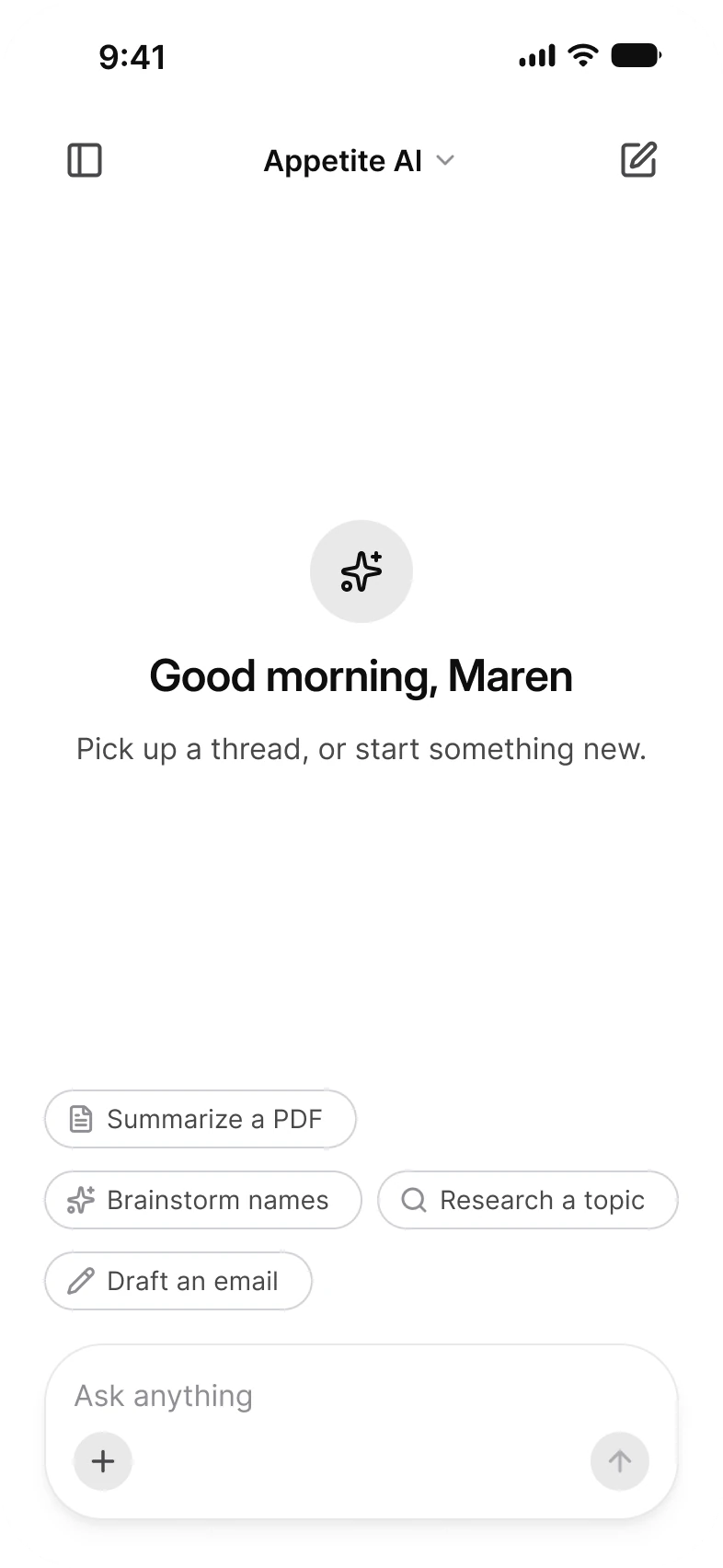
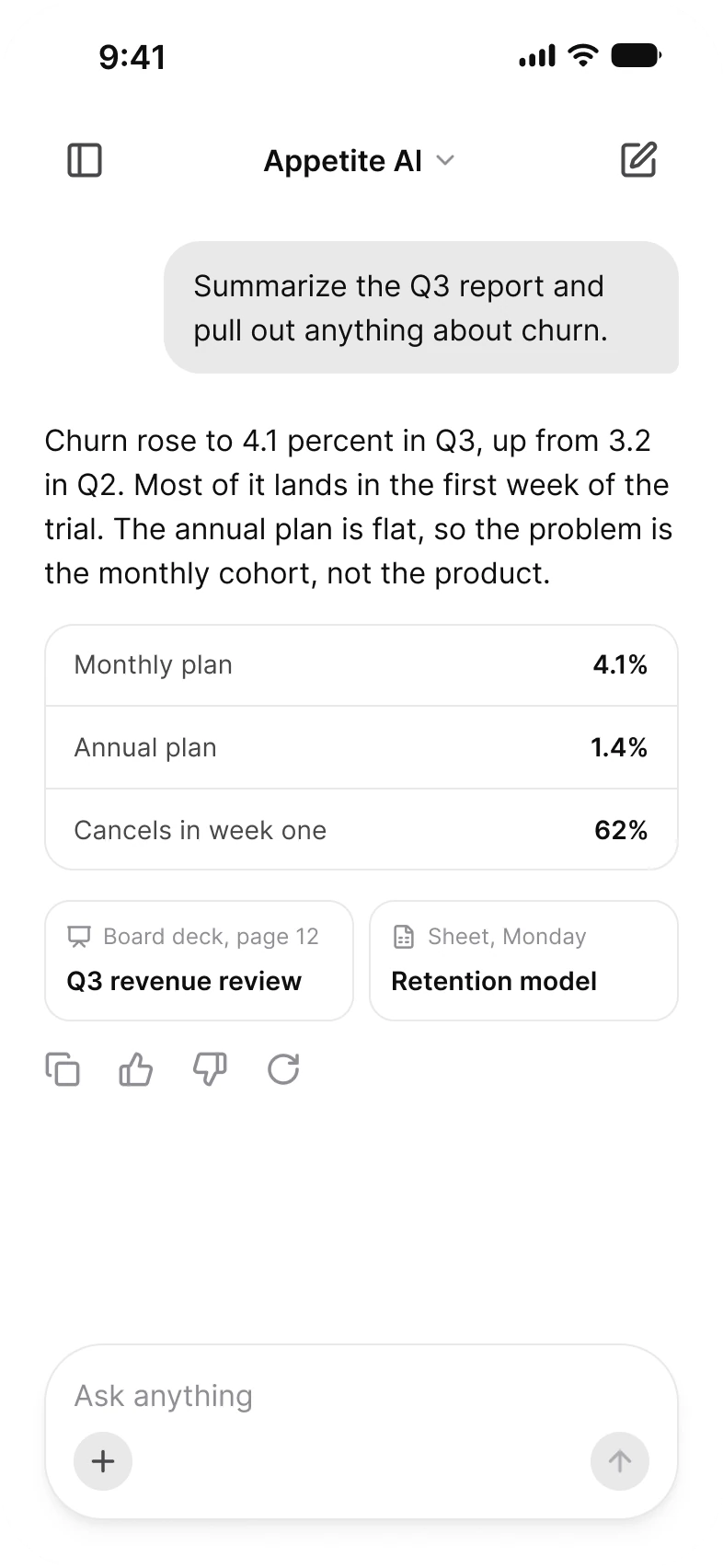
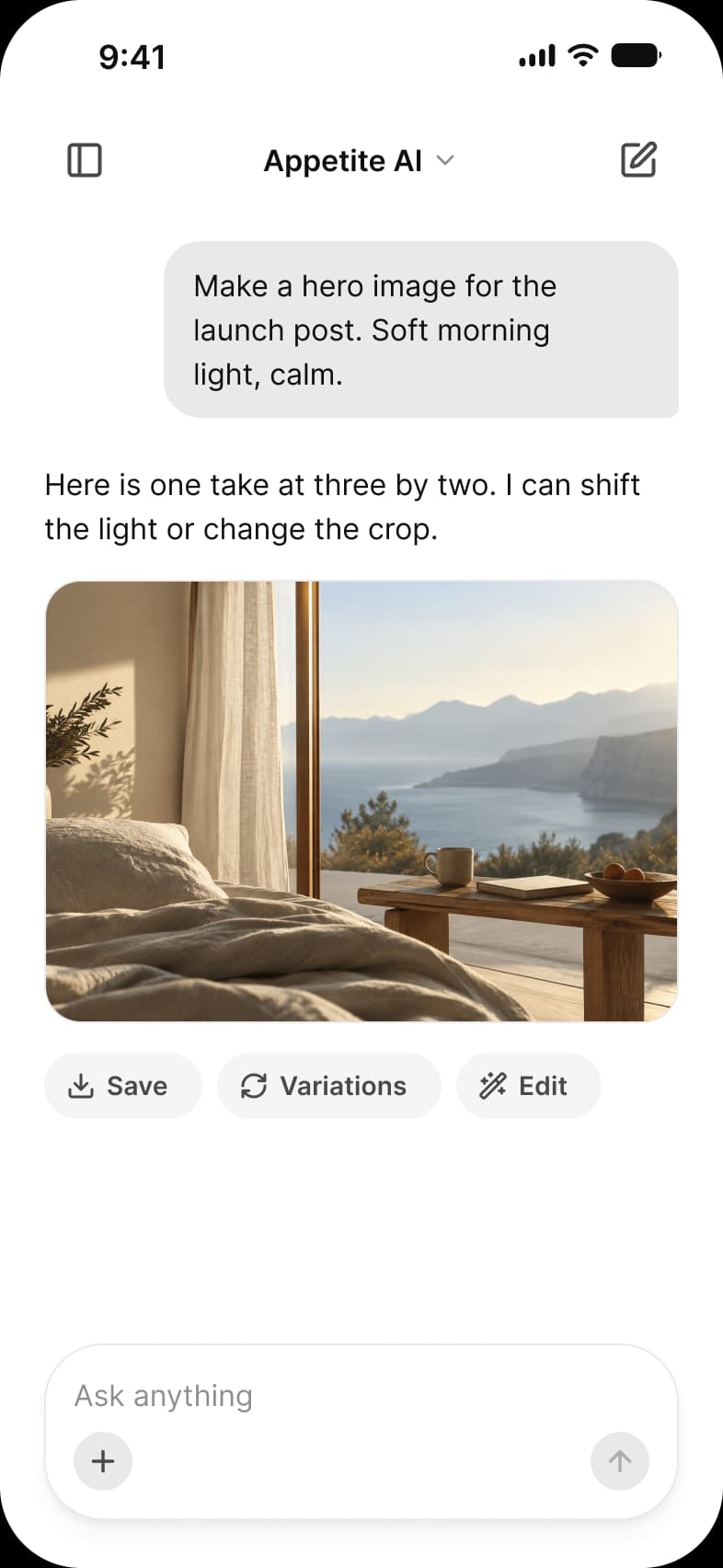
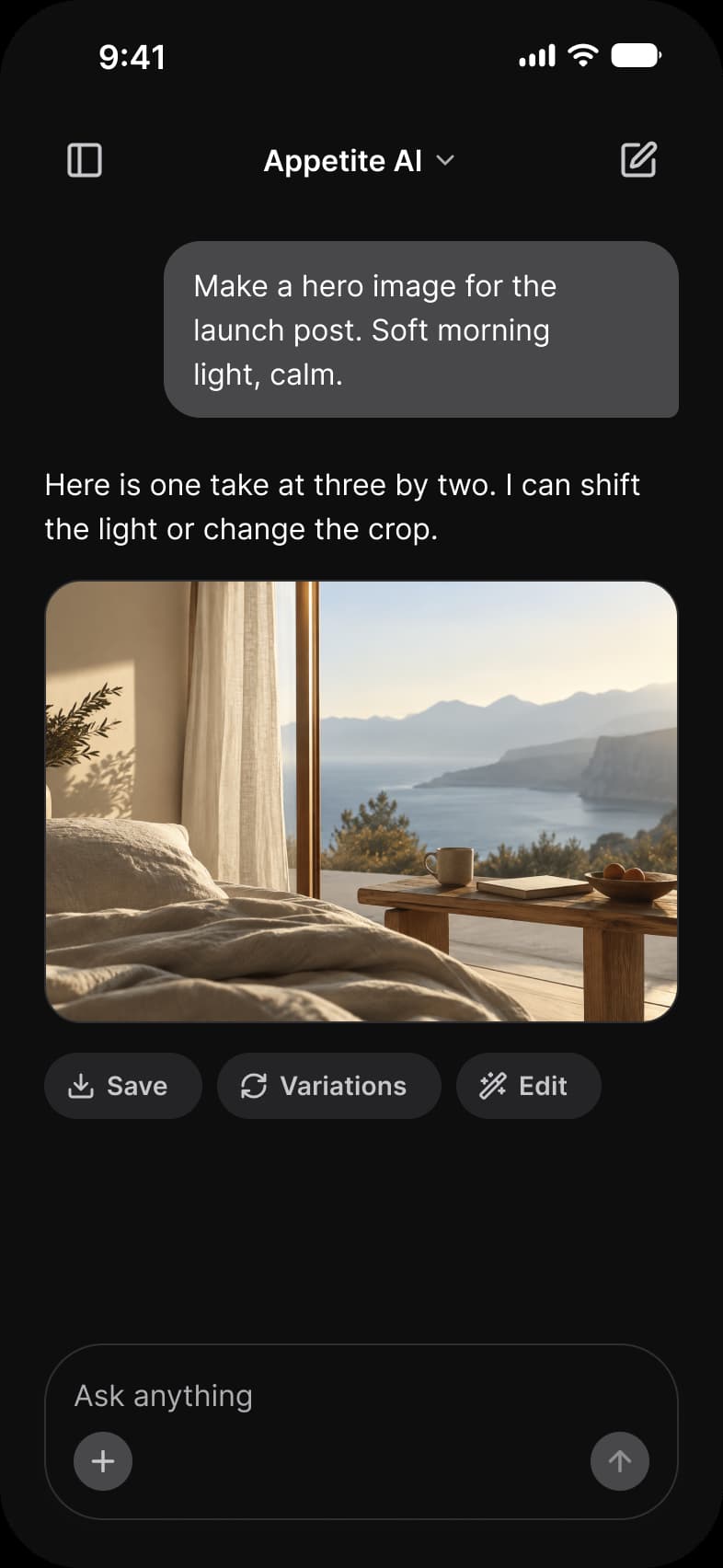
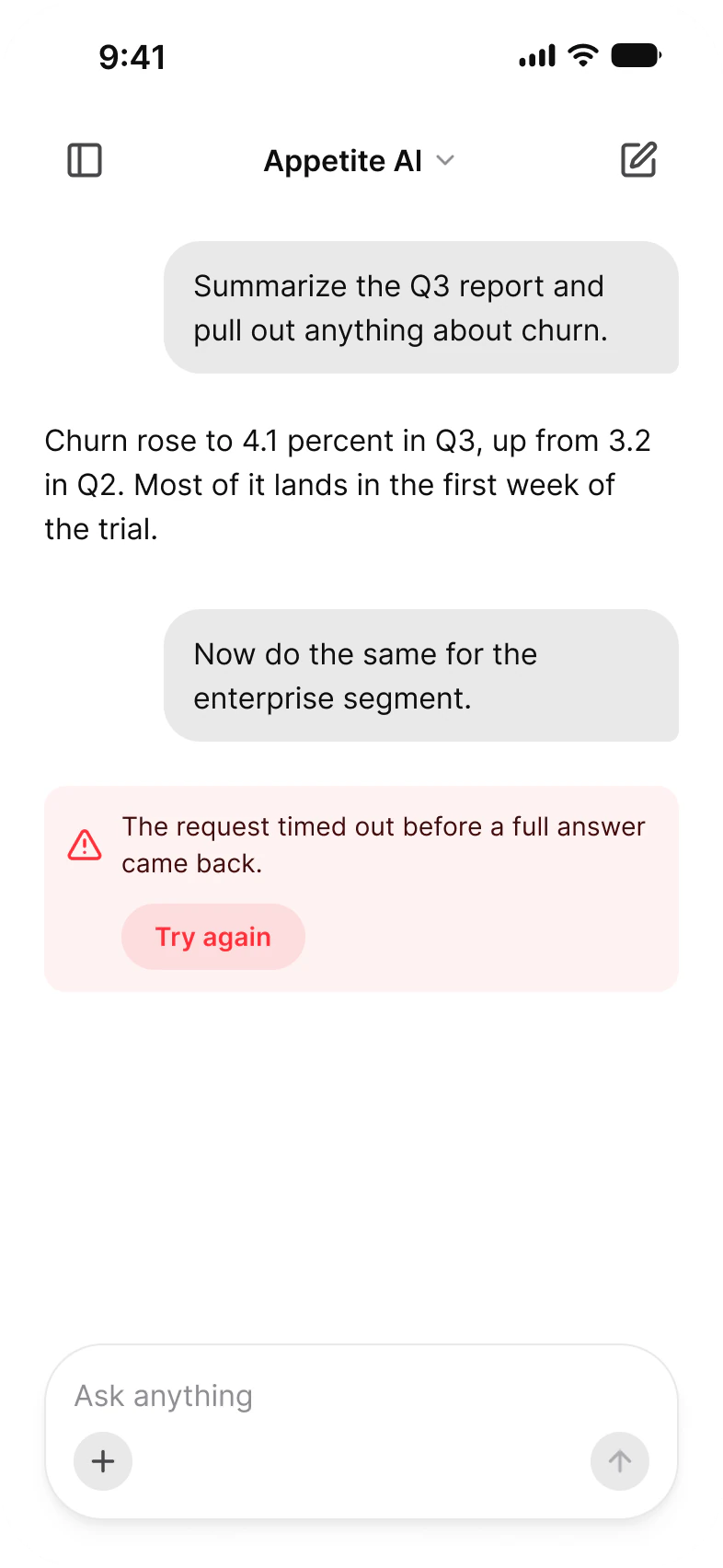
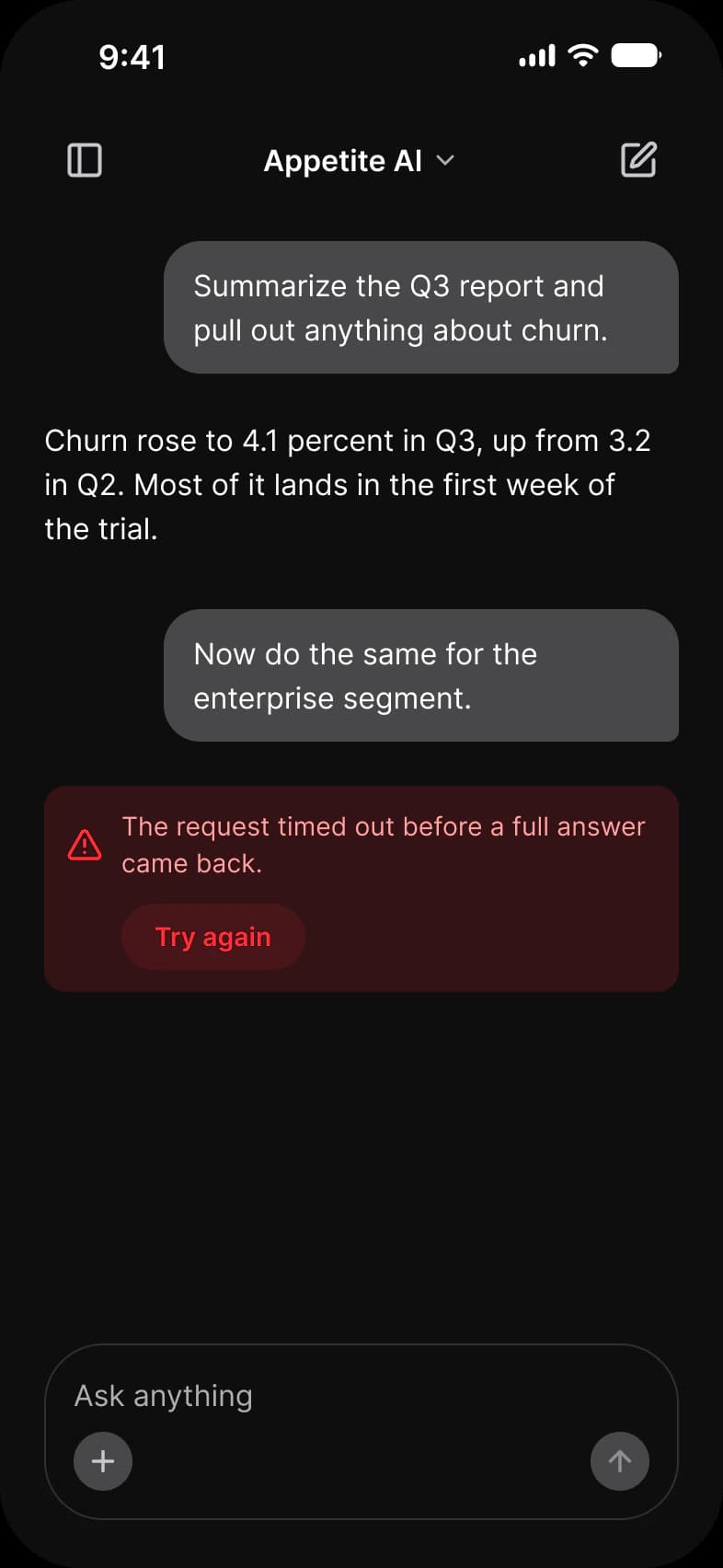
A chat with a model in Appetite UI, a Figma UI kit for iOS and Android apps built like a design system: Good morning, Maren with four suggestion chips, a thread whose reply holds a table and two sources, a reply still arriving with a stop button, a file in the composer, a picture reply and a request that timed out.
Updated
Preview
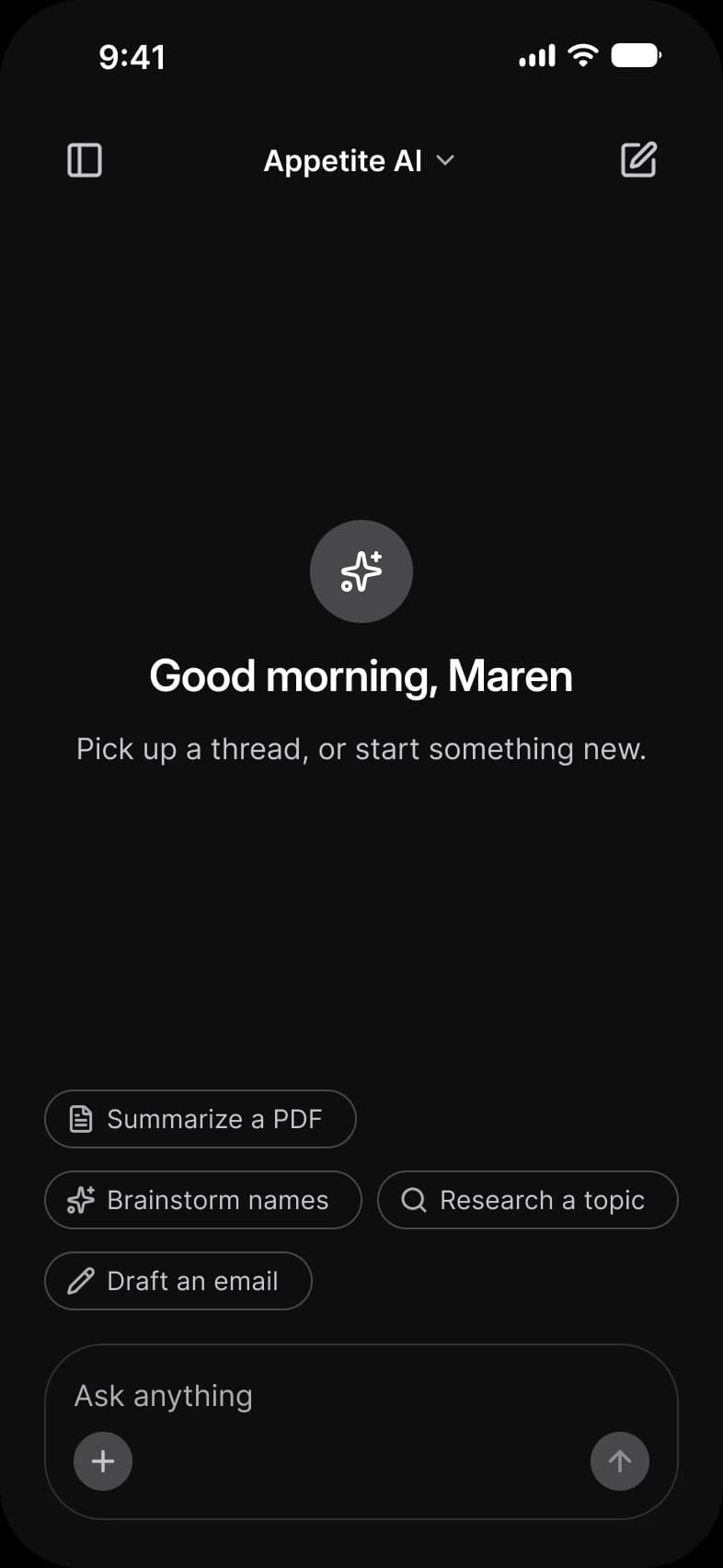
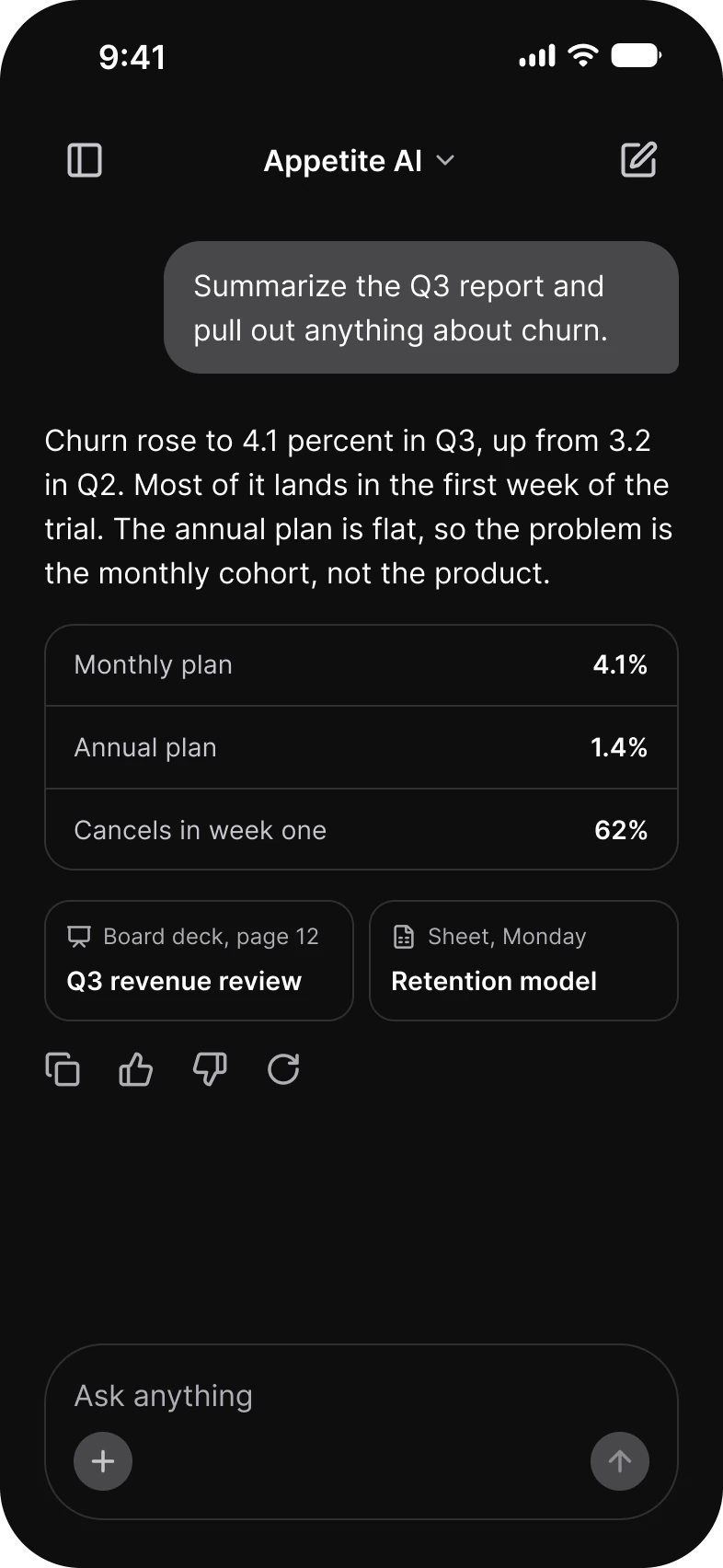
New chat, Thread, Generating, Attachment, Image, Error, from the AI page of the Appetite UI Figma file. The theme switch shows the dark frames.
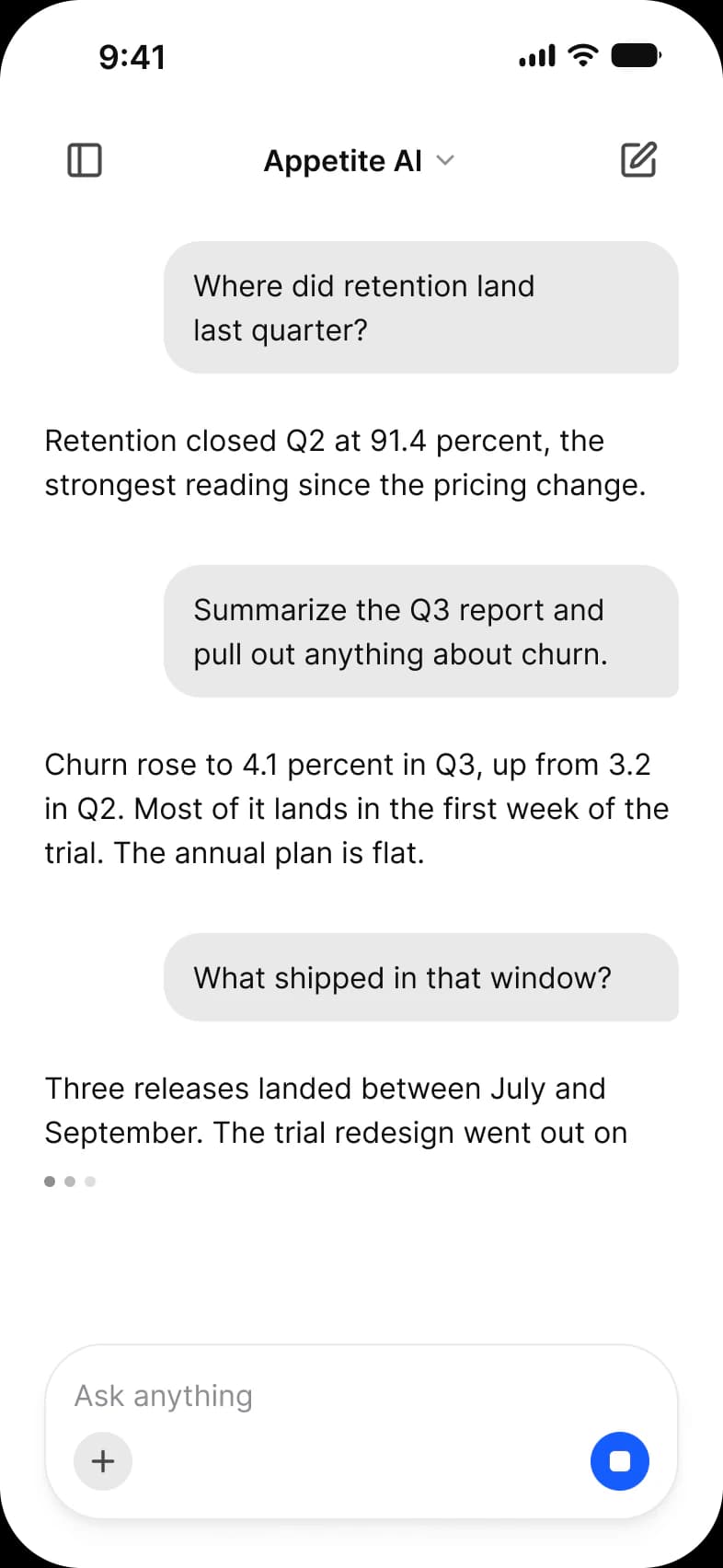
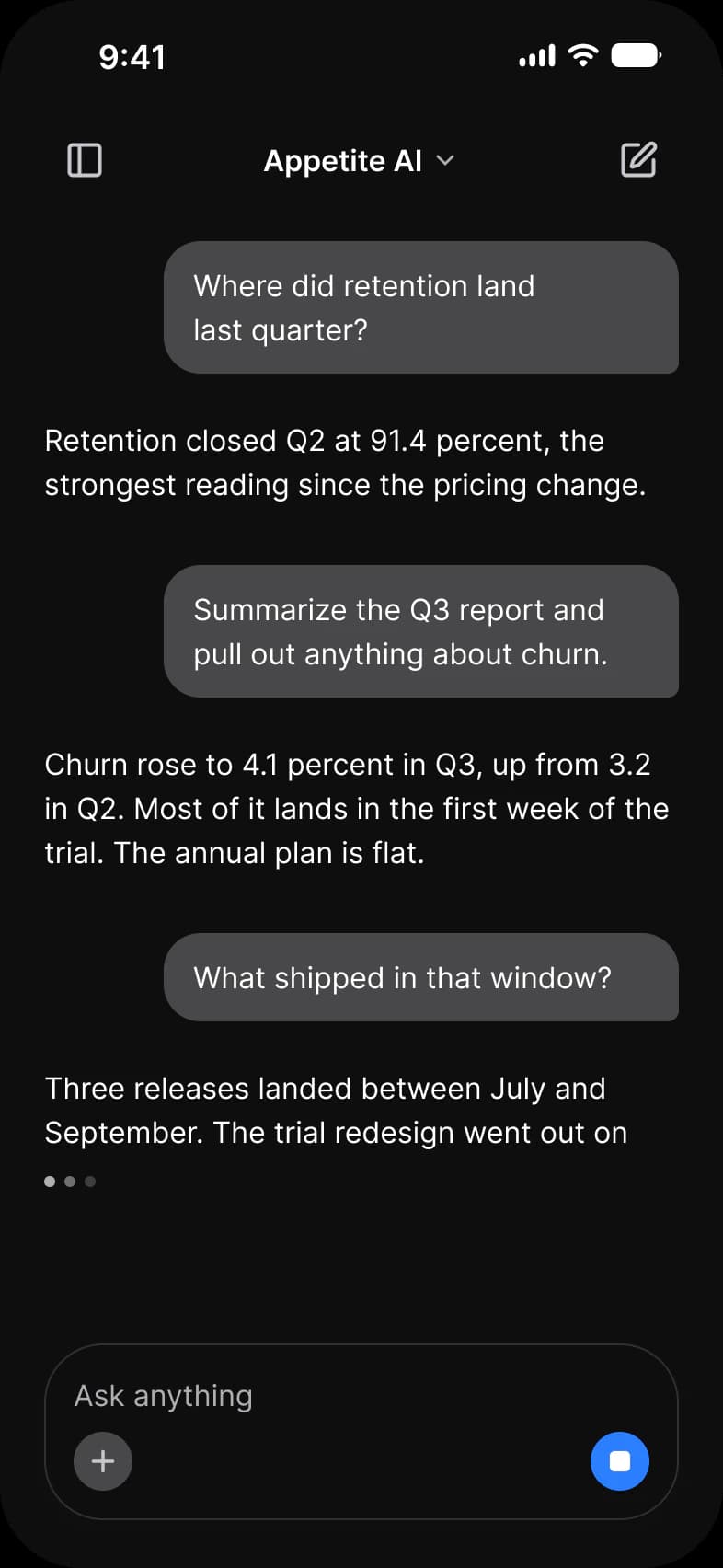
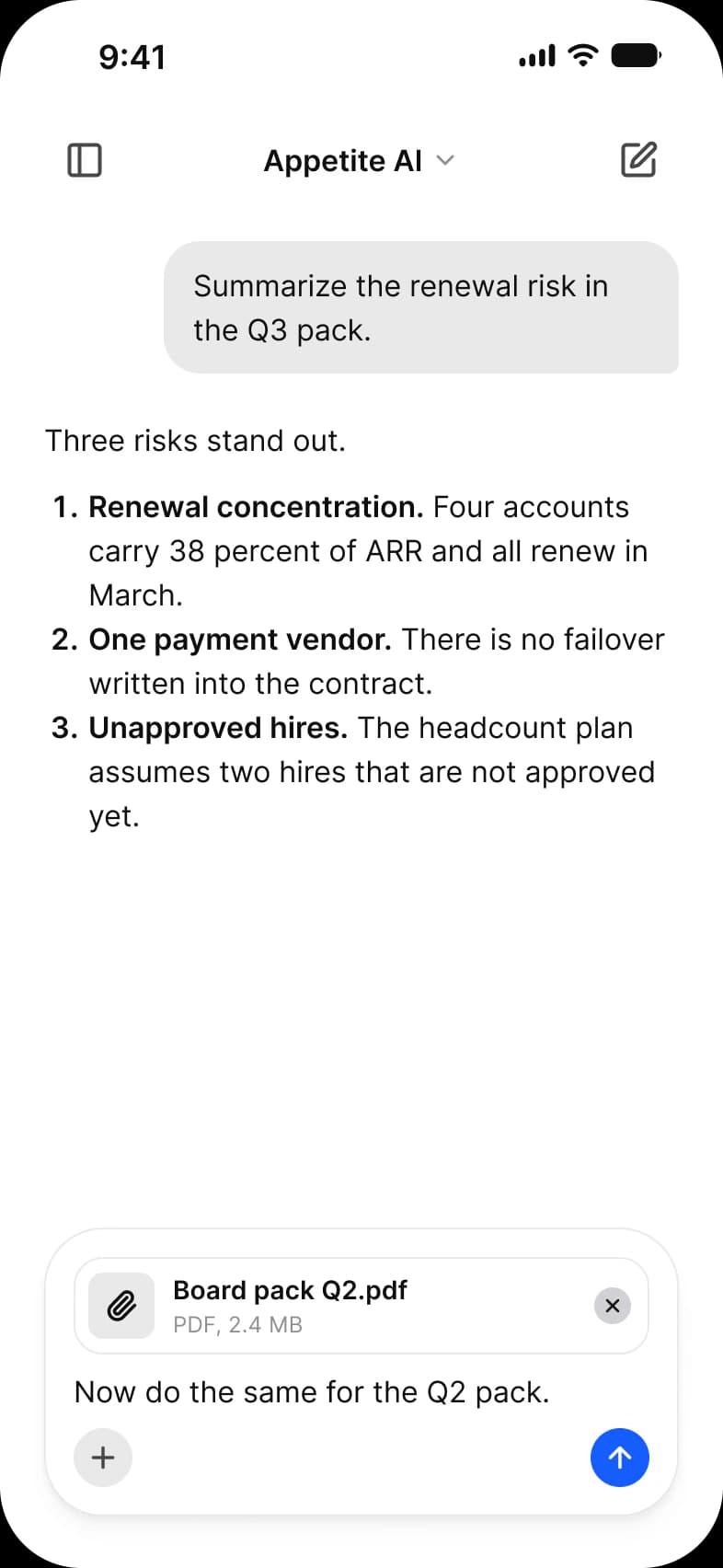
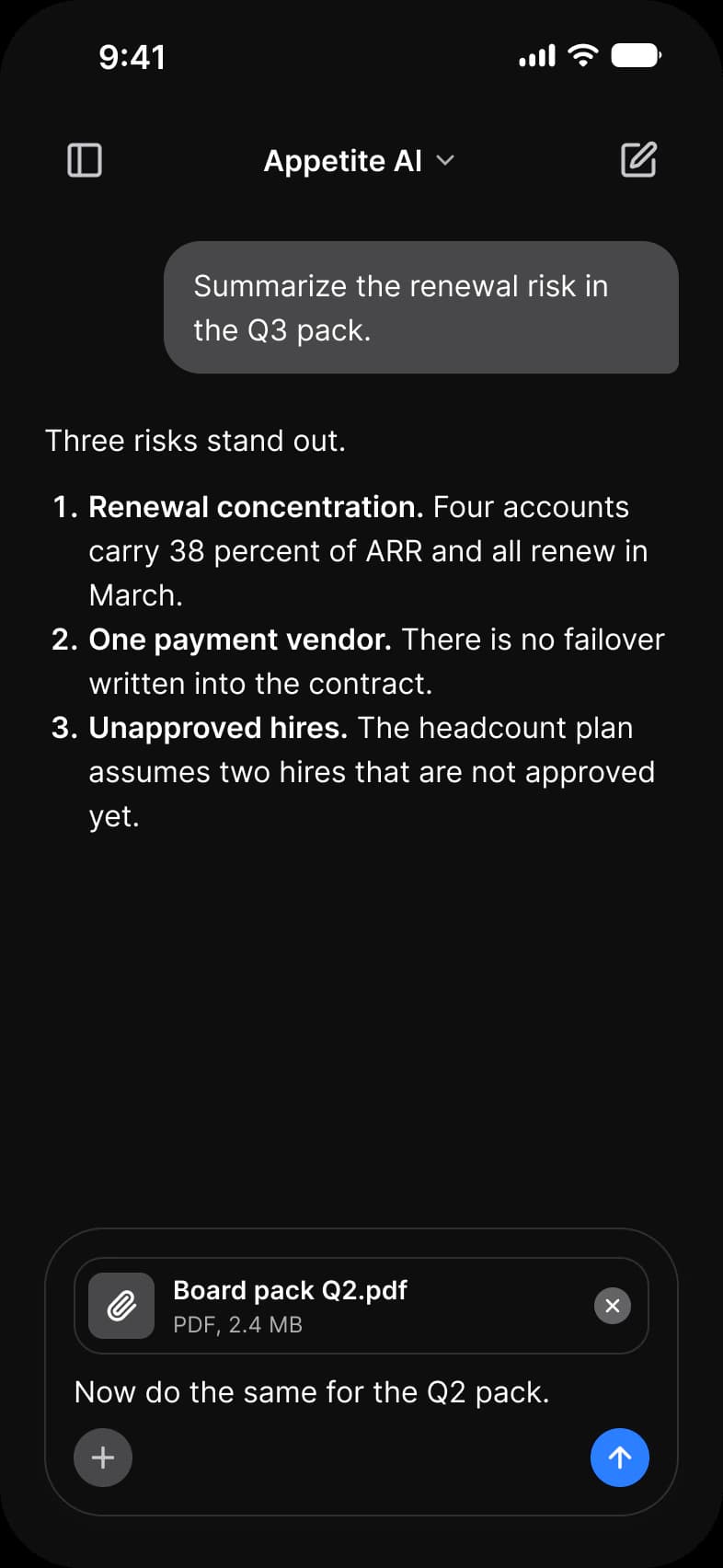
| Screen | What it shows |
|---|---|
| New chat | An empty prompt with four suggestions |
| Thread | A question, a reply with a table and sources, and the reply actions |
| Generating | A reply that is still arriving, with a stop button |
| Attachment | A file waiting in the composer, a numbered list in the reply |
| Image | A picture reply with Save, Variations and Edit |
| Error | A failed reply with a retry |
Which components carry the chat pattern?
The kit's components, drawn live from the same tokens as the frames. Tap them: they behave as the Figma prototype does.
AI / Message and AI / Prompt Composer
How does this screen follow the chat pattern?
The rules every chat screen in the kit follows, and what this one does with each.
| Rule | On the ai chat app |
|---|---|
| The composer stays put | The AI / Prompt Composer stays at the bottom in every state; while a reply streams its send button becomes a blue stop button. |
| A reply can be more than text | Replies are full width AI / Message rows, not bubbles, because they hold a three row table, source cards and Save, Variations and Edit. |
| Show the state, not a spinner | Generating shows a typing indicator under the cut off reply, and Error a red banner, The request timed out before a full answer came back, with Try again. |
What is it built from?
Every control with a component is an instance of it, so one token change moves these screens with the rest of the file.
| Component | Screens |
|---|---|
| AI / Prompt Composer | New chat, Thread, Generating, Attachment |
| Chip | New chat |
| Button | New chat, Image, Error |
| AI / Message | Thread, Generating, Attachment, Image, Error |
What changes between iOS and Material?
The frames are drawn in the ios-md Platform mode. Switch a frame to android and these variables take the Material values; the components below are where the two systems draw the same need differently.
| Variable | iOS (ios-md) | Android |
|---|---|---|
platform/min-touch-target | 44 | 48 |
platform/control/corner | 8 | Full (9999) |
| Component | iOS | Material 3 | What differs |
|---|---|---|---|
| Text field | iOS / Text Field | M3 / Text Field, Filled or Outlined, 56 high | Material has Enabled, Focused, Error and Disabled states |
Start from these screens.
Every frame on this page is part of the Appetite UI file, drawn from its components and bound to its variables, so one brand edit moves every screen in light and dark.
The file holds 589 variables in 6 collections and exports its token values to SwiftUI, Jetpack Compose, Flutter and CSS. Solo covers one designer and Team up to ten people. You pay once and keep lifetime updates. Price goes up Nov 1
The read-only Figma preview opens the whole file, every screen and every variable, before you buy.