Skip to content

Chat screens

Two kinds of conversation, drawn in Appetite UI, a Figma UI kit for iOS and Android apps built like a design system: people talking to people in the social app, and a person talking to a model in the AI app. They share the composer and differ in what a reply can hold.

On this page
  1. Screens
  2. Live components
  3. The rules
  4. iOS and Material
  5. Related
  6. Get the file

Screens

Every screen of the Appetite UI Figma file that shows the pattern, light and dark. The theme switch shows the dark frames.
Chat screens393 x 852 each, Light and Dark
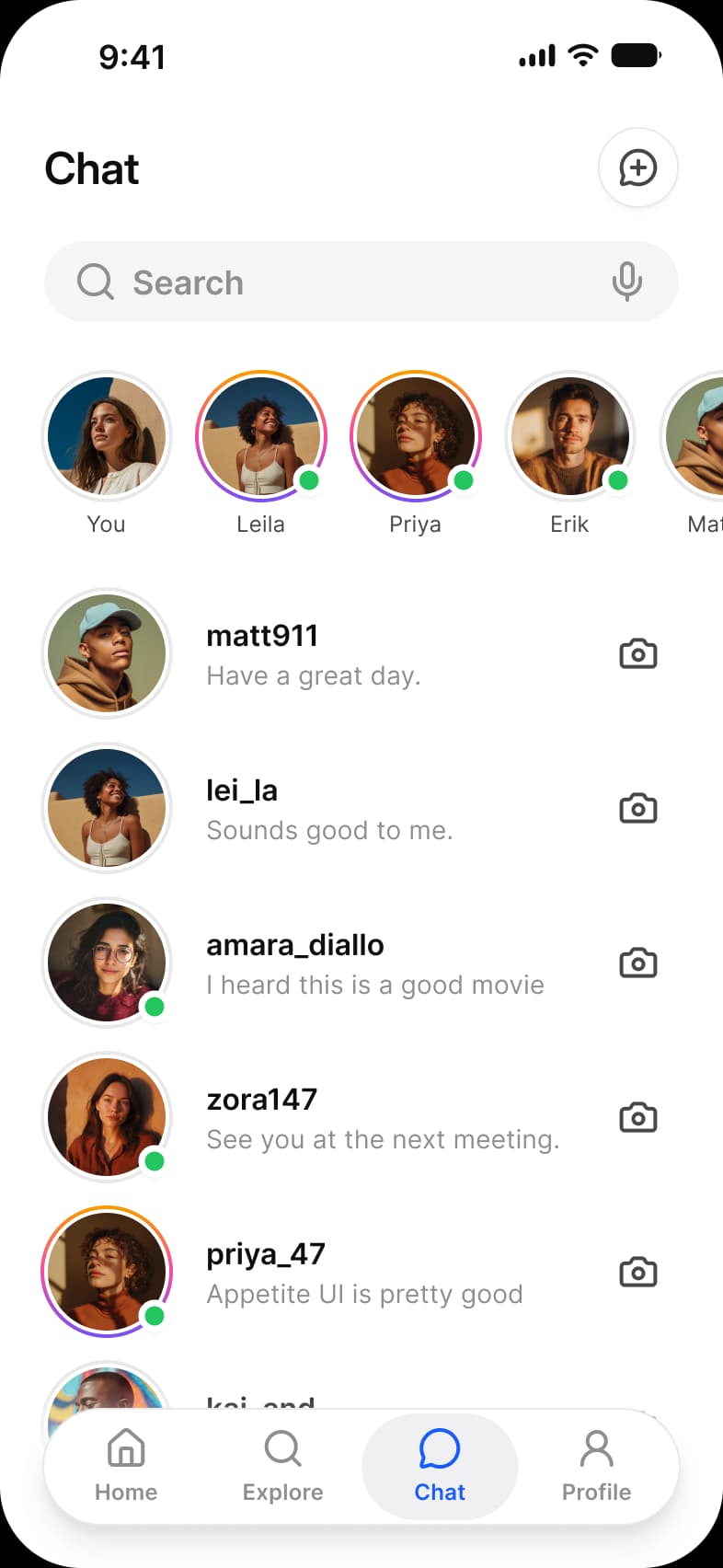
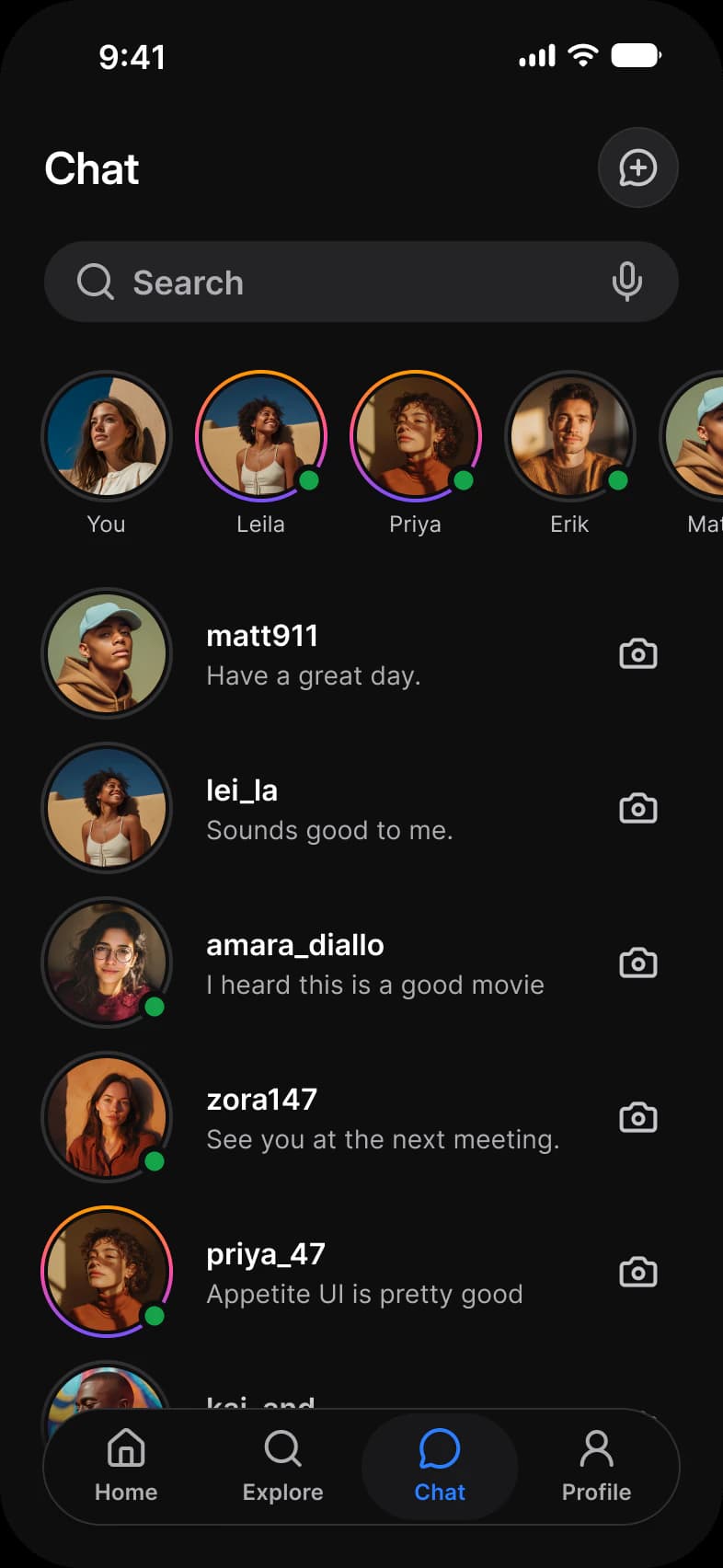
Social app Chat list: a new message button, a Search field, a row of stories with online dots, and conversations from matt911 to priya_47, each with a message preview and a camera buttonSocial app Chat list in dark mode: a new message button, a Search field, a row of stories with online dots, and conversations from matt911 to priya_47, each with a message preview and a camera button
Social media app, Chats
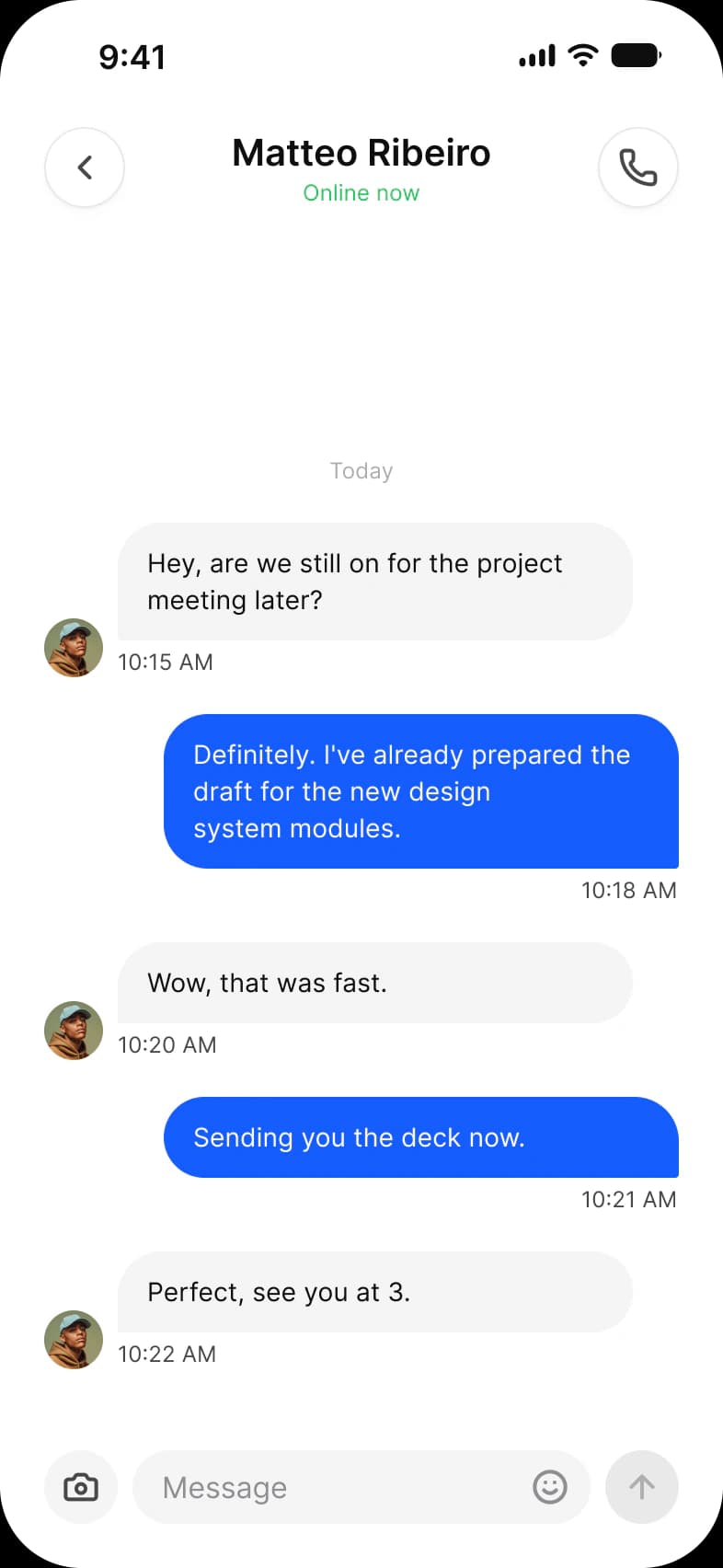
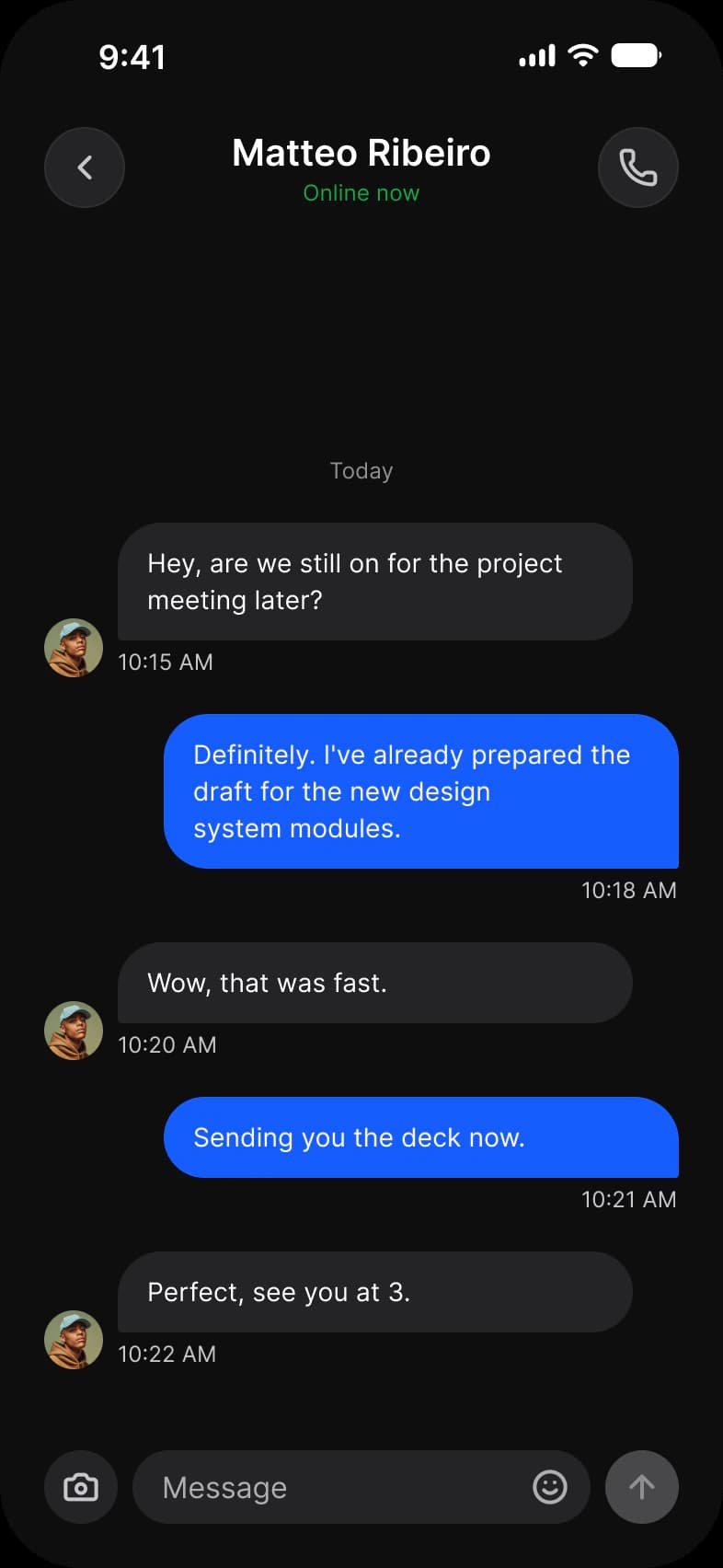
Social app Chat thread with Matteo Ribeiro, Online now: received and sent message bubbles with times, and a message field with camera, emoji and send buttonsSocial app Chat thread with Matteo Ribeiro in dark mode, Online now: received and sent message bubbles with times, and a message field with camera, emoji and send buttons
Social media app, Chat
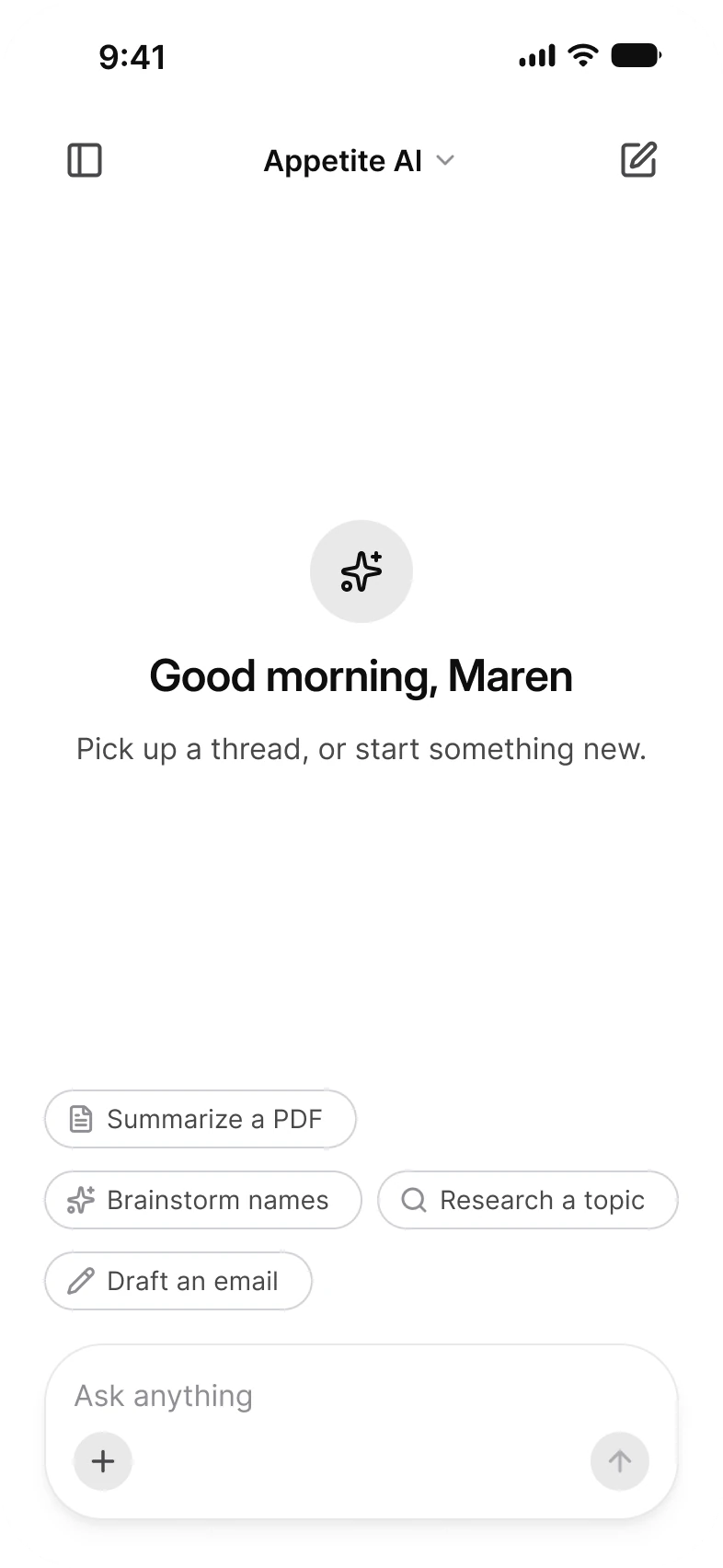
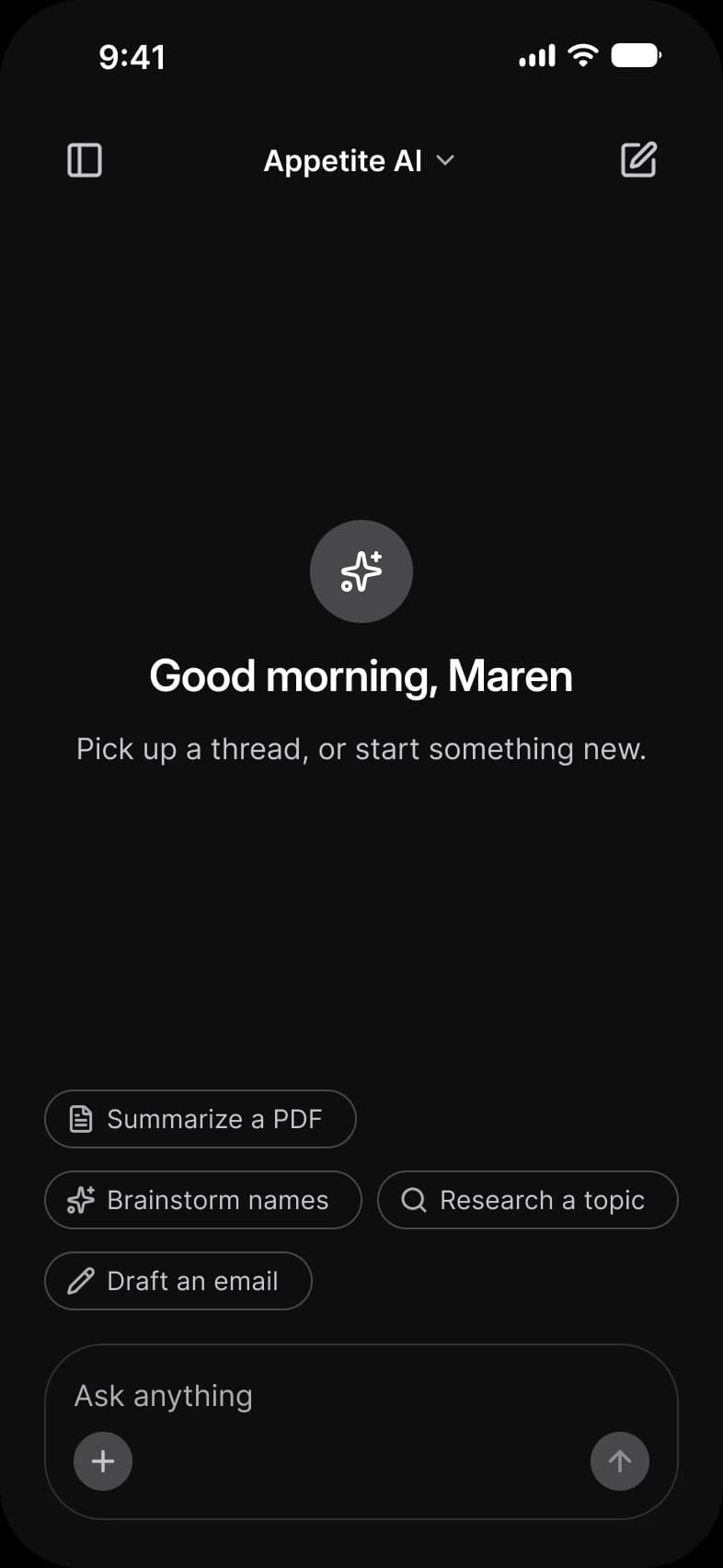
AI new chat screen: an Appetite AI model switcher between a sidebar button and a new chat button, a sparkle icon above Good morning, Maren, a line to pick up a thread, four suggestion chips such as Summarize a PDF and Draft an email, and the Ask anything composerAI new chat screen in dark mode: an Appetite AI model switcher between a sidebar button and a new chat button, a sparkle icon above Good morning, Maren, a line to pick up a thread, four suggestion chips such as Summarize a PDF and Draft an email, and the Ask anything composer
AI chat app, New chat
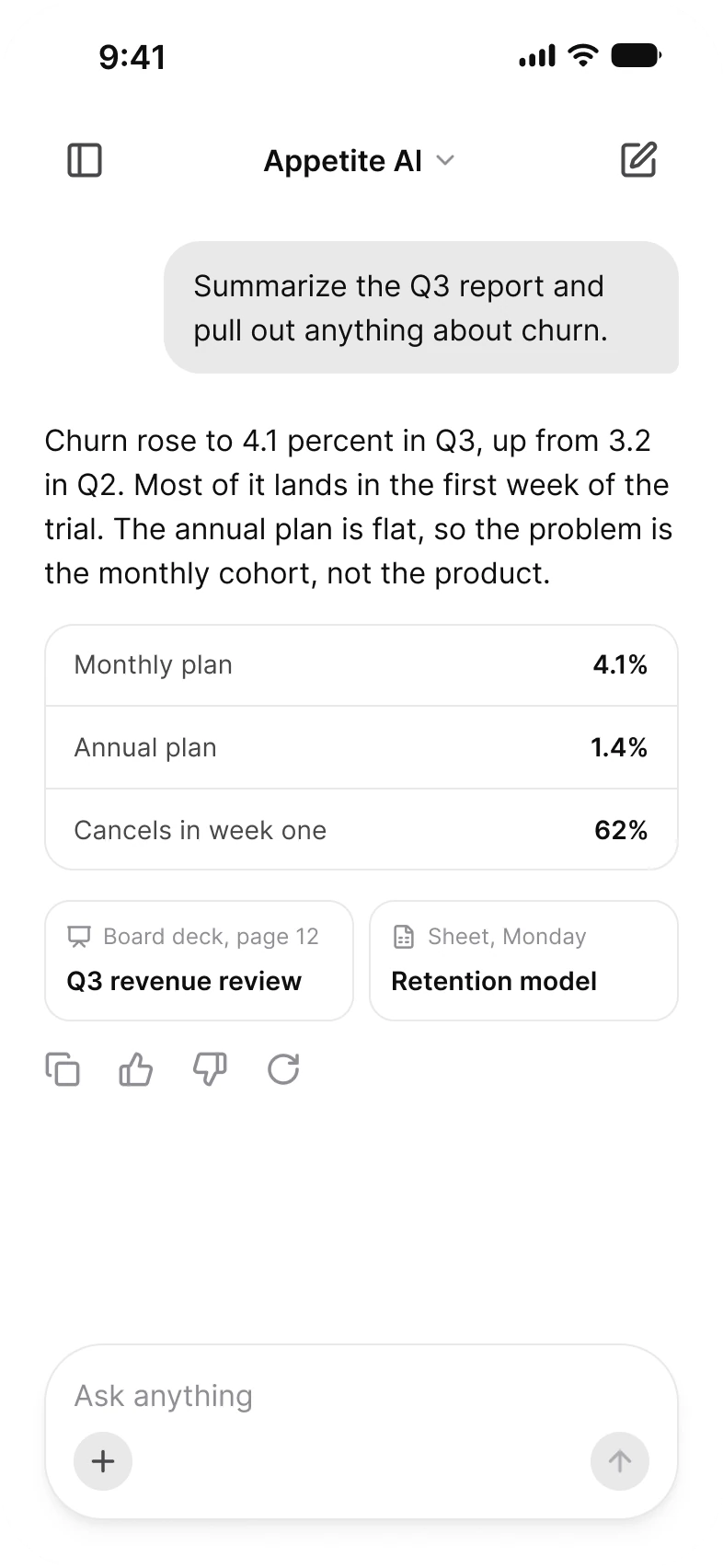
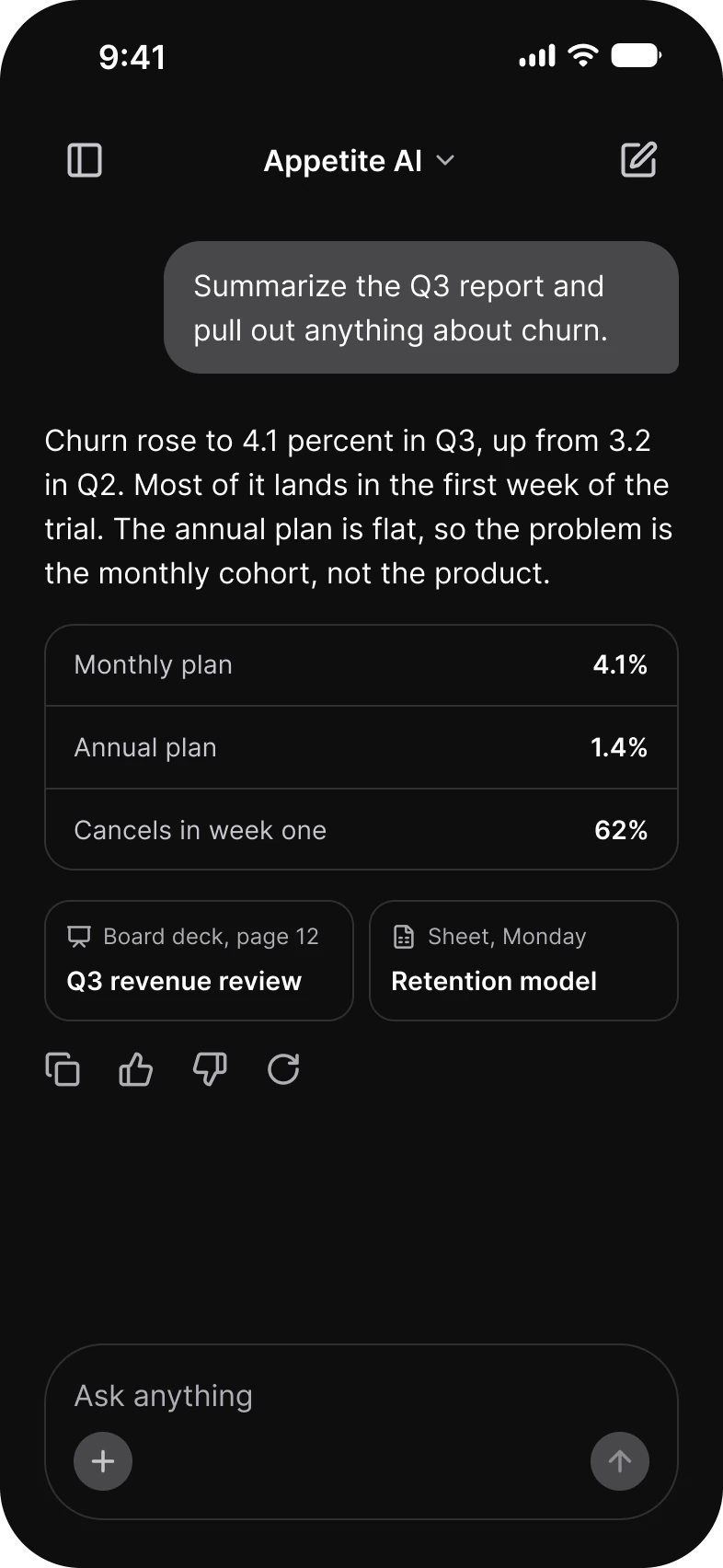
AI thread screen: a message asking to summarize the Q3 report, a reply that churn rose to 4.1 percent with a three row table of Monthly plan, Annual plan and Cancels in week one, two source cards, copy, like, dislike and retry actions, and the composerAI thread screen in dark mode: a message asking to summarize the Q3 report, a reply that churn rose to 4.1 percent with a three row table of Monthly plan, Annual plan and Cancels in week one, two source cards, copy, like, dislike and retry actions, and the composer
AI chat app, Thread
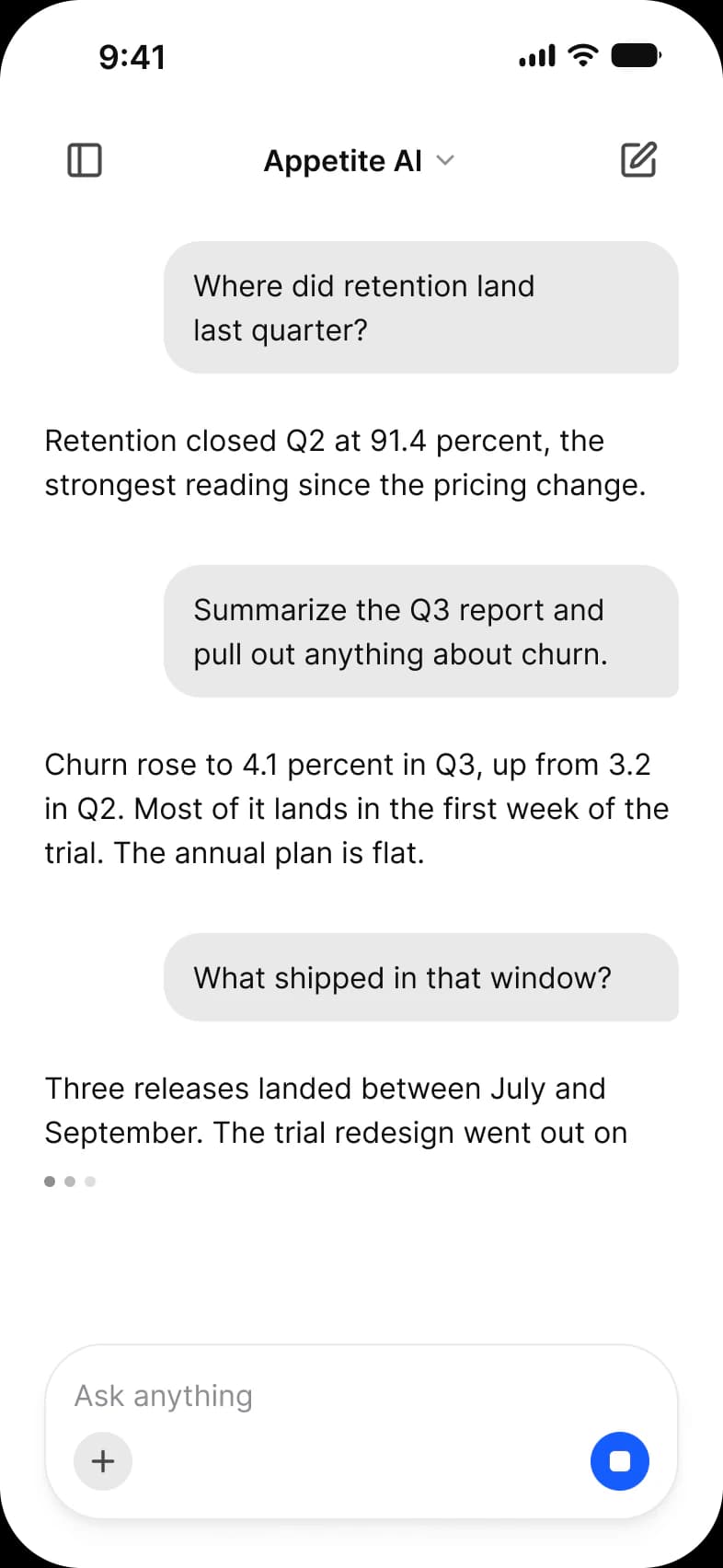
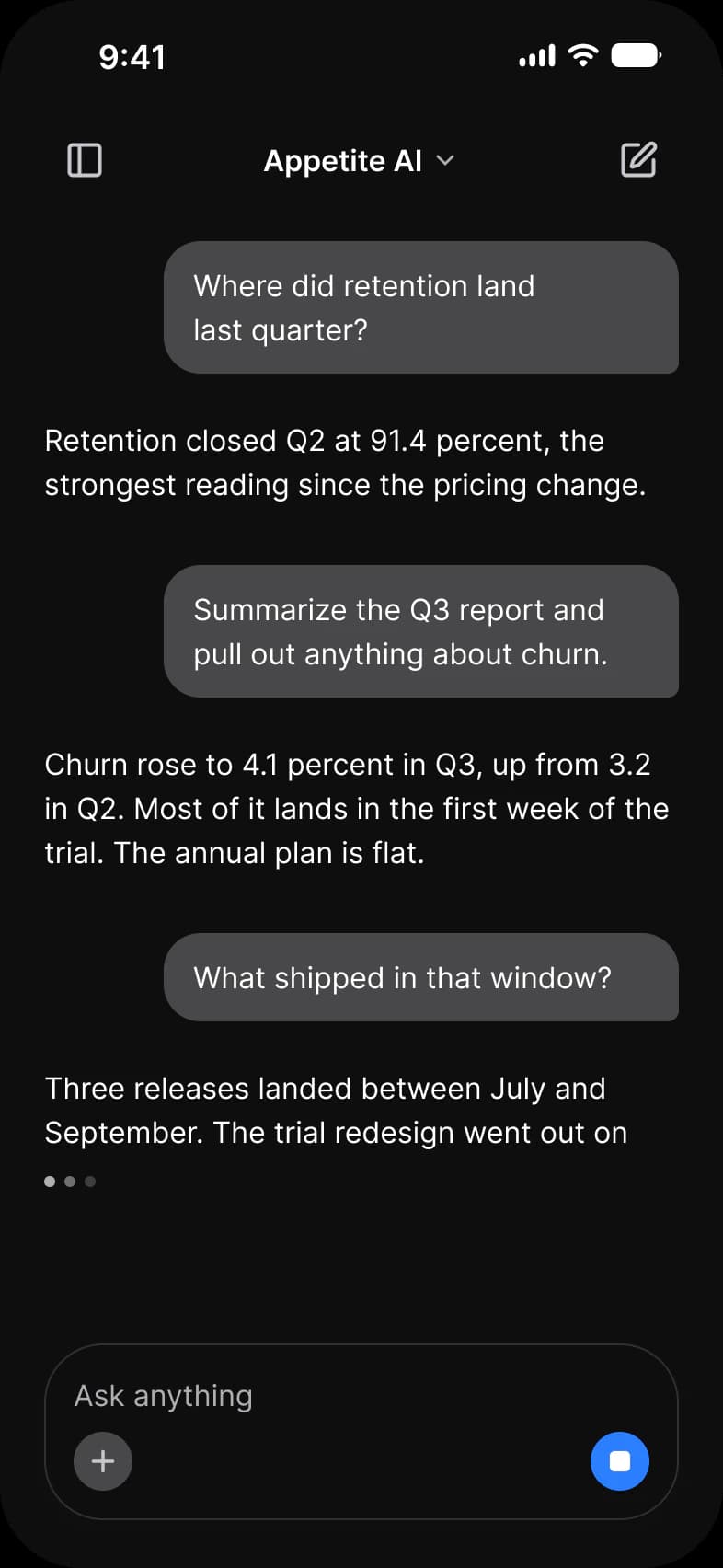
AI generating screen: three exchanges about retention and the Q3 report, the last reply cut off above a typing indicator, and a composer whose send button has become a blue stop buttonAI generating screen in dark mode: three exchanges about retention and the Q3 report, the last reply cut off above a typing indicator, and a composer whose send button has become a blue stop button
AI chat app, Generating
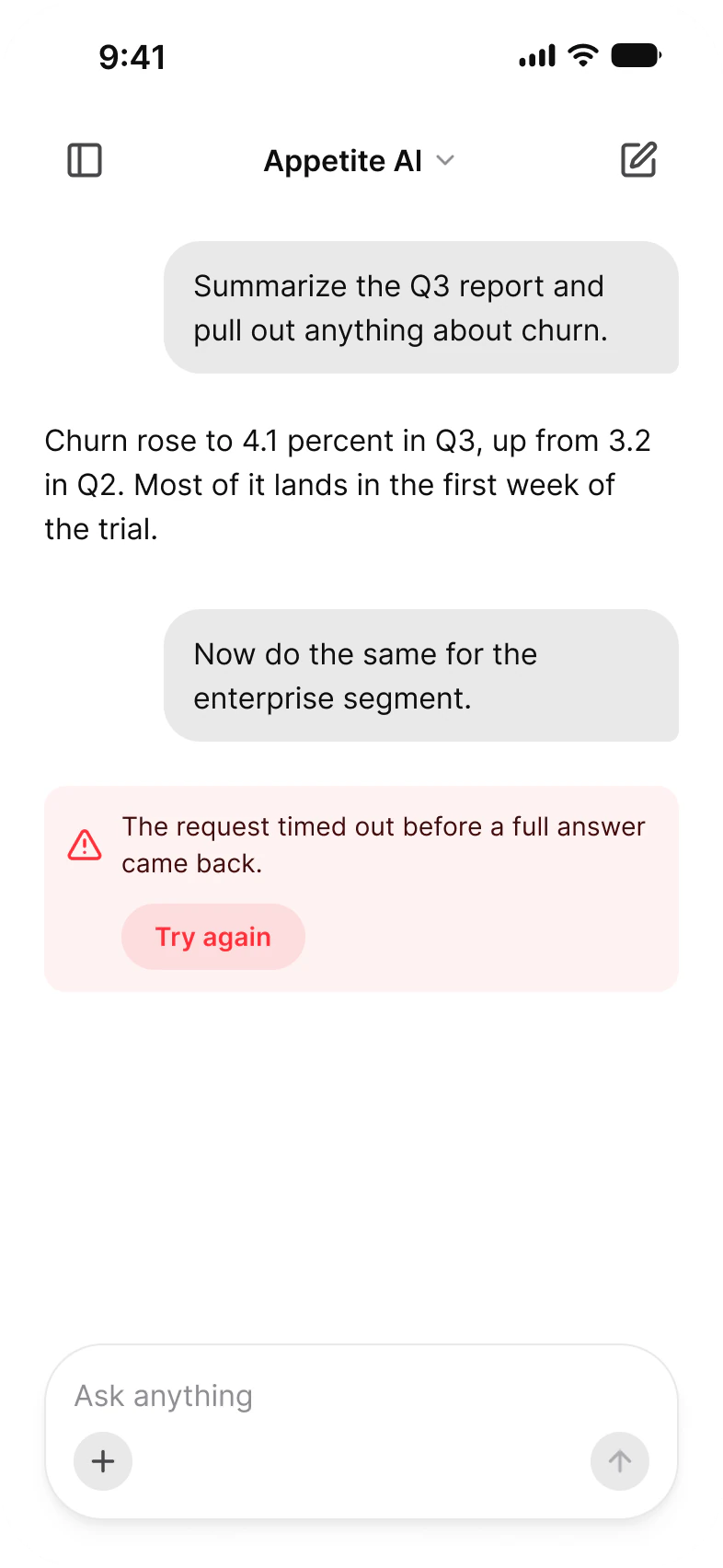
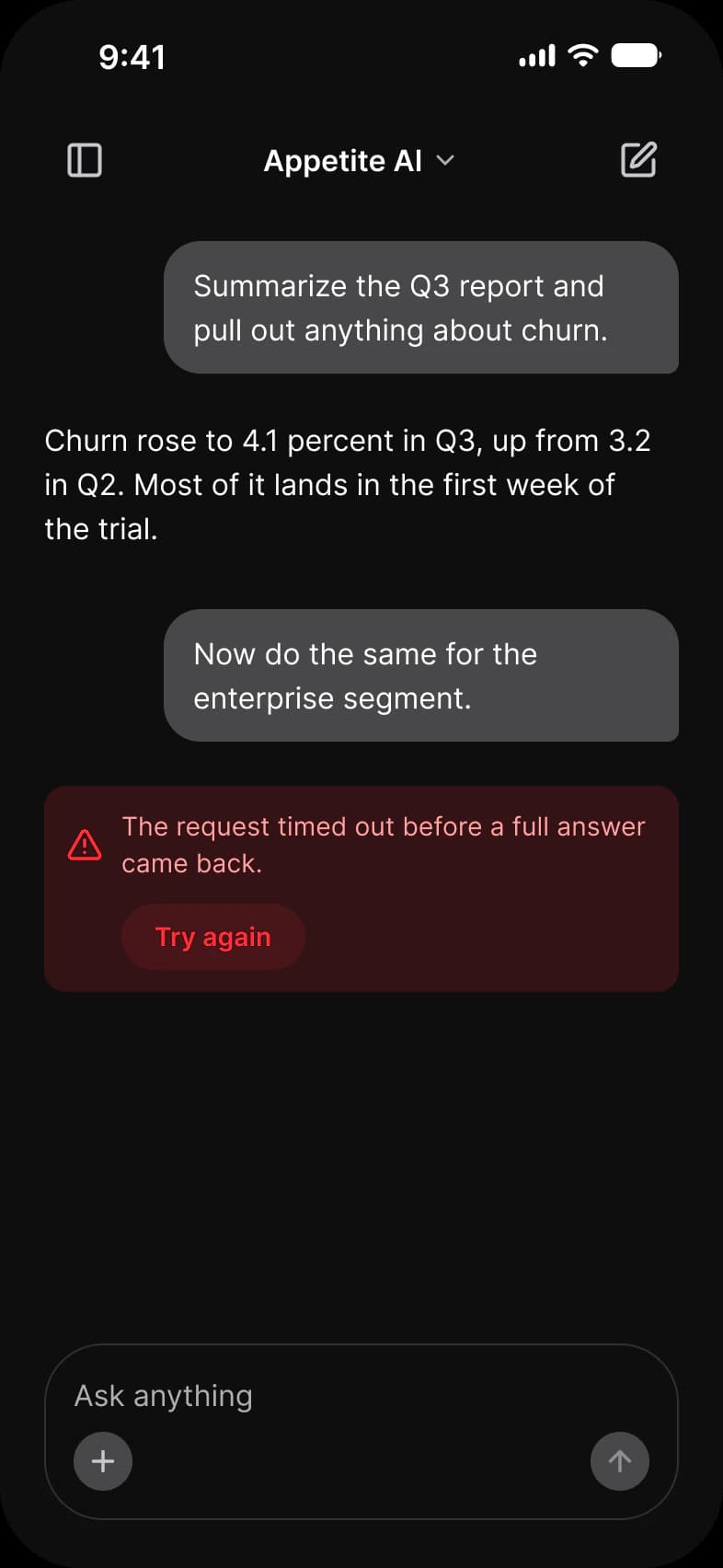
AI error screen: a red banner reading The request timed out before a full answer came back with a Try again button, below a question, its answer and a follow-up question, and above an empty composerAI error screen in dark mode: a red banner reading The request timed out before a full answer came back with a Try again button, below a question, its answer and a follow-up question, and above an empty composer
AI chat app, Error
Screens, app, screen, what it shows, page
AppScreenWhat it showsPage
Social media appChatsStories with online dots and the list of conversationsSocial media app chat
Social media appChatOne conversation and its reply fieldSocial media app chat
AI chat appNew chatAn empty prompt with four suggestionsAI chat app
AI chat appThreadA question, a reply with a table and sources, and the reply actionsAI chat app
AI chat appGeneratingA reply that is still arriving, with a stop buttonAI chat app
AI chat appErrorA failed reply with a retryAI chat app

Which components carry the chat pattern?

Drawn live from the kit's tokens, at the kit's geometry. Tap them: they behave as the Figma prototype does.

Chat, live componentsKit geometry, light and dark

AI / Message and AI / Prompt Composer

Summarize the Q3 report and pull out anything about churn.Churn rose to 4.1 percent in Q3, up from 3.2 in Q2.

What does every chat screen do?

The rules the screens above share. Each app's page says how its screen applies them.

Rules, rule, why
RuleWhy
The composer stays putThe field to write in sits at the bottom of every thread, in every state, so the next message is always one tap away.
A reply can be more than textA model’s reply holds tables, sources, files and pictures, so the AI thread draws replies as full width messages rather than bubbles.
Show the state, not a spinnerA reply that is still arriving shows a typing indicator and a stop button. A reply that failed says why and offers Try again.

What changes between iOS and Material?

The frames are drawn in the ios-md Platform mode. Switch a frame to android and these variables take the Material values.

Platform variables, variable, iOS, Android
VariableiOS (ios-md)Android
platform/min-touch-target4448
platform/control/corner8Full (9999)
Counterparts, component, iOS, Material 3, what differs
ComponentiOSMaterial 3What differs
Text fieldiOS / Text FieldM3 / Text Field, Filled or Outlined, 56 highMaterial has Enabled, Focused, Error and Disabled states

Start from these screens.

Every frame on this page is part of the Appetite UI file, drawn from its components and bound to its variables, so one brand edit moves every screen in light and dark.

The file holds 589 variables in 6 collections and exports its token values to SwiftUI, Jetpack Compose, Flutter and CSS. Solo covers one designer and Team up to ten people. You pay once and keep lifetime updates. Price goes up Nov 1

The read-only Figma preview opens the whole file, every screen and every variable, before you buy.