Updated
Search and filter screens
Finding one thing among many, drawn in Appetite UI, a Figma UI kit for iOS and Android apps built like a design system. Search narrows by words, filters narrow by facts, and every screen here shows how many results are left before anyone commits.
Updated
Screens
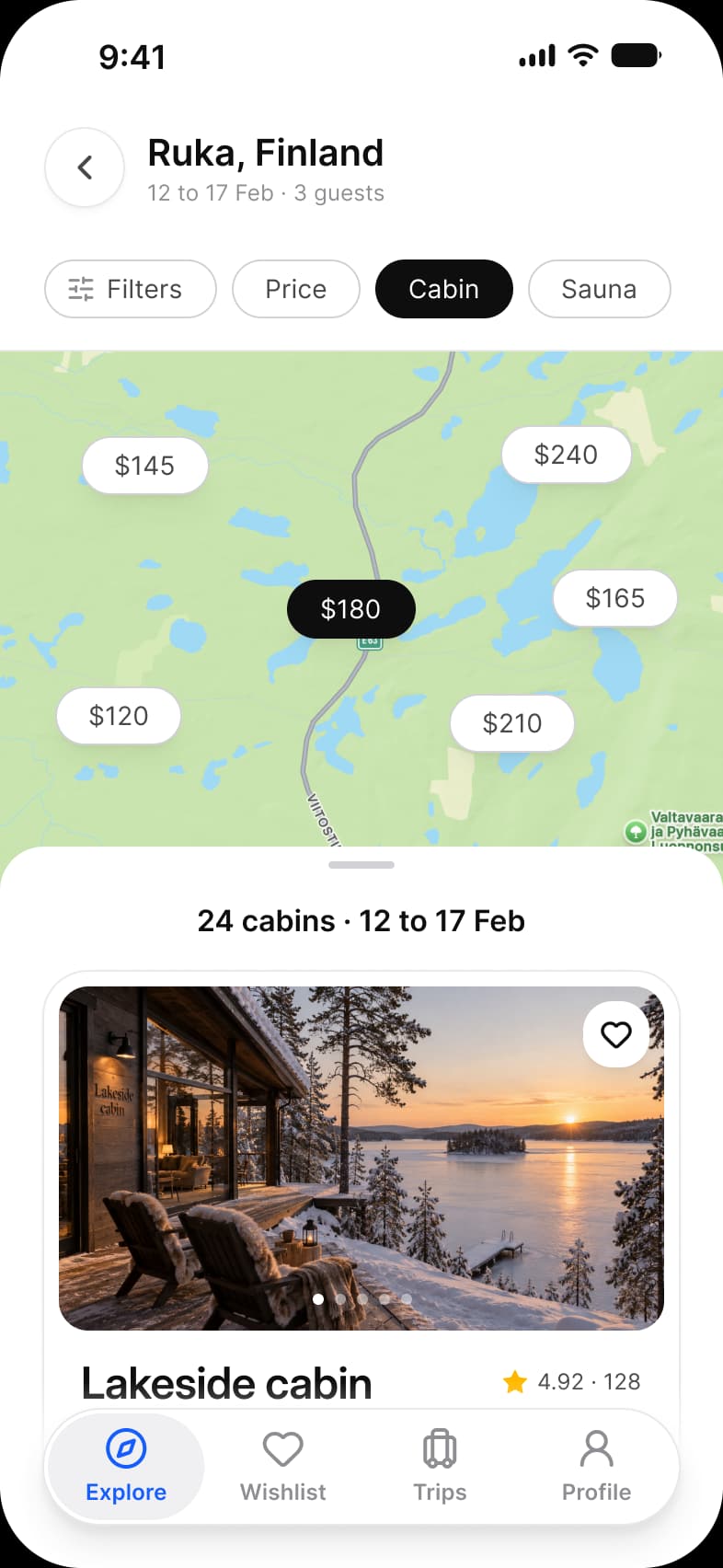
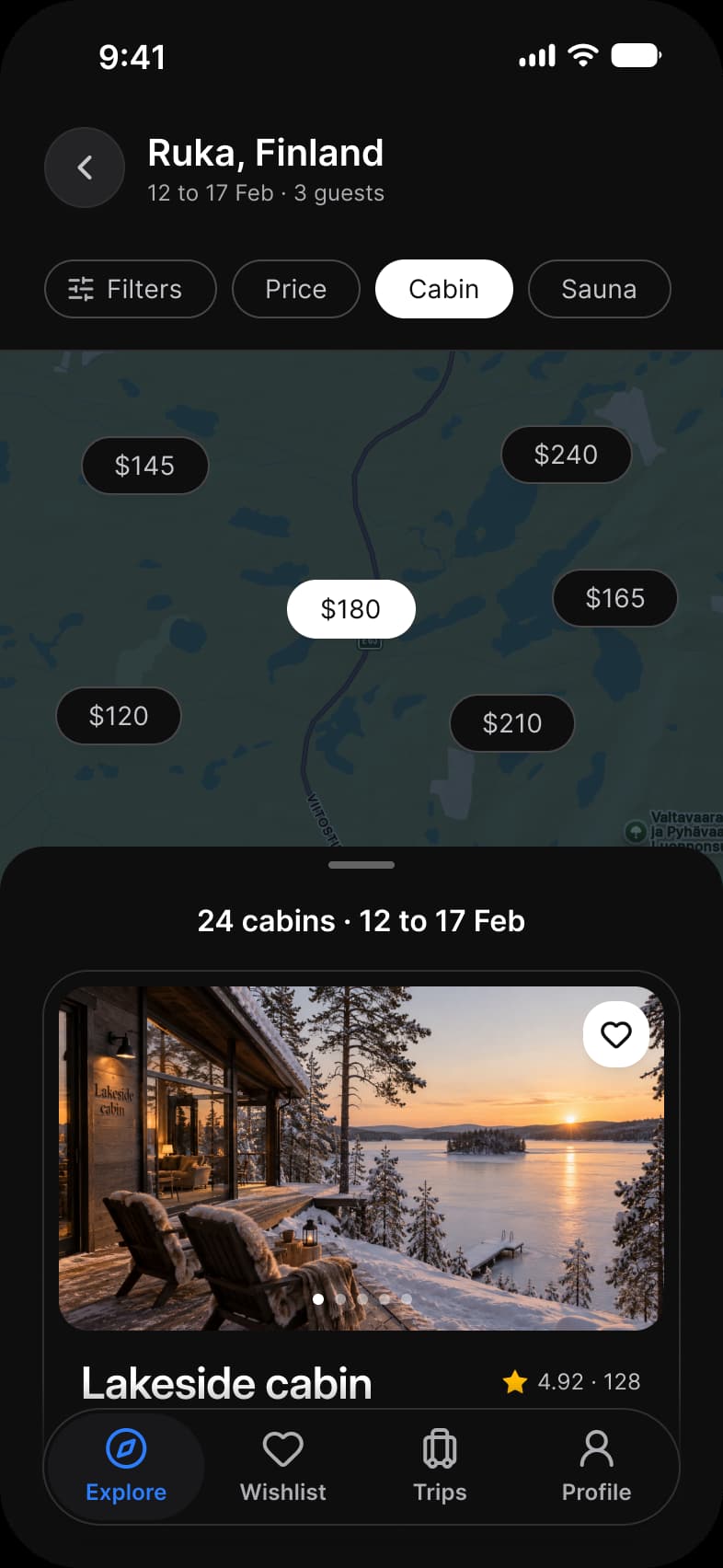
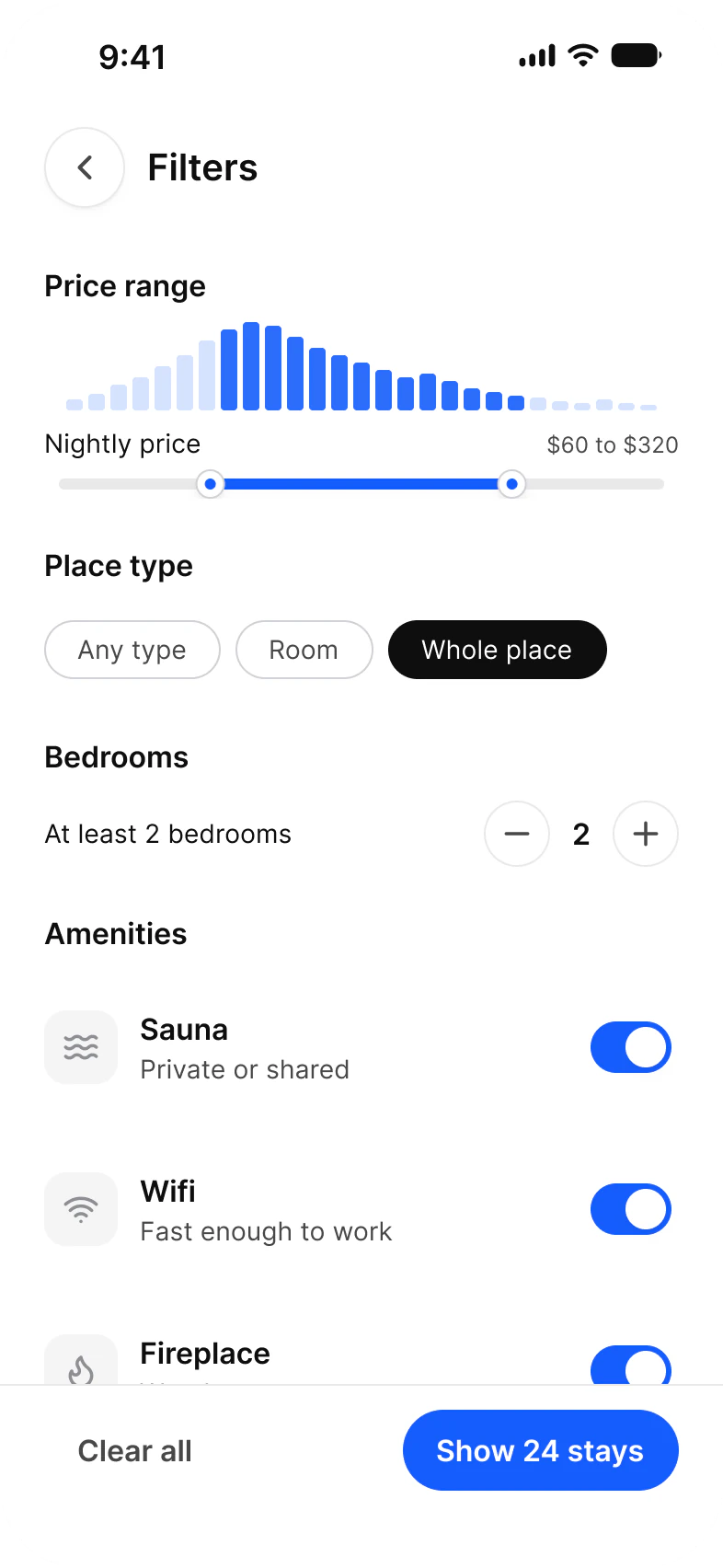
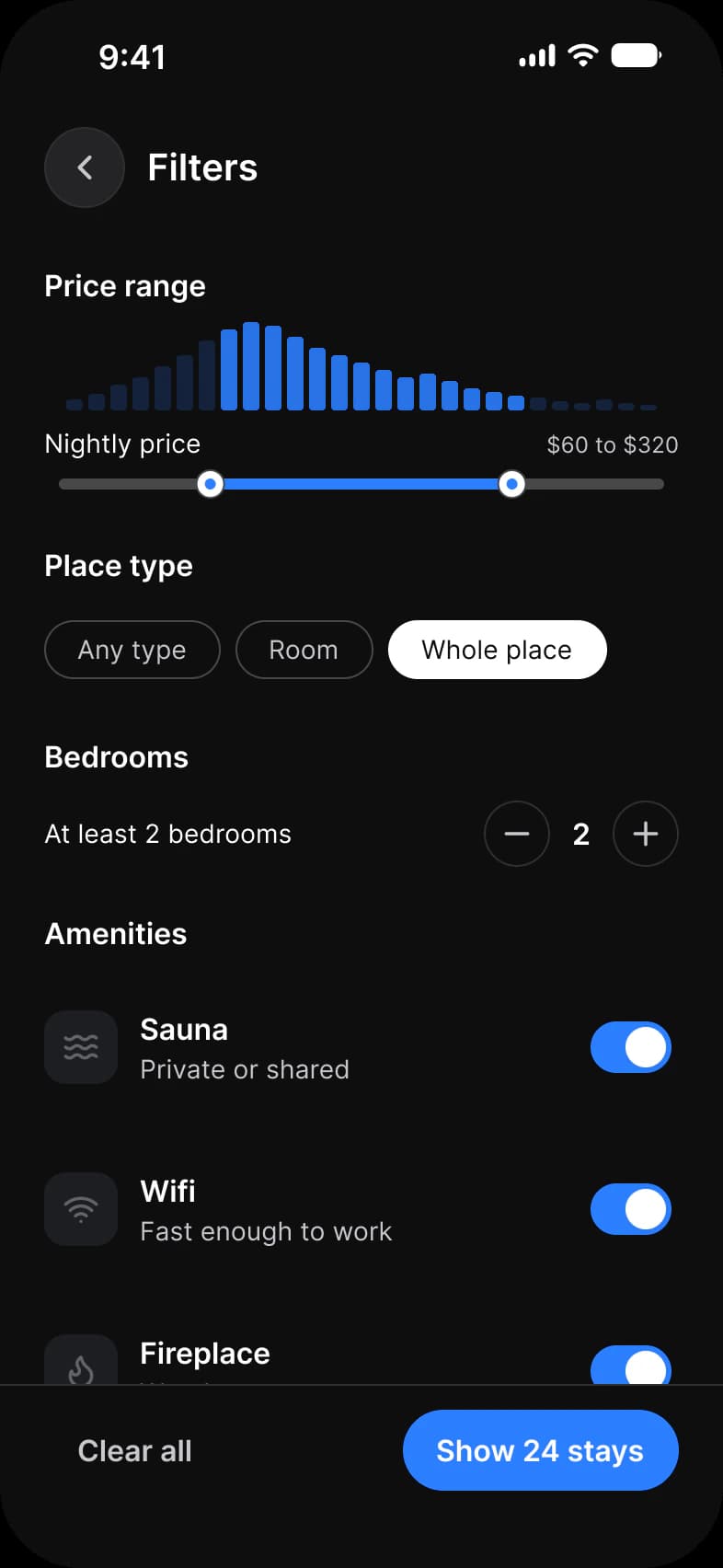
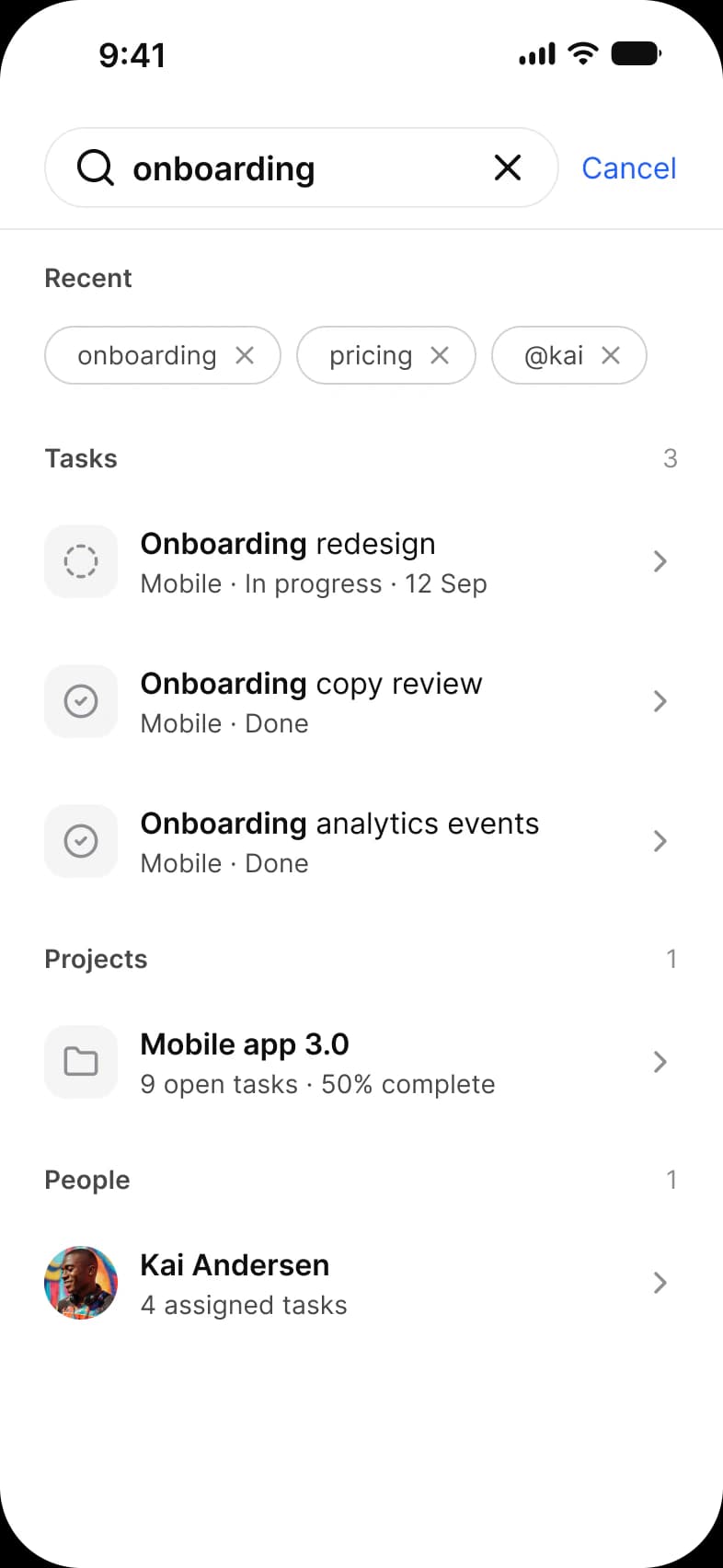
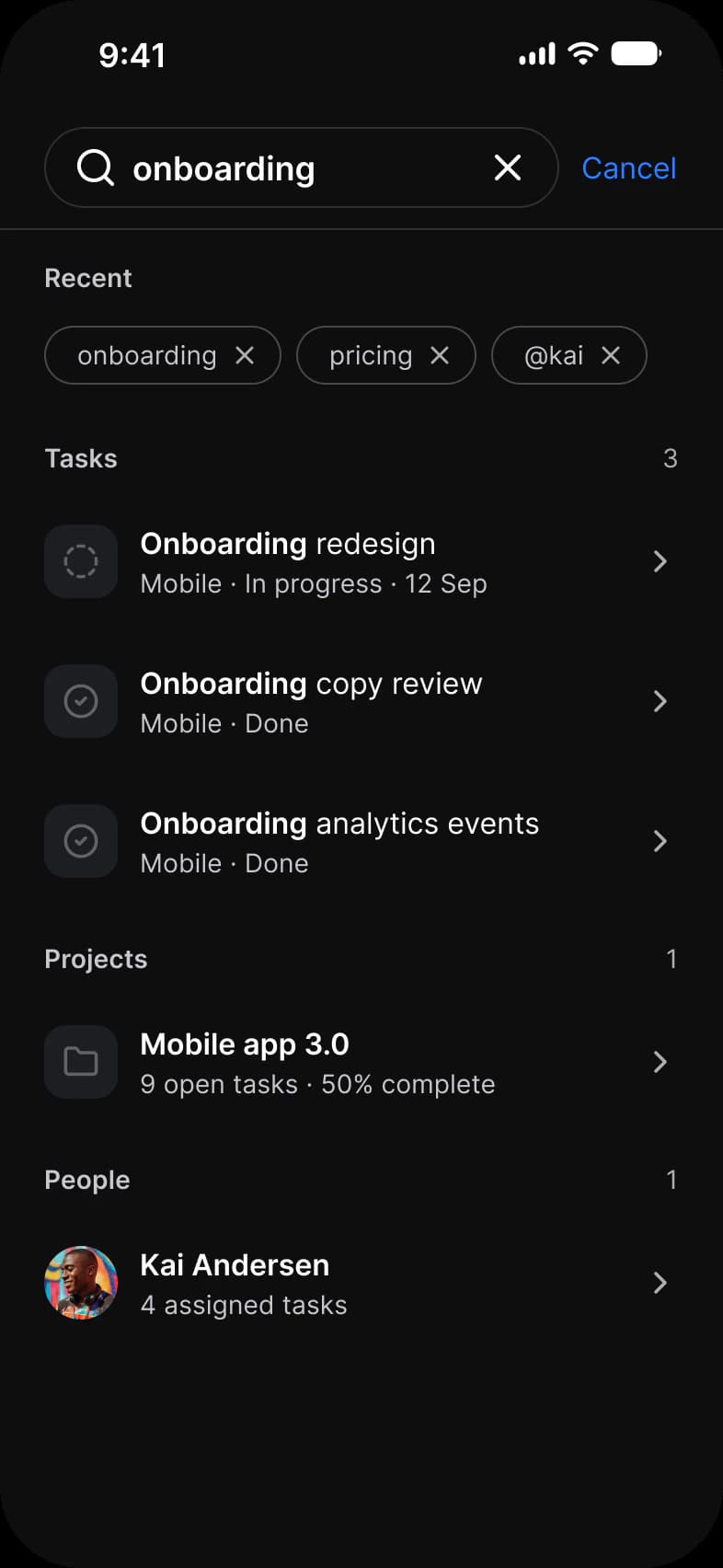
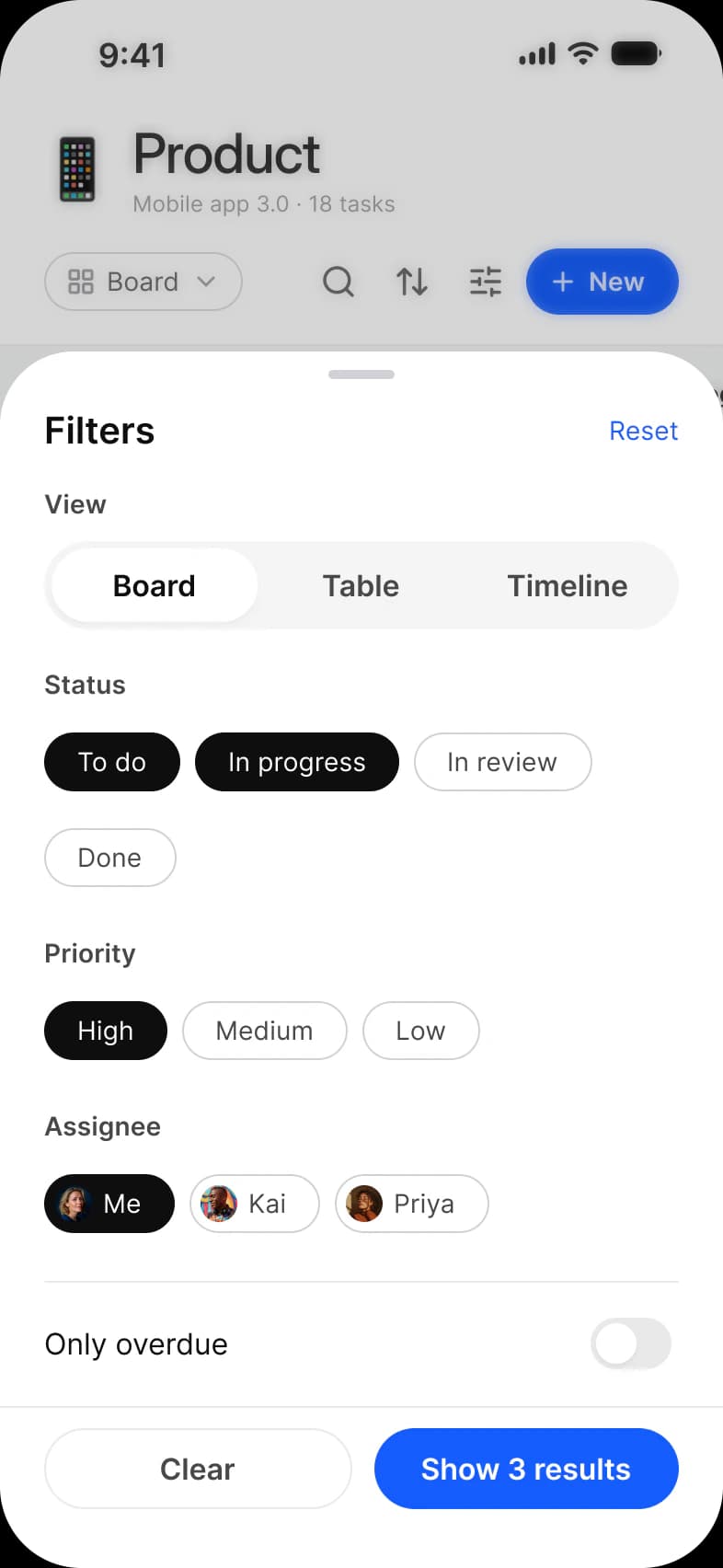
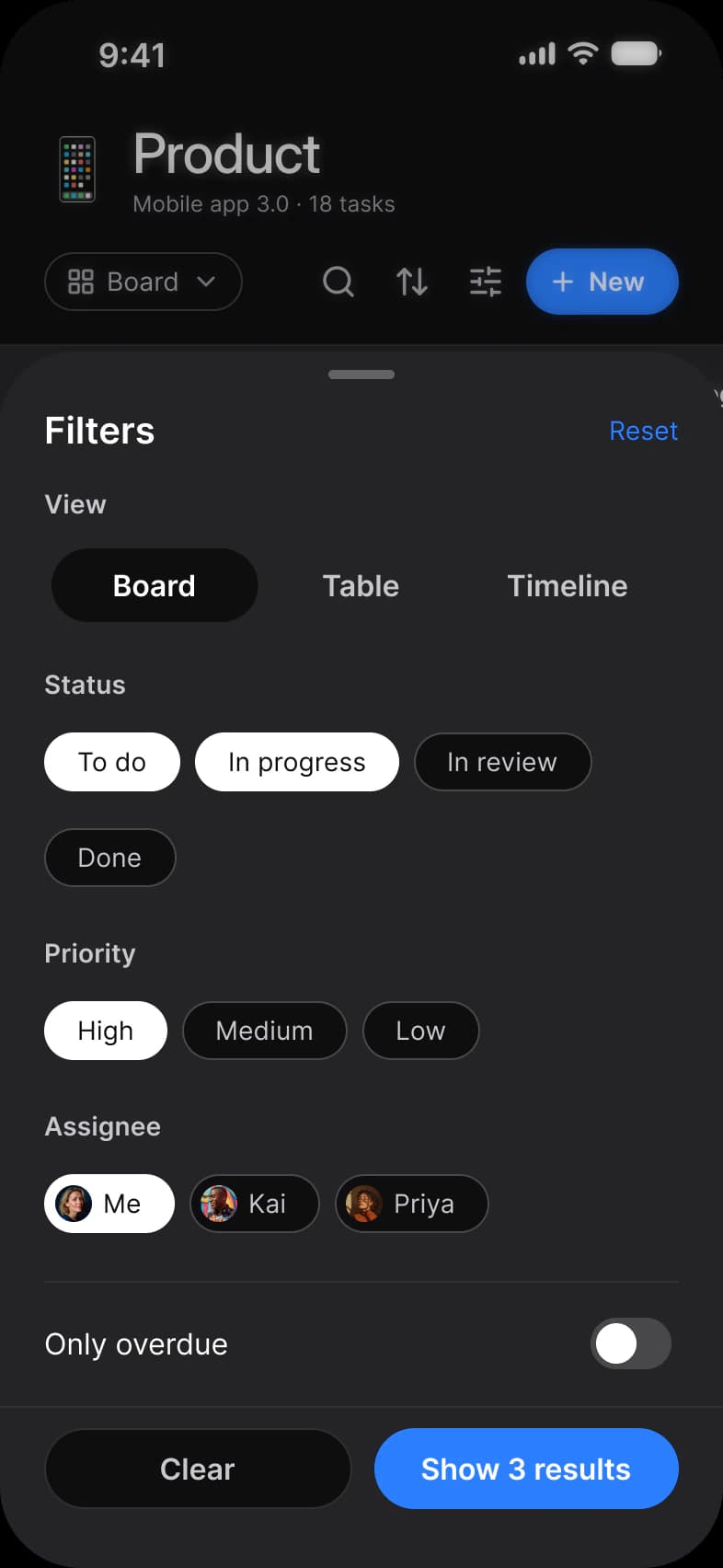
Every screen of the Appetite UI Figma file that shows the pattern, light and dark. The theme switch shows the dark frames.
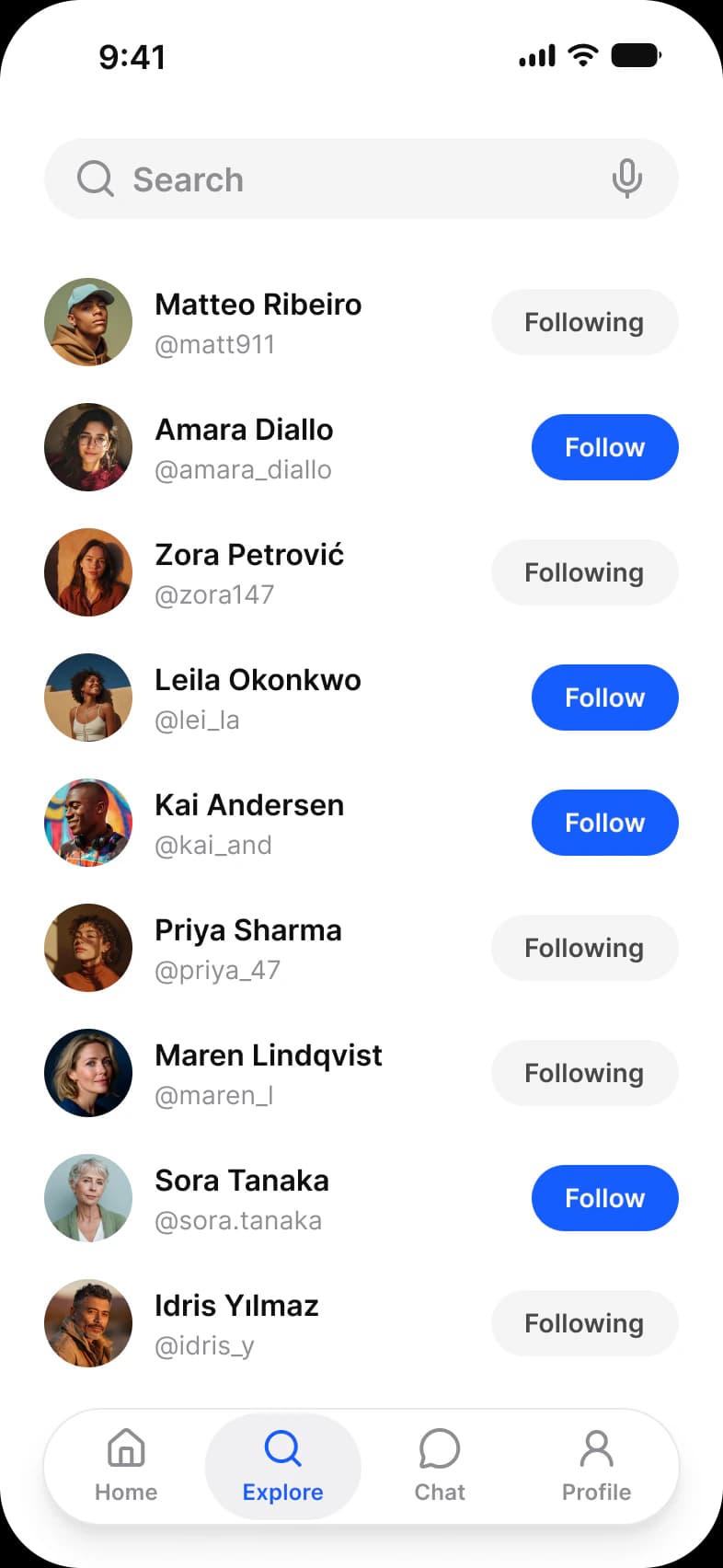
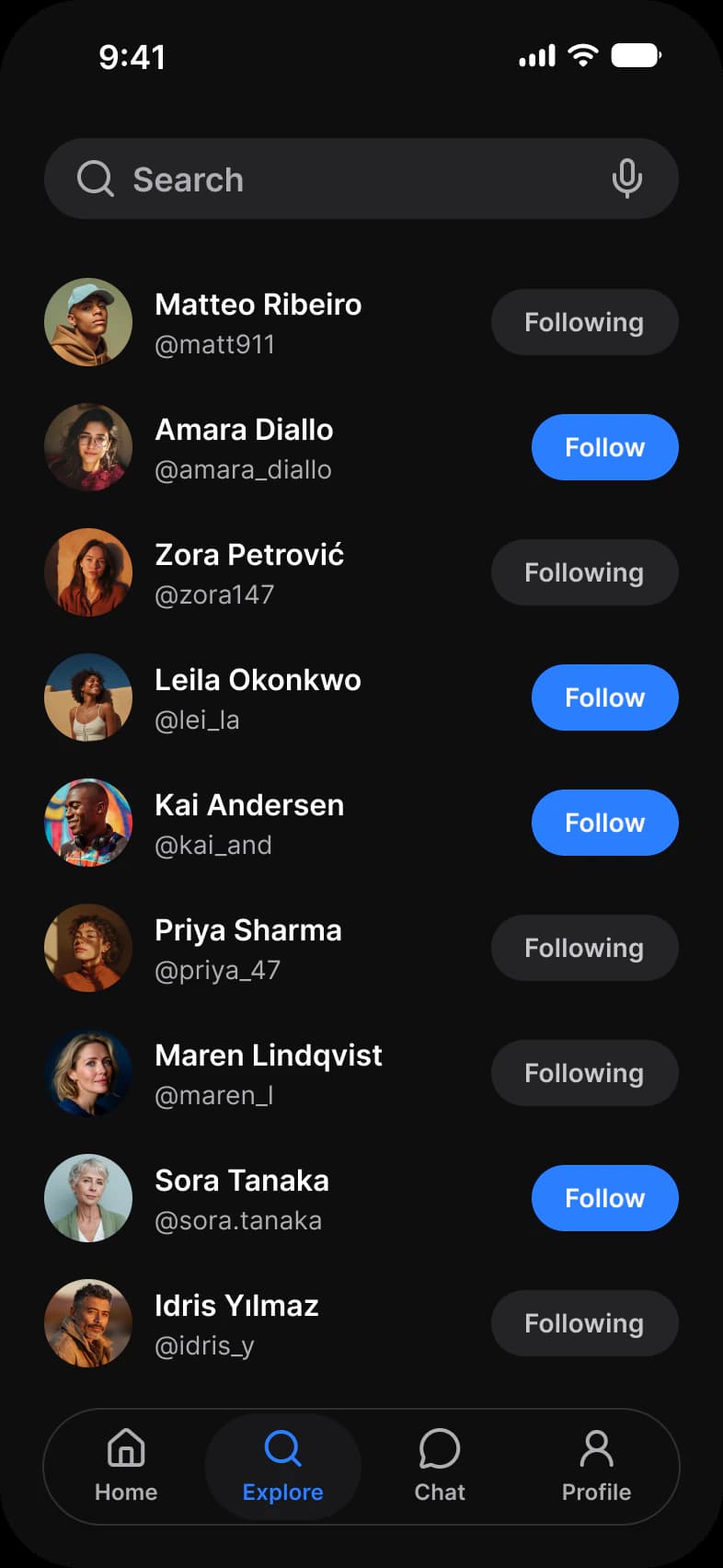
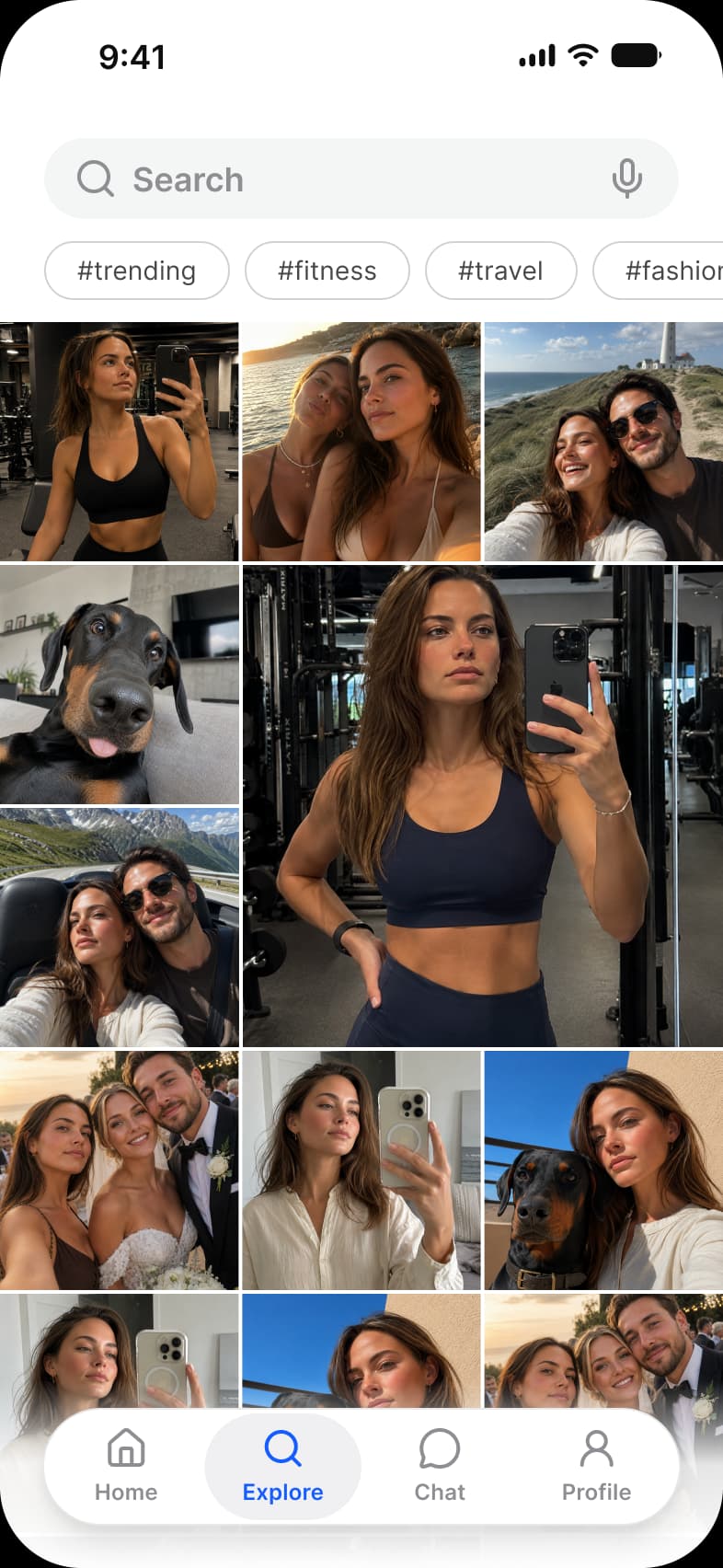
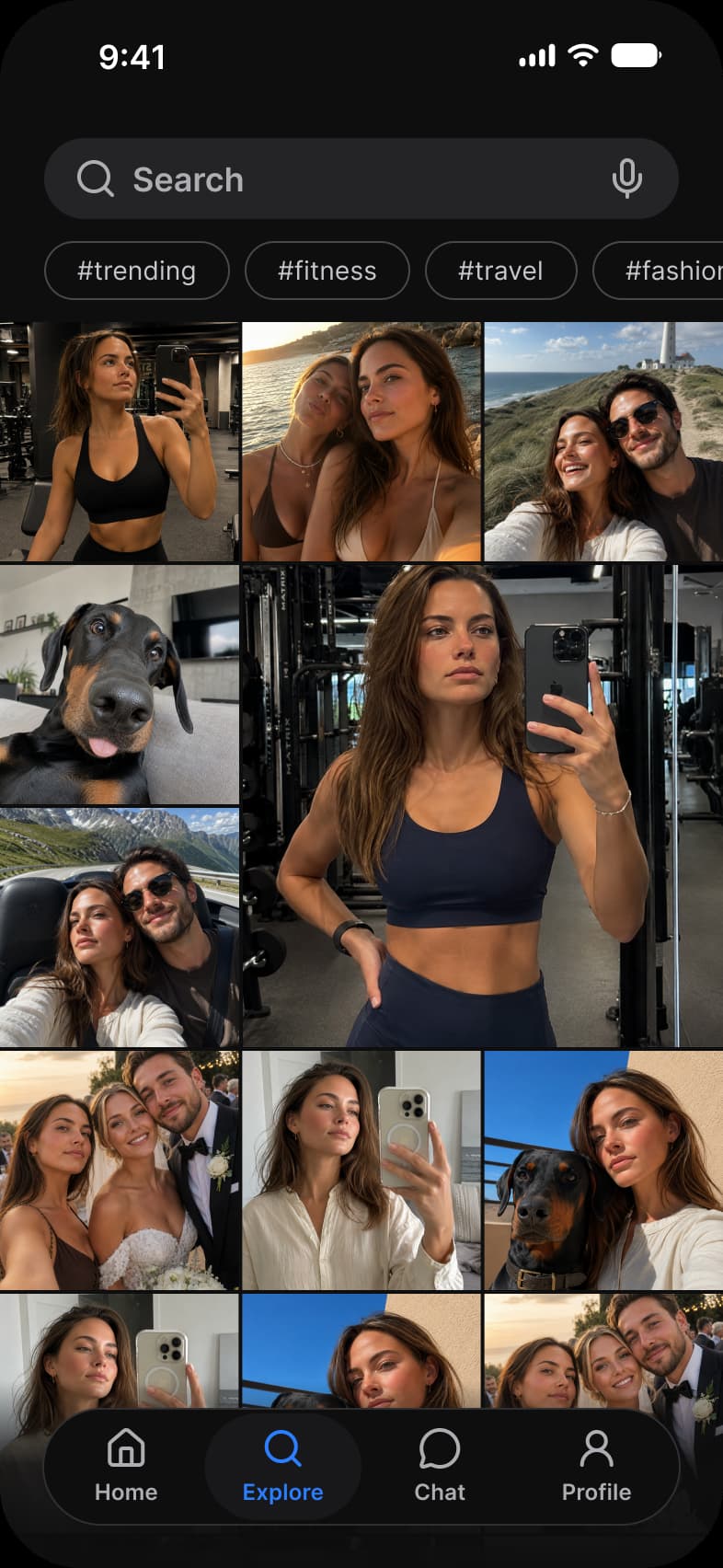
| App | Screen | What it shows | Page |
|---|---|---|---|
| Booking app | Results | A map with price pins and a sheet of results | Booking app search and filters |
| Booking app | Filters | Price range, place type, bedrooms and amenities | Booking app search and filters |
| Social media app | Search | People matching a search, each with a Follow button | Docs |
| Social media app | Explore | A photo grid under search and topic chips | Social media app feed |
| Task manager app | Search | Recent searches and results grouped by type | Docs |
| Task manager app | Filters | A sheet of filters over the Board | Docs |
Which components carry the search and filters pattern?
Drawn live from the kit's tokens, at the kit's geometry. Tap them: they behave as the Figma prototype does.
Search, Field
Chip, filters
Stepper and Button
What does every search and filters screen do?
The rules the screens above share. Each app's page says how its screen applies them.
| Rule | Why |
|---|---|
| Count the results on the button | A filter sheet ends on Show 24 stays or Show 3 results, so the effect of a filter is visible before it is applied. |
| Chips for one tap filters | The filters people use most sit as Chips above the results; the rest wait in a sheet behind one button. |
| Clear is always next to Show | Every filter sheet has a way back to no filters beside the button that applies them. |
What changes between iOS and Material?
The frames are drawn in the ios-md Platform mode. Switch a frame to android and these variables take the Material values.
| Variable | iOS (ios-md) | Android |
|---|---|---|
platform/sheet/corner | 12 | 28 |
platform/bar/top-height | 44 | 64 |
| Component | iOS | Material 3 | What differs |
|---|---|---|---|
| Chip | No counterpart | M3 / Chip, 32 high at radius 8 | The Apple pages have no chip |
| Sheet | iOS / Sheet - Full Screen | M3 / Bottom sheet 412 wide and Side Sheet 320 wide | Material adds a side sheet for large screens |
Start from these screens.
Every frame on this page is part of the Appetite UI file, drawn from its components and bound to its variables, so one brand edit moves every screen in light and dark.
The file holds 589 variables in 6 collections and exports its token values to SwiftUI, Jetpack Compose, Flutter and CSS. Solo covers one designer and Team up to ten people. You pay once and keep lifetime updates. Price goes up Nov 1
The read-only Figma preview opens the whole file, every screen and every variable, before you buy.