Updated
Bottom sheet
A bottom sheet is a surface that slides up over the screen for a task related to it, and slides away when the task is done. Apple calls it a sheet.
Updated
On this page
In the kit
Where it appears in Appetite UI: Food delivery app, Dish. The theme switch shows the dark frame.
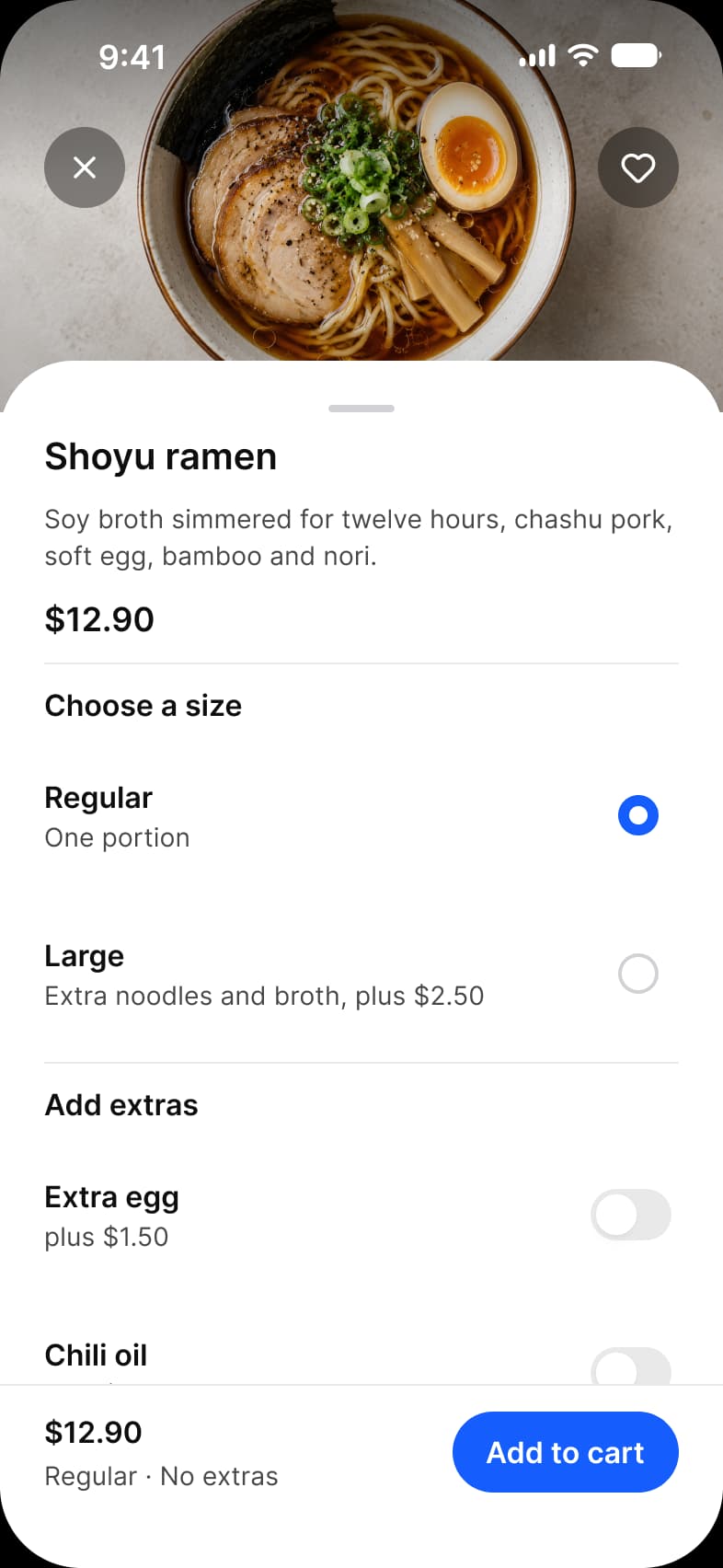
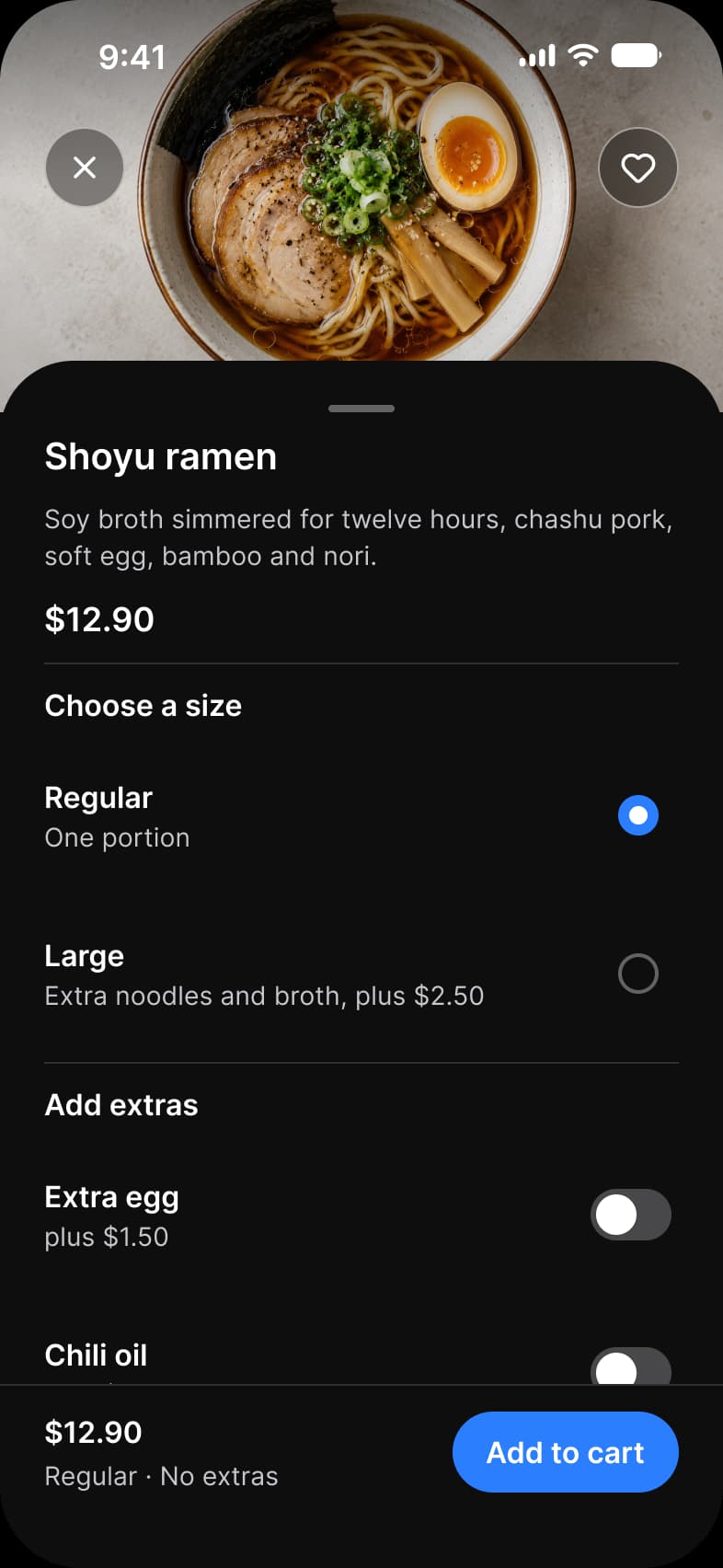
What does each system call it?
The same idea under its Apple, Material 3 and Appetite UI name.
| System | Name |
|---|---|
| Apple | Sheet |
| Material 3 | Bottom sheet |
| Appetite UI | Modal Sheet |
What value does it take on iOS and Android?
Read from the kit’s Platform collection and its Material 3 pages, as the docs print them.
| Variable | iOS (ios-md) | Android |
|---|---|---|
platform/sheet/corner | 12 | 28 |
| Component | iOS | Material 3 | What differs |
|---|---|---|---|
| Sheet | iOS / Sheet - Full Screen | M3 / Bottom sheet 412 wide and Side Sheet 320 wide | Material adds a side sheet for large screens |
In practice
A sheet keeps the screen behind it in view, so people do not lose their place; a full screen modal hides it. Use a sheet for a choice, a modal for a task that must come first.
The kit’s Platform collection gives a sheet its corner, platform/sheet/corner, 12 on iOS and 28 on Android. The finance Pay screen, the food delivery Dish and the task Filters are sheets.