Updated
Top app bar
The bar at the top of a screen with its title, a way back and a few actions. Material 3 calls it the top app bar; Apple calls it a navigation bar.
Updated
On this page
In the kit
Where it appears in Appetite UI: Settings, Selection. The theme switch shows the dark frame.
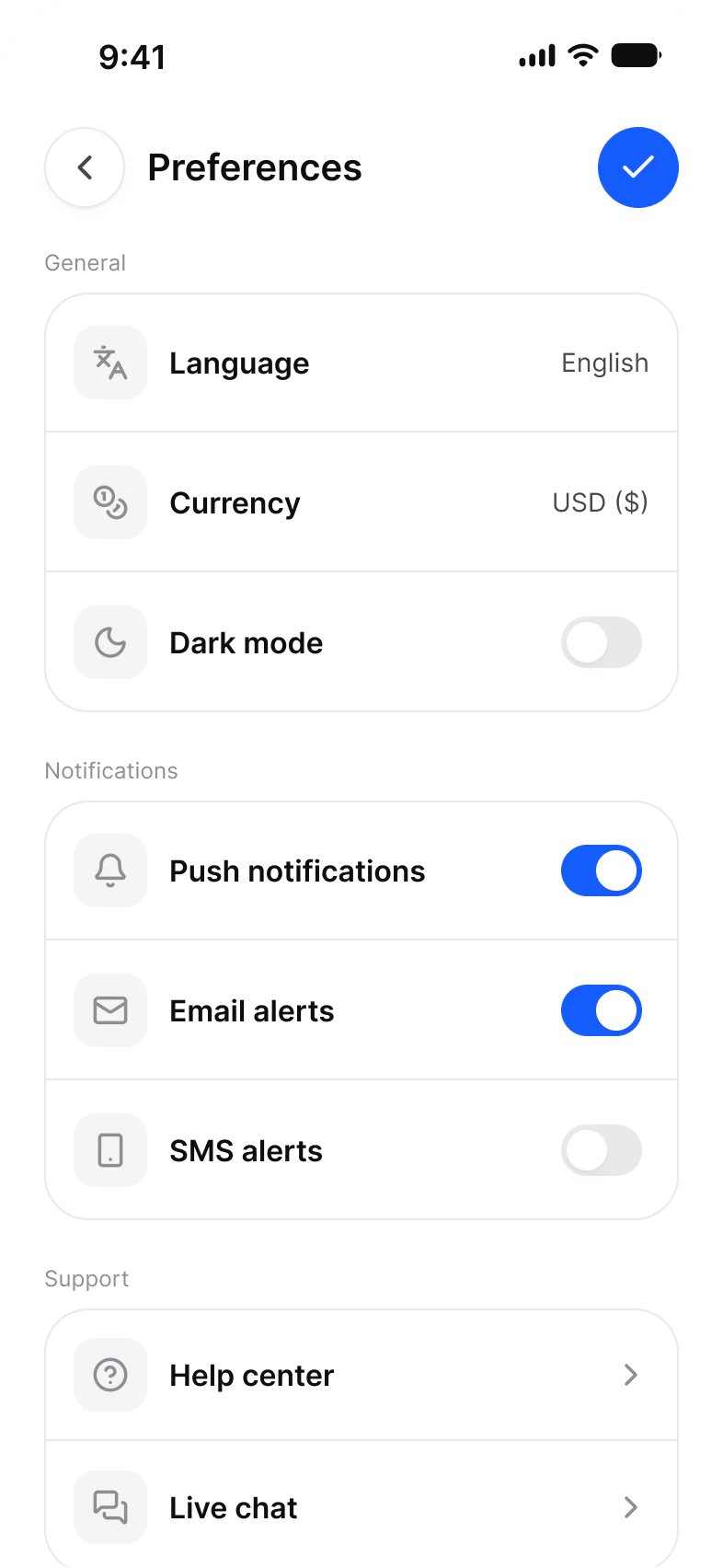
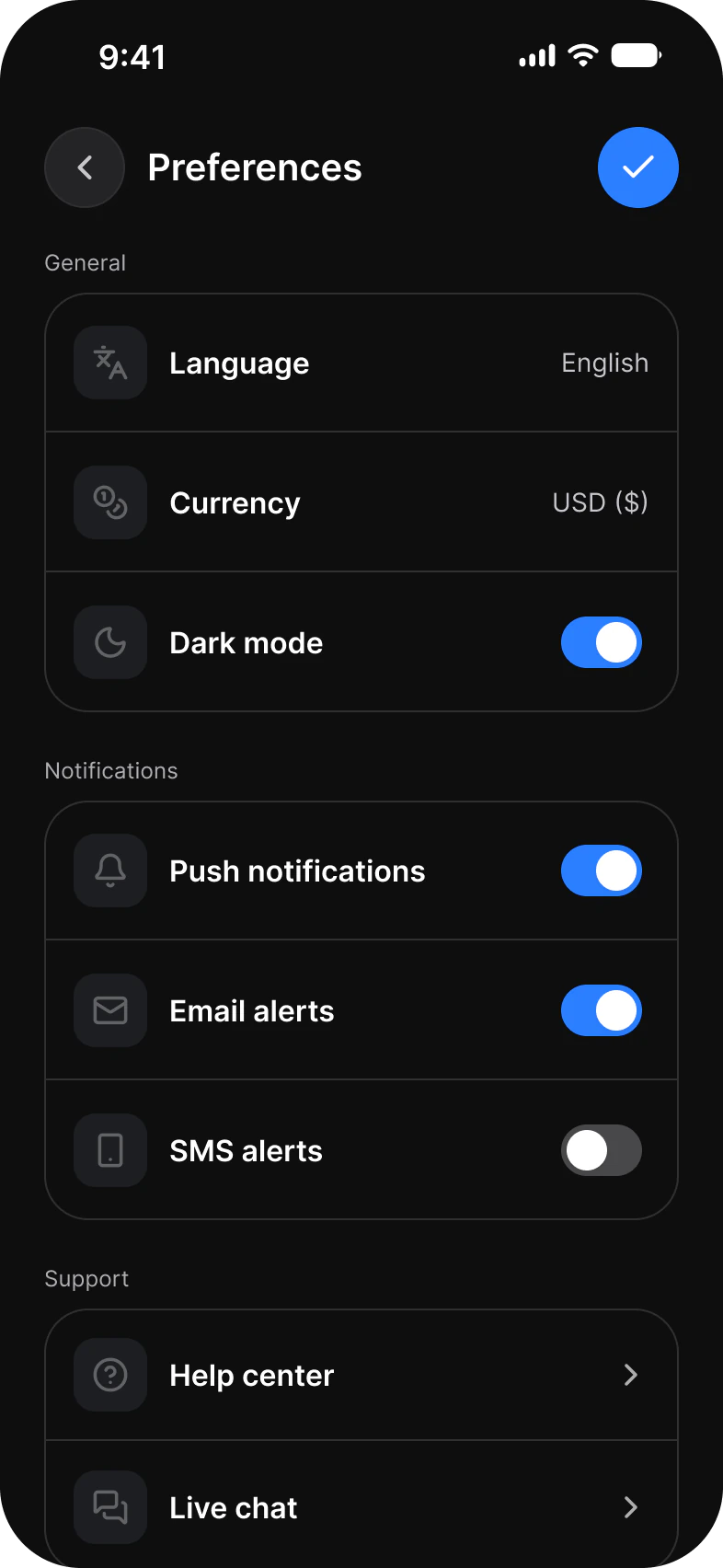
What does each system call it?
The same idea under its Apple, Material 3 and Appetite UI name.
| System | Name |
|---|---|
| Apple | Navigation bar |
| Material 3 | Top app bar |
| Appetite UI | Top Bar |
What value does it take on iOS and Android?
Read from the kit’s Platform collection and its Material 3 pages, as the docs print them.
| Variable | iOS (ios-md) | Android |
|---|---|---|
platform/bar/top-height | 44 | 64 |
| Component | iOS | Material 3 | What differs |
|---|---|---|---|
| Top bar | iOS / Toolbar on a 44 high top bar | M3 / Top app bar, Small 64 high, Medium 112, Large 152 | Material has four bar types: Small, Center-aligned, Medium and Large |
In practice
The two names cross over: an iOS navigation bar is at the top, a Material navigation bar is at the bottom. Saying top app bar and tab bar avoids the mix up.
Appetite UI draws it as Top Bar, whose height reads platform/bar/top-height: 44 on iOS and 64 for the Material small bar.