Updated
Chip
A chip is a compact capsule that filters a list, picks from a set or shows an entry someone added. It is a Material 3 component with no counterpart on the kit’s Apple pages.
Updated
On this page
In the kit
Where it appears in Appetite UI: Booking app, Results, and the components live. The theme switch shows the dark frame.
Search, Field
Chip, filters
Stepper and Button
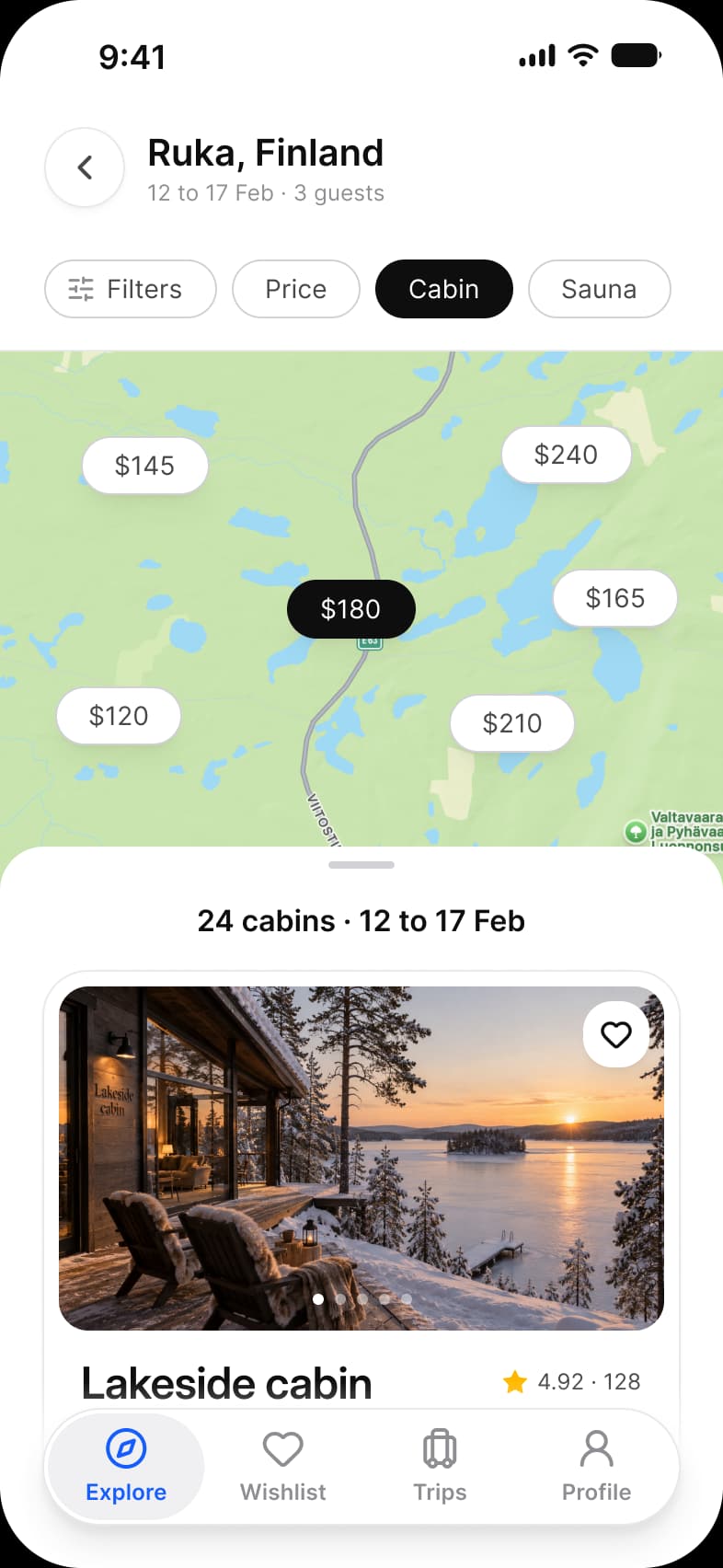
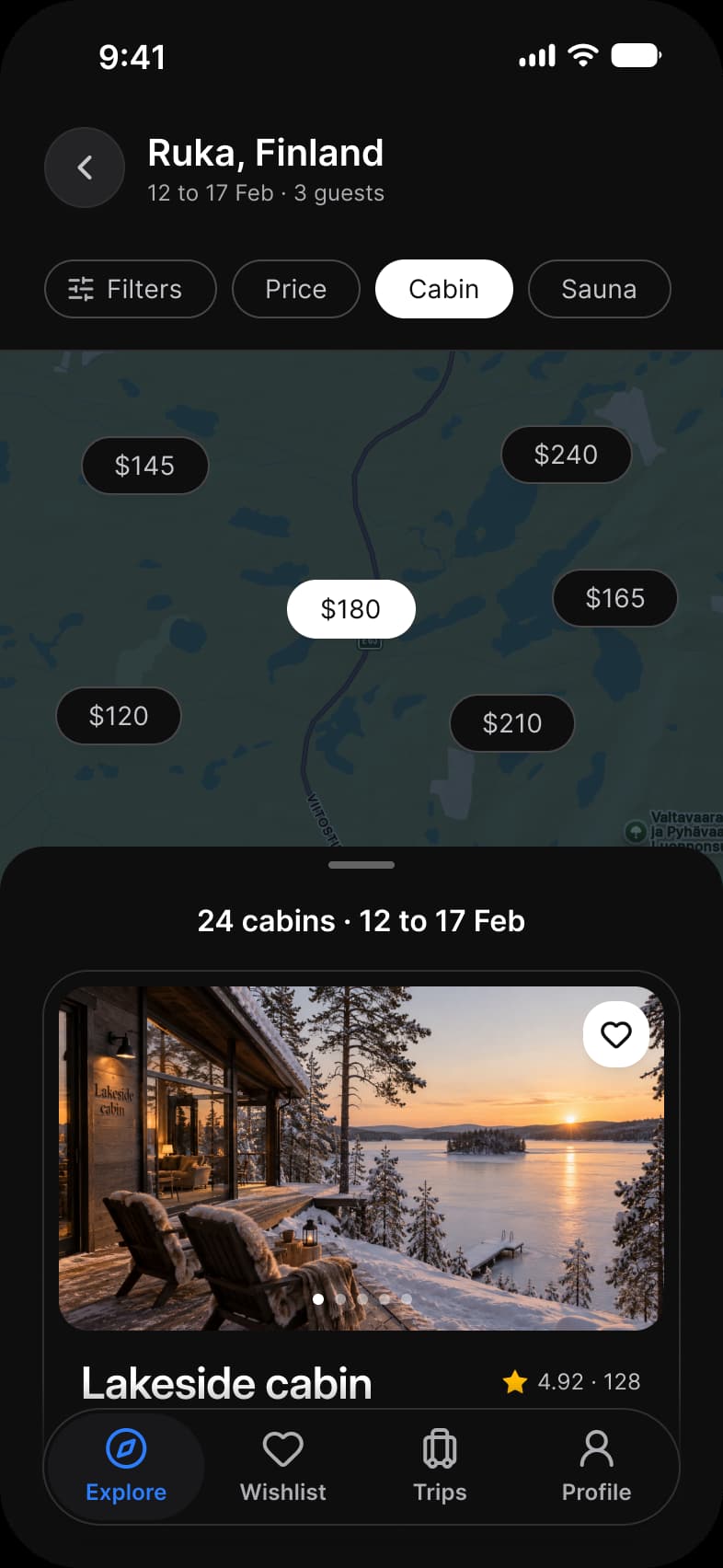
What does each system call it?
The same idea under its Apple, Material 3 and Appetite UI name.
| System | Name |
|---|---|
| Apple | No chip on the kit’s Apple pages |
| Material 3 | Chip, 32 high at radius 8 |
| Appetite UI | Chip |
What value does it take on iOS and Android?
Read from the kit’s Platform collection and its Material 3 pages, as the docs print them.
| Component | iOS | Material 3 | What differs |
|---|---|---|---|
| Chip | No counterpart | M3 / Chip, 32 high at radius 8 | The Apple pages have no chip |
In practice
Chips work when the options fit on one line and change the content right under them. Behind more than a line of them, a filter sheet is clearer.
Appetite UI uses chips across its screens: the categories over the finance history, the price pins and filters over the booking map, the sort and filter chips of a food delivery category and the suggestions in the AI chat.