Updated
Segmented control
A segmented control switches between two to five views of the same content, one segment selected at a time. Material 3 calls it a segmented button.
Updated
On this page
In the kit
Where it appears in Appetite UI: Fitness app, Analytics, and the components live. The theme switch shows the dark frame.
Segmented Control, period
Chart, Bar
Revenue this week11,72012.4%vs last week
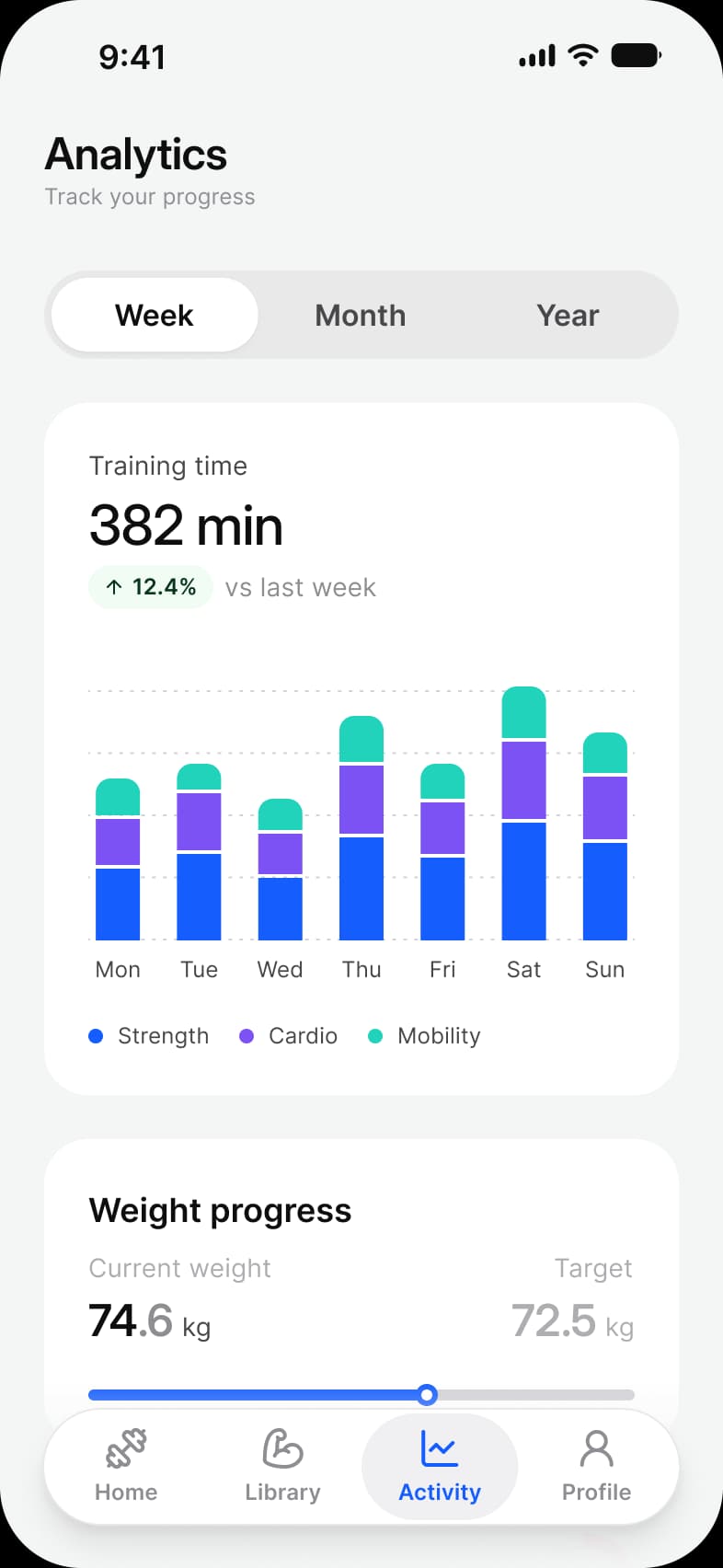
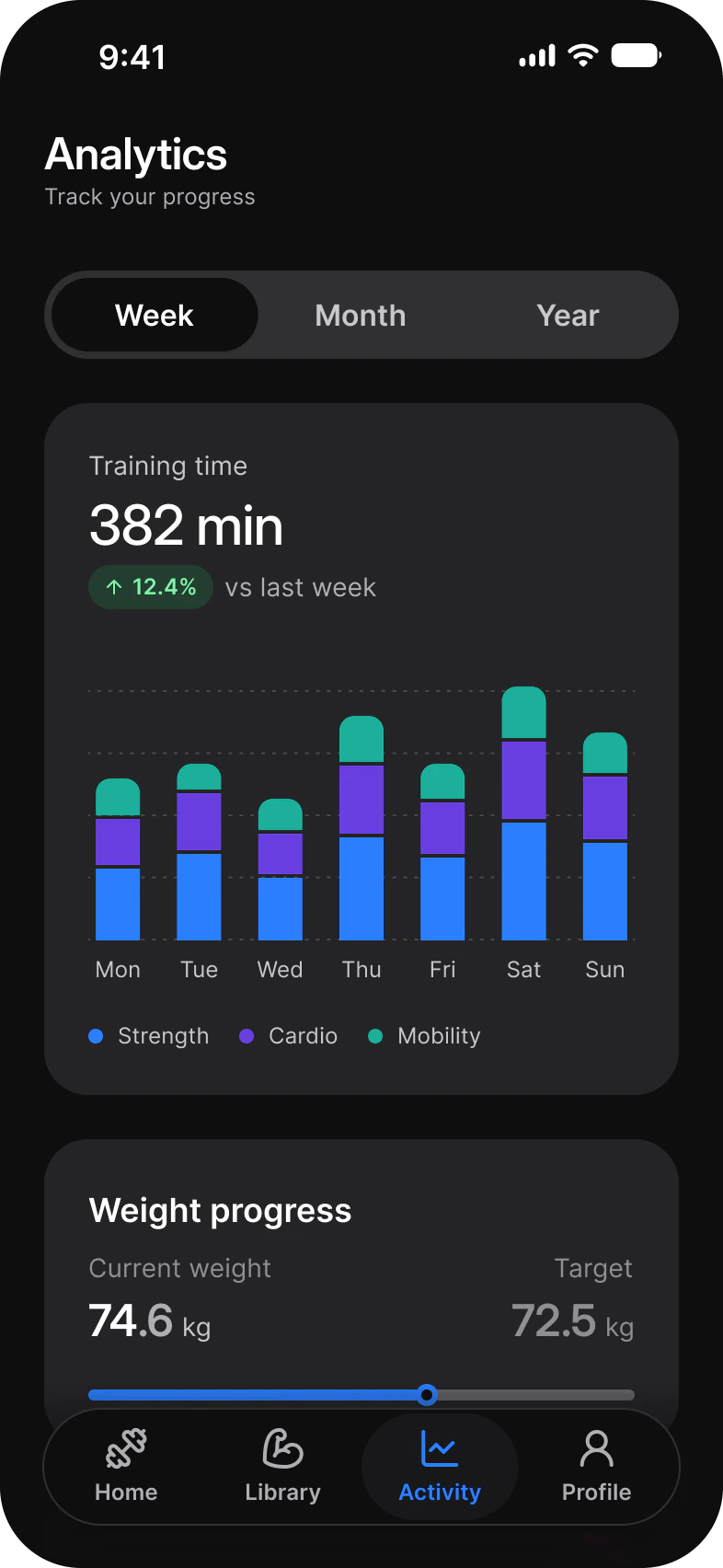
What does each system call it?
The same idea under its Apple, Material 3 and Appetite UI name.
| System | Name |
|---|---|
| Apple | Segmented control |
| Material 3 | Segmented button |
| Appetite UI | Segmented Control |
In practice
Use it to change how one thing is shown, Week, Month or Year, and tabs to move between different things.
In Appetite UI it sets the period on the fitness Analytics and Progress screens, Pay or Receive on the finance Pay sheet, Delivery or Pickup on the food delivery Home and Today, Upcoming or Done on the tasks My work screen.