Updated
Social media app chat
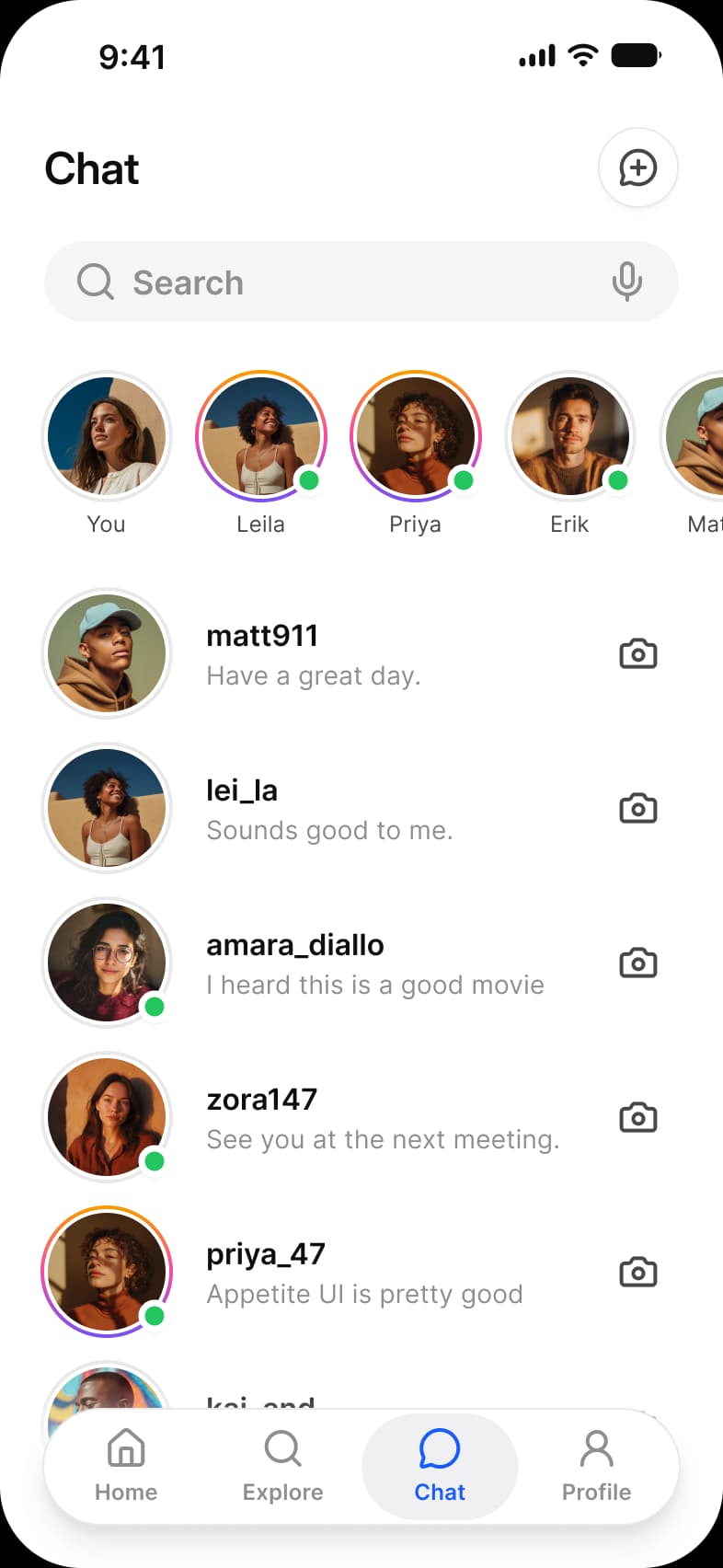
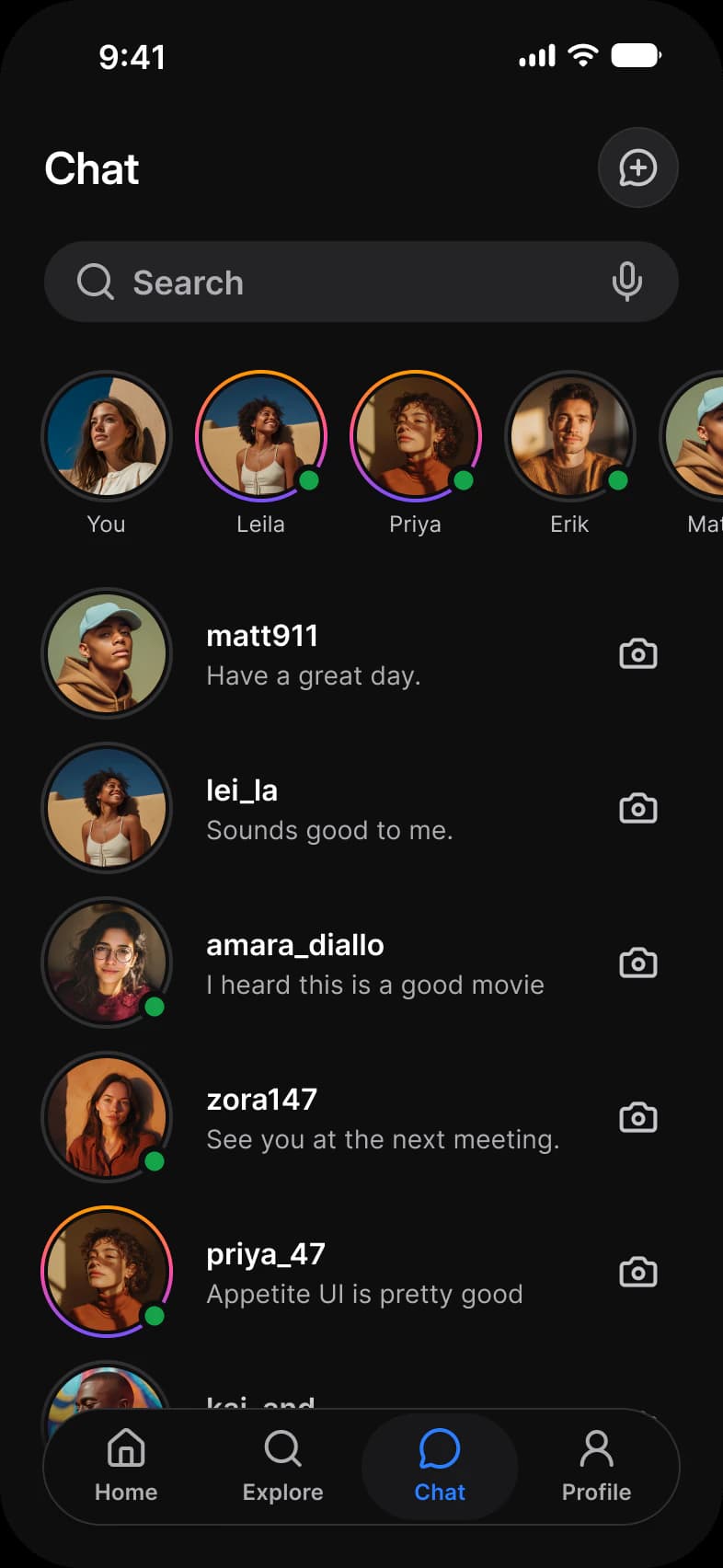
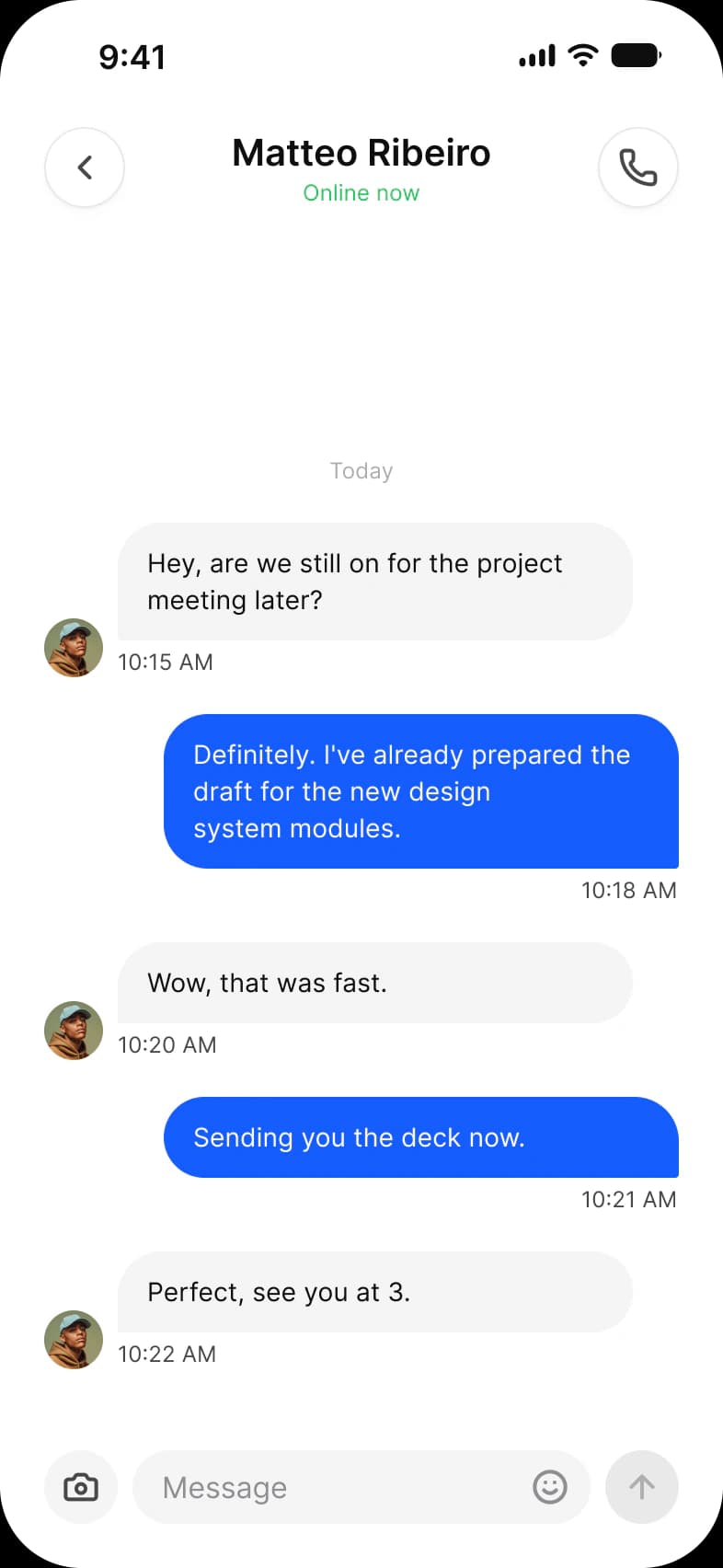
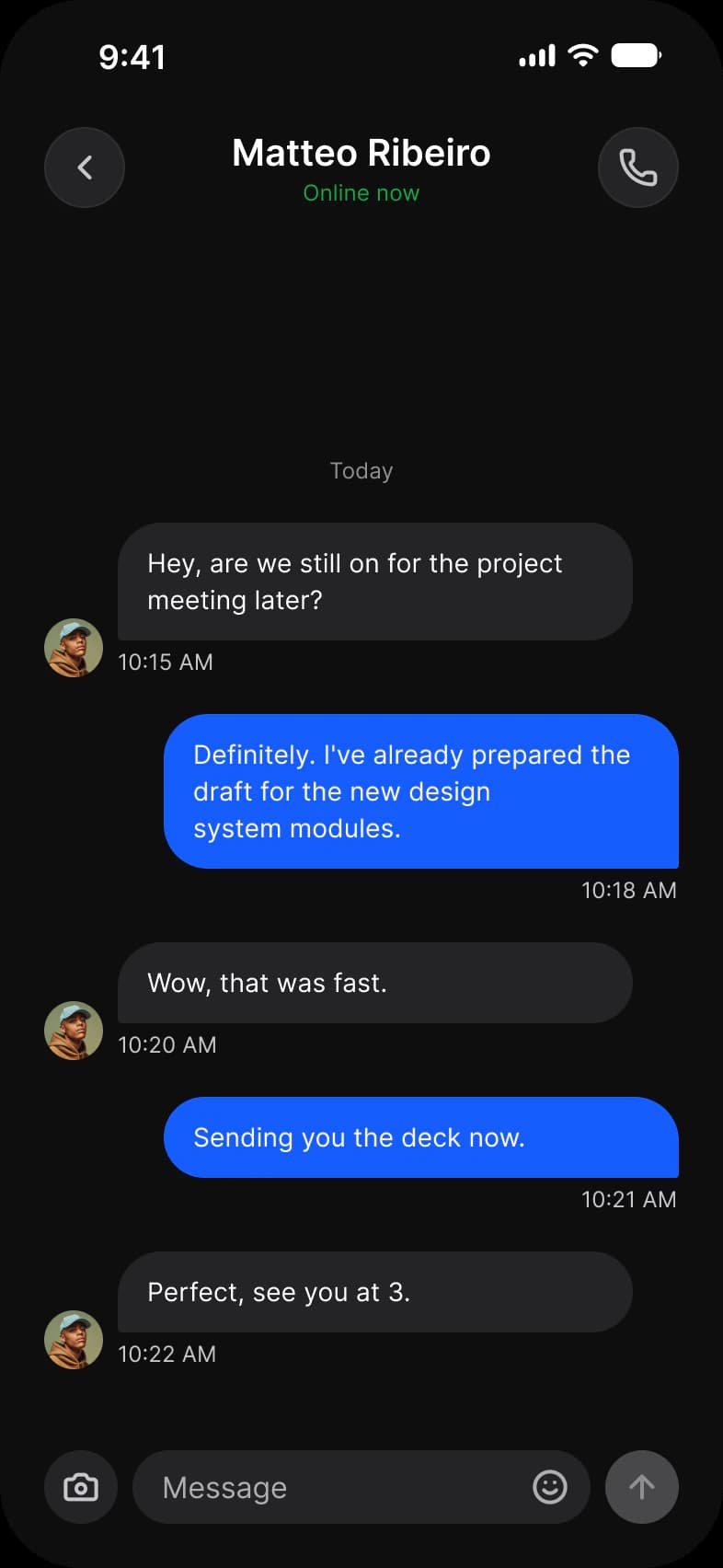
Messaging in Appetite UI, a Figma UI kit for iOS and Android apps built like a design system: a chat list with a new message button, a Search field, stories with online dots and conversations from matt911 to priya_47, and a thread with Matteo Ribeiro, Online now, ending on a message field with camera, emoji and send.
Updated
Preview
Chats, Chat, from the Social page of the Appetite UI Figma file. The theme switch shows the dark frames.
| Screen | What it shows |
|---|---|
| Chats | Stories with online dots and the list of conversations |
| Chat | One conversation and its reply field |
Which components carry the chat pattern?
The kit's components, drawn live from the same tokens as the frames. Tap them: they behave as the Figma prototype does.
AI / Message and AI / Prompt Composer
How does this screen follow the chat pattern?
The rules every chat screen in the kit follows, and what this one does with each.
| Rule | On the social media app |
|---|---|
| The composer stays put | The composer is the Composer type of Input, pinned to the bottom of the thread with camera, emoji and send inside it. |
| A reply can be more than text | Between people a reply is text, so the thread uses bubbles with a time under each, received on one side and sent on the other. |
| Show the state, not a spinner | Presence is a state on the Avatar, the online dot, and Online now under the name in the top bar, rather than a separate status line. |
What is it built from?
Every control with a component is an instance of it, so one token change moves these screens with the rest of the file.
| Component | Screens |
|---|---|
| Top Bar | Chats, Chat |
| Search | Chats |
| Avatar | Chats, Chat |
| Button | Chats, Chat |
| Navigation | Chats |
| Composer (Input) | Chat |
What changes between iOS and Material?
The frames are drawn in the ios-md Platform mode. Switch a frame to android and these variables take the Material values; the components below are where the two systems draw the same need differently.
| Variable | iOS (ios-md) | Android |
|---|---|---|
platform/min-touch-target | 44 | 48 |
platform/control/corner | 8 | Full (9999) |
| Component | iOS | Material 3 | What differs |
|---|---|---|---|
| Text field | iOS / Text Field | M3 / Text Field, Filled or Outlined, 56 high | Material has Enabled, Focused, Error and Disabled states |
Start from these screens.
Every frame on this page is part of the Appetite UI file, drawn from its components and bound to its variables, so one brand edit moves every screen in light and dark.
The file holds 589 variables in 6 collections and exports its token values to SwiftUI, Jetpack Compose, Flutter and CSS. Solo covers one designer and Team up to ten people. You pay once and keep lifetime updates. Price goes up Nov 1
The read-only Figma preview opens the whole file, every screen and every variable, before you buy.