By Bob Poláček, updated
Status bar
The status bar is the strip at the top of the screen with the time, signal and battery, drawn by the system over every app. An app leaves room for it and chooses only whether its content is light or dark.
By Bob Poláček, updated
Status bar on iOS and Android
The same idea in each system, with the values Appetite UI gives it.
| iOS | Android (Material 3) | Appetite UI | |
|---|---|---|---|
| Name | Status bar | Status bar, one of the system bars | iOS / Status Bar, and grid/safe-area/top on Android |
| Top safe area | 59 pt | 52 dp | grid/safe-area/top |
In the kit
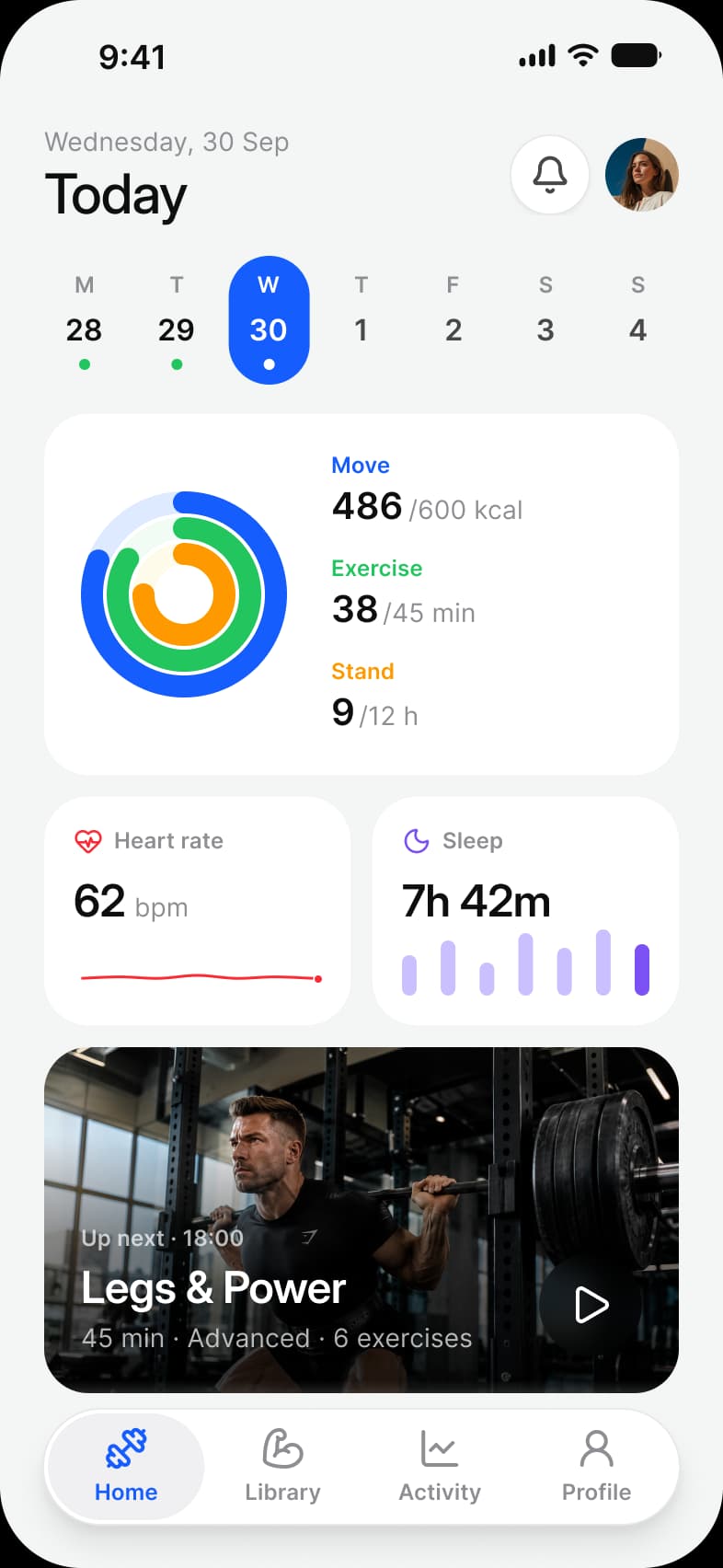
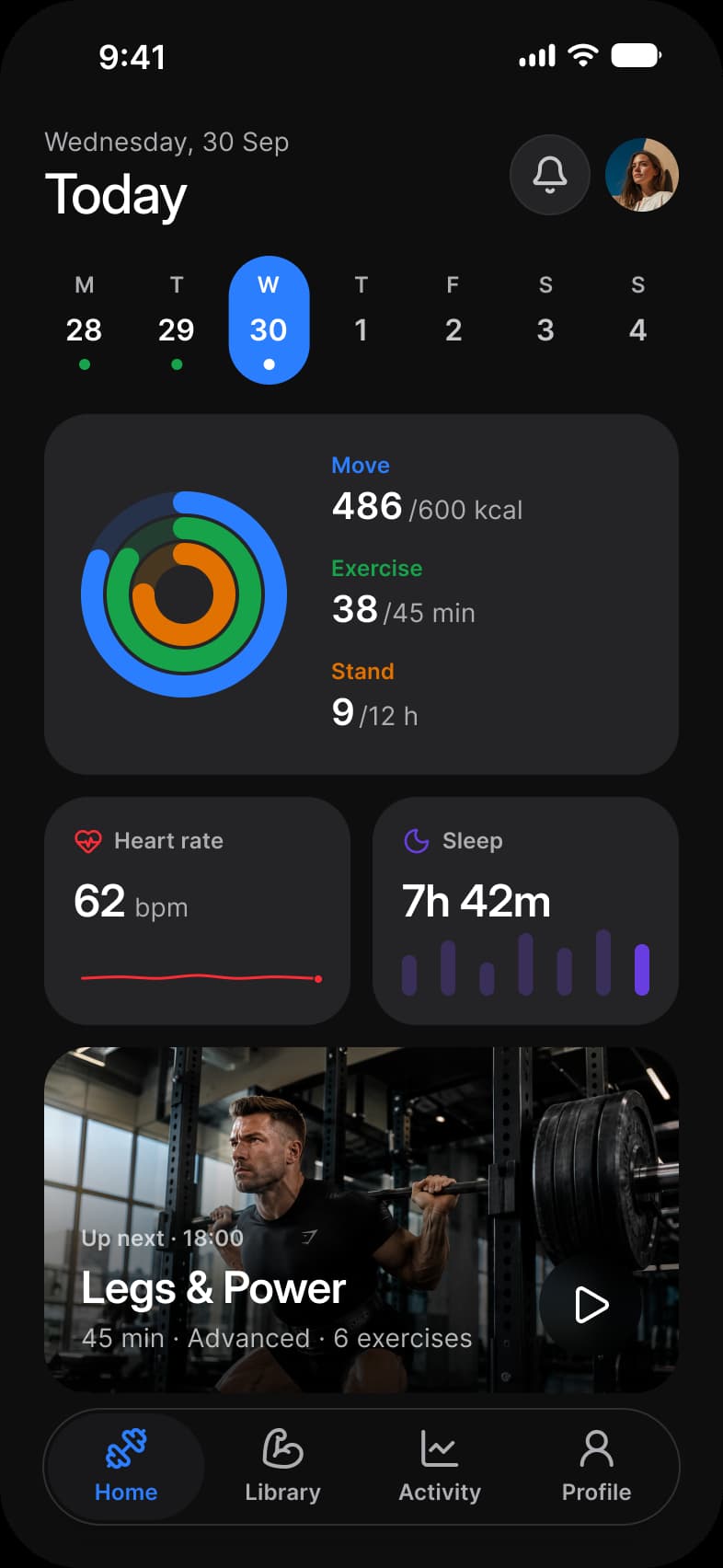
Where it appears in Appetite UI: Fitness app, Dashboard. The theme switch shows the dark frame.
In practice
On iPhone the status bar shares the top of the screen with the Dynamic Island, so its height differs by device; the top safe area is what a layout reserves for both.
Appetite UI draws iOS / Status Bar in two sizes, one per device class, plus a vertical version for iPhone Duo. Its Material 3 pages have no status bar set: an Android frame reserves the top inset instead.
| Component | What it is | Measured |
|---|---|---|
| Status Bar | Two sizes, one per device class, plus a vertical Duo version. | 402 × 62 on ios-lg, 402 × 59 on ios-md |
Questions
How tall is the iOS status bar?
In Appetite UI the iOS Status Bar is 59 points tall in the ios-md Platform mode and 62 in ios-lg, the larger iPhones, the same values as the top safe area, because the Dynamic Island sits inside it.
How much room does Android leave at the top of the screen?
Appetite UI reserves 52 dp at the top of an Android frame, the grid/safe-area/top value of the android Platform mode, where the system draws its status bar.
Sources
The pages the facts above rest on.
- Apple Human Interface Guidelines: Status bars, read October 13, 2026
- Android Developers: Display content edge to edge, read October 13, 2026