By Bob Poláček, updated
Floating action button
A floating action button is a round button that floats over the content for the one action a screen exists for, such as a new task. It is a Material component; iOS puts the same action in a bar.
By Bob Poláček, updated
Floating action button on iOS and Android
Also called FAB. The same idea in each system, with the values Appetite UI gives it.
| iOS | Android (Material 3) | Appetite UI | |
|---|---|---|---|
| Name | No component; the action goes in a toolbar or the navigation bar | Floating action button and extended FAB | Floating Action Button, in /docs/button |
In the kit
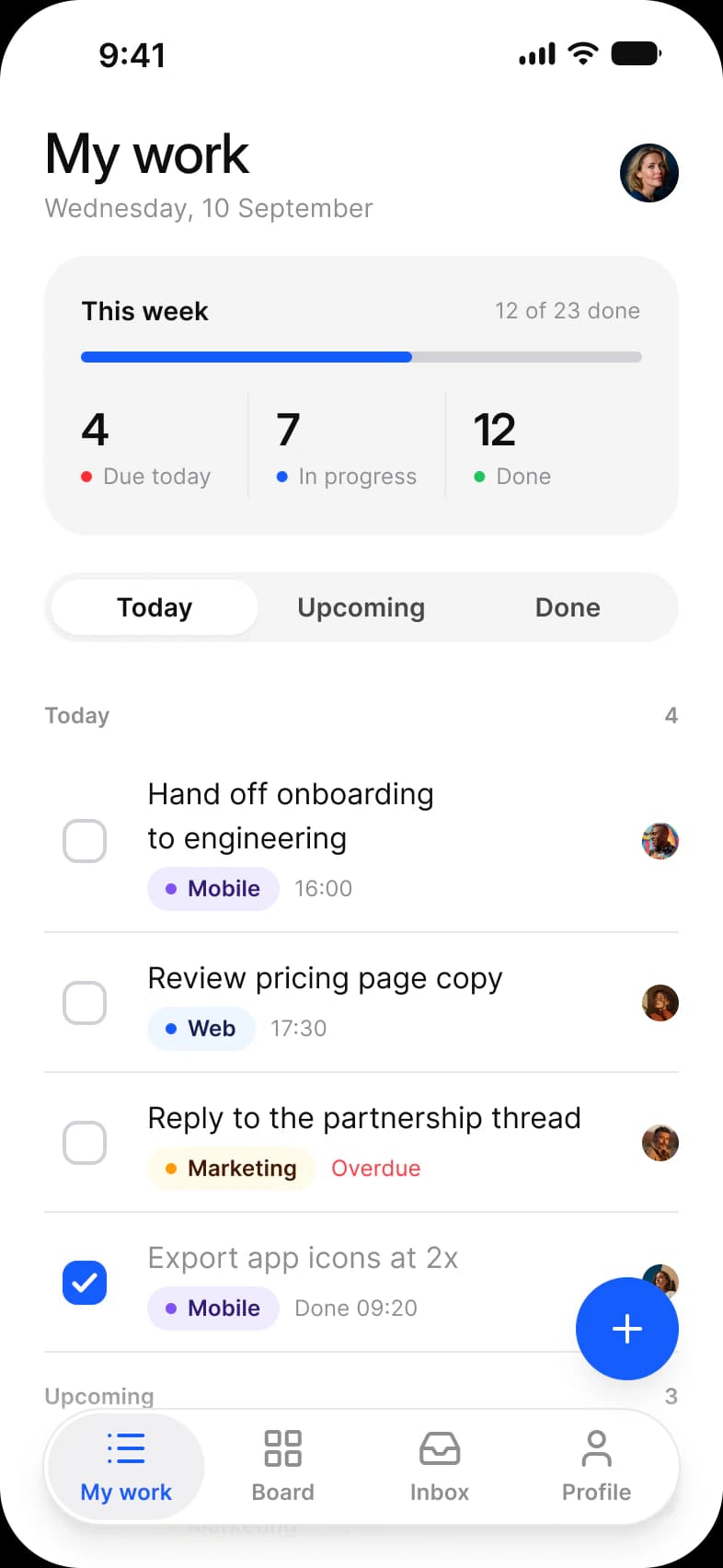
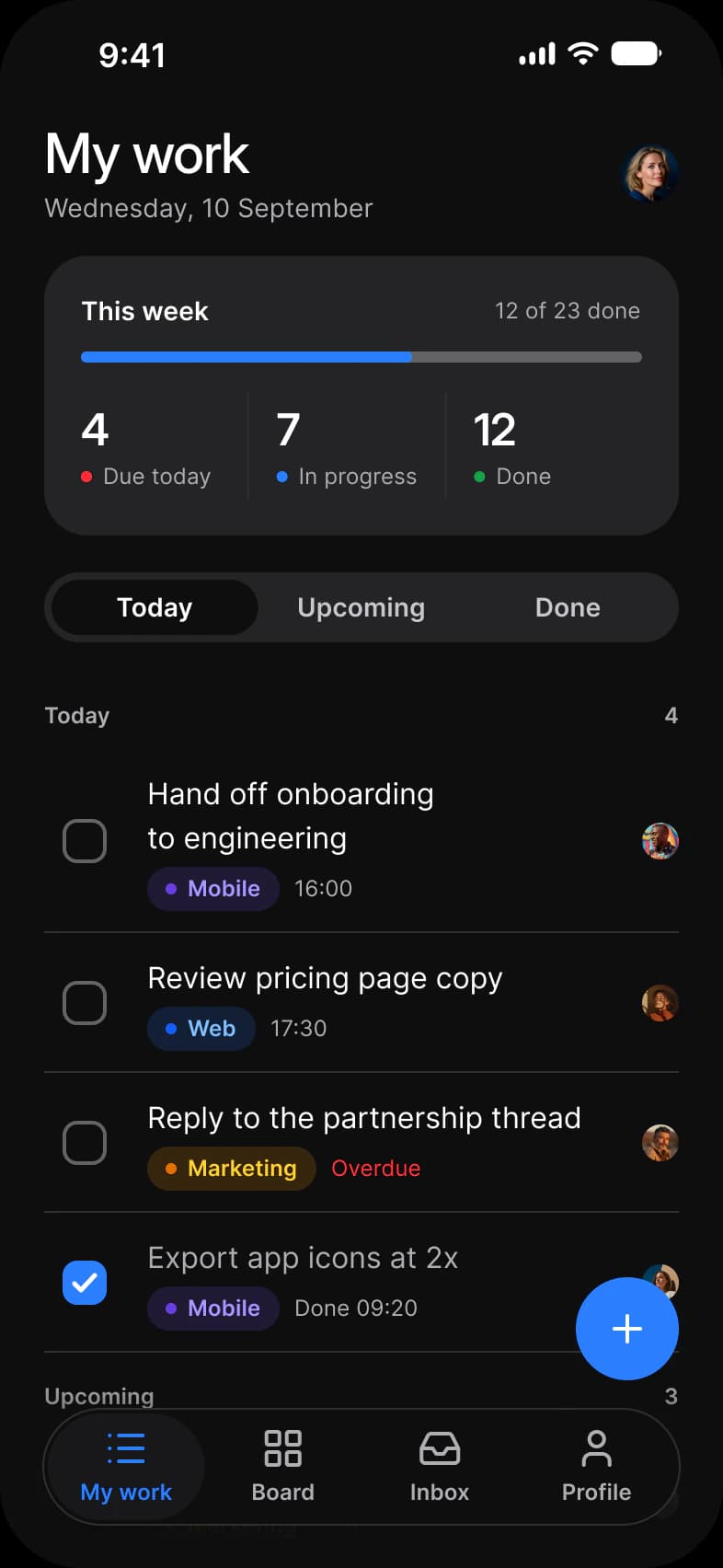
Where it appears in Appetite UI: Task manager app, My work, and the components, live. The theme switch shows the dark frame.
Floating Action Button, closed and open
In practice
One per screen, for the most common creative action, and never for something destructive. If a screen has two main actions, it has none, and a toolbar or a button in the bar serves better.
Appetite UI draws one 56 circle that opens a stack of actions, used on the tasks My work screen above the tab bar. Material 3 sizes the FAB at 40, 56 and 96.
| Appetite UI | iOS counterpart | Material 3 counterpart | What differs |
|---|---|---|---|
| Floating Action Button | None. On iOS use a toolbar action. | M3 / FAB and M3 / Extended FAB | Appetite UI draws one 56 circle with an Open stack. Material 3 FAB comes in 40, 56 and 96. |
Questions
Does iOS have a floating action button?
No. Apple’s guidelines have no floating button; on iOS the main action of a screen goes in the toolbar or the navigation bar. Appetite UI’s Floating Action Button is for Android frames, or for an app that uses it on both platforms by choice.
What sizes does a floating action button come in?
Material 3 draws the FAB at 40, 56 and 96, plus an extended FAB with a label. Appetite UI draws one 56 circle that opens into a stack of actions.
Sources
The pages the facts above rest on.
- Material Design 3: Floating action button, read October 13, 2026
- Apple Human Interface Guidelines: Toolbars, read October 13, 2026