Updated
Safe area
The safe area is the part of the screen no system element covers: inside the status bar, the Dynamic Island or camera, the home indicator and the rounded corners. Content goes inside it, backgrounds may run past it.
Updated
On this page
In the kit
Where it appears in Appetite UI: Fitness app, Dashboard. The theme switch shows the dark frame.
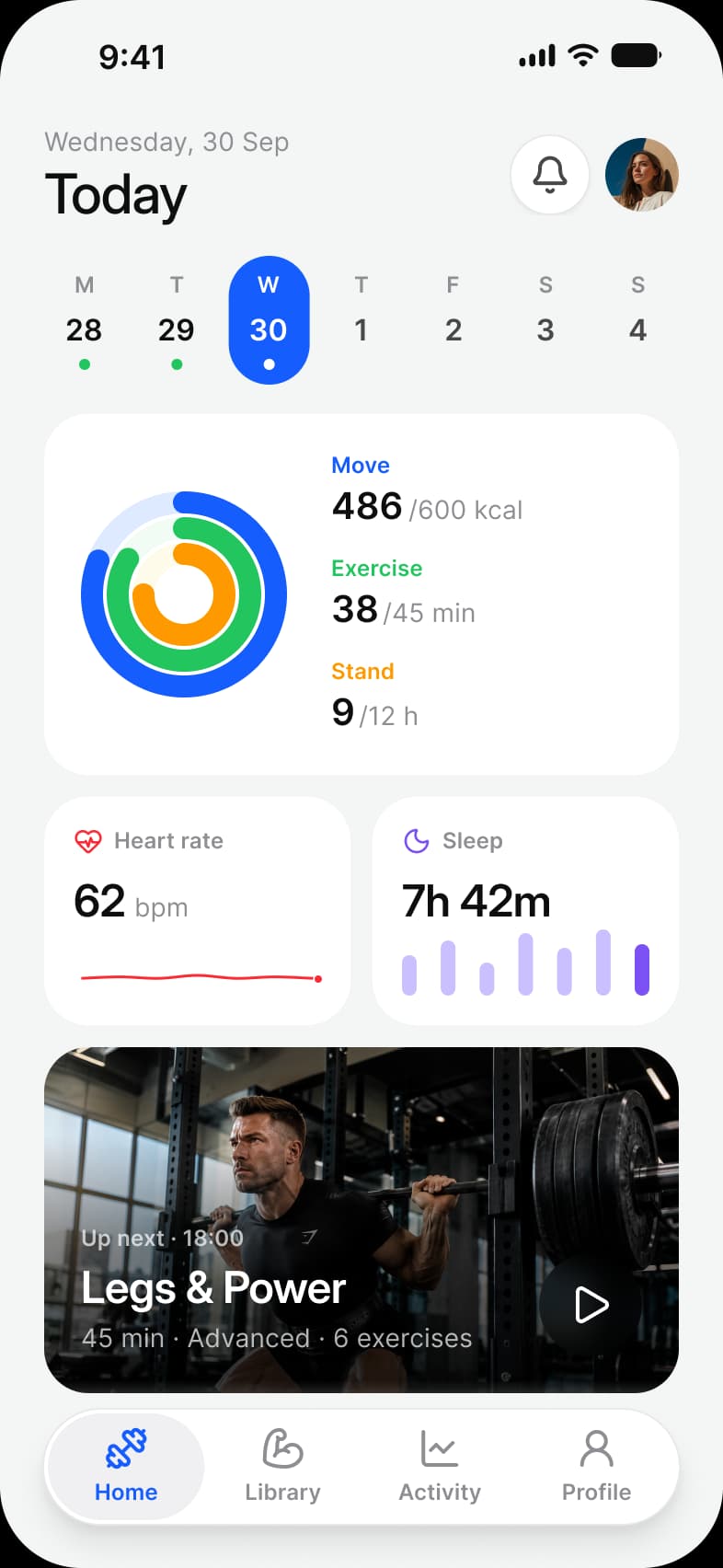
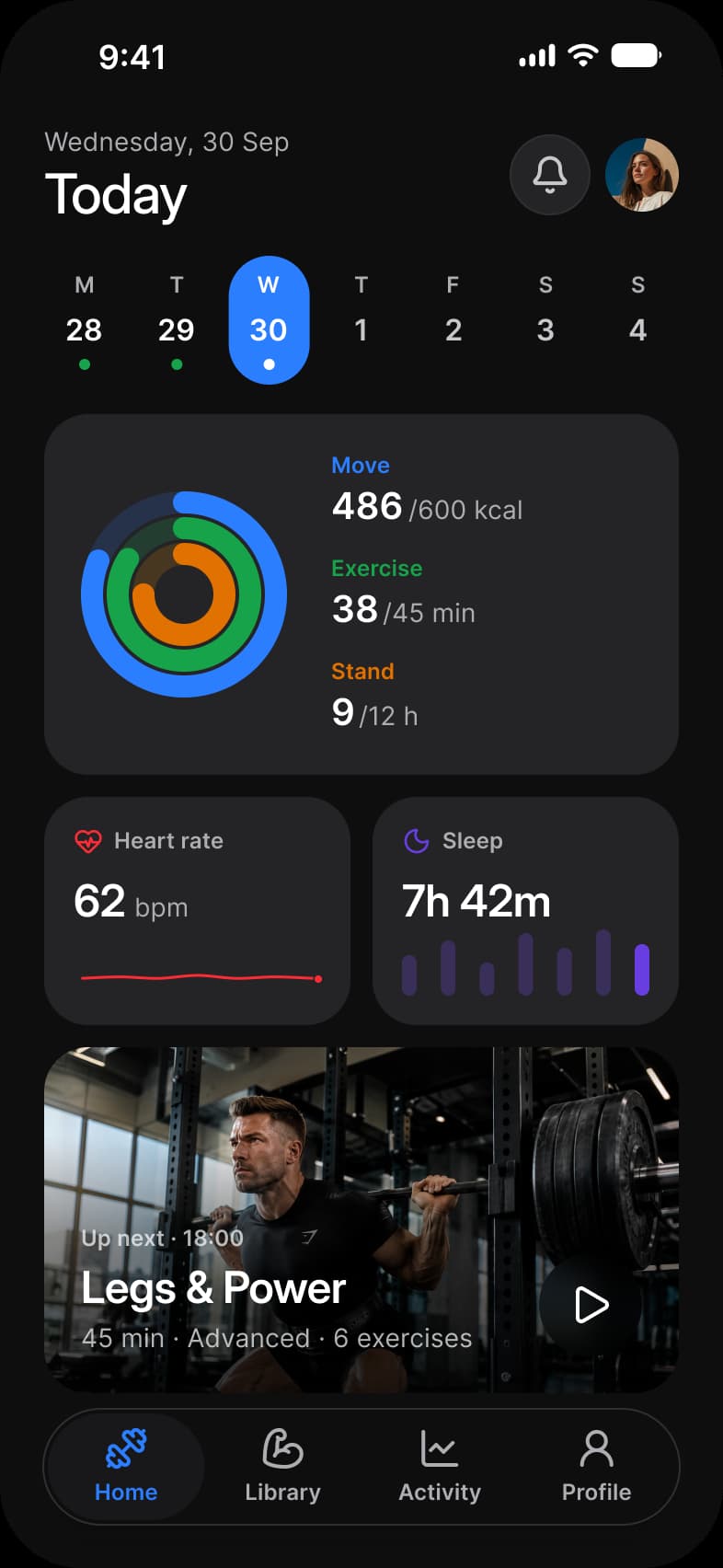
What does each system call it?
The same idea under its Apple, Material 3 and Appetite UI name.
| System | Name |
|---|---|
| Apple | Safe area and layout margins |
| Material 3 | Window insets and edge to edge |
| Appetite UI | grid/safe-area/top and grid/safe-area/bottom |
What value does it take on iOS and Android?
Read from the kit’s Platform collection and its Material 3 pages, as the docs print them.
| Variable | iOS (ios-md) | Android |
|---|---|---|
grid/safe-area/top | 59 | 52 |
grid/safe-area/bottom | 34 | 24 |
In practice
The insets differ by device and by system, which is why a layout that hard codes 20 points at the top breaks on the next phone.
Appetite UI holds the insets as grid variables per Platform mode: the top inset is 59 on ios-md, 62 on ios-lg and 52 on android, and the bottom inset 34 on iOS and 24 on Android.