Updated
Empty state
An empty state is what a screen shows when it has nothing to show yet: no trips, an empty cart, no messages. A good one names what is missing and offers the action that fills it.
Updated
On this page
In the kit
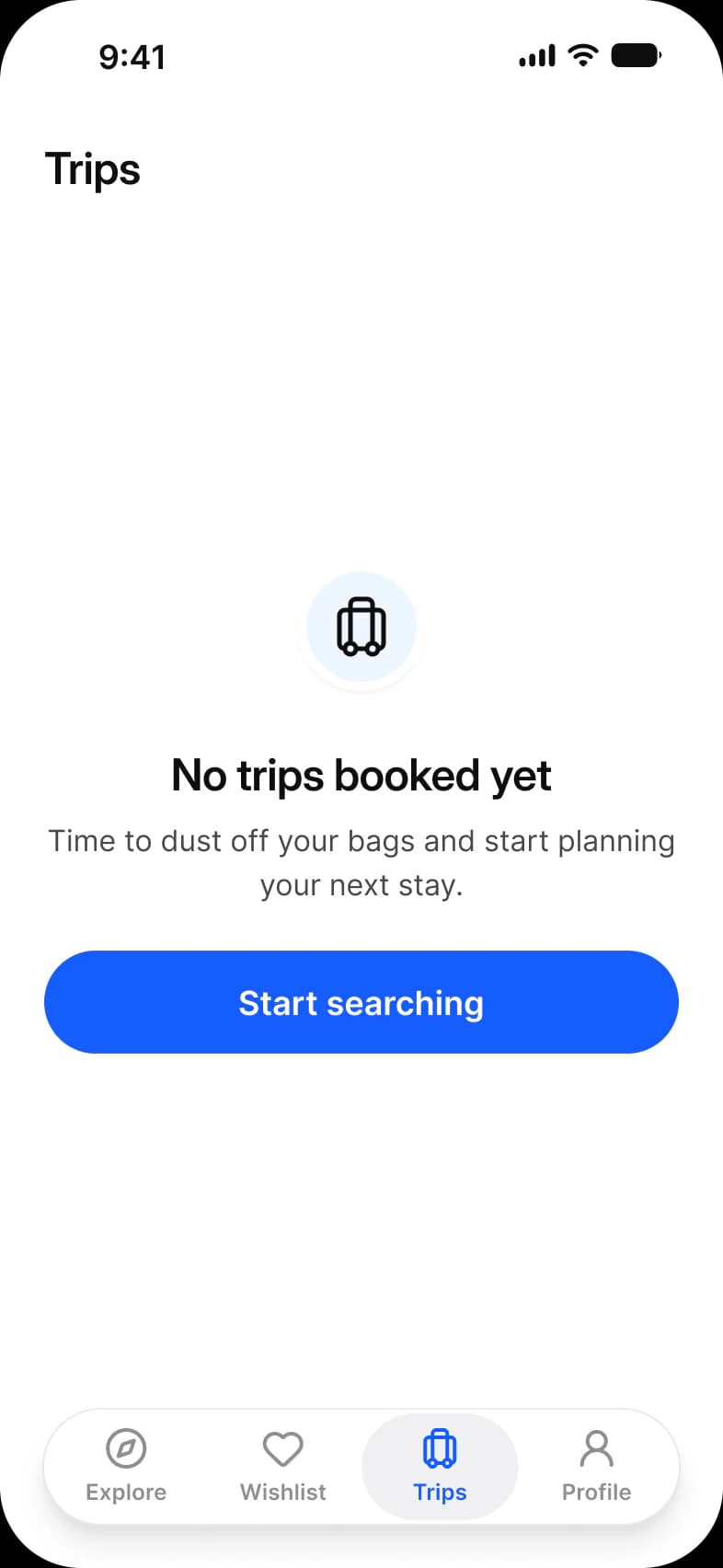
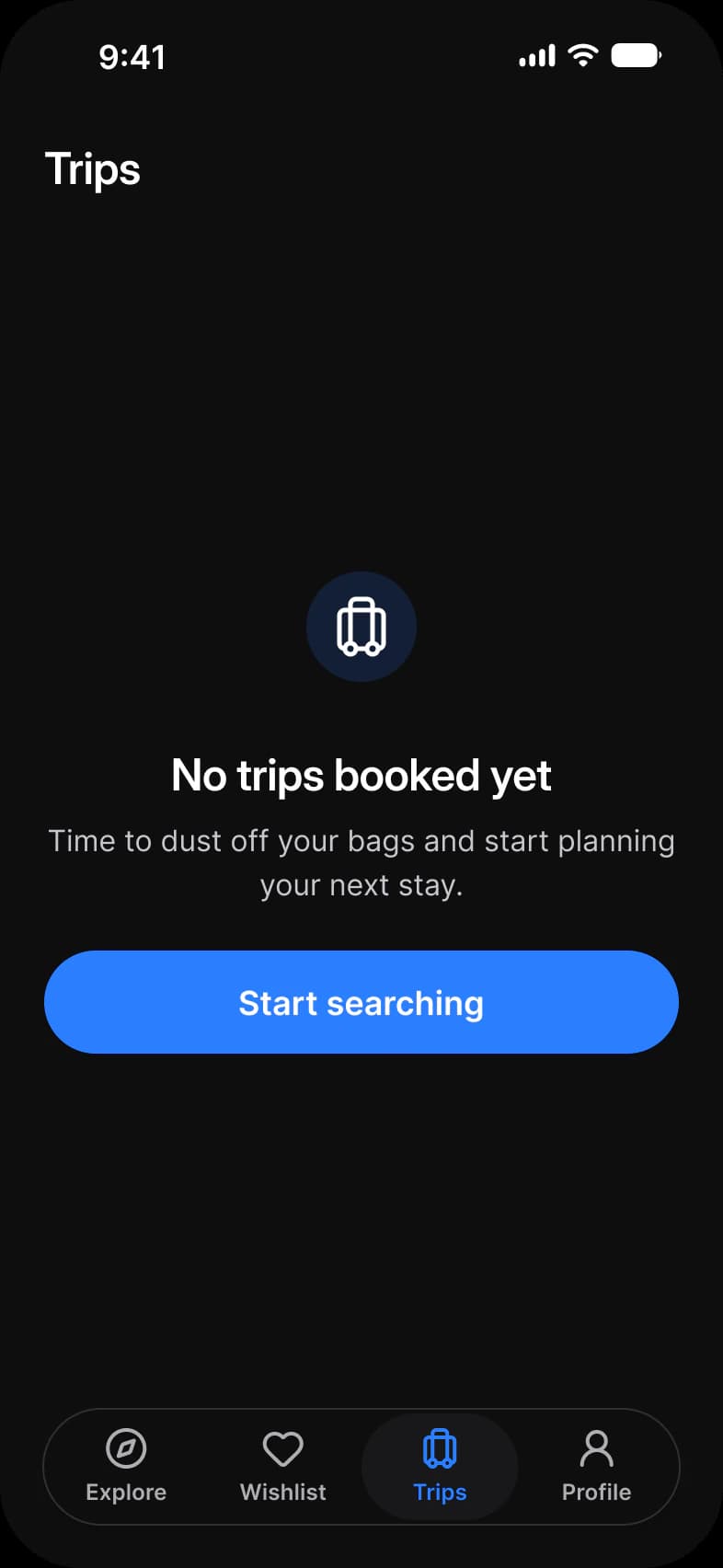
Where it appears in Appetite UI: Booking app, Trips empty, and the components live. The theme switch shows the dark frame.
Empty State, Info
No trips booked yetWhen you book a stay it will wait for you here.
Empty State, Error
Something went wrongCheck your connection and try again.
What does each system call it?
The same idea under its Apple, Material 3 and Appetite UI name.
| System | Name |
|---|---|
| Apple | Content unavailable view |
| Material 3 | No component; covered in the guidelines |
| Appetite UI | Empty State |
In practice
An empty state keeps the screen’s frame, its top bar and tab bar, so people know where they are. An error is the same pattern with a retry.
Appetite UI has one Empty State component with info, error and success types, used on the booking Trips, the food delivery Cart and the two screens of the Empty state page.