Empty state
An empty state is what a screen shows when it has nothing to show yet: no trips, an empty cart, no messages. A good one names what is missing and offers the action that fills it.
Why it matters
A first-time or cleared screen is what a new person sees first. Left blank, it looks broken.
It is also the place to offer the one action that fills the screen.
Empty state on iOS and Android
The same idea in each system, with the values Appetite UI gives it.
| Value | iOS | Android | Appetite UI |
|---|---|---|---|
| Name | Content unavailable view | No component; covered in the guidelines | Empty State |
In Appetite UI
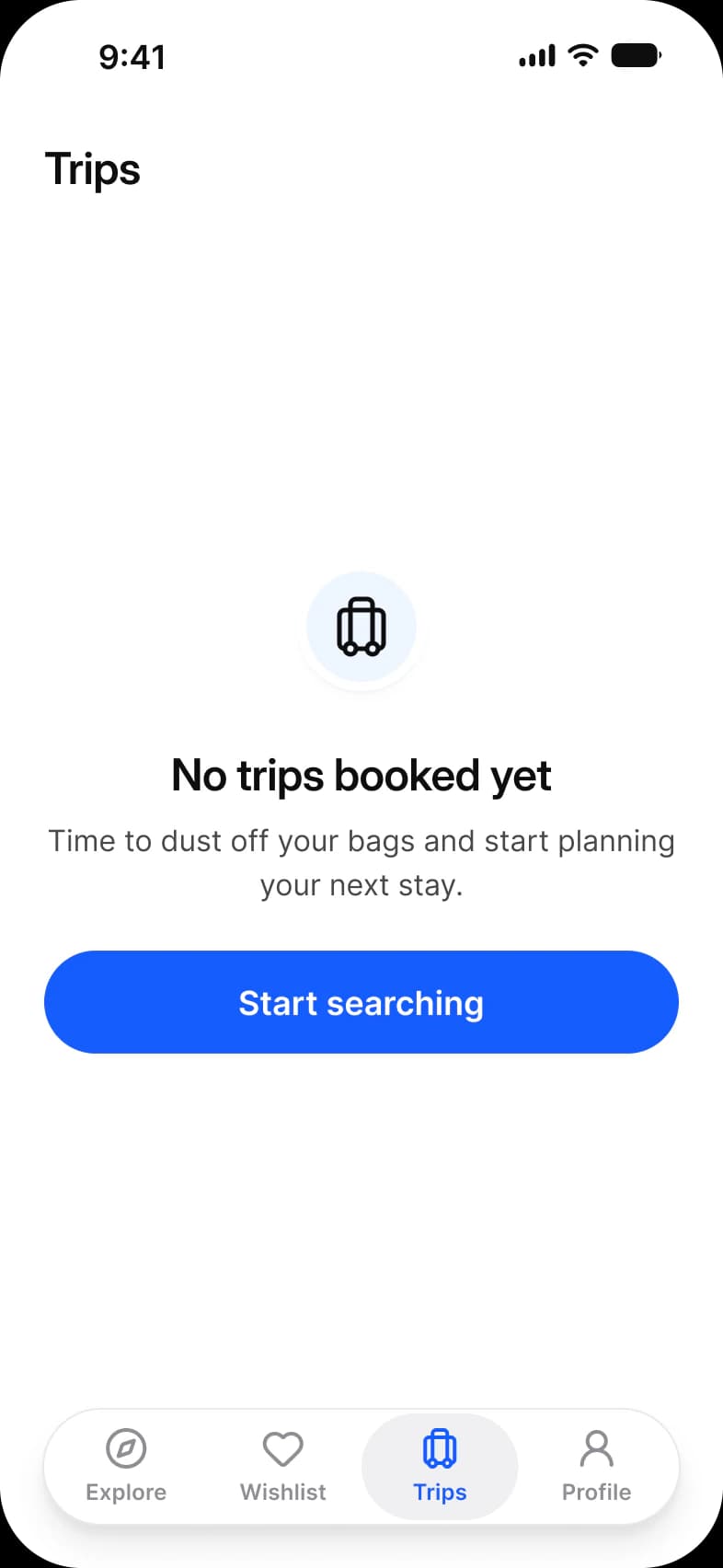
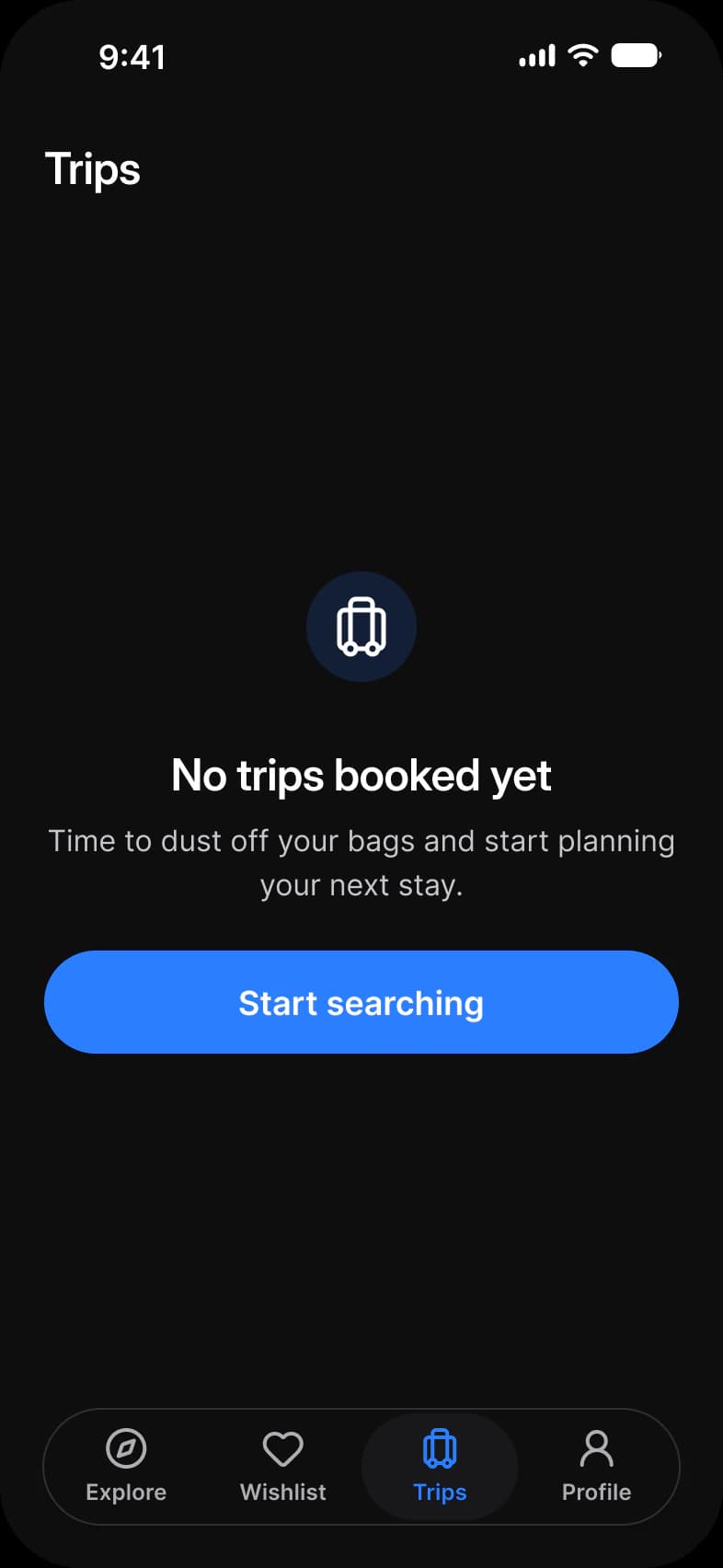
Where it appears in Appetite UI: Booking app, Trips empty, and the components, live. The theme switch beside the title shows the dark frame.
Empty State, Info
Empty State, Error
In practice
An empty state keeps the screen’s frame, its top bar and tab bar, so people know where they are. An error is the same pattern with a retry.
Appetite UI has one Empty State component with info, error and success types, used on the booking Trips, the food delivery Cart and the two screens of the Empty state page.
Common mistakes
- Showing an illustration with no action.
- Removing the screen’s frame, its top bar and tab bar.
- Using the same message for an empty screen and an error.
Questions
What should an empty state include?
A headline that names what is missing, one line that says what will appear, and the button that takes the first step, such as Start searching. Keep the top bar and tab bar so the screen is still where people expect it.
What is the difference between an empty state and an error state?
An empty state means nothing has happened yet; an error means something failed. Appetite UI draws both with one Empty State component, the error type leading with Try again and following with Go back.
Sources
The pages the facts above rest on, each read October 31, 2026.