Onboarding
Onboarding is the first-run flow that takes a person from opening a mobile app to using it, through a welcome, a sign-in and any setup. Apple asks for a flow that is fast, fun and optional.
Why it matters
Apple’s guidance is that people should understand an app by using it, so onboarding is a cost to keep low. It should not teach more than people can remember.
Setup that is not needed on day one should wait, with reasonable defaults.
Onboarding on iOS and Android
Also called Onboarding flow, First-run experience, Welcome screens. The same idea in each system, with the values Appetite UI gives it.
| Value | iOS | Android | Appetite UI |
|---|---|---|---|
| Name | Onboarding | No component: guidance only | Welcome, Sign in and Sign up screens |
In Appetite UI
The Onboarding screens page holds Welcome, two Sign in layouts, social first and form first, and Sign up, built from the Input, Button and Social Button components. The blog covers the patterns.
Where it appears in Appetite UI: Onboarding flow, Welcome. The theme switch beside the title shows the dark frame.
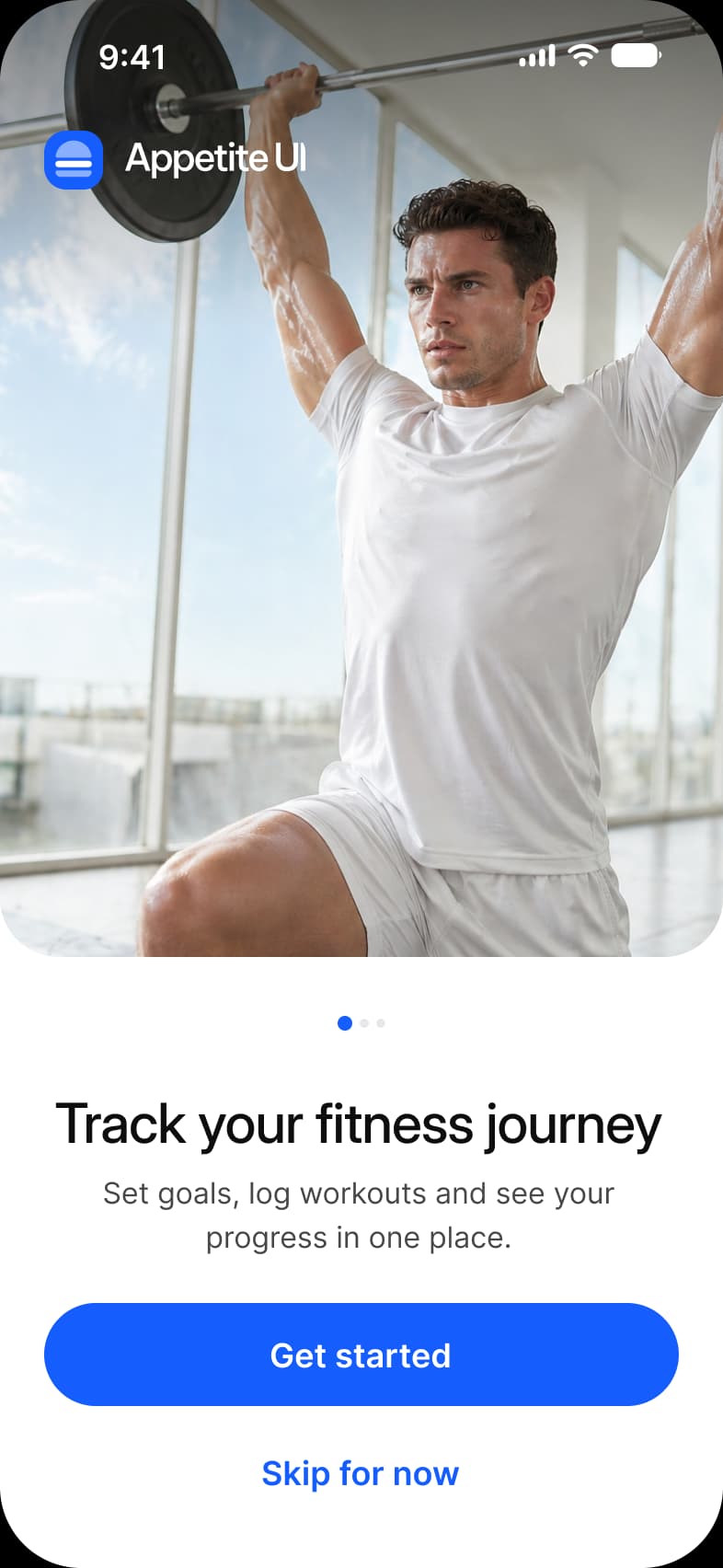
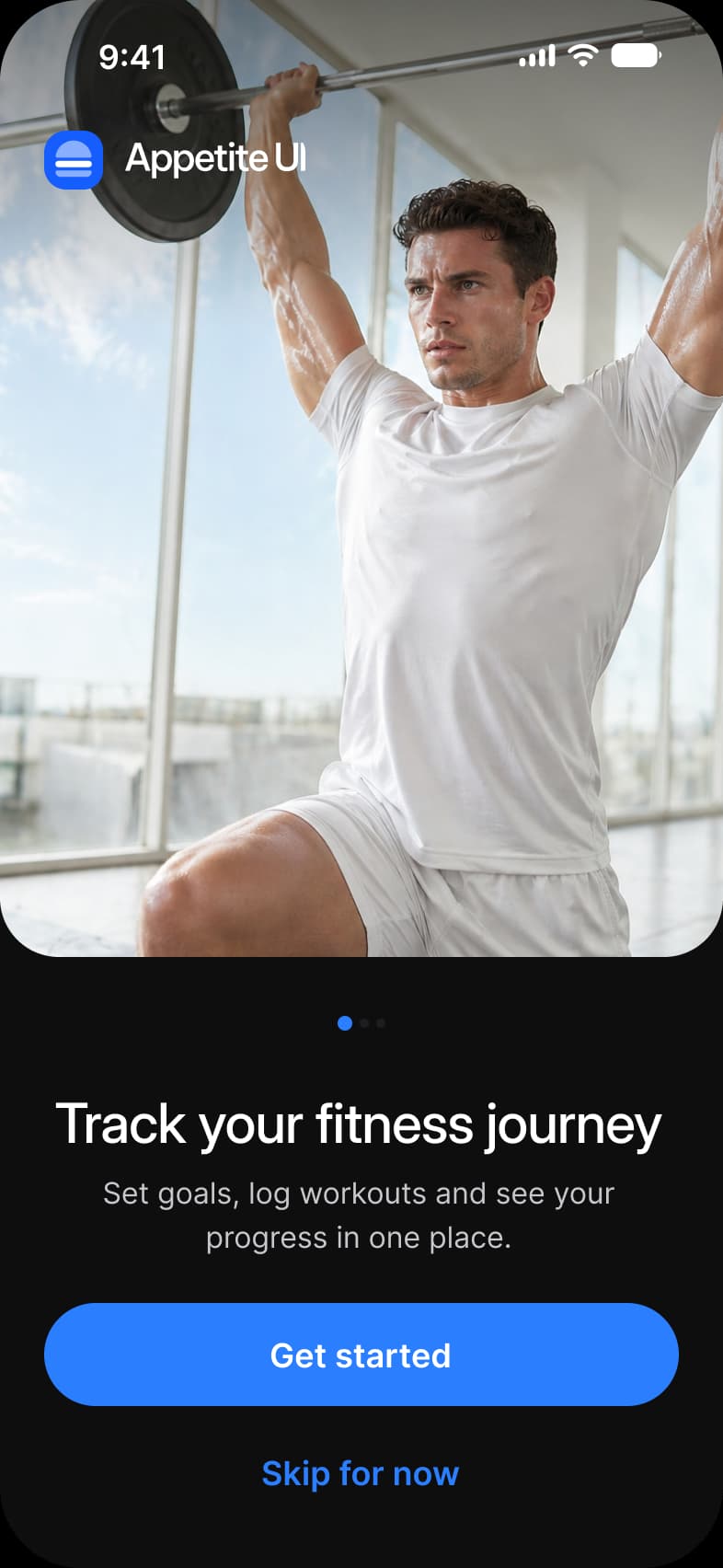
Example
An app shows a Welcome screen with one line, offers Continue with Apple and Google and an email form, and asks for notification permission later, at the moment a reminder is first useful.
Common mistakes
- A long carousel of tips before any value. Let people use the app first.
- Asking for every permission on the first screen. Ask where the benefit is clear.
- Making a tutorial compulsory. Let people skip it and find it again later.
- Hiding sign-in methods behind an email form.
Questions
How long should mobile onboarding be?
As short as possible. Apple asks for a brief flow that does not require memorising a lot, and says to postpone nonessential setup.
When should an app ask for permissions?
In onboarding only if the app cannot work without them, and then with a reason shown. Otherwise ask at the moment the feature is first used.
Sources
The pages the facts above rest on, each read October 30, 2026.