Text field
A text field is the control in which people type a single line of text, such as an email, a name or a search term. iOS calls it a Text Field, and Material 3 draws it as a Filled or Outlined Text Field.
Why it matters
Typing is the slowest thing a person does on a phone, so a text field decides whether a form gets finished. Its label, its keyboard and the moment it reports an error matter more than its fill.
A placeholder disappears when typing starts, which is why Apple asks for a separate label when the field’s purpose must stay visible.
Text field on iOS and Android
Also called Input field, Form field, Text input. The same idea in each system, with the values Appetite UI gives it.
| Value | iOS | Android | Appetite UI |
|---|---|---|---|
| Name | Text Field and Secure Field | Text field, Filled or Outlined | Input |
| Stroke, Outlined (Material Components) | A 402 by 52 row in the file | 1 dp, 2 dp when focused | See below |
| Icon minimum size (Material Components) | 44 pt touch target | 48 dp | See below |
| Component | iOS | Material 3 | What differs |
|---|---|---|---|
| Text field | iOS / Text Field | M3 / Text Field, Filled or Outlined, 56 high | Material has Enabled, Focused, Error and Disabled states |
In Appetite UI
Input is one component with the types Default, Left and Right Selection, Password, Prefix and Suffix, and the states Placeholder, Filled, Focused, Error and Disabled. Label, hint and error never change the height of the field.
Digit Input, Stepper and Text Area exist as Appetite UI components only; the docs page marks them as having no counterpart on either platform.
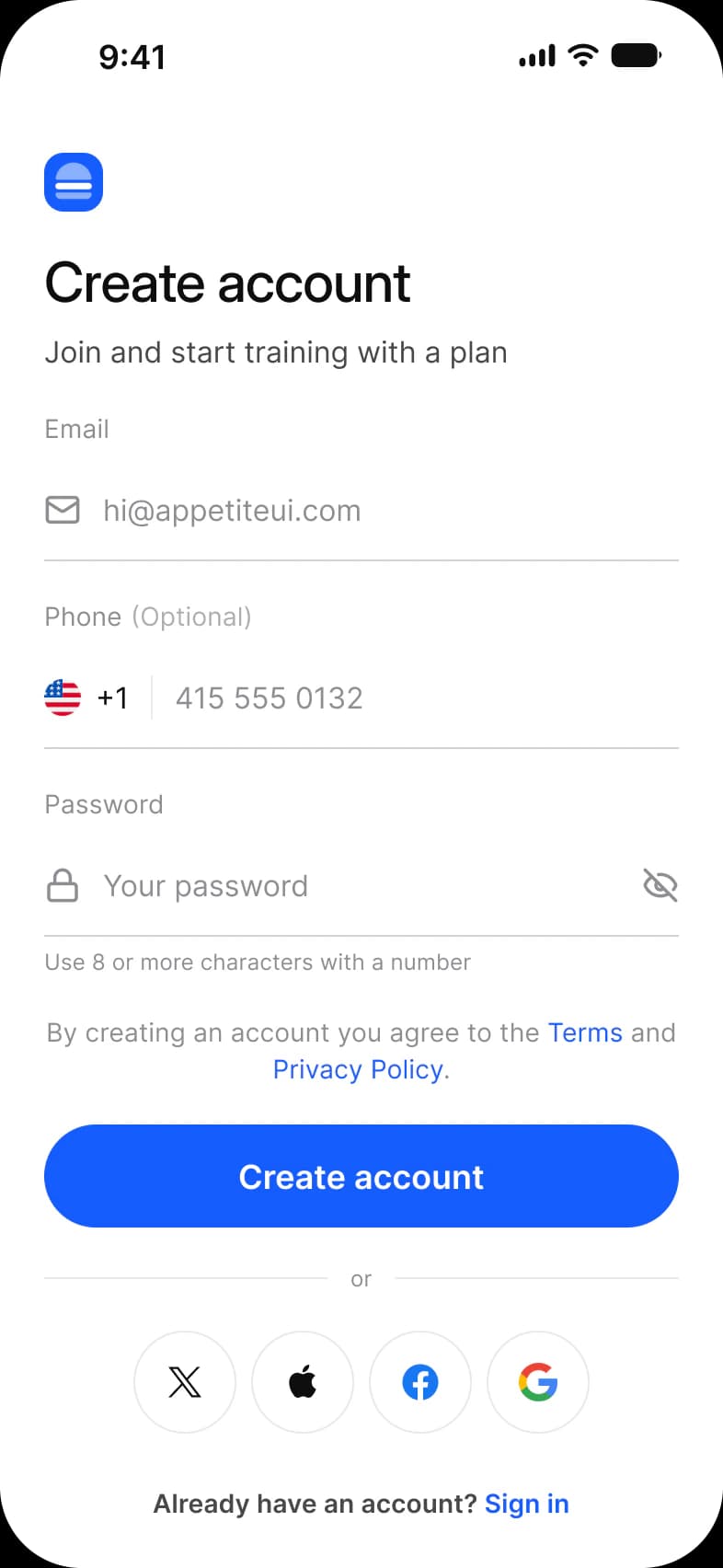
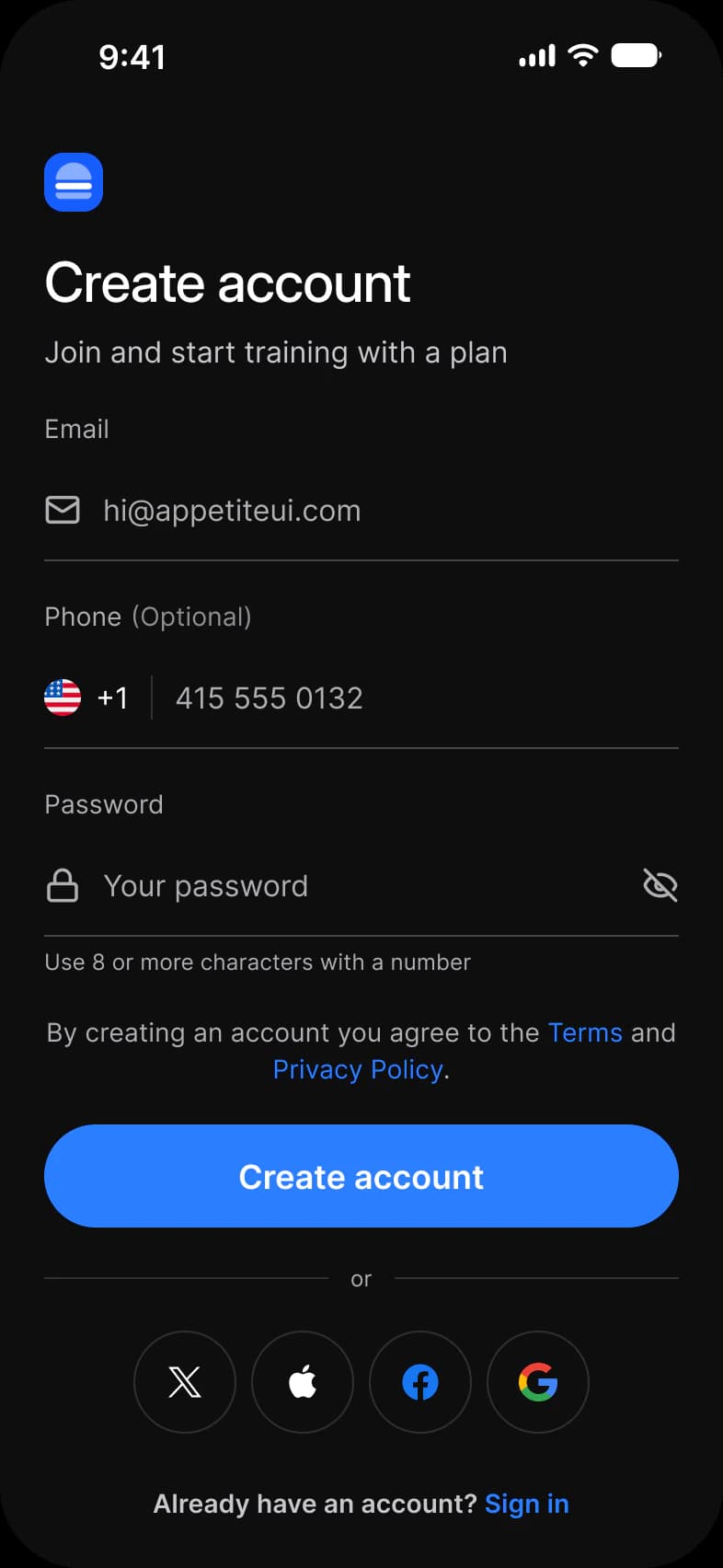
Where it appears in Appetite UI: Onboarding flow, Sign up. The theme switch beside the title shows the dark frame.
Example
A sign-up form stacks Email, Password and Name at one width. Email opens the email keyboard, Password is a secure field with a show switch, and the error “Enter a valid email” appears under the field once it loses focus, not on the first keystroke.
Common mistakes
- Using the placeholder as the only label. It vanishes while typing; keep a label above the field.
- Validating on every keystroke. Check an email when the person moves on, and a digits-only field at the moment a wrong character is typed.
- Showing the default keyboard for every field. Choose the type that fits, such as email, number or URL.
- Letting the error message change the field’s height, so the layout jumps under the finger.
Questions
Should I use a placeholder or a label in a text field?
A label, with the placeholder as an extra hint at most. A placeholder disappears when people start typing, so Apple recommends a separate label that stays on screen.
What is the difference between a filled and an outlined text field?
Both are Material 3 styles of one control. Filled draws the field on a tinted surface and outlined draws it with a stroke, 1 dp and 2 dp when focused in Material Components for Android. iOS has a single plain Text Field.
Sources
The pages the facts above rest on, each read October 30, 2026.