Bottom sheet
A bottom sheet is a surface that slides up over the screen for a task related to it, and slides away when the task is done. Apple calls it a sheet.
Why it matters
A sheet lets a task happen without losing the screen behind it, so people keep their place.
Its corner differs by platform, so it reads platform/sheet/corner and not a fixed radius.
Bottom sheet on iOS and Android
Also called Sheet, Modal sheet. The same idea in each system, with the values Appetite UI gives it.
| Value | iOS | Android | Appetite UI |
|---|---|---|---|
| Name | Sheet | Bottom sheet | Modal Sheet |
| Sheet corner | 12 pt | 28 dp | platform/ |
| Component | iOS | Material 3 | What differs |
|---|---|---|---|
| Sheet | iOS / Sheet - Full Screen | M3 / Bottom sheet 412 wide and Side Sheet 320 wide | Material adds a side sheet for large screens |
In Appetite UI
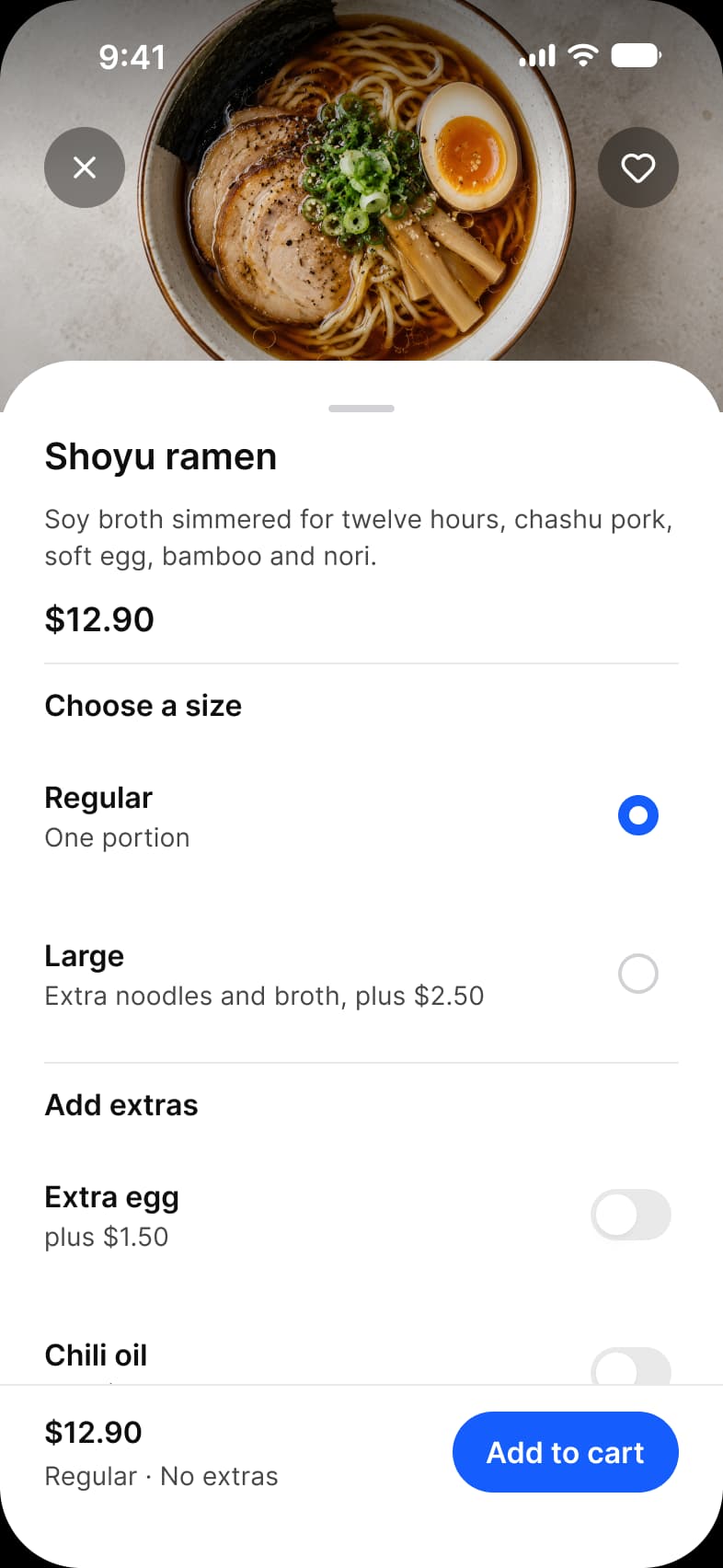
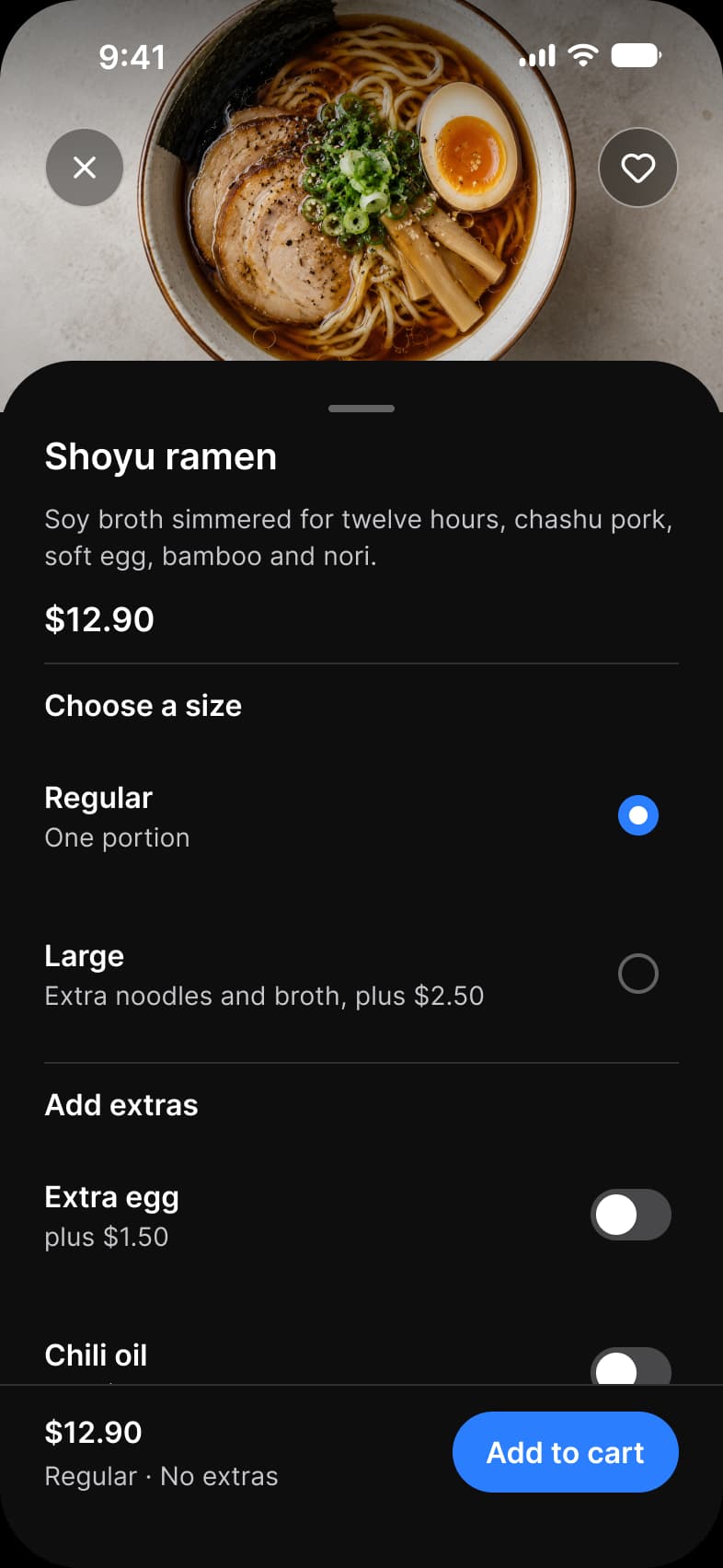
Where it appears in Appetite UI: Food delivery app, Dish, and the components, live. The theme switch beside the title shows the dark frame.
Stepper, Price Row and Button
In practice
A sheet keeps the screen behind it in view, so people do not lose their place; a full screen modal hides it. Use a sheet for a choice, a modal for a task that must come first.
The kit’s Platform collection gives a sheet its corner, platform/sheet/corner, 12 on iOS and 28 on Android. The finance Pay screen, the food delivery Dish and the task Filters are sheets.
Common mistakes
- Putting a full-screen task in a sheet. Use a modal.
- Giving no handle or close control.
- Stacking a sheet on a sheet.
Questions
When should I use a bottom sheet instead of a modal?
Use a sheet for a task tied to the screen under it, such as choosing a size or filtering a list, because the screen stays in view. Use a full screen modal when the task must be finished before anything else, such as a payment.
What corner radius does a bottom sheet have?
In Appetite UI’s Platform collection a sheet’s corner is 12 on iOS and 28 on Android, the value Material 3 gives its sheets.
Sources
The pages the facts above rest on, each read October 31, 2026.