Corner radius
Corner radius is how round the corners of a surface or control are. Apple and Material round different things by different amounts, so one value rarely suits both.
Why it matters
Radius is the quickest signal of platform. The wrong one makes an app feel borrowed from the other system.
Nested corners also have to match: Apple asks for radii that are concentric with the bar or container around them.
Corner radius on iOS and Android
Also called Shape. The same idea in each system, with the values Appetite UI gives it.
| Value | iOS | Android | Appetite UI |
|---|---|---|---|
| Name | Corner radius | Shape, corner tokens | platform/*/corner and the radius scale |
| Control corner | 8 pt | Fully round | platform/ |
| Sheet corner | 12 pt | 28 dp | platform/ |
| Dialog corner | 12 pt | 28 dp | platform/ |
| Card corner | 12 pt | 12 dp | platform/ |
In Appetite UI
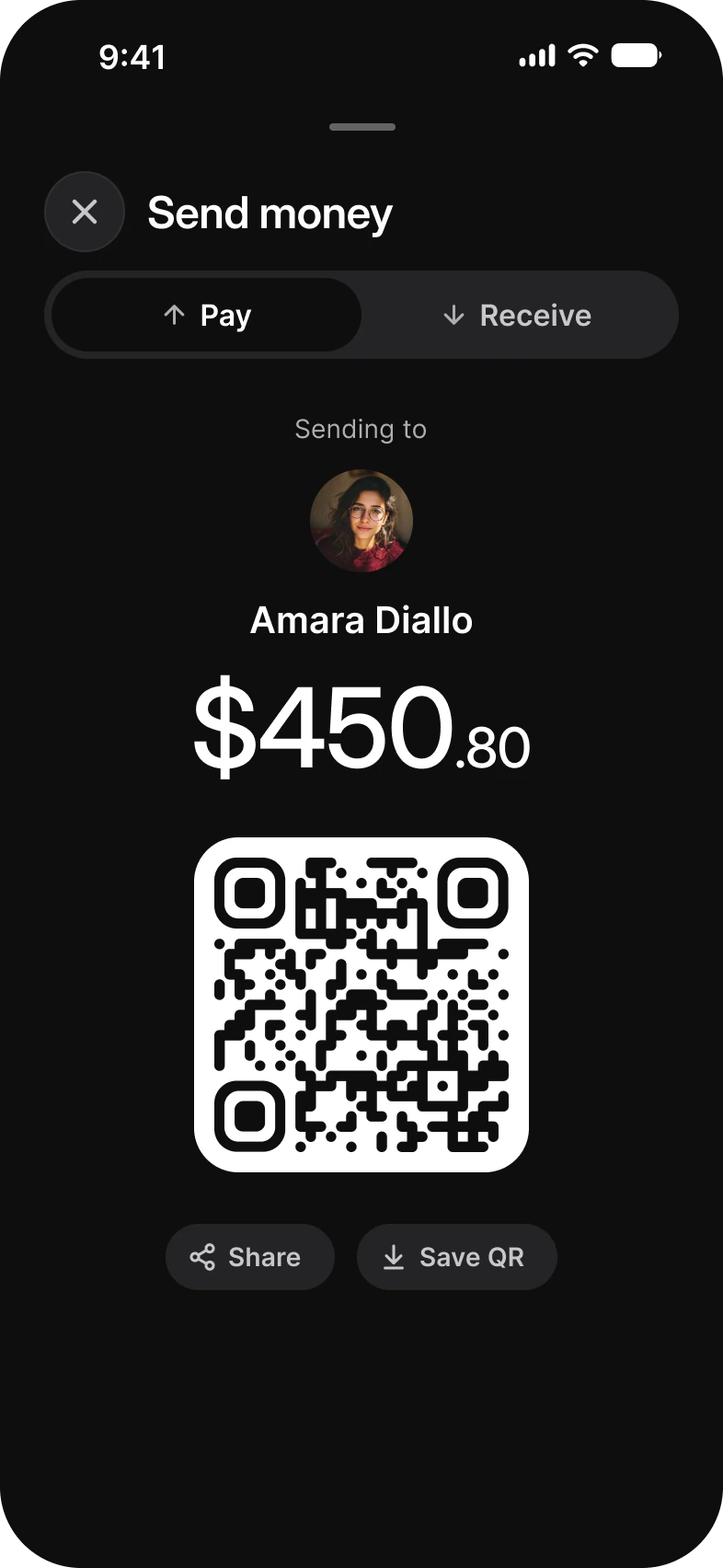
Where it appears in Appetite UI: Finance app, Pay. The theme switch beside the title shows the dark frame.

In practice
Material 3 makes buttons fully round and sheets and dialogs round at 28; the iOS mode of the kit keeps controls at 8 and sheets at 12.
Appetite UI holds both answers as Platform variables: platform/control/corner is 8 on iOS and fully round on Android, platform/sheet/corner and platform/dialog/corner 12 against 28, and platform/card/corner 12 on both.
Common mistakes
- Using one radius for every platform. Read it from the Platform collection.
- Giving an inner shape the same radius as its container. Subtract the padding.
- Typing a radius per component. Bind to the scale.
Questions
What corner radius do iOS and Android use for sheets and dialogs?
In Appetite UI’s Platform collection a sheet is 12 on iOS and 28 on Android, and a dialog 12 against 28. Cards are 12 on both.
What is Material 3’s shape scale?
Material 3 names corner sizes from none through extra small, small, medium, large and extra large to full. Appetite UI’s Platform Bridge points those slots at its own radius tokens in Brand mode, so a Material screen takes the brand’s corners.
Sources
The pages the facts above rest on, each read October 31, 2026.