Picker
A picker is the control that lets people choose a value from a set instead of typing it, most often a date or a time. iOS offers compact, inline and wheel date pickers, and Material 3 offers modal date pickers and dial or keyboard time pickers.
Why it matters
Dates and times are the fields people mistype most. A picker removes the format question and the invalid values, and it is the quickest way to enter a booking date on a phone.
Apple’s tip for time: a minute list holds 60 values by default, and a coarser step, such as quarter hours, makes the list shorter to scan.
Picker on iOS and Android
Also called Date picker, Time picker, Wheel picker. The same idea in each system, with the values Appetite UI gives it.
| Value | iOS | Android | Appetite UI |
|---|---|---|---|
| Name | Date picker and Picker | Date picker and time picker | Date Picker and Time Picker |
| Component | iOS | Material 3 | What differs |
|---|---|---|---|
| Picker | iOS / Date and time pickers | M3 / Modal date picker 360 × 524, Dial and Keyboard time pickers | Material offers a dial and a keyboard variant of the time picker |
In Appetite UI
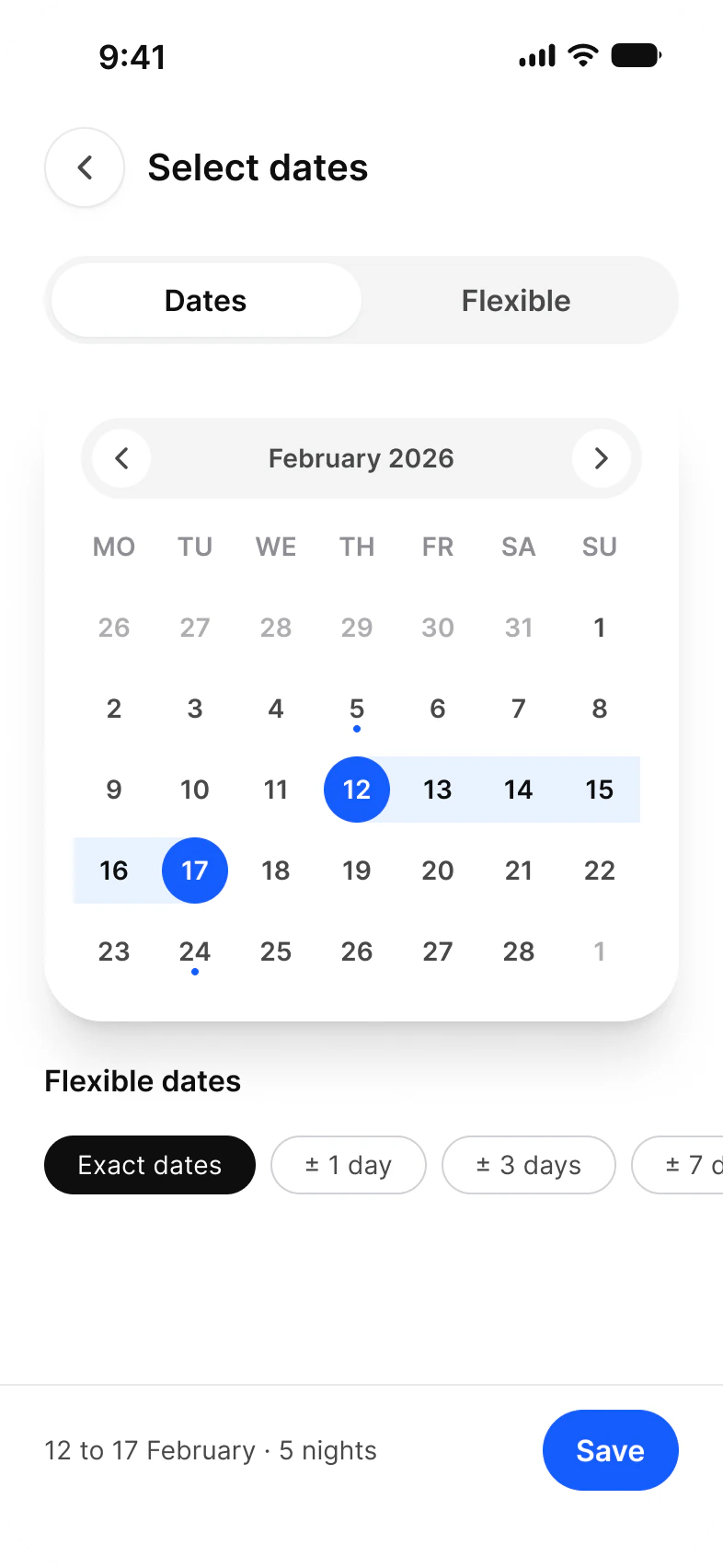
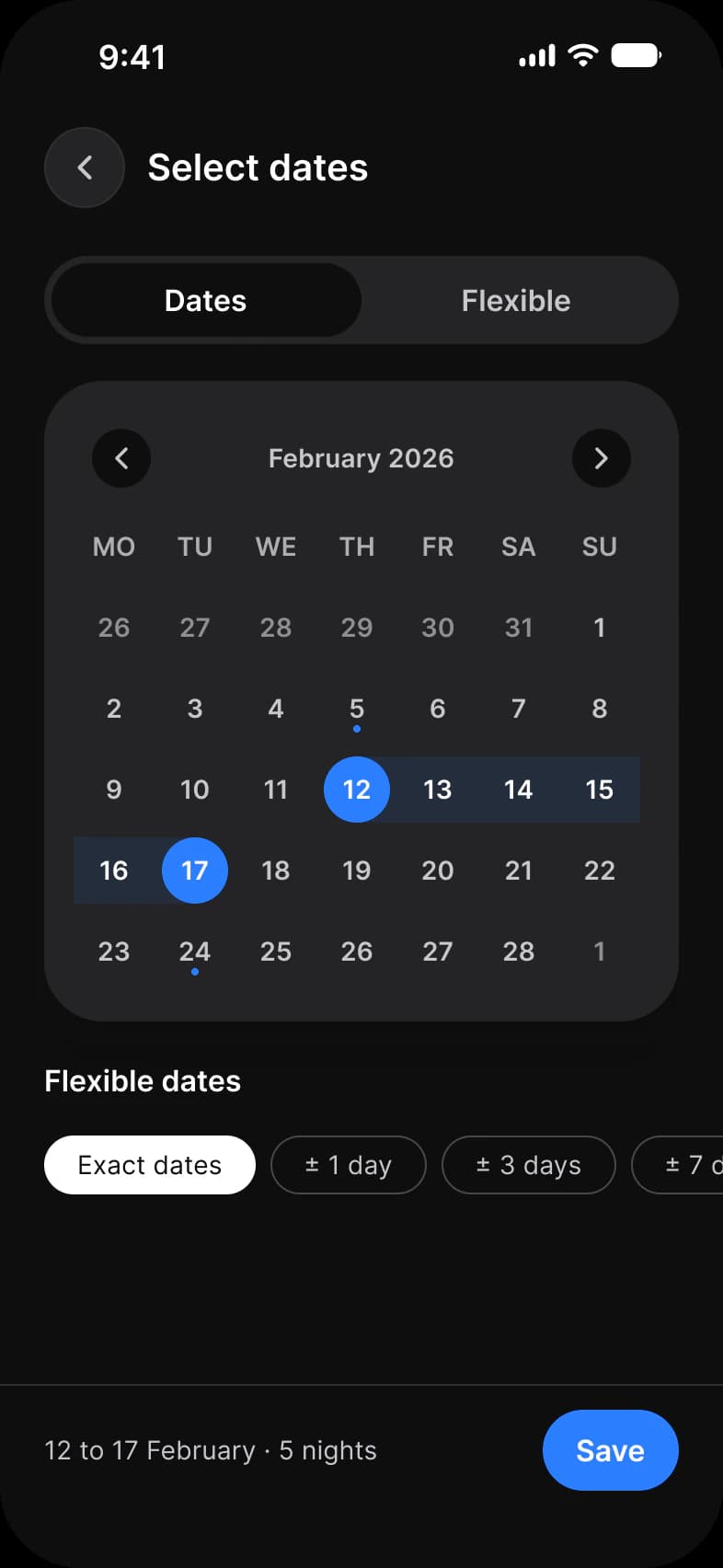
Date Picker is a calendar with a Today mark and a range band, and Time Picker chooses from a list of slots with quick durations. Neither draws a wheel or a dial; the docs page states what differs from each platform’s own control.
Where it appears in Appetite UI: Booking app, Dates. The theme switch beside the title shows the dark frame.
Example
A booking app asks for a check-in and a check-out date in one range calendar, and a time of arrival from slots every 30 minutes, which keeps the list short.
Common mistakes
- Using a wheel for a date far in the past, such as a birth date. A keyboard entry or a year list is faster.
- Offering every minute when only a few matter. Use an interval that divides 60 evenly, such as 15.
- Hiding the selected date behind a tap. Show the chosen value in the row.
- Forgetting the keyboard route. Material 3 offers a keyboard input mode for dates and times for a reason.
Questions
What are the iOS date picker styles?
Compact, inline and wheels. Compact is a button that opens the editing view, inline shows a calendar, and wheels show scrolling columns that also take typed entry.
Which time picker does Material 3 use?
Two: a dial, where the hours and minutes are set on a clock face, and a keyboard input where they are typed. Material Components for Android ships both in one dialog with a toggle between them.
Sources
The pages the facts above rest on, each read October 30, 2026.