Works with
Appetite UI Code, running in Expo Go.
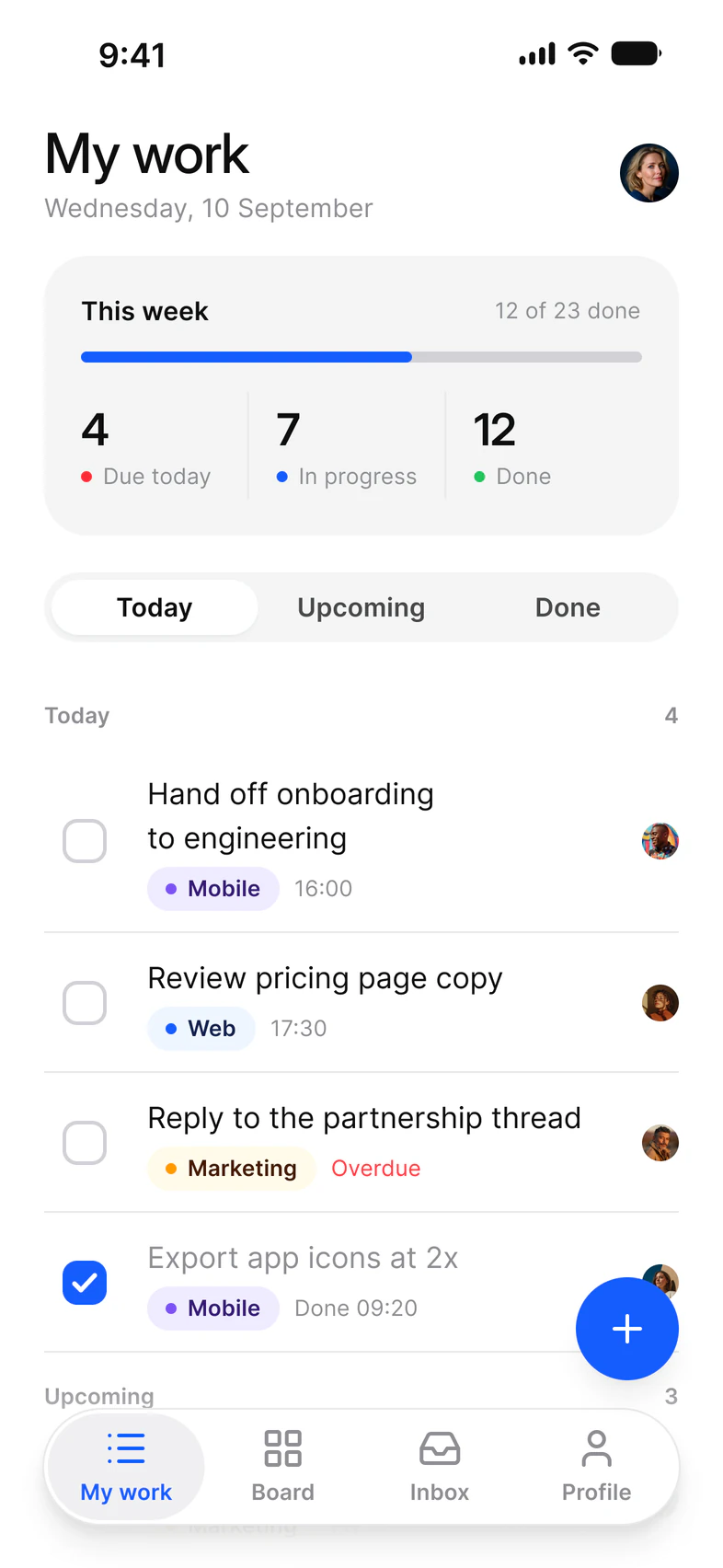
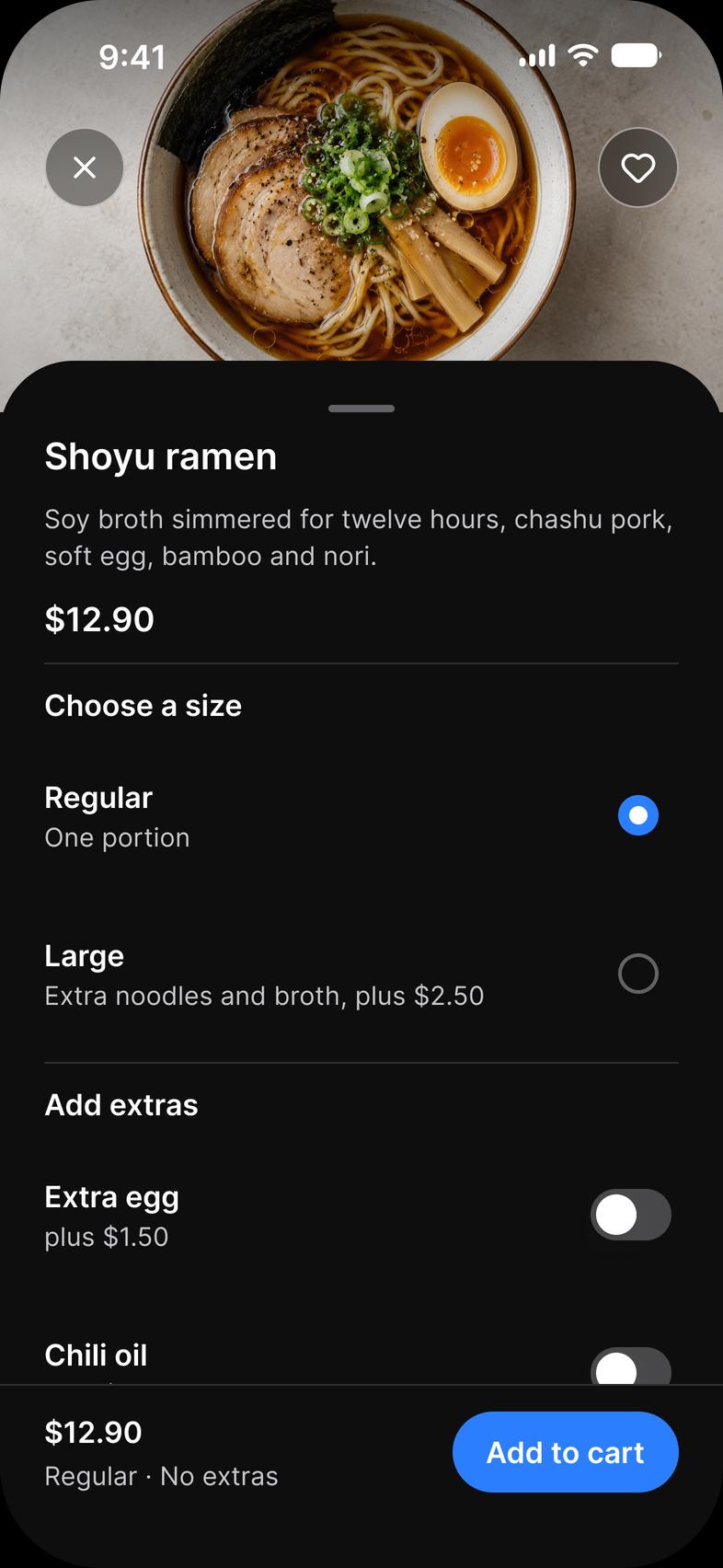
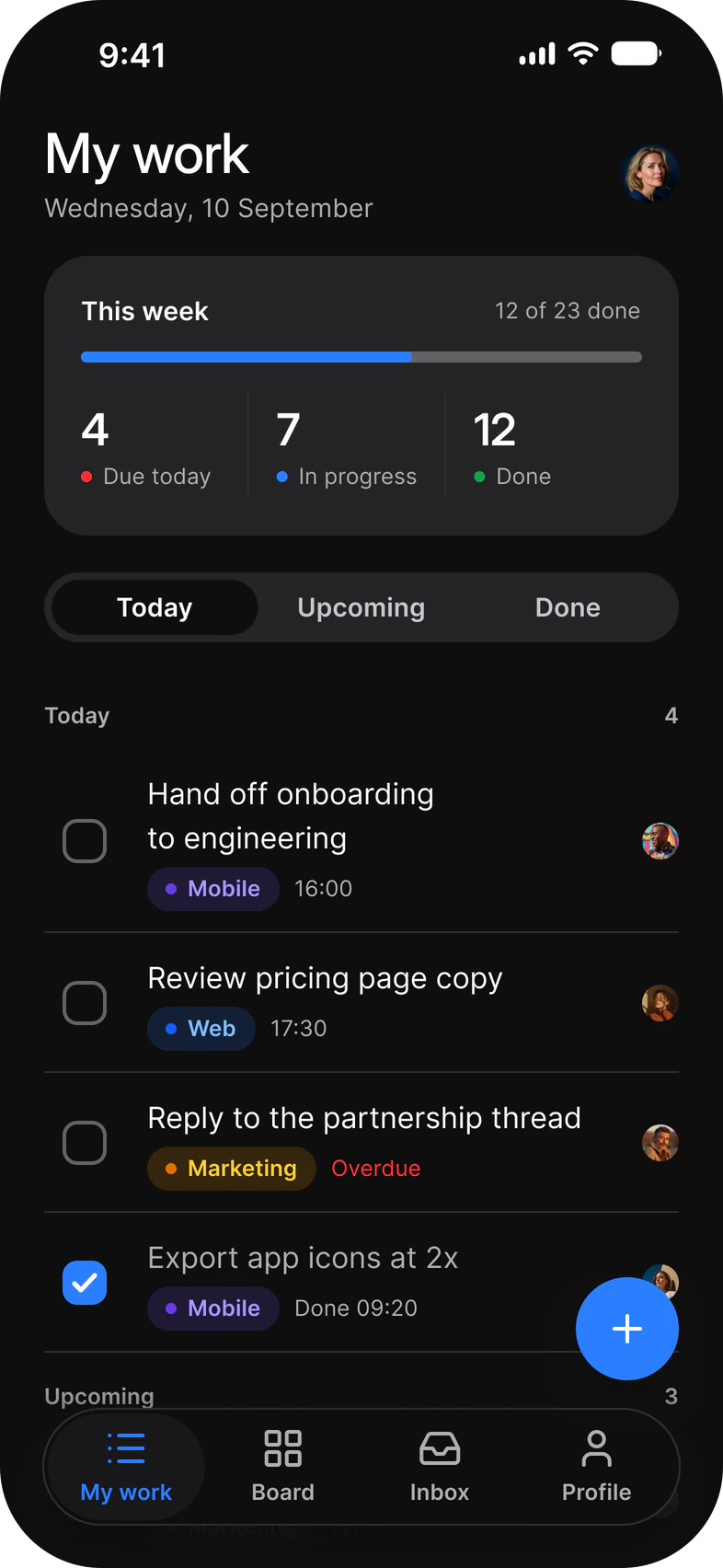
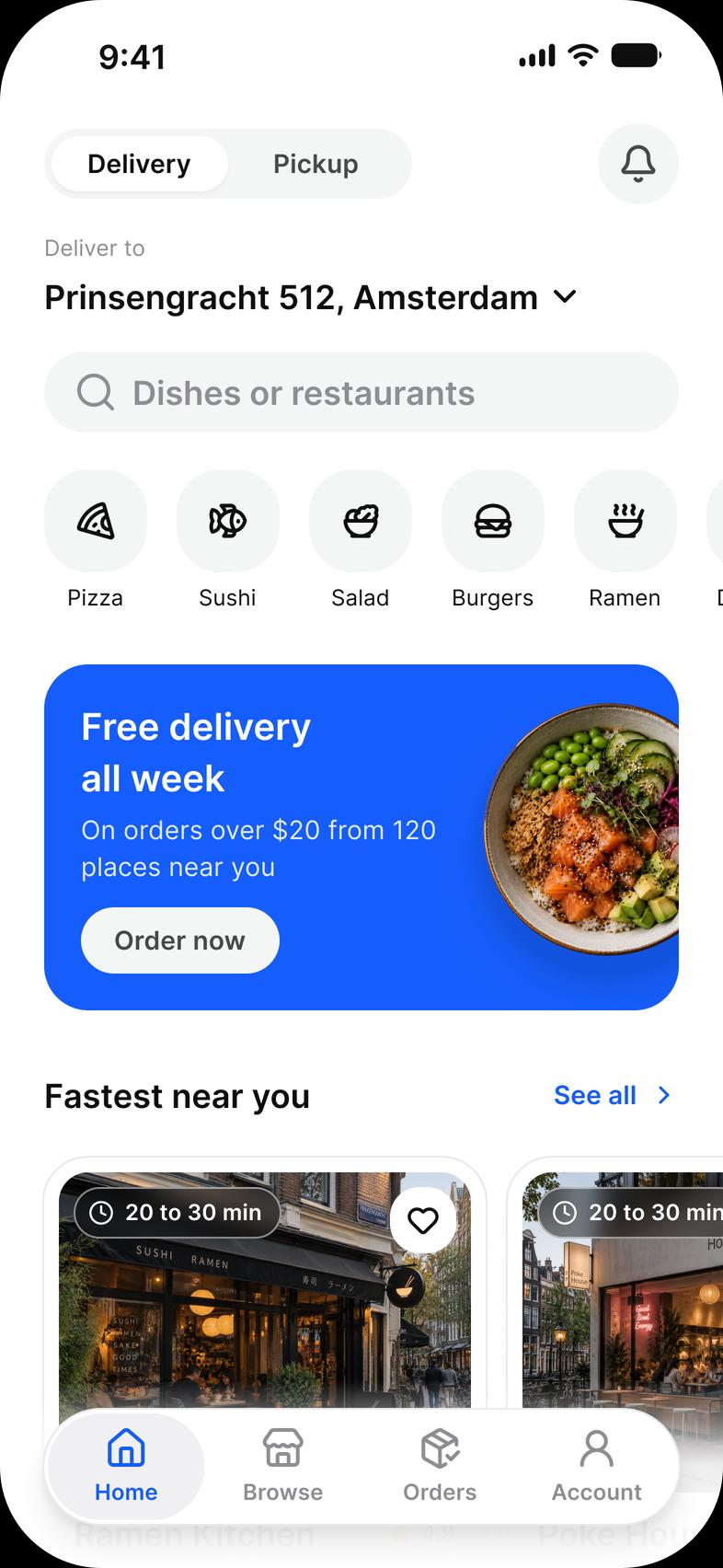
Appetite UI Code works with Expo through its React Native folder, which is built with Expo SDK 58 (React Native 0.88) and uses only Expo modules that ship in Expo Go: expo-blur, expo-haptics and expo-font.
What you get
What Appetite UI Code gives an Expo app.
As Code 1.0 ships, measured on Expo SDK 58.
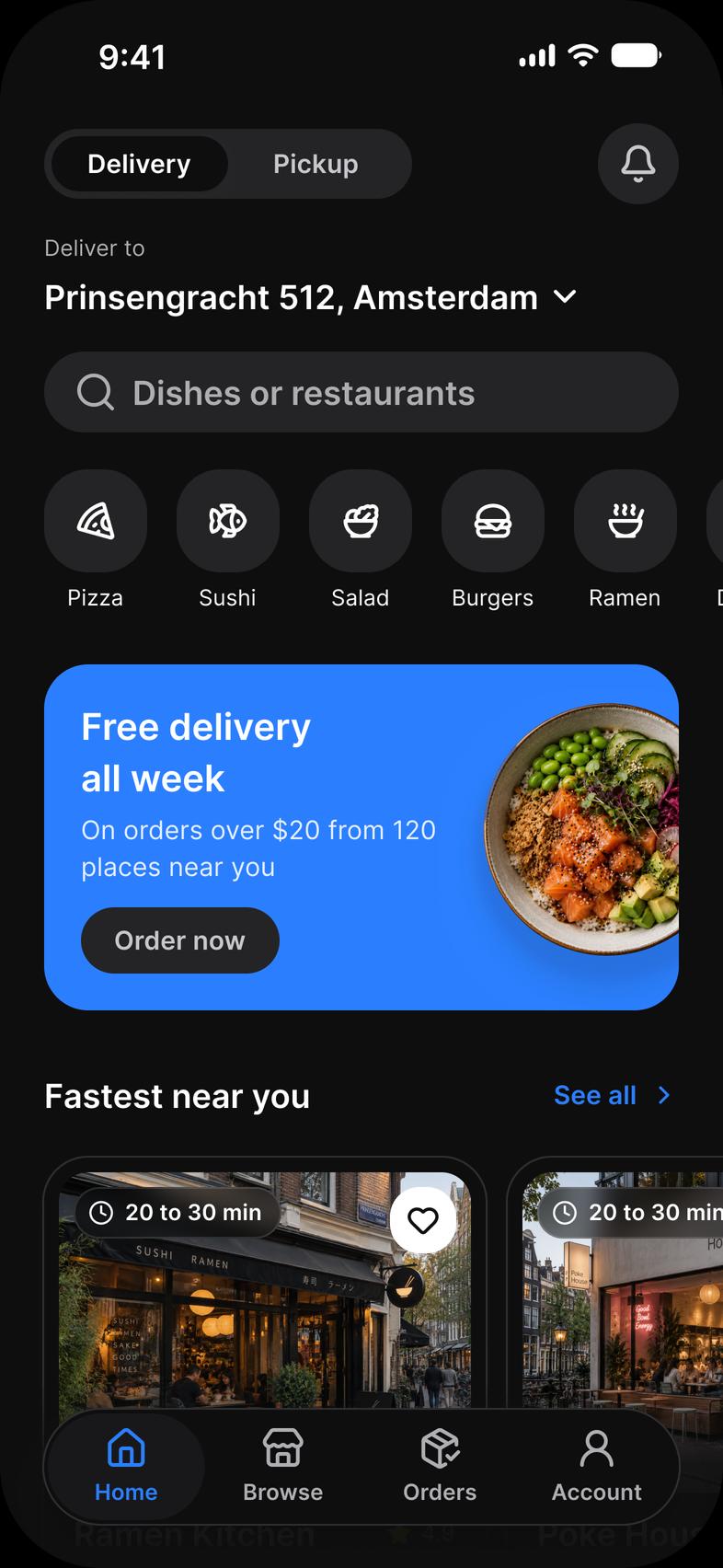
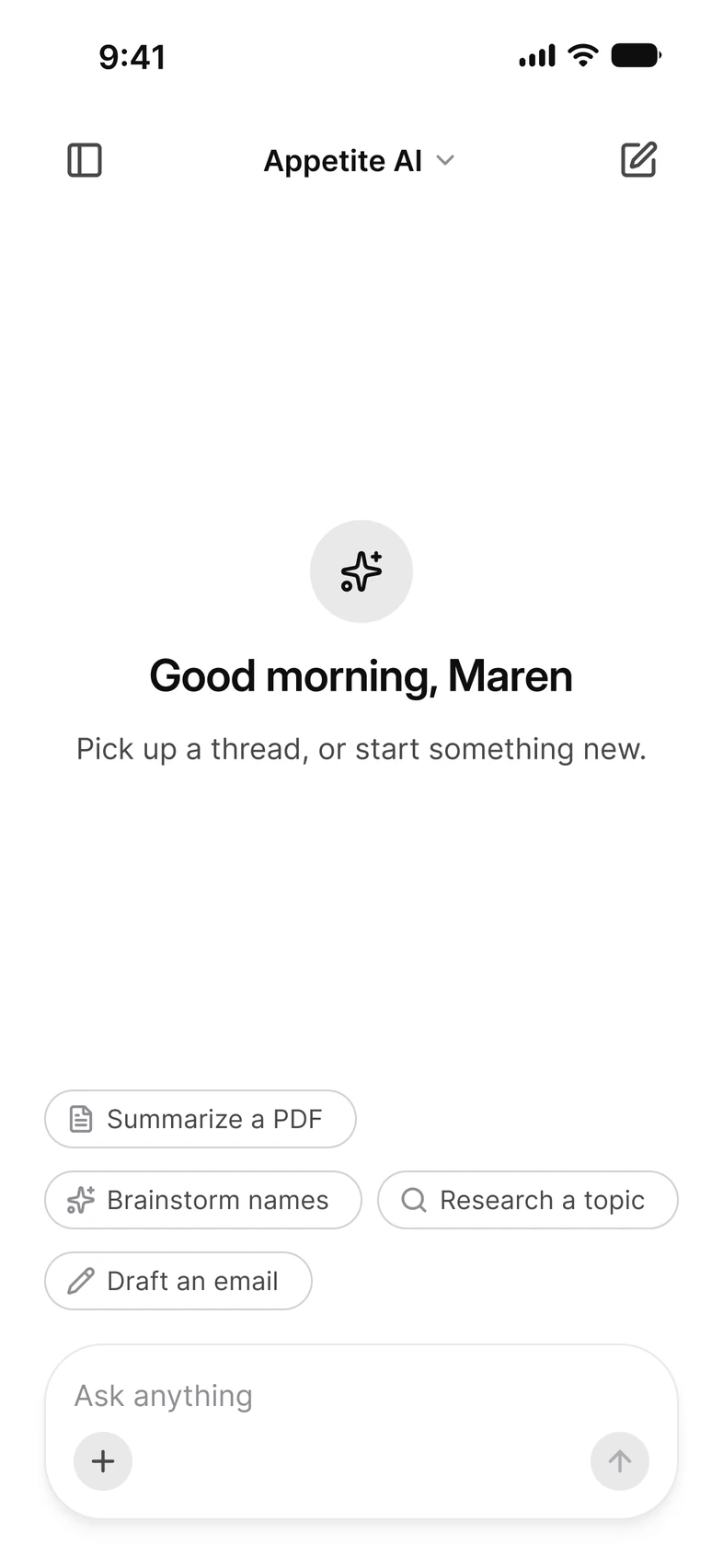
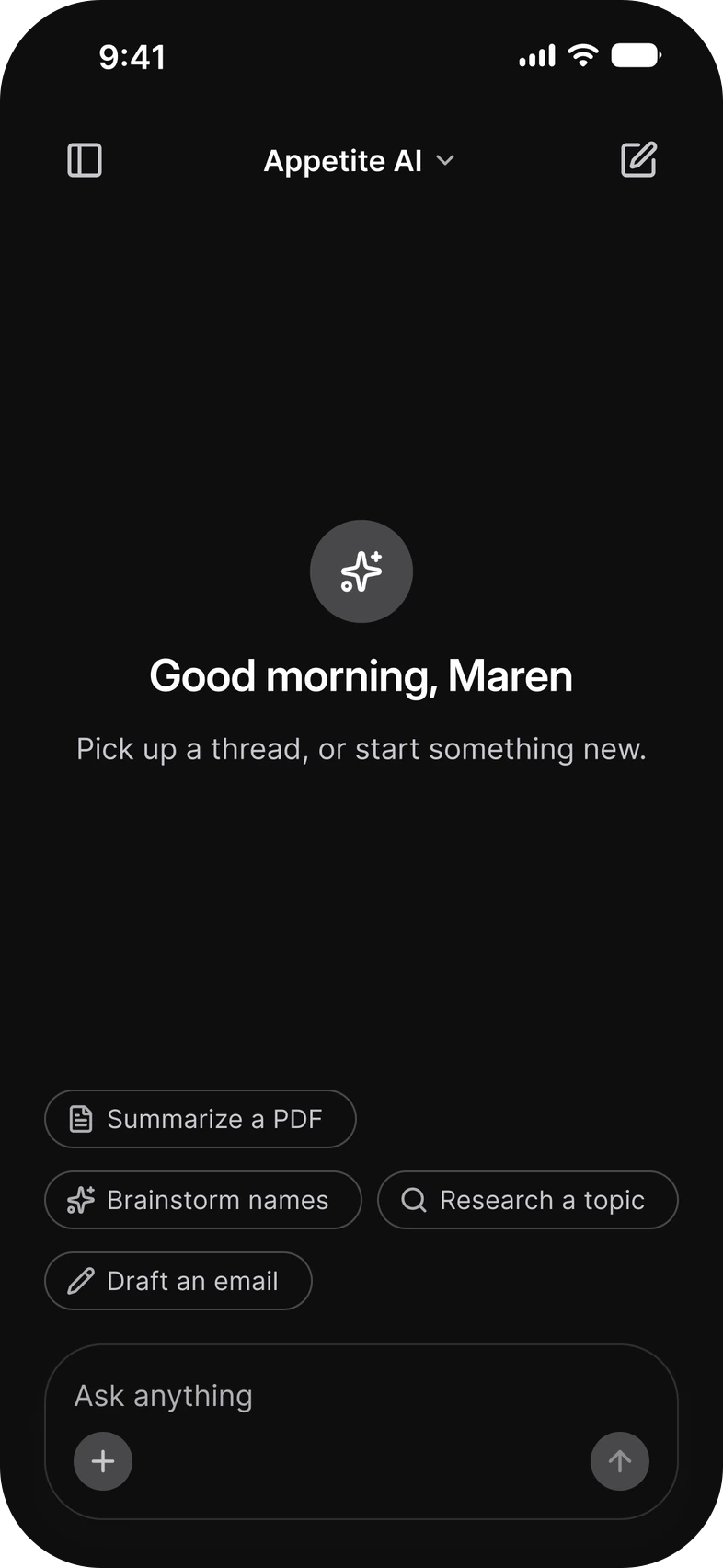
Every Appetite UI component in React Native.
An App Starter on Expo Router.
Nothing outside Expo Go.
Set up
How to start the App Starter.
Four steps from the ZIP to the App Starter running in Expo Go.
Unzip Appetite UI Code.
Install the dependencies.
Run npx expo start.
Open it in Expo Go.
Watch for
What to check before you rely on it.
One SDK line.
Expo Go opens the newest SDK.
Your own native code needs a development build.
Bare React Native needs Expo modules.
Still have a question?
Write to us. It lands in one inbox, read by the people who build Appetite UI.
 Contact us
Or email hi@appetiteui.com
Official documentation
Expo's own documentation.
Where the tool says how it works. The date is the day it was read.
Read 6 November 2026
Set up your environment, Expo documentation
Read 6 November 2026
Introduction to development builds, Expo documentation
Read 6 November 2026
Install Expo modules in an existing React Native project, Expo documentation
Read 6 November 2026
Expo brand guidelines
Keep reading
On this site.
Read
Appetite UI Code
Read
Install the code
Read
Pricing
Appetite UI is a UI kit for iOS and Android apps, in Figma and in code, built like a design system. It comes as a Figma file, as code for React Native, SwiftUI, Flutter and Jetpack Compose, or both, and one token source drives Apple and Material components in light and dark mode.Expo is a trademark of 650 Industries, Inc. Appetite UI is not affiliated with or endorsed by Expo.
Your next rebrand is one edit.
Change the brand color, radius and font in one theme file, and every component in your stack follows.