Tab bar
A tab bar is the row of top level destinations at the bottom of an app. Apple calls it a tab bar; Material 3 calls the same thing a navigation bar.
Why it matters
The tab bar is the main route through an app on a phone and sits under the thumb. Choose the destinations badly and everything else is hidden.
The names cross between platforms, so a spec that says navigation bar can mean either bar.
Tab bar on iOS and Android
Also called Bottom navigation, Navigation bar (Material). The same idea in each system, with the values Appetite UI gives it.
| Value | iOS | Android | Appetite UI |
|---|---|---|---|
| Name | Tab bar | Navigation bar | Navigation |
| Tab bar height | 49 pt | 64 dp | platform/ |
| Component | iOS | Material 3 | What differs |
|---|---|---|---|
| Navigation | iOS / Tab Bar, floating capsule 62 high, two to five tabs | M3 / Navigation bar, 412 × 80, three to five items | Material is a full width bar with a separate 24 high Gesture Navigation component, iOS floats on glass |
In Appetite UI
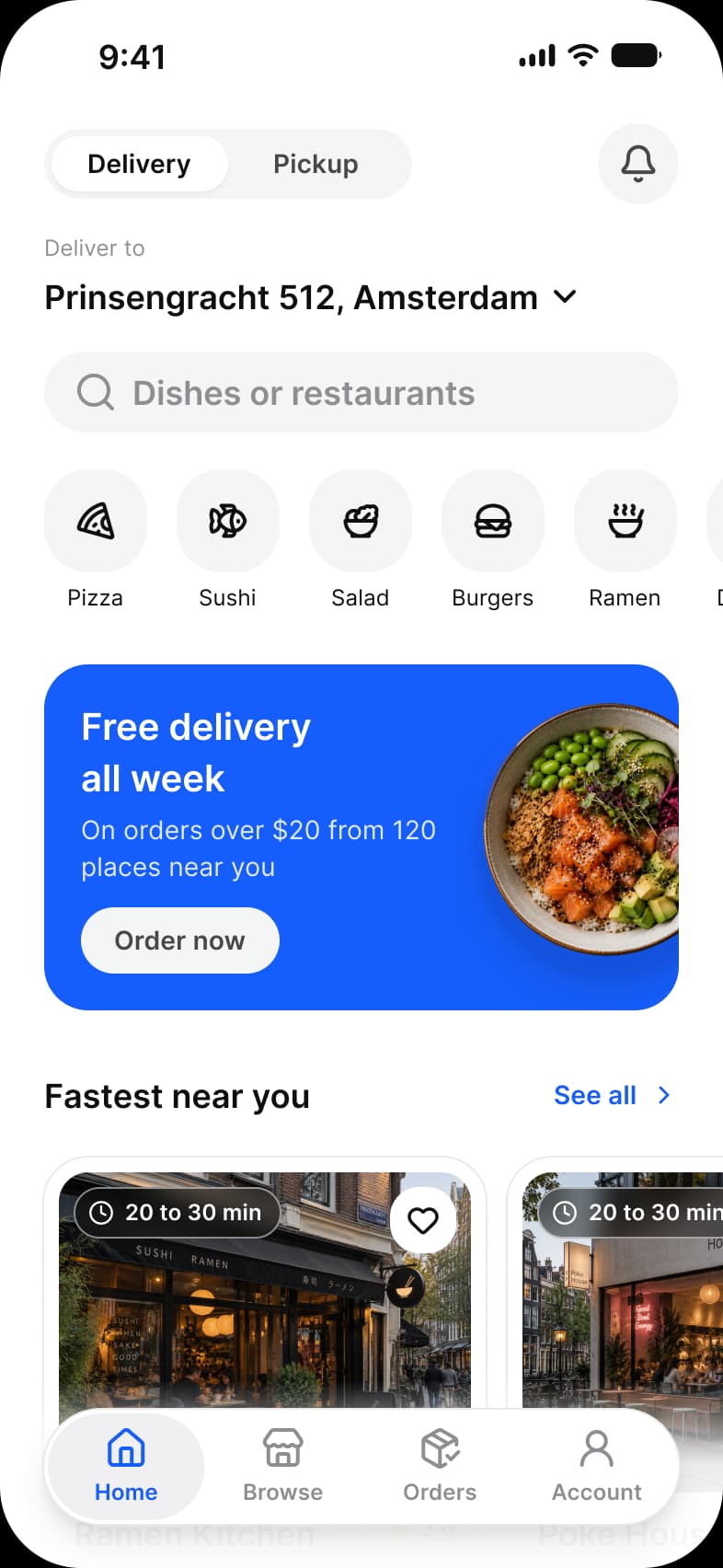
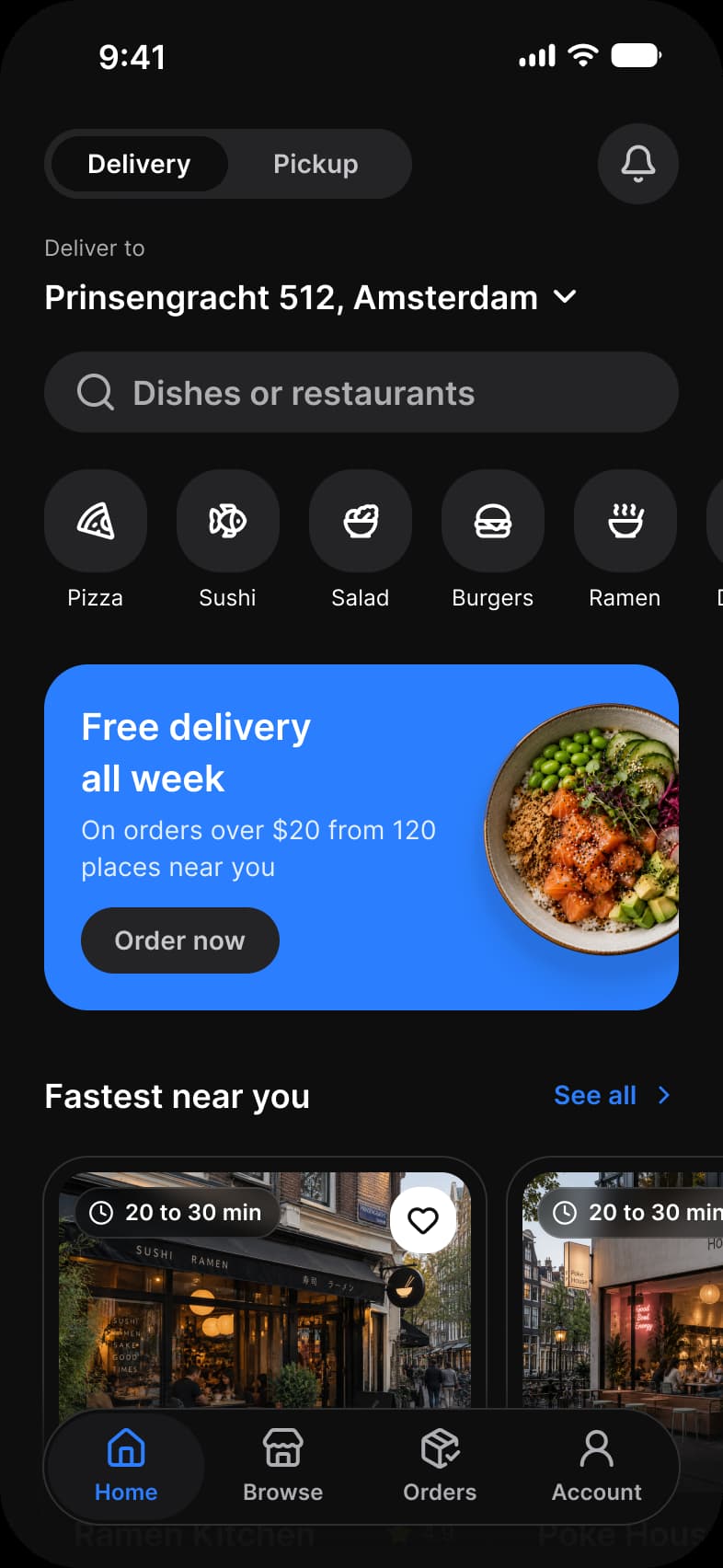
Where it appears in Appetite UI: Food delivery app, Home, and the components, live. The theme switch beside the title shows the dark frame.
Quick Action Button and Navigation
In practice
Three to five destinations is the rule on both systems; more belong in a list. The selected tab is the only one in the accent color.
In Appetite UI it is the Navigation component, a floating capsule on iOS and a full width bar on Material. Its height comes from platform/bar/bottom-height, 49 on iOS and 64 on Android, the height Material 3 Expressive gave its navigation bar in 2025.
Common mistakes
- Putting more than five destinations in it. Move the rest to a list.
- Using a tab for an action and not a place.
- Saying navigation bar for the bottom bar on iOS. Say tab bar.
Questions
What is the difference between a tab bar and a navigation bar?
They are the same bottom row of destinations under two names: Apple says tab bar, Material 3 says navigation bar. On iOS a navigation bar is the bar at the top of the screen, which Material calls the top app bar.
How tall is a tab bar on iOS and Android?
Appetite UI’s Platform collection gives a bottom bar 49 points on iOS and 64 dp on Android. Material 3 Expressive cut the navigation bar from 80 to 64 dp in 2025; the kit’s Material 3 pages still draw the 80 dp bar, and the iOS 27 tab bar floats as a glass capsule 62 high.
How many tabs should a tab bar have?
Three to five. Apple suggests five or fewer so the tabs stay the same between compact and regular widths, and Material’s navigation bar is meant for three to five destinations.
Sources
The pages the facts above rest on, each read October 31, 2026.