Segmented control
A segmented control switches between two to five views of the same content, one segment selected at a time. Material 3 calls it a segmented button.
Why it matters
A segmented control shows every option at once, so people switch views without opening a menu.
It changes how one thing is shown, which is why it differs from tabs.
Segmented control on iOS and Android
Also called Segmented button. The same idea in each system, with the values Appetite UI gives it.
| Value | iOS | Android | Appetite UI |
|---|---|---|---|
| Name | Segmented control | Segmented button | Segmented Control |
In Appetite UI
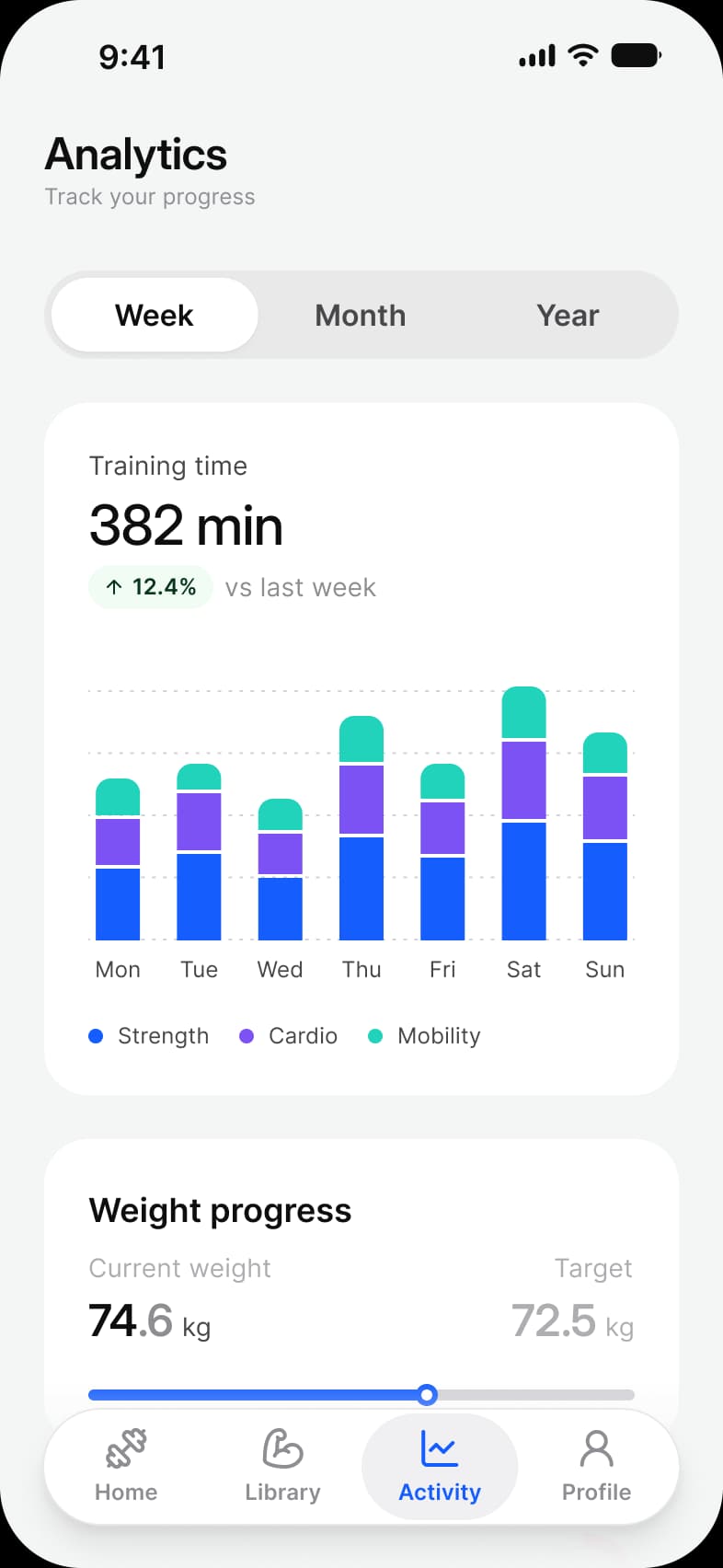
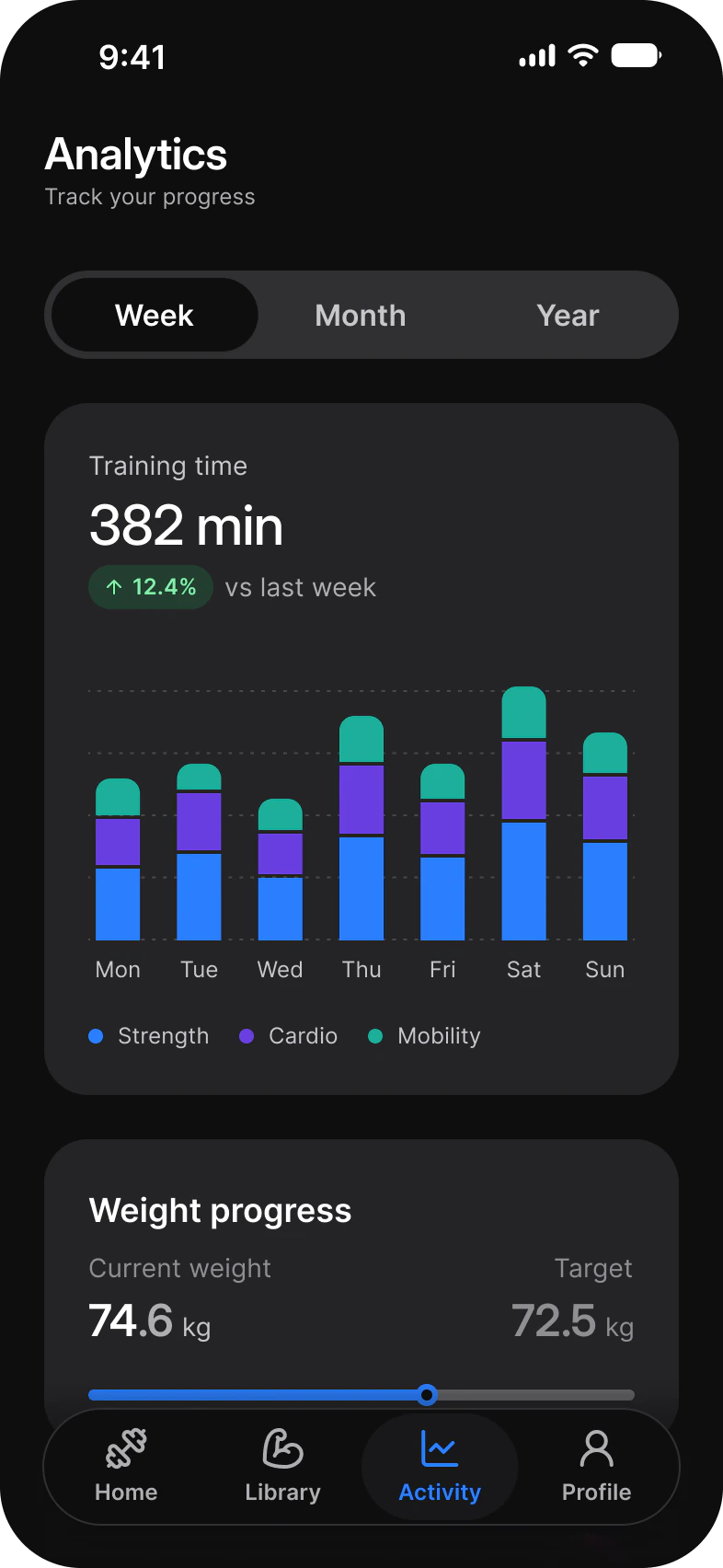
Where it appears in Appetite UI: Fitness app, Analytics, and the components, live. The theme switch beside the title shows the dark frame.
Segmented Control and Chart
In practice
Use it to change how one thing is shown, Week, Month or Year, and tabs to move between different things.
In Appetite UI it sets the period on the fitness Analytics and Progress screens, Pay or Receive on the finance Pay sheet, Delivery or Pickup on the food delivery Home and Today, Upcoming or Done on the tasks My work screen.
Common mistakes
- Using it to move between different things. Use tabs.
- Adding more than five segments.
- Writing labels that truncate. Shorten them.
Questions
Should I use a segmented control or tabs?
A segmented control when the segments show the same content another way, such as a chart by week, month or year. Tabs when each one opens different content, such as Popular, Ramen and Drinks on a restaurant menu.
What is the Material 3 version of a segmented control?
Segmented buttons: a row of two to five connected buttons for options, views or sorting. Appetite UI draws one Segmented Control for both platforms, in two sizes.
Sources
The pages the facts above rest on, each read October 31, 2026.