AGENTS.md for a mobile app: rules that stop the agent inventing UI
What to put in AGENTS.md so a coding agent builds your mobile app from your components and tokens, how Claude Code, Codex and Cursor read it, and a template.

On this page
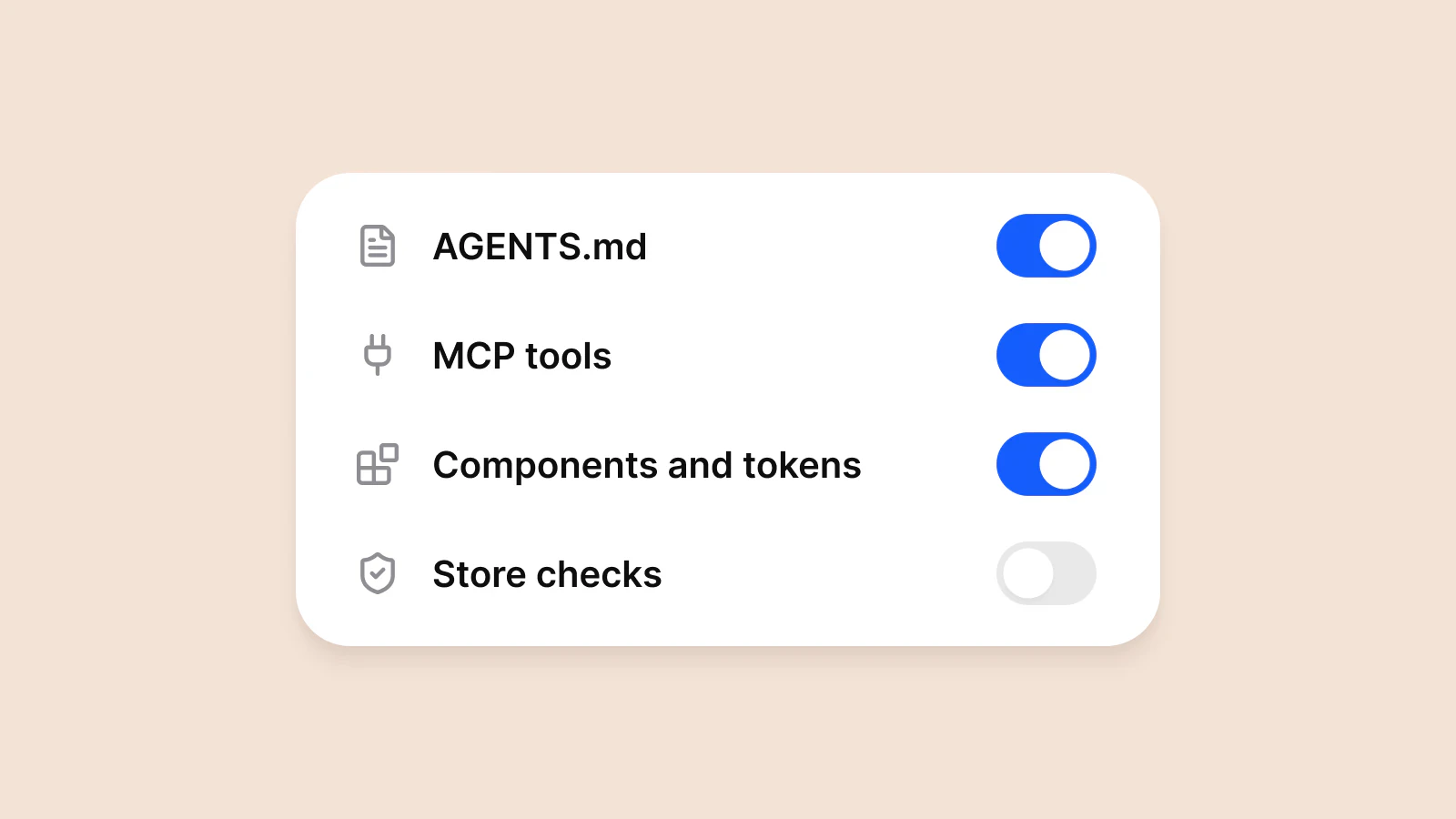
An AGENTS.md for a mobile app should forbid the decisions an agent would otherwise invent: a new control, a hex color, a literal size, a branch on the OS. Each rule names what to use instead, and a script checks what a machine can. Codex and Cursor read the file; Claude Code reads it when the project has no CLAUDE.md.
I write the agent kit of Appetite UI Code this way, and the examples below come from that kit: its AGENTS.md, the check that backs it, and the App Starter it was tuned on. At the end is a template you can copy into an Expo app.
What does an agent invent when the repository does not decide?
Everything visual the repository leaves open. Ask for a task list in an empty Expo project and the agent picks a blue, a corner radius, a font size and a row layout from what it has seen most often. Each choice is reasonable. Together they are the generic app, which is the subject of why vibe-coded apps all look the same.
On mobile the agent invents two more things. It builds a control that already exists in your library, a switch from a View and a Pressable, because it did not look. And it forks the screen with Platform, so the iOS and Android versions drift apart one screen at a time.
A good AGENTS.md closes those gaps before the first prompt. It does not describe a style. It says which component, which token and which check.
Which tools read AGENTS.md, and how?
AGENTS.md is plain Markdown at the root of the repository, with no required sections. The agents.md site lists the agents that read it, among them Codex, Cursor, Jules, Gemini CLI, GitHub Copilot's coding agent, Windsurf, Zed, Junie and Aider. Claude Code reads it under one condition.
| Agent | Where it reads AGENTS.md | Nested files | Length guidance |
|---|---|---|---|
| Claude Code | Only when there is no CLAUDE, .claude/ or CLAUDE in the working directory or above it, from v2.1.277. A CLAUDE can import it with @AGENTS | A subdirectory's AGENTS.md loads when Claude opens a file there | Under 200 lines per CLAUDE.md file |
| Codex | The global file in ~/, then every directory from the Git root down to the working directory. AGENTS wins over AGENTS in the same folder | Closer files come later in the prompt and override earlier guidance | Stops at 32 KiB combined by default |
| Cursor | The project root, as plain Markdown without metadata, beside or instead of .cursor/ | Supported. A nested file applies to its folder and combines with its parents | Rules under 500 lines |
| agents.md convention | The repository root | The closest file to the edited file wins | None. An explicit chat prompt overrides the file |
Two consequences for a React Native project. If the project has a CLAUDE.md, Claude Code skips AGENTS.md unless the CLAUDE.md imports it or you change the Project instructions setting. And a monorepo with an apps/ folder can carry its own AGENTS.md there, which Codex, Cursor and Claude Code all pick up for files in that folder.
What do the rules in the Appetite UI Code agent kit say?
Appetite UI Code ships an agent kit: an AGENTS.md and a CLAUDE.md for the repository root, a Cursor rule attached to .tsx files and a skill with one reference file per component. The always-loaded files hold only the rules; the per-component detail sits in the skill and is read when a component is used. Here are two of the rules, as the React Native AGENTS.md writes them:
2. **Read every value from the theme.** `useAppetiteTheme()` gives `tokens`; `makeStyles()` builds
   styles from them. Never write a hex color, an rgba(), a font size, a font family, a radius or a
   duration by hand: `tokens.colors.textStrong950`, `tokens.spacing.space4`, `tokens.shapes.lg`,
   `tokens.motion.durationBase`. Text uses a Figma text style: `textStyle(tokens, 'base/default')`.
3. **Branch on `theme.platform` ("ios" | "material"), never on `Platform.OS`.** One provider prop switches the whole
   app between iOS and Material, like the Figma file's Platform mode.
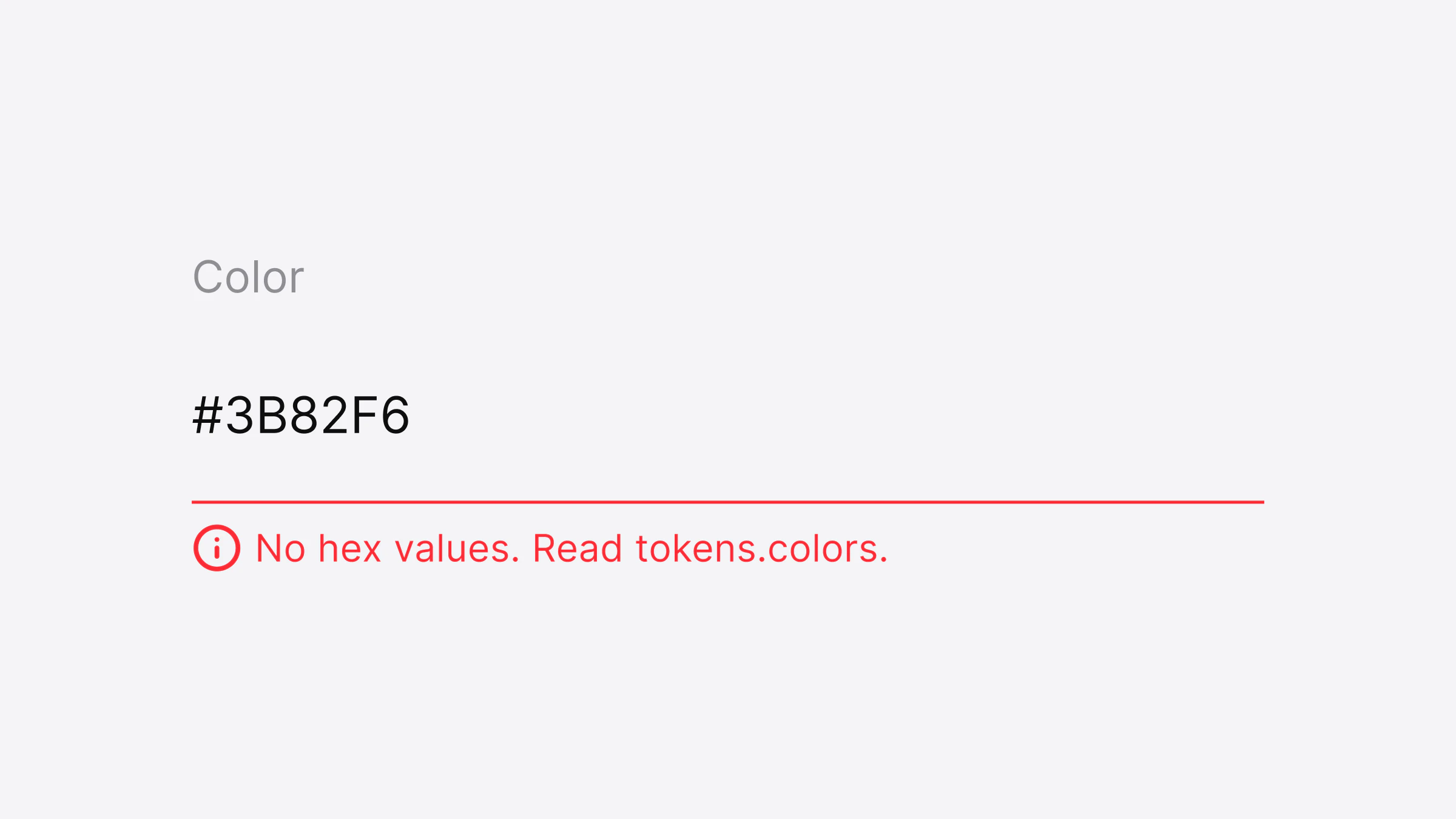
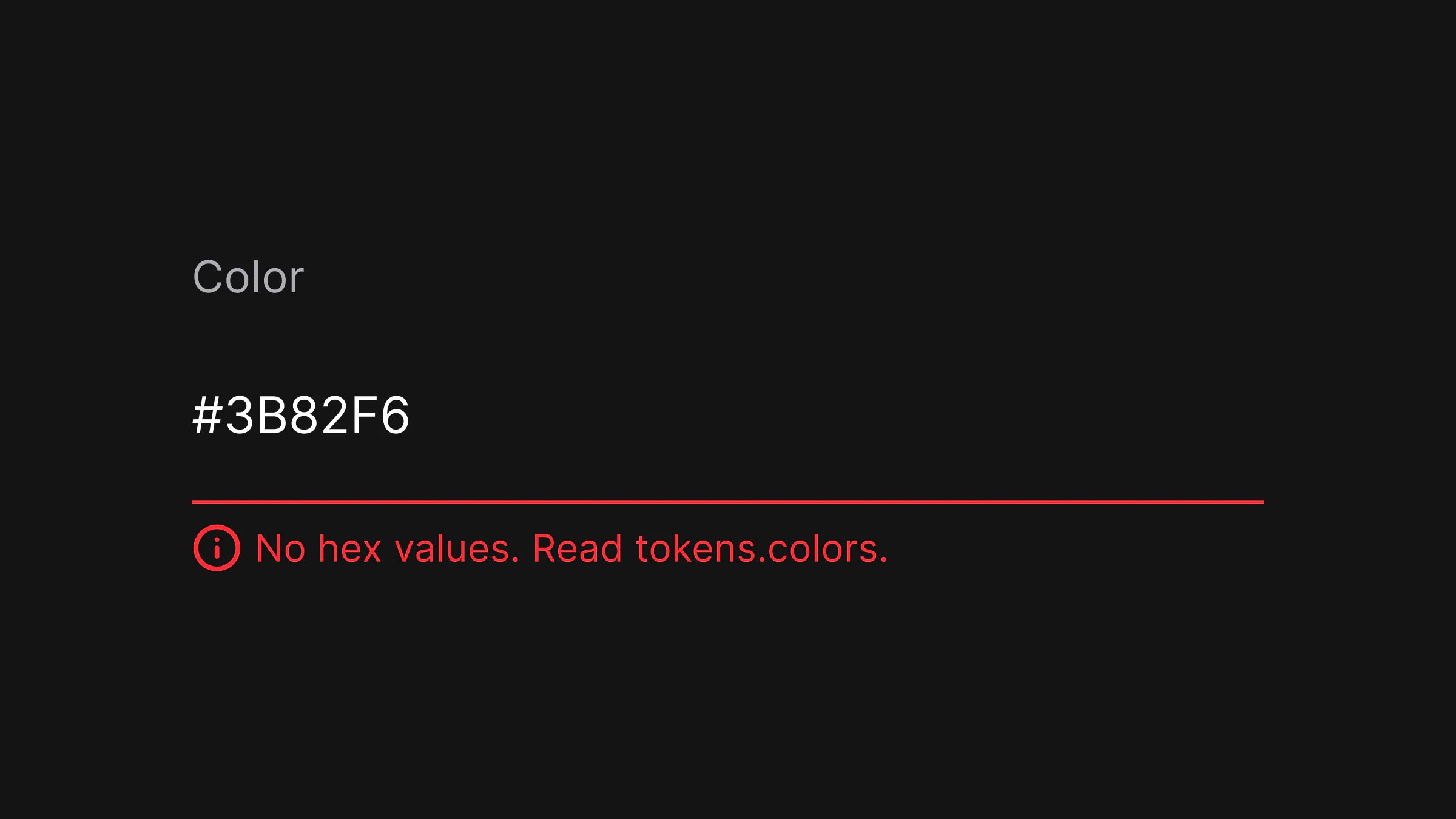
Every sentence there is a prohibition with its replacement next to it. "Never write a hex color" alone leaves the agent to guess what to write instead. "Never write a hex color: tokens" gives it the path, in the same words the Figma file uses.
The rule before them is the first one in the file: use a library component before writing your own, and check the component list first. The kit names the common confusions outright: a settings row is List, a switch is Toggle, a bottom sheet is ModalSheet. The root AGENTS.md, which covers all four stacks, adds the line for anything the agent cannot find in its stack's list: "Do not invent it from memory."
Why should a rule come with a check?
Because an agent follows instruction files most of the time, not every time. Claude Code's documentation says it plainly: CLAUDE.md files are context, and "They aren't enforced configuration." The kit pairs each rule a machine can test with something that fails.
| Rule | What it stops | What catches it |
|---|---|---|
| Use a library component first | A switch or a row drawn from View and Pressable | The component list the agent reads first, and your review |
| Read every value from the theme | Hex and rgba() colors, font sizes, families and weights, padding, margin, gap and radius numbers | npm run check in the starter |
Branch on theme | Platform forks that split iOS and Android | npm run check, unless the line says why it needs the OS |
| Props mirror Figma | Renamed or invented props | npx tsc --noEmit, strict |
| Label controls without visible text | An icon button a screen reader cannot name | TypeScript requires accessibilityLabel |
npm run check runs scripts/, a script with no dependencies that reads every .tsx file in src/ and app/ and prints each literal with its file and line. The kit's last rule before finishing tells the agent to run it and npx tsc --noEmit, so the agent finds its own guesses before you do. The script is a plain file: in your own app, copy it to scripts/ and add the check script to package.
What does an AGENTS.md template for a React Native app look like?
Short, specific to your app and pointing to detail rather than holding it. The template below is written for an Expo Router app started from the Appetite UI App Starter: the paths, the scripts and the brand file are the starter's. It is my own outline, not the kit's file, which is longer and generated from the library's types. Replace the first two lines with your app.
# Habit Loop

A habit tracker for people who forget their routines. Expo Router app for iOS and Android, light and dark mode.

## Where things are
- Routes live in `app/`. A route file only wires navigation; the screen itself lives in `src/`.
- Components come from `@appetite-ui/react-native` (the source is in `appetite-ui/`).
- Before using a component for the first time, read its file in `.claude/skills/appetite-ui/references/components/`.

## Components
- Build every screen from library components. Check `.claude/skills/appetite-ui/references/components.md` first.
- Do not build a control from View, Text or Pressable when the list has one.
- If no component fits, stop and name the missing part and the closest component. Do not draw a new one.
- Icons are library icons by name (`iconLeft="chevron-right"`). Add no icon library.

## Values
- Read every color, spacing value, radius, text style and duration from the theme: `useAppetiteTheme()` and `makeStyles()`.
- No hex or rgba() colors, no fontSize, fontFamily or fontWeight, no padding, margin, gap or radius numbers in a screen.
- The brand is `appetite-ui/theme/brand.ts`. Change it only when asked. Never edit generated token files.

## Platforms
- Branch on `theme.platform` ('ios' | 'material'), never on `Platform.OS`.
- Every control without visible text gets an `accessibilityLabel`.

## Before you finish
- `npx tsc --noEmit` passes.
- `npm run check` reports nothing.
- `npm test` passes.
- Open the changed screen in Expo Go in light and dark mode, with the platform set to iOS and to Material.

## Never
- Add a UI library, a font or a color outside the brand file.
- Put an API key or a secret in the app.
The Components section carries the rule that matters most and is missing from most templates: what to do when nothing fits. Without it, the agent finishes the screen anyway and invents the part. With it, you get a sentence naming the gap, and the decision comes back to you.
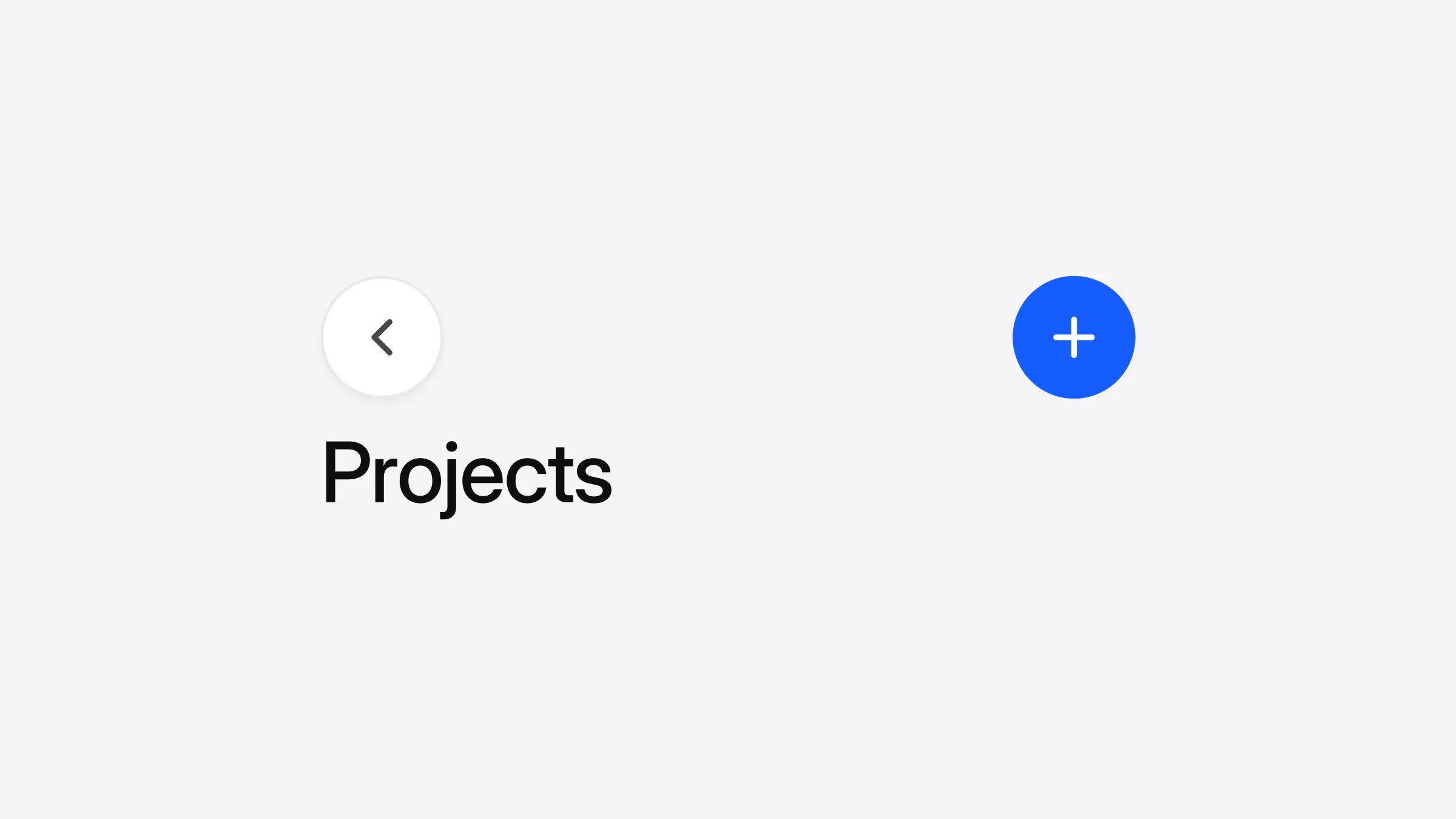
The starter's Tasks flow shows what a screen built under these rules looks like. My work uses the library's Segmented Control, Checkbox, Badge, Avatar and Floating Action Button, and every value in it comes from the theme, so the same file draws Light and Dark.
Where does AGENTS.md go in the App Starter?
At the root of the starter/ folder, where it already is. The starter carries the kit in place: AGENTS, CLAUDE, .cursor/ and the skill in .claude/. The kit's header tells you to edit the files freely for your project.
Add your project sections, the first block of the template, at the top of the kit's AGENTS.md. Then mind the CLAUDE.md beside it: because it exists, Claude Code reads it and not AGENTS.md. Put the same project block at the top of CLAUDE.md, or replace both with your own AGENTS.md and a CLAUDE.md that holds one line, @AGENTS. Cursor and Codex read AGENTS.md either way.
In your own Expo app the steps are the same with two changes. The component source you copy in sits where you put it (src/ in the install guide), so the brand file is src/. And npm run check exists only after you copy check-literals into scripts/ and add the script, which the kit's rule says in so many words. Run npx tsc --noEmit and the check once on the starter before your first prompt; both pass on the starter as shipped, so anything they report later is the agent's.
What changes for SwiftUI, Flutter and Jetpack Compose?
The rules stay and the names change. Appetite UI Code has every Appetite UI component in all four stacks, and the AGENTS.md at the root of the download covers all four in one file: use a library component first, never hard-code a value, keep the Figma names, branch on the theme's platform and never on the OS. What differs per stack is the call that wraps the app, the platform check and the command that proves the work.
| Stack | Wrap the app once | Branch on | Before you finish |
|---|---|---|---|
| React Native | <AppetiteProvider> after useFonts(appetiteFonts) | theme, never Platform | npx tsc --noEmit, npm run check, npm test |
| SwiftUI | ContentView() | theme, never #if os( | The project builds without warnings |
| Flutter | AppetiteScope(brand: | theme, never Platform | flutter analyze --fatal-infos --fatal-warnings |
| Jetpack Compose | AppetiteTheme { MyApp() } | theme, never Build | The Gradle build and its tests pass |
For a native app, copy the template above and swap three things: the folder names, the theme calls from the table and the finishing commands. Keep the Components section word for word. It matters more in a native project, where the agent has more of the platform's own controls to reach for. In Compose the library's composables carry an Appetite prefix, AppetiteButton and AppetiteList, so they never collide with Material 3; tell the agent that in the file.
What should stay out of AGENTS.md?
Anything that is not a decision the agent needs in every session.
- Style essays. "Clean and modern" hands the decision back to the model. Name the component or the token.
- Detail that belongs to one component. Props, variants and examples go in reference files the agent opens when it uses that component. The kit keeps one file per component in the skill for this reason.
- Rules a tool already enforces. If TypeScript or the check script fails on it, one line saying "run the check" is enough.
- Secrets. The file is committed and read by every tool you connect.
- History. Write the project as it is today. Old decisions in the file are decisions the agent still follows.
Review the file when the agent makes the same mistake twice. That is the moment a rule is missing, and Claude Code's docs give the same test for CLAUDE.md.
Want to see the method before you buy? The free Appetite UI base on GitHub is an MIT Expo app with 10 of the components, a fixed brand and its own AGENTS.md with the same kind of rules. It has no CLAUDE.md and no check script; the template above works there too once you drop the npm run check line. How to vibe code a mobile app puts this file in the whole setup, from the stack to the store checks, and How Appetite UI works with AI agents covers the Figma side. The setup per tool is on the Claude Code and Cursor pages.
Questions
Does Claude Code read AGENTS.md?
Yes, from v2.1.277, when the project has no CLAUDE.md, .claude/CLAUDE.md or CLAUDE.local.md in the working directory or above it. With a CLAUDE.md, Claude Code reads only that, unless it imports AGENTS.md with an @AGENTS.md line or the Project instructions setting asks for both.
Should a React Native app have AGENTS.md or CLAUDE.md?
AGENTS.md as the source, because Codex, Cursor and most other agents read it. Add a CLAUDE.md with one line, @AGENTS.md, if your team uses Claude Code and wants Claude-specific notes beside it. Keeping two full copies works too, but they drift.
How long should AGENTS.md be?
Short enough that every line is a decision. Claude Code's docs target under 200 lines per CLAUDE.md file, Cursor's under 500 per rule, and Codex stops adding files at 32 KiB combined by default. Move per-component detail into files the agent opens on demand.
Can I put an AGENTS.md in a subfolder?
Yes. The agents.md convention says the closest file wins, Codex concatenates files from the Git root down so closer ones override, Cursor combines a nested file with its parents, and Claude Code loads a subdirectory's AGENTS.md when it opens a file there.
Does the agent always follow AGENTS.md?
No. Claude Code's docs call instruction files context, not enforced configuration. That is why each rule a machine can test needs a command, such as npx tsc --noEmit and npm run check in the Appetite UI starter, and why you still read the diff.
Does Cursor read AGENTS.md or only .cursor/rules?
Both. Cursor reads AGENTS.md at the project root and in subdirectories as plain Markdown. Rules in .cursor/rules need the .mdc extension and can be scoped by file pattern; the Appetite UI agent kit ships one attached to .tsx files.
Is the Appetite UI agent kit free?
No. The agent kit is part of Appetite UI Code. The free Appetite UI base on GitHub, MIT licensed, has its own AGENTS.md for its components and is a fair way to try the method.
Sources
- read November 25, 2026AGENTS.md
- Claude Code documentation, read November 25, 2026How Claude remembers your project
- Cursor documentation, read November 25, 2026Rules
- OpenAI Codex documentation, read November 25, 2026Custom instructions with AGENTS.md
- README and AGENTS.md, read November 25, 2026Appetite UI base on GitHub
- Appetite UI, the agent kit (agent/AGENTS.md, the root AGENTS.md) and the App Starter check script, read in the release on November 25, 2026Appetite UI Code
Facts last verified .