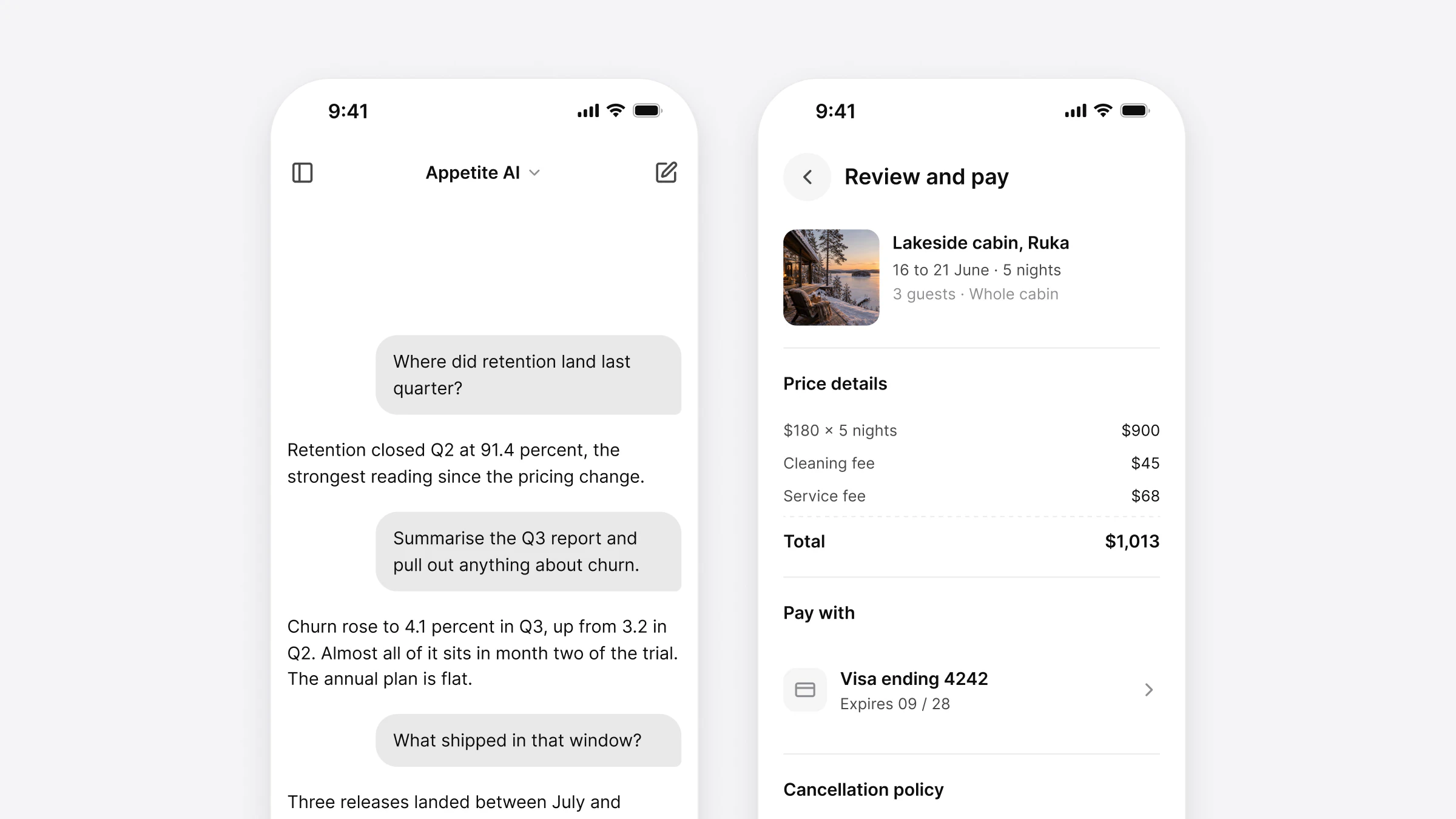
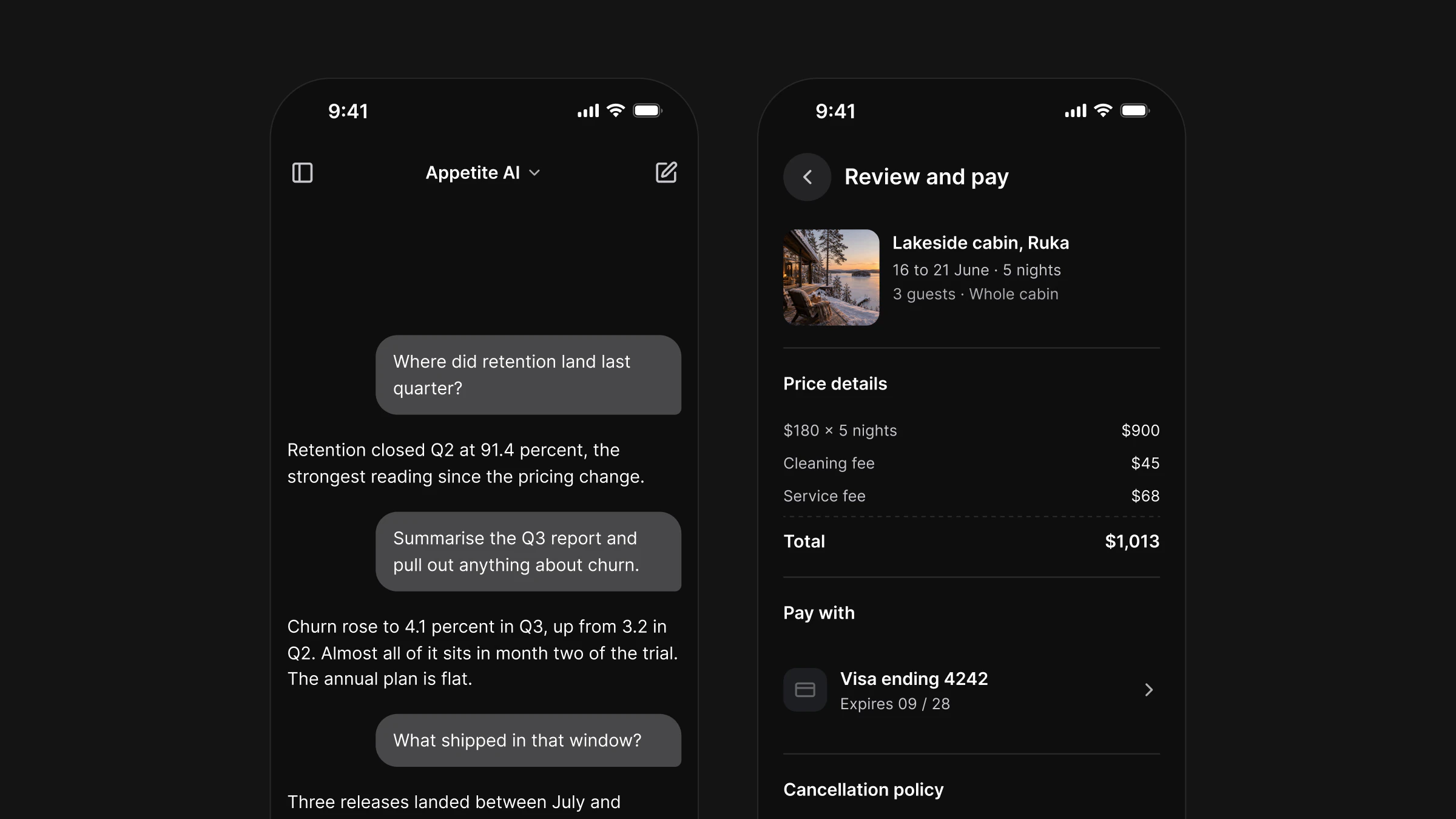
How to vibe code a mobile app in 2026: the complete setup for iOS and Android
The 2026 setup for vibe coding an iOS and Android app: the stack agents know best, AGENTS.md, MCP tools, coded components, store rules and security checks.

On this page
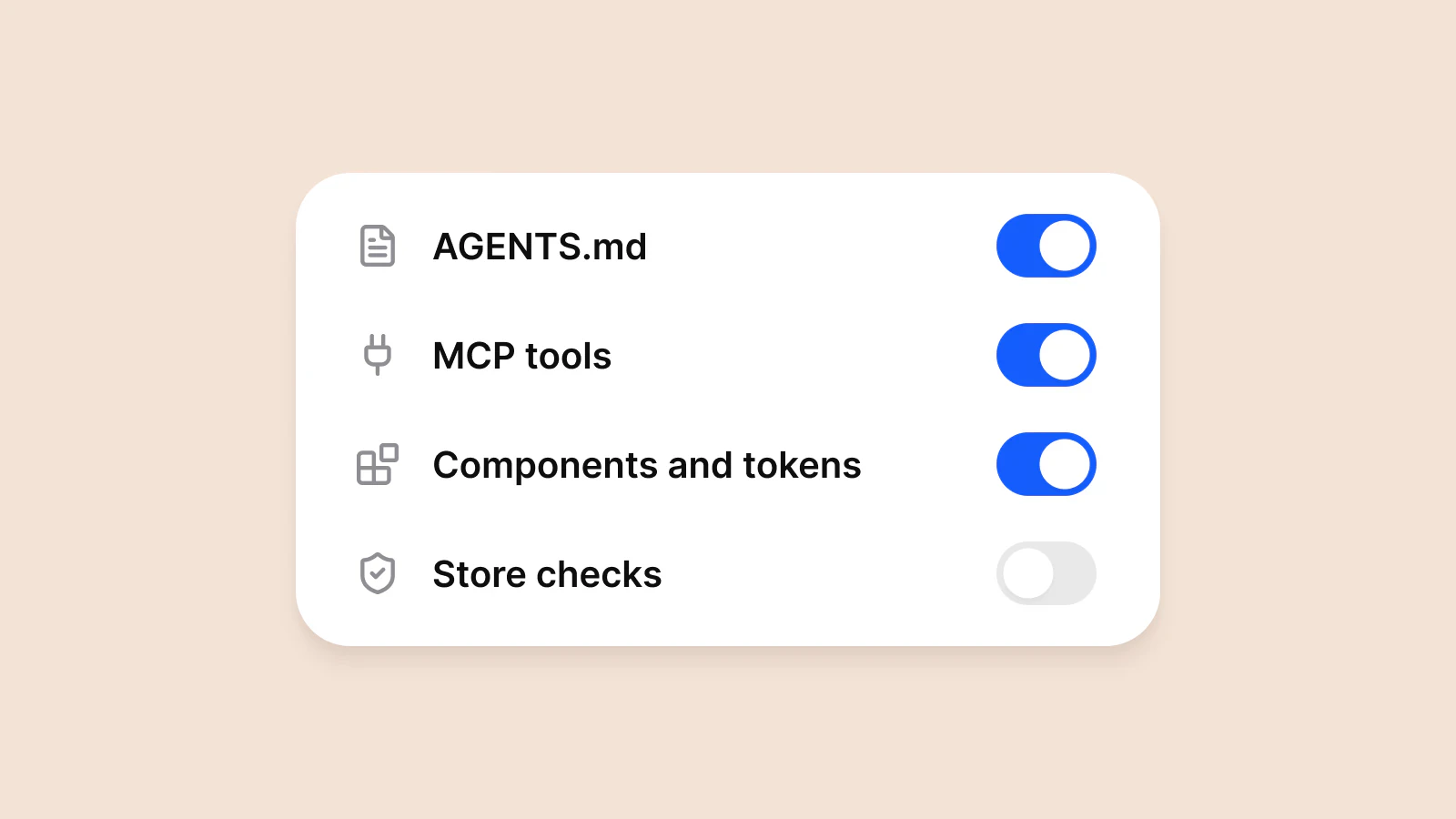
To vibe code a mobile app in 2026, pick a stack the agent already knows well, give it written rules and tools so it can build, run and look at the app, start from coded components instead of an empty screen, and keep the store requirements and the security pass as steps you run yourself. Expo with React Native is the shortest path to one app on iOS and Android. SwiftUI and Jetpack Compose are the path to two fully native apps.
I build Appetite UI Code this way. Agents in Claude Code write and maintain the same components in React Native, SwiftUI, Flutter and Jetpack Compose, and I review what ships. This guide is the setup that held up in that work, with the data behind each choice and the commands to reproduce it.
What does vibe coding a mobile app mean in 2026?
Vibe coding means describing what you want in plain language and letting an AI model write the code. Andrej Karpathy named it in February 2025, and Collins Dictionary made it Word of the Year in November 2025. By late 2026 the word covers a wide range: a founder who never opens a source file, and a developer who runs three agents at once and reads every diff.
On mobile, where you sit on that range matters more than on the web. A phone app is a compiled binary signed with your identity, reviewed by Apple and Google, installed on devices you never see and updated through a store. A model writes a screen in a minute. It does not sign the app, pass App Review or decide how your app should feel.
The 2026 Stack Overflow Developer Survey shows where developers draw that line. Of more than 30,000 respondents, 66% of AI users work in coding agents, and 73% of people who use AI coding assistants use them every day. Claude Code is used by 66% of AI users and GitHub Copilot by 59%.
What developers hand to AI
67% use AI to generate code in areas they already know and 61% to debug. Only 20% let it deploy, operate or troubleshoot production systems. Developers let agents write and fix code, and keep the release for themselves. This guide follows the same split.
The speed question is still open. METR's randomized trial from 2025 found experienced open-source developers 19% slower with AI tools while they believed they were faster. METR's February 2026 update says developers are likely sped up by now, but calls its own new data only very weak evidence for how much. Plan your project around review time, not around typing time.
What changed between February 2025 and November 2026?
| Date | What happened | Why it matters for your app |
|---|---|---|
| February 2025 | Andrej Karpathy coins "vibe coding" | The practice gets a name |
| November 2025 | Collins Dictionary names vibe coding Word of the Year | The term goes mainstream |
| February 2026 | Xcode 26.3 adds agentic coding with Claude Agent and OpenAI Codex | Apple's own IDE runs coding agents |
| March 2026 | Android Studio Panda 2 ships an AI New Project flow that plans, writes, builds and walks through a Compose app | Google's IDE does the same for Android |
| March 2026 | Apple blocks updates of the Replit and Vibecode iPhone apps and pulls Anything for a few days, citing guideline 2.5.2 | Rules apply to builder apps that run generated code on the phone |
| Q1 2026 | 235,800 new App Store apps, up 84% year over year (Sensor Tower) | Supply jumps |
| April 28, 2026 | App Store Connect accepts only builds made with Xcode 26 and the iOS 26 SDK | Old toolchains stop shipping |
| May 2026 | Flutter 3.44 ships at Google I/O, next to new Agent Skills for Dart and Flutter | Flutter gets agent tooling |
| June 8, 2026 | Xcode 27 brings agents from Anthropic, Google and OpenAI and a Device Hub where agents test in the simulator | Agents can check their own iOS work |
| August 31, 2026 | Google Play requires target API level 36 for new apps and updates | Android builds need a current SDK |
| September 30, 2026 | Android developer verification starts in Brazil, Indonesia, Singapore and Thailand, globally from 2027 | Apps on certified devices need a verified developer behind them |
| October 2026 | Expo SDK 58 ships with React Native 0.88 and iOS 27 support | The default stack for one codebase moves to iOS 27 |
Why does the setup matter more than the prompt?
Because there are more apps than ever, and downloads did not follow. Sensor Tower counted about 600,000 new App Store apps in 2025, up 30%, and about 560,000 in the first half of 2026 alone. Downloads grew 3% to 35.4 billion in 2025 and 2% to 17.6 billion in the first half of 2026.
New apps on the App Store, thousands
An agent removed the cost of writing the code. It did not remove the cost of standing out in a store with twice the supply. Two things decide that, and both come from the setup, not from the prompt: whether the app works on real devices, and whether it looks like a product someone designed. The full numbers, including Apple's own review data, are in More apps, same downloads.
Which stack should an agent build your app in?
Choose the stack before the tool. The stack decides what the agent knows, how you preview on a phone, which store rules you meet by default and how hard it is to leave.
| Stack | Language | One codebase for iOS and Android | Preview on a phone | Agent tooling in 2026 | Choose it when |
|---|---|---|---|---|---|
| Expo and React Native | TypeScript | Yes | Expo Go or a development build | create-expo-app writes AGENTS.md, Expo MCP server, Expo Skills | You want one app on both platforms and the shortest path to a running build |
| SwiftUI | Swift | No, Apple platforms | Xcode simulator, Device Hub, a device | Xcode 27 agents from Anthropic, Google and OpenAI, XcodeBuildMCP | The app is iPhone first and depends on Apple frameworks |
| Jetpack Compose | Kotlin | No, Android | Emulator, a device | Android Studio agent and AI New Project flow | The app is Android first, or it pairs with a SwiftUI app |
| Flutter | Dart | Yes | Hot reload on a device | Agent Skills for Dart and Flutter, agent support in Gemini CLI | Your team already writes Dart |
| Kotlin Multiplatform | Kotlin | Shared logic, shared UI only with Compose Multiplatform | Emulator, simulator | Android Studio, plus the iOS tooling | You have an Android team adding iOS |
Cross-platform is no longer a niche. Appfigures found that 15% of new apps and games released on the App Store and Google Play in 2024 used React Native or Flutter, up from 7% in 2020. Among the top 10,000 App Store apps by monthly downloads, 1,350 use React Native, 1,184 use Flutter and 218 use Kotlin Multiplatform.
Cross-platform frameworks in the top 10,000 App Store apps
If you have no stack yet, start with Expo. Four reasons, each one checkable:
- One TypeScript codebase for both stores. React Native apps are native apps, not web views, and Expo SDK 58 targets React Native 0.88 and iOS 27.
- The agent files are already there.
create-expo-appwrites AGENTS.md, which Expo's docs list as read by Claude Code, Codex and Cursor, and with Claude Code installed a.claude/that turns on the Expo plugin. One command installs Expo Skills and the Expo MCP server.settings .json - A phone preview without Xcode. Expo Go opens the app from a QR code. For store builds, EAS Build runs iOS builds on macOS machines in Expo's cloud.
- Native views when you need them. The
@expo/packages let you use SwiftUI and Jetpack Compose views inside the same app.ui
Go fully native when the app lives on Apple frameworks such as HealthKit, widgets and Live Activities, or when you need the newest platform UI on day one. Then run two apps, SwiftUI and Jetpack Compose, and keep them in step with shared tokens. How one design system reads the same token names in four languages is in One design system in React Native, SwiftUI, Compose and Flutter.
Should you use an app builder, a coding agent or an IDE agent?
There are three ways to turn a prompt into a mobile app in 2026. They differ in where the code lives and how much of it you own.
| Way | Examples | Where the code lives | Strength | Watch out for |
|---|---|---|---|---|
| App builder in the browser | Rork builds React Native and Expo apps, and since February 2026 Rork Max builds native SwiftUI apps | The builder's project, exported to GitHub | Fastest path to a first screen and a TestFlight build | Credits, and a second migration when you outgrow the builder |
| Coding agent in your repository | Claude Code, OpenAI Codex, Cursor | Your git repository from the first commit | Any stack, any tool through MCP, nothing to migrate | You set up the project, the rules and the tools |
| Agent inside the IDE | Xcode 27 with agents from Anthropic, Google and OpenAI. Android Studio with Gemini and other models | Your Xcode or Gradle project | Deepest platform tooling: previews, simulators, Device Hub, build loops | One platform per IDE |
In March 2026 Apple stopped updates of the Replit and Vibecode iPhone apps and pulled Anything from the App Store for a few days, citing guideline 2.5.2, which forbids apps that download or run code that changes their features. Apple told MacRumors there are no specific rules against vibe coding. The rule hits builder apps that run generated apps inside their own iPhone app. It does not hit the app you build with an agent and submit like any other app.
Whichever way you start, end with code in a git repository you own. The rest of this guide assumes a coding agent in your repository, because that setup works with every stack and every tool.
What is the complete setup, step by step?
1. Accounts, fees and hardware
| What | Cost | Why you need it |
|---|---|---|
| Apple Developer Program | US$99 per year | TestFlight and App Store |
| Google Play Console | US$25 once | Google Play, identity verification |
| A Mac with Apple silicon | Only for local iOS builds | Xcode 27 runs on Apple silicon only. EAS Build can build iOS in the cloud instead |
| An iPhone and an Android phone | The ones you have | Simulators miss haptics, cameras, notifications and real performance |
| An agent | Your current AI plan | Claude Code, Codex or Cursor |
Open the Google Play account on day one. A personal account created after November 13, 2023 has to run a closed test with at least 12 testers for 14 continuous days before it can apply for production access.
2. Create the project
npx create-expo-app@latest my-app --template default@sdk-58
cd my-app
npx expo start
Scan the QR code with Expo Go. The template writes the files the agent reads:
| File | Read by | What it does |
|---|---|---|
| AGENTS.md | Claude Code, Codex and Cursor | Points the agent to the Expo docs for your SDK version. Your project rules go here |
| .claude/settings.json | Claude Code on startup, written when Claude Code is installed | Turns on the official Expo plugin |
Expo SDK 58 needs Node.js 22.13 or newer on the 22 line, 24.3 or newer on the 24 line, or Node.js 26 and later.
3. Install the agent and the Expo plugin
curl -fsSL https://claude.ai/install.sh | bash
claude plugin install expo@claude-plugins-official
claude
The plugin installs Expo Skills and registers the Expo MCP server in one step. Run / inside the session to sign in to your Expo account. Cursor and Codex read AGENTS.md directly. For them, install Expo Skills and the Expo MCP server separately, as Expo's docs describe.
4. Give the agent eyes through MCP
An agent that only edits files is guessing. An agent that can build the app, open it, take a screenshot and tap a button checks its own work. That is what the Model Context Protocol servers below add.
| MCP server | Platforms | What the agent can do with it |
|---|---|---|
| Expo MCP | Expo apps on iOS and Android | Read the SDK version and config, install matching packages, read build logs, screenshot and tap through the app in a local simulator, read TestFlight and crash data |
| XcodeBuildMCP (Sentry) | iOS and macOS | Build, run tests, manage simulators and attach the debugger, with build logs trimmed to what the agent needs |
| Maestro MCP | iOS Simulator, Android emulator, Android devices | Drive the app, read the view hierarchy, save the working steps as a Flow you rerun later |
| mobile-mcp | iOS and Android, simulators and real devices | Tap and read screens through native accessibility trees, with screenshots as a fallback |
| Figma MCP | Figma files | Read components, variables and screens from your design file and write back to it |
claude mcp add xcodebuildmcp -- npx -y xcodebuildmcpXcode 27 builds the same idea into the IDE. Apple says its agents can write and run tests, check visual changes in previews and interact with the simulator in the new Device Hub. On Android, the AI New Project flow in Android Studio builds the app, reads the errors, fixes them and walks through each screen in the emulator.
5. Write the rules
AGENTS.md is where you write down the decisions the agent would otherwise make for you. Keep it short enough to read in a minute. Write decisions, not descriptions.
# Habit Loop

A habit tracker for people who forget their routines. iOS and Android, light and dark.

## Components
- Build screens from the components in `components/`. Do not create a new control when one exists.
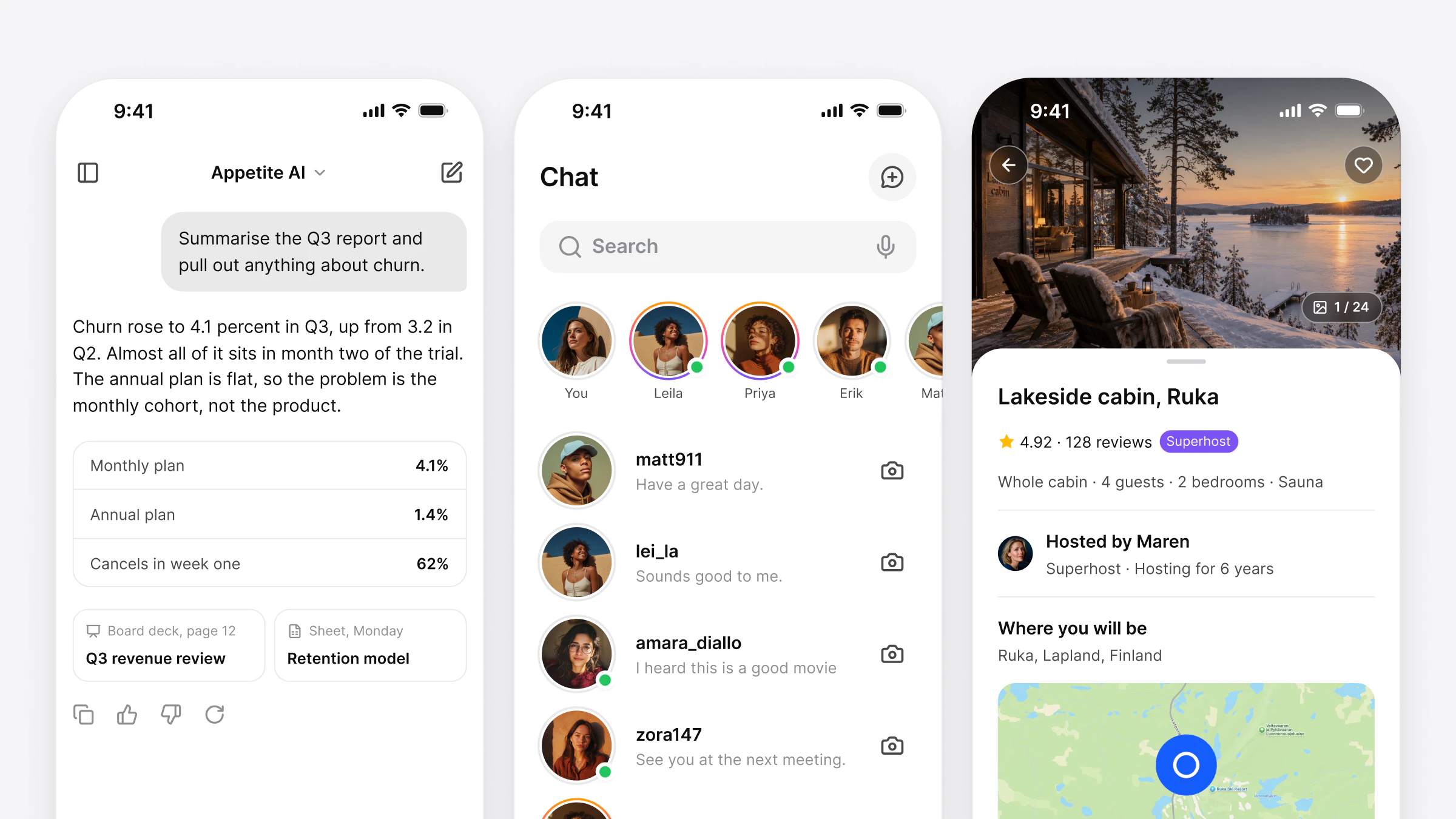
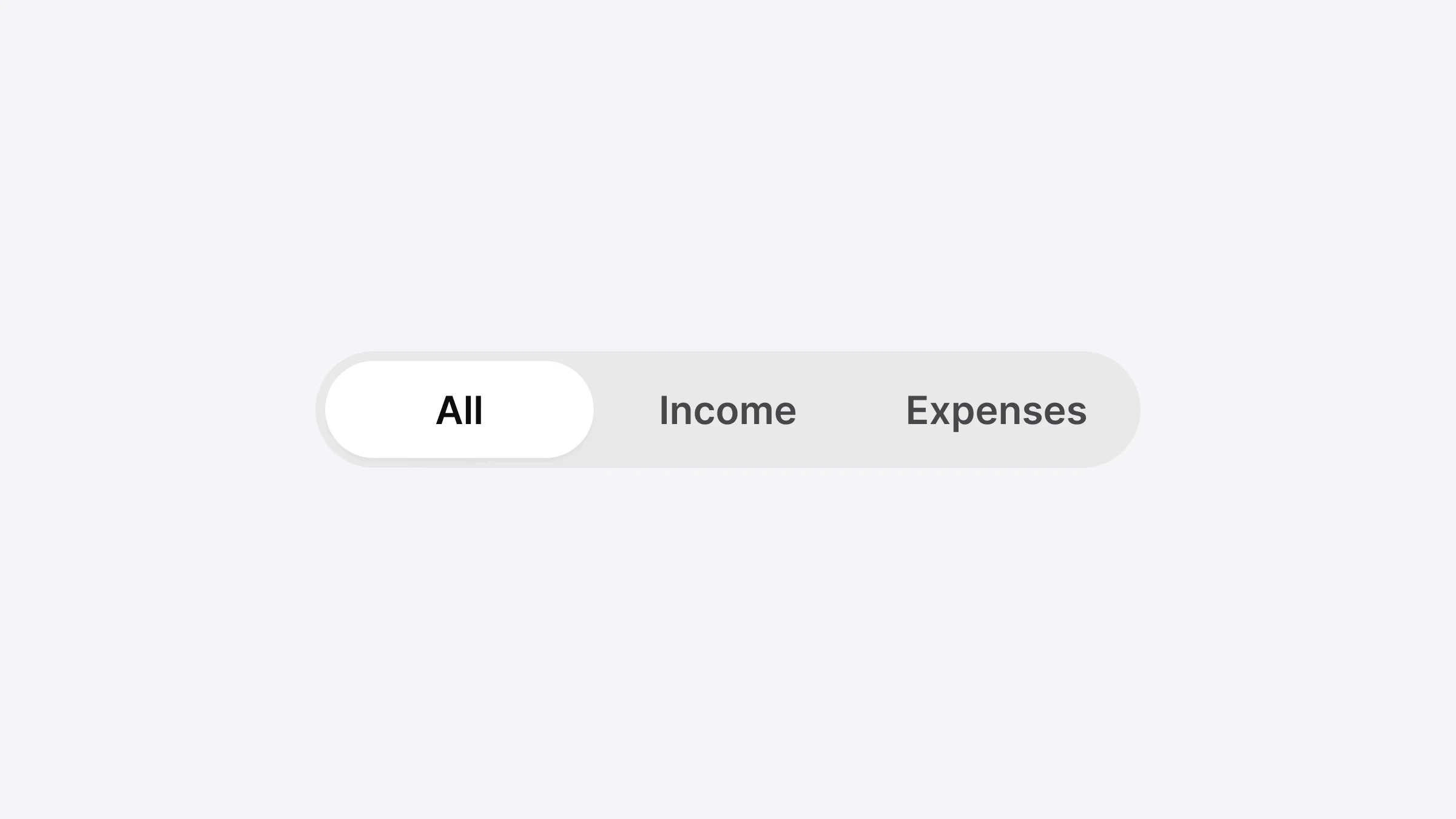
- Use the component names from the Figma file: Top Bar, List, Segmented Control, Badge.

## Values
- Colors, spacing, radius and type come from the theme. No hex values, no literal sizes, no fontFamily set by hand.

## Platforms
- Follow iOS conventions on iOS and Material 3 on Android: back navigation, sheets, tab bar.
- Touch targets at least 44 pt on iOS and 48 dp on Android.

## Before you finish
- Run `npx tsc --noEmit` and `npx expo lint`.
- Open the changed screen in the simulator in light and dark mode and take a screenshot.
- Search the diff for hex values, literal numbers and keys. Replace or remove them.
Rules are context the agent follows most of the time, not a lock. That is why step 9 exists.
6. Start from components, not from an empty screen
Ask an agent for "a clean, modern habit screen" in an empty project and it fills every open decision with the most common value it has seen: the same blue, the same 16-point radius, the same card. That is why so many generated apps look alike, and it is the subject of Why vibe-coded apps all look the same.
Put the decisions in the repository before the first screen: components the agent can import by name, and tokens for color, spacing, radius and type in light and dark mode. That can be your own design system, or a coded UI kit like Appetite UI Code. The connection is in How do you connect Appetite UI Code to your agent?
7. Prompt for content and behavior, not for style
A weak prompt hands the design back to the model:
Make a beautiful, modern habit tracker home screen with a nice purple accent.A prompt that works names the parts, the states and the data, and leaves the values to the system:
Add a Today screen to the app.
Top Bar with the date and an add action.
Segmented Control: Today, Week.
A List of habits. Each row: checkbox, habit name, streak Badge.
Empty State when there are no habits, with a button that opens the add sheet.
Use the existing components and theme tokens. No new colors, sizes or fonts.
When you finish, open the screen in the iOS simulator and the Android emulator, light and dark, and show me the screenshots.
8. Close the loop: build, run, look, fix
With step 4 in place, ask the agent to finish every task by opening the result. A screenshot of the Android emulator in dark mode finds problems a passing build does not: a label cut off at 412 dp, a white icon on a white surface, a sheet that covers the keyboard. When a run works, ask the agent to save the steps as a Maestro Flow, so the same check runs again after the next change.
9. Read the diff before the screen
Open the diff and look for five things:
- A hex value or
rgb(where a color token belongs. - A literal number where a spacing, radius or size token belongs.
- A
fontFamilyorfontSizeset by hand. - A key, token or password in a file that ships in the app.
- A new dependency you did not ask for.
Each one is a place where the agent guessed. Ask it to replace the value with the token, or to move the secret to a server.
10. Build and ship
npm install -g eas-cli
eas build --platform all
eas submit --platform ios
eas submit --platform android
Send the iOS build to TestFlight and the Android build to a closed test on the same day. If you automate releases with EAS Workflows, keep its require-approval job in front of the stores: it adds a human check before a release goes to App Store or Play review.
How do you keep a vibe-coded app from looking generic?
Three things make a generated screen read as designed: components that exist before the prompt, tokens that hold every value, and platform rules the agent follows without being asked.
Components with the same names in design and code. When the Figma file calls it Segmented Control and the code exports SegmentedControl, a designer and an agent talk about the same thing. Figma's MCP server lets the agent read those components and variables straight from the file, and write work back into it. Figma reported that write-to-Figma MCP usage grew 75% quarter over quarter in Q2 2026. The setup with Appetite UI is in Figma MCP for mobile and Claude Code and Figma: one screen from Appetite UI.
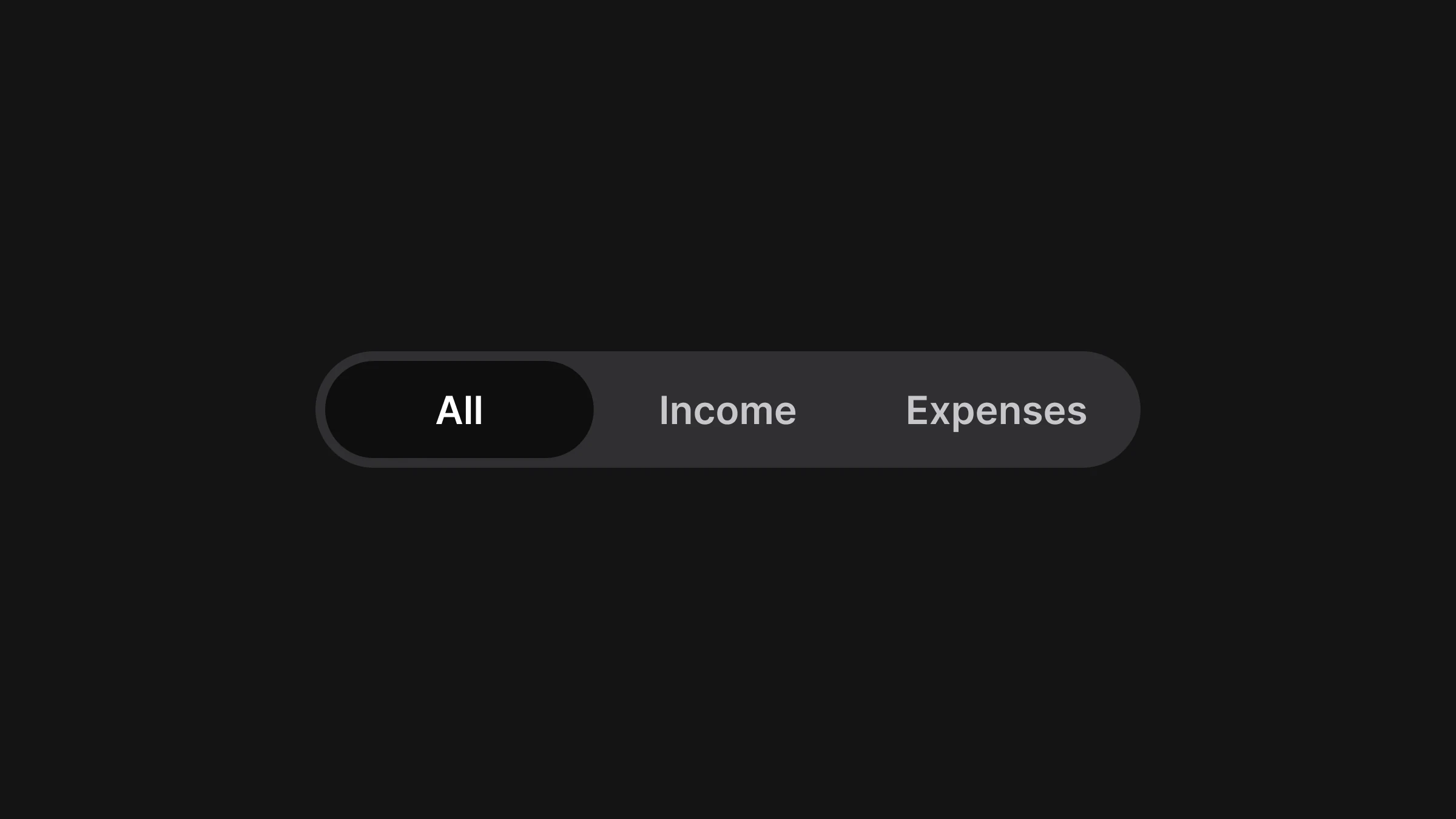
Tokens for every value, in light and dark. A brand color, a radius scale and a type scale in one theme file mean a rebrand is one edit, not a search through every screen.
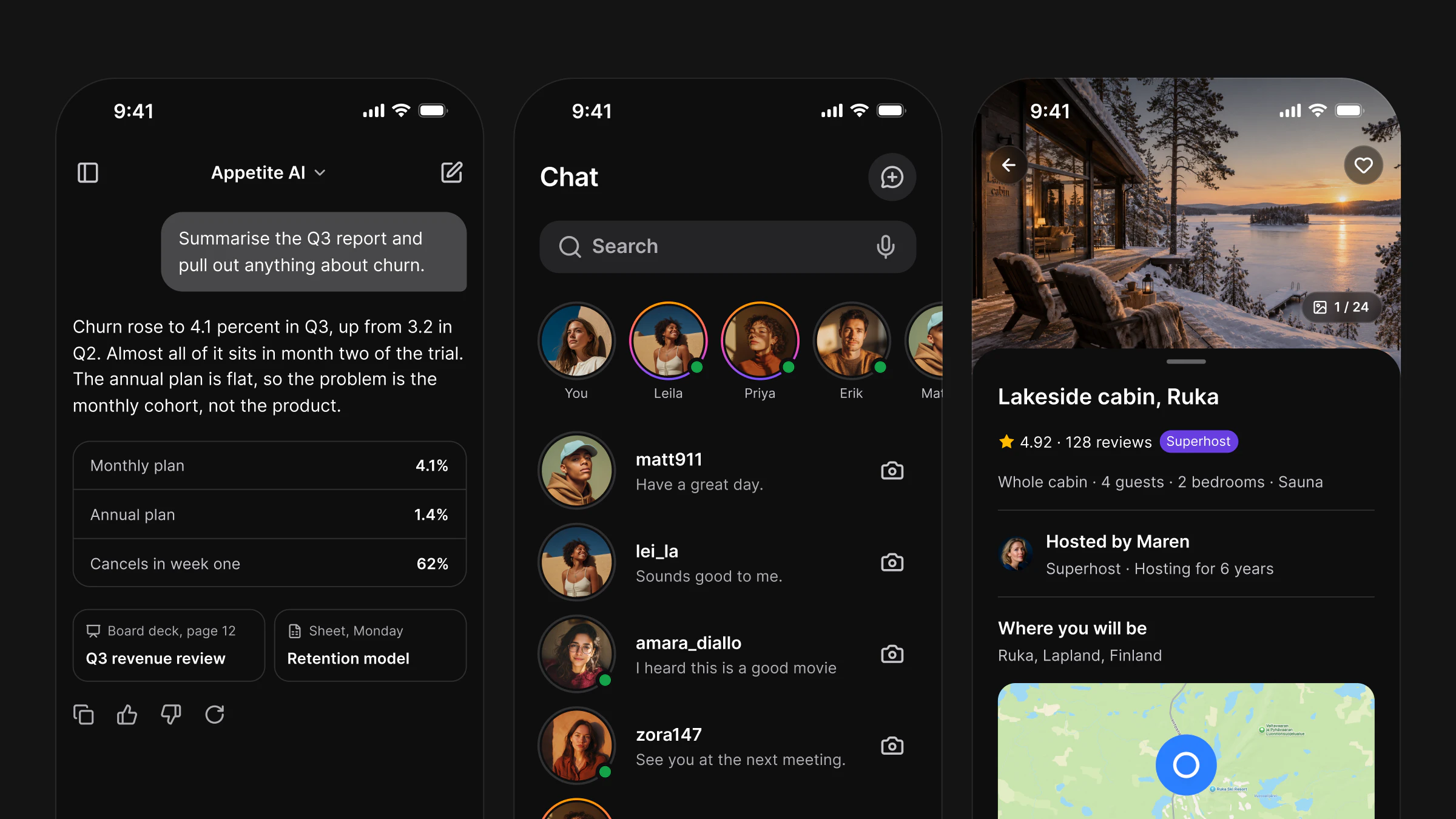
Platform conventions. iOS and Android differ in navigation, sheets, back behavior and touch targets: 44 points on iOS and 48 dp on Android. An agent that is not told uses one platform's pattern on both. The per-component list is in iOS vs Material 3 and the sizes in Touch target size on iOS and Android.
How do you connect Appetite UI Code to your agent?
Appetite UI Code gives your agent the components from the Appetite UI Figma kit in React Native, SwiftUI, Flutter and Jetpack Compose, with the same names, variants and tokens. React Native has every Appetite UI component and an App Starter on Expo Router with Tasks, Foodie and AI flows. SwiftUI, Flutter and Compose start with the core components, and every release adds more.
appetite-ui-code-1.0.0/
  README.md      what is inside, the install for each stack, the brand
  CLAUDE.md      instructions for coding agents, all four stacks
  AGENTS.md      the same instructions, for Codex and Cursor
  starter/       the Expo App Starter: Tasks, Foodie and AI examples
  react-native/  the core and tokens packages, component source
  swiftui/       Swift package AppetiteCore, components, tests
  flutter/       Dart package appetite_ui, components, tests
  compose/       Gradle modules :core and :components, tests
  tokens/        DTCG source and outputs for every stack and CSS
  agent/         CLAUDE.md, AGENTS.md, skill, Cursor rules
  docs/          install guide, one page per component, tokens
  figma.md       the Figma release and its names in code
Install it in your stack.
| Stack | Install |
|---|---|
| React Native with Expo | cd starter, npm install, npx expo start, then open it in Expo Go |
| SwiftUI | File > Add Package Dependencies > Add Local, product AppetiteCore |
| Flutter | appetite_ui as a path dependency, then flutter pub get |
| Jetpack Compose | include(":core", ":components") and implementation(project(":components")) |
Point the agent at the kit. The agent kit holds AGENTS.md, CLAUDE.md, a skill and Cursor rules. AGENTS.md sends the agent to the kit's skills, so it maps every part of a screen to a component and a token by its Figma name. Then the prompt can stay about content:
Build the My work screen with Appetite UI components.
Segmented Control: Today, Upcoming, Done. A List of tasks with checkbox, title, project Badge and due date. Empty State when the list is empty.
No hex values, no literal sizes. Check light and dark on iOS and Android.
Set your brand once. Brand color, radius and font live in one theme value. In React Native that is the file brand; SwiftUI, Flutter and Compose take the same values at the root of the app. Every component and the App Starter follow.
import type { AppetiteBrand } from '@appetite-ui/core';

export const brand: AppetiteBrand = {
  color: '#ca3500',
  radiusScale: 1, // radius/md is 8 at scale 1
  fonts: { body: 'Plus Jakarta Sans', heading: 'Plus Jakarta Sans' },
  fontFiles: {
    'Plus Jakarta Sans': {
      faces: {
        400: require('../../../assets/fonts/PlusJakartaSans-Regular.ttf'),
        500: require('../../../assets/fonts/PlusJakartaSans-Medium.ttf'),
        600: require('../../../assets/fonts/PlusJakartaSans-SemiBold.ttf'),
      },
      ascender: 1.038,
      descender: 0.222,
    },
  },
};| Stack | At the root of the app |
|---|---|
| SwiftUI | ContentView() |
| Flutter | AppetiteScope(brand: orangeBrand, child: MyApp()) |
| Jetpack Compose | AppetiteTheme(brand = OrangeBrand) { MyApp() } |
Keep iOS and Android honest. iOS and Material conventions sit behind one platform switch in the theme, like the platform layer in the Figma file. The agent builds one screen, and the theme decides how a sheet, a tab bar or a back action behaves on each platform.
Add the Figma file if someone designs. With Appetite UI Complete, the designer works in the Figma file and the agent builds with the same components in code. Without a designer, Code works alone and ships its own tokens.
What Code 1.0 does not do. The operating system draws the status bar, the keyboard, the Dynamic Island, widgets and Live Activities. The Apple and Material 3 reference components stay in the Figma file. SwiftUI, Flutter and Compose start with the core set, and the rest arrives in free updates.
Want to try the method before you buy? The free Appetite UI base on GitHub uses the same component names under the MIT licence, with the Appetite UI brand fixed. Run steps 5 to 9 with it and you will see whether the method fits your app.
What do App Store and Google Play check in 2026?
Stores do not ask how the code was written. They check what you upload, who you are and how the app behaves.
| Requirement | Store | In force since | What to do |
|---|---|---|---|
| Build with Xcode 26 or later and an iOS 26 SDK | App Store | April 28, 2026 | Keep Xcode and your EAS build image current. Expo SDK 58 is built for iOS 27 |
| Updated age rating questions answered | App Store | January 31, 2026 | Answer them in App Store Connect for every app |
| No downloading or running code that adds or changes features (guideline 2.5.2) | App Store | Long-standing | Ship features in the binary you submit |
| Not a copy of what is already widely available (guideline 4.3) | App Store | Long-standing | Ship your own product and your own design |
| Target Android 16, API level 36, for new apps and updates | Google Play | August 31, 2026 | Check targetSdkVersion in the build before you upload |
| Closed test with 12 testers for 14 continuous days | Google Play, personal accounts created after November 13, 2023 | November 13, 2023 | Start the closed test the day the first build works |
| Apps registered by a verified developer | Certified Android devices in Brazil, Indonesia, Singapore and Thailand | September 30, 2026, global from 2027 | Verify your identity. Google registers eligible Play apps for you after verification |
Apple reviewed 9,100,620 submissions in 2025 and rejected 2,093,244 of them. 415,532 rejections fell under the Design section, which covers copycats, minimum functionality and spam. Apple says it reviews 90% of submissions within 48 hours. On Google Play, a new personal account spends at least 14 days in the closed test before it can even apply for production.
Minimum days from a working build to a public listing
The rules have no line about vibe coding. They have lines about copies, spam and code that changes after review, and a vibe-coded app meets them like any other. Screenshots are part of the listing too. The sizes are in the store screenshot size tool.
What breaks when nobody reads the code?
Security, first. A generated app can work in a demo and still expose every user's data.
- of generated code samples chose an insecure implementation (Veracode)
- 45%
- exposed secrets in more than 5,600 scanned vibe-coded apps (Escape)
- 400+
- CVEs linked to AI-generated code through March 2026 (Georgia Tech)
- 74
- iOS AI apps with security misconfigurations (CovertLabs)
- 196 of 198
| Finding | Number | Source |
|---|---|---|
| Generated code chose an insecure implementation | 45% of test cases, 80 tasks, more than 100 models | Veracode, 2025 GenAI Code Security Report |
| Publicly deployed vibe-coded apps scanned | More than 5,600 apps: more than 2,000 high-impact vulnerabilities, more than 400 exposed secrets, 175 cases of exposed personal data | Escape research team |
| CVEs linked to AI-generated code | 74 confirmed through March 2026, with new CVEs per month up about six times from January to March | Georgia Tech Vibe Security Radar, via Cloud Security Alliance |
| iOS AI apps with security misconfigurations | 196 of 198 apps scanned | CovertLabs, January 2026, via Cloud Security Alliance |
A mobile app adds one rule that web developers forget: everything in the app bundle can be read by anyone who installs it. Expo's documentation says it plainly: values in EXPO_PUBLIC_ variables are visible in plain text in the compiled app. A key in the bundle is a published key.
Run these checks before every store build:
- No secret keys in the app. Keys for payments, AI APIs and databases live on a server. Expo Router API routes, the files ending in
+api, run on the server, so a key read there never reaches the phone..ts - Every database table has access rules. With Supabase, turn on row level security for every table. With Firebase, write security rules before the first real user.
- Auth tokens sit in secure storage, the Keychain on iOS and the Keystore on Android, not in plain local storage.
- Every new dependency was asked for, and it exists. Agents sometimes add packages nobody needs.
- Personal data in logs and analytics is off.
- AI features that send user data to a third party are listed in Apple's privacy details and Google's Data safety form.
- The agent's permissions are scoped: it runs in the project folder, and production credentials are not in its environment.
What does a first week look like?
A realistic plan for one person with an agent, from an empty folder to builds in TestFlight and a Google Play closed test.
| Day | Goal | Done when |
|---|---|---|
| 1 | Accounts and project | Apple and Google accounts open, create-expo-app runs on your phone in Expo Go |
| 2 | Agent and tools | The agent, the Expo plugin and one testing MCP server are installed, AGENTS.md has your rules |
| 3 | System | Components and tokens are in the repository, light and dark work, one screen is built from them |
| 4 | Core flow | The main task of the app works end to end on both platforms |
| 5 | Data and accounts | Auth and the database work, access rules are on, no keys in the bundle |
| 6 | Device pass | Every screen checked on a real iPhone and Android phone, light and dark, with large text |
| 7 | Ship | iOS build in TestFlight, Android build in a closed test with 12 testers, store screenshots made |
The closed test then runs for 14 days. Use them: the testers are your first users.
Questions
Can I vibe code an iOS app without a Mac?
Yes, with limits. With Expo, EAS Build runs iOS builds on macOS machines in Expo's cloud, and Expo Go previews the app on your iPhone. Browser builders like Rork Max build SwiftUI apps without Xcode. To work in Xcode 27 yourself, you need a Mac with Apple silicon.
Which AI agent is best for mobile app development?
The setup matters more than the agent. In the 2026 Stack Overflow survey, Claude Code was used by 66% of AI users and GitHub Copilot by 59%, and Xcode 27 lets you pick agents from Anthropic, Google or OpenAI. Any of them works better with AGENTS.md, MCP tools and components in the repository than without.
Will Apple reject a vibe-coded app?
Not for being vibe coded. Apple says it has no specific rules against vibe coding. It rejects apps that copy others, offer too little functionality or run code that changes features after review, whoever wrote the code.
React Native or Flutter for vibe coding?
React Native with Expo if you have no stack yet. It writes the agent files for you, has an official MCP server and plugin for Claude Code, and runs in Expo Go. Flutter is the better choice when your team already writes Dart.
Do I need Figma to vibe code an app?
No. You need decisions in the repository: components, tokens and rules. A Figma file helps when a designer works on the product, because the agent can read the same components and variables through Figma MCP.
How long does it take to publish a vibe-coded app?
On the App Store, Apple reviews 90% of submissions within 48 hours. On Google Play, a personal account created after November 13, 2023 first runs a closed test with 12 testers for 14 continuous days, then applies for production access and goes through review. Plan three weeks for the first Android release.
Is vibe-coded code safe to ship?
Only after a review. Veracode found insecure choices in 45% of generated code samples, and Escape found more than 400 exposed secrets in more than 5,600 vibe-coded apps. Keep keys on a server, turn on database access rules and read the diff.
What does Appetite UI Code include for SwiftUI, Flutter and Jetpack Compose?
15 core components in Code 1.0, with the same names, variants and tokens as React Native and the Figma kit, the theme with the brand and the iOS and Material switch, and tests. Every release adds more, and every release after you buy is included. React Native has every Appetite UI component and the App Starter.
Sources
- Stack Overflow, read November 14, 2026The results of the 2026 Developer Survey are here
- Collins Dictionary, read November 14, 2026Collins' Word of the Year 2025
- METR, read November 14, 2026Uplift update, February 24, 2026
- The Star, reprinting The New York Times, read November 14, 2026Vibecoded apps are flooding the App Store
- 9to5Mac, read November 14, 2026App Store sees 84% surge in new apps as AI coding tools take off
- Appfigures, read November 14, 2026React Native's new rival is quietly eating its lunch
- Appfigures, read November 14, 2026Non-native development hit a new peak
- Expo, read November 14, 2026AI agents and Expo overview
- Expo, read November 14, 2026Claude Code and Expo
- Expo, read November 14, 2026Expo Skills
- Expo, read November 14, 2026Expo SDK 58 changelog
- Expo, read November 14, 2026Expo SDK 58 reference, versions table
- Expo, read November 14, 2026Highlights, new products and plans for the future
- Expo, read November 14, 2026EAS Build introduction
- Expo, read November 14, 2026Environment variables in Expo
- Expo, read November 14, 2026Use environment variables, API routes
- Apple, read November 14, 2026Meet agentic coding in Xcode (Xcode 26.3)
- Apple Newsroom, read November 14, 2026Apple accelerates app development with new intelligence frameworks and advanced tools
- Android Developers Blog, read November 14, 2026Go from prompt to working prototype with Android Studio Panda 2
- Flutter, read November 14, 2026What's new in Flutter 3.44
- Flutter, read November 14, 2026Flutter and Dart's 2026 roadmap
- Rork, read November 14, 2026Rork and Rork Max
- MacRumors, read November 14, 2026Apple pulls vibe coding app Anything from App Store
- The Decoder, read November 14, 2026Apple reportedly blocks vibe-coding apps from publishing updates
- Apple Developer, read November 14, 2026Upcoming requirements
- Apple Developer, read November 14, 2026App Review Guidelines
- Apple, read November 14, 20262025 App Store Transparency Report
- Apple Developer, read November 14, 2026Apple Developer Program
- Google Play Console Help, read November 14, 2026Target API level requirements for Google Play apps
- Google Play Console Help, read November 14, 2026App testing requirements for new personal developer accounts
- Google Play Console Help, read November 14, 2026Get started with Play Console
- Android Developers, read November 14, 2026Android developer verification
- Veracode, read November 14, 20262025 GenAI Code Security Report
- Escape, read November 14, 2026How we discovered over 2k high-impact vulnerabilities in apps built with vibe coding platforms
- Cloud Security Alliance, read November 14, 2026Vibe coding security debt, AI-generated vulnerabilities at scale
- Figma, read November 14, 2026Q2 2026 prepared remarks
- Sentry, read November 14, 2026XcodeBuildMCP
- Maestro, read November 14, 2026Maestro MCP, an introduction
- Mobile Next, read November 14, 2026mobile-mcp
Facts last verified .