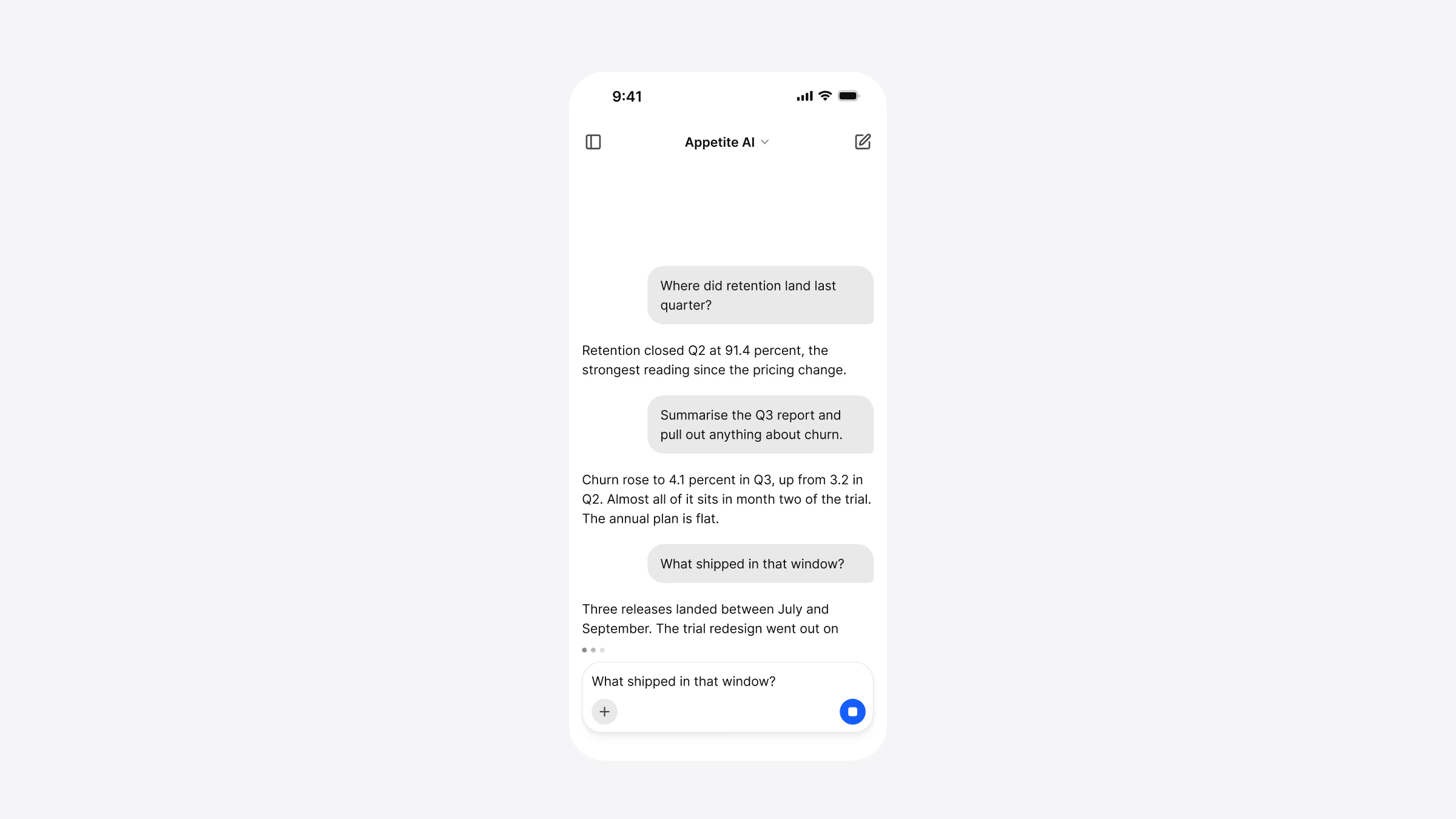
A UI kit for Expo: build an iOS and Android app in Expo Go
What a UI kit needs to run in Expo Go, how it differs from Expo UI, which SDK it must match, and the steps from the ZIP to an app on your phone.

On this page
A UI kit for Expo is a React Native component library that needs no native code beyond what Expo Go already contains, so you can open an app built with it on your own phone by scanning a QR code. Appetite UI Code's React Native folder is one: it's built with Expo SDK 58, uses only expo-blur, expo-haptics and expo-font, and comes with an App Starter that opens in Expo Go.
This guide covers what to check before you pick a kit for an Expo app, why "Expo UI" is something else, which SDK has to match, and the steps from a downloaded kit to a running app. I build Appetite UI Code; every statement about it below was measured on the kit, and every statement about Expo comes from Expo's documentation.
What makes a UI kit work with Expo?
Three things: the components are written in React Native, every native module they import is one Expo Go contains, and the kit pins the same SDK as your app. Miss the second and the app needs a native build before you see a single screen. Miss the third and Expo Go refuses to open the project.
The search results for "expo ui kit" are mostly component libraries and templates that list Expo support. A line that says "works with Expo" doesn't tell you which SDK. Ask for the expo version the kit was tested on, and the list of native packages it imports.
| Package | Used by | Why |
|---|---|---|
expo-blur | The components | The background blur of the glass top bar |
expo-haptics | The components | Selection and notification haptics |
expo-font | The App Starter, or your app | Loads the bundled Inter faces with useFonts(appetiteFonts) |
expo-router | The App Starter | Its routes: every file in the app folder is a screen |
expo-status-bar | The App Starter | The status bar follows Light or Dark |
From the Expo notes of the Appetite UI Code repo, measured on October 31, 2026 with Expo SDK 58. The components also import react-native-svg for icons and charts, which Expo Go includes.
Is a UI kit for Expo the same as Expo UI?
No. Expo UI, the @expo/ package, is Expo's own set of native primitives; its documentation describes it as "a set of components that allow you to build UIs directly with Jetpack Compose and SwiftUI from React". It says plainly that "Expo UI is not another UI library": each component maps to a SwiftUI or Compose control, and each sits inside a Host.
A UI kit for Expo answers a different question. It gives you designed components with a brand, a token file and, in Appetite UI's case, a Figma file with the same names. Expo UI gives you the platform's own controls as they come. The two can live in one app, a screen at a time, since Expo UI is included in Expo Go. Appetite UI Code doesn't import @expo/, and we haven't tested the two in one screen.
Which Expo SDK does the kit need?
The one it was built and tested on, and the one your Expo Go opens. Expo's documentation is direct: "Each build of Expo Go includes one Expo SDK version", and "the expo package version in package.json sets the project's SDK version". If the two differ, Expo Go won't open the project.
Expo SDK 58 is the latest SDK in Expo's reference as of November 14, 2026, with React Native 0.88. Expo's upgrade guide of October 21 says the new Expo Go "supports only SDK 58". Appetite UI Code's starter pins expo on the 58 line, with React Native 0.88.1, and its peer ranges accept that line only. Older and newer SDKs aren't tested.
The first number of an Expo Go version is the SDK it opens. Expo Go 58 opens the App Starter; when the stores move to a newer Expo Go, the starter needs a development build until the kit moves to the new SDK.
How do you run the App Starter in Expo Go?
Unzip the kit, install, start, and scan. The App Starter has Tasks, Foodie and AI flows on Expo Router in Light and Dark, with the library wired in and the fonts loaded.
Unzip Appetite UI Code
The App Starter is the
starterfolder at the root of the ZIP. Thereact-nativefolder beside it holds the component source and the two theme packages.Install
Run
npm installin thestarterfolder. A first install can print nothing for a few minutes; wait for the prompt to return.Start
Run
npx expo start. Press i for the iOS Simulator or a for an Android emulator.Open it in Expo Go
Install Expo Go from the App Store or Google Play and scan the QR code. Its version has to start with 58.
cd starter
npm install          # or: pnpm install
npx expo start
On October 31, 2026 the starter from the 1.0.0 ZIP passed all 20 checks of npx expo-doctor and opened in Expo Go 58 on an iPhone simulator with no errors or warnings in the Metro log. The same steps, with pictures of each, are on Appetite UI Code with Expo.
How do you add the kit to your own Expo app?
Add the two theme packages, install the Expo modules at your SDK's versions, copy in the component source, and wrap the app. npx expo install picks the version of each module that your SDK supports.
"@appetite-ui/core": "file:./vendor/appetite-ui-core-1.0.0.tgz",
"@appetite-ui/tokens": "file:./vendor/appetite-ui-tokens-1.0.0.tgz"npx expo install expo-blur expo-haptics expo-font react-native-svg react-native-safe-area-context expo-status-barThen copy the component source into the app as src/, map @appetite-ui/ to it in tsconfig, load the fonts with useFonts(appetiteFonts) and wrap the app in AppetiteProvider. Install the code has each file. The kit's release check ran the same copy into a fresh blank TypeScript app made with create-expo-app on SDK 58: install, type check, expo-doctor and export for iOS and Android passed.
Once it's in, the components read like the Figma file: a Segmented Control is SegmentedControl and Size=Small is size="small". How the names, variants and tokens line up is in React Native UI kit that matches your Figma file.
When do you need a development build instead of Expo Go?
When your app needs native code Expo Go doesn't contain, when Expo Go no longer opens your SDK, and when you ship. Expo calls Expo Go "a playground app, so it's limited and not useful for building production-grade projects", and a development build "essentially your own version of Expo Go", which it recommends "when you want to create your own app and release to app stores".
Appetite UI itself needs nothing outside Expo Go. A package you add with its own native code may. We haven't yet made a development build of the App Starter, so the steps for it are Expo's, not ours.
| Situation | Expo Go | Development build |
|---|---|---|
| Try the App Starter on your phone | Yes | Not needed |
| Build screens with the kit's components | Yes | Not needed |
| Add a package with native code Expo Go lacks | No | Yes |
| Expo Go in the stores has moved past your SDK | No | Yes, or upgrade the SDK |
| Release to the App Store and Google Play | No | Yes, Expo's recommendation |
Can you use the kit without Expo?
Yes, with Expo modules installed. Without them the components don't bundle, because they import expo-blur and expo-haptics. In a React Native 0.88 app with no Expo framework, after npx install-expo-modules and the Expo packages above, a test screen of five components built and rendered on the iOS Simulator. The installer's iOS changes needed fixes by hand, and Android wasn't tested.
React Native's own documentation points new apps the other way: "if you're building a new app with React Native, we recommend using a Framework", and it names Expo. For a new app, start from the App Starter.
What does Appetite UI Code include for Expo?
Every Appetite UI component in React Native, 41 in all, as source you own, styled with React Native's StyleSheet and a typed theme. Beside them: the two theme packages, the App Starter on Expo Router, the token outputs and an agent kit whose CLAUDE and AGENTS tell an assistant the app is an Expo project and to add native packages with npx expo install.
The Code page shows the App Starter and the rebrand, Appetite UI Code with Expo the setup in pictures, and pricing the plans.
Questions
Is there a UI kit that works in Expo Go?
Yes. Appetite UI Code's React Native folder is built with Expo SDK 58 and uses only Expo modules that ship in Expo Go: expo-blur, expo-haptics and expo-font. Its App Starter opens in Expo Go with no native build.
What is the difference between Expo UI and a UI kit?
Expo UI, the @expo/ui package, gives React access to SwiftUI and Jetpack Compose controls as the platforms draw them. A UI kit gives designed components with a brand and tokens, and in Appetite UI's case a Figma file with the same names.
Which Expo SDK does Appetite UI Code support?
SDK 58, with React Native 0.88. The peer ranges accept that SDK line only; older and newer SDKs are not tested.
Why won't Expo Go open my project?
Usually because the SDKs differ. Each Expo Go build opens one SDK, and the expo version in package.json sets the project's SDK. Match them, or make a development build.
Do I need a development build to use the kit?
Not to start. The components need nothing outside Expo Go. You need one when you add a package with native code Expo Go lacks, when Expo Go moves past your SDK, or to release.
Is Appetite UI an Expo product?
No. Appetite UI Code is built with Expo and tested on it. Appetite UI is not affiliated with or endorsed by Expo.
Expo is a trademark of 650 Industries, Inc. Appetite UI is not affiliated with or endorsed by Expo.
Sources
- Expo documentation, read November 14, 2026Expo UI
- Expo documentation, read November 14, 2026SDK reference
- Expo documentation, read November 14, 2026Expo Go version mismatch
- Expo, read November 14, 2026How to upgrade to SDK 58
- Expo documentation, read November 14, 2026Set up your environment
- Expo documentation, read November 14, 2026Introduction to development builds
- React Native, read November 14, 2026Get Started with React Native
- Expo documentation, read November 14, 2026Svg
Facts last verified .