Do you need Figma to vibe code an app?
Without Figma, an agent builds a designed app when the design system lives in code. With Figma, when a designer works on it too. How to set up each path.

On this page
No. An agent needs decisions, not a design file: components, tokens and rules in the repository it reads. Without Figma that works when the design system lives in code. Figma earns its place when a designer also works on the app, and then the designer and the agent should read their names and values from one source.
The question usually comes from someone who has an idea, a coding agent and no designer. That is a real setup, and it can ship an app that looks designed. It fails in one specific way, and Figma is not the fix for that failure. A system in the repository is.
What does an agent need if not a Figma file?
Decisions it can read. A coding agent works from the files in the repository and the instructions it is given. Every value those files do not decide, the model decides, and it picks the most common one it has seen. That is the root of the generic look covered in Why vibe-coded apps all look the same, and what a design system changes.
Three things close that gap, and none of them is a drawing:
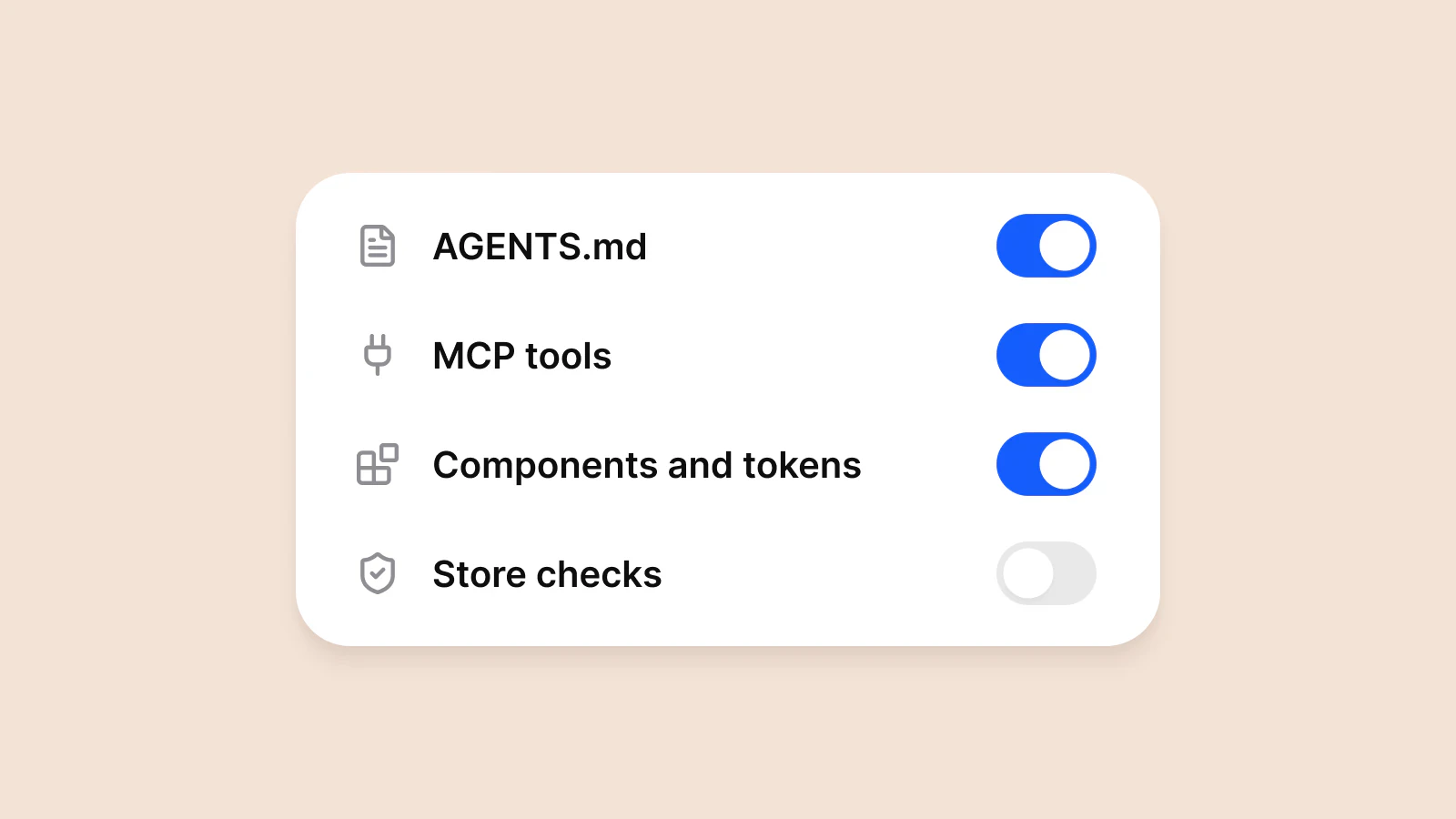
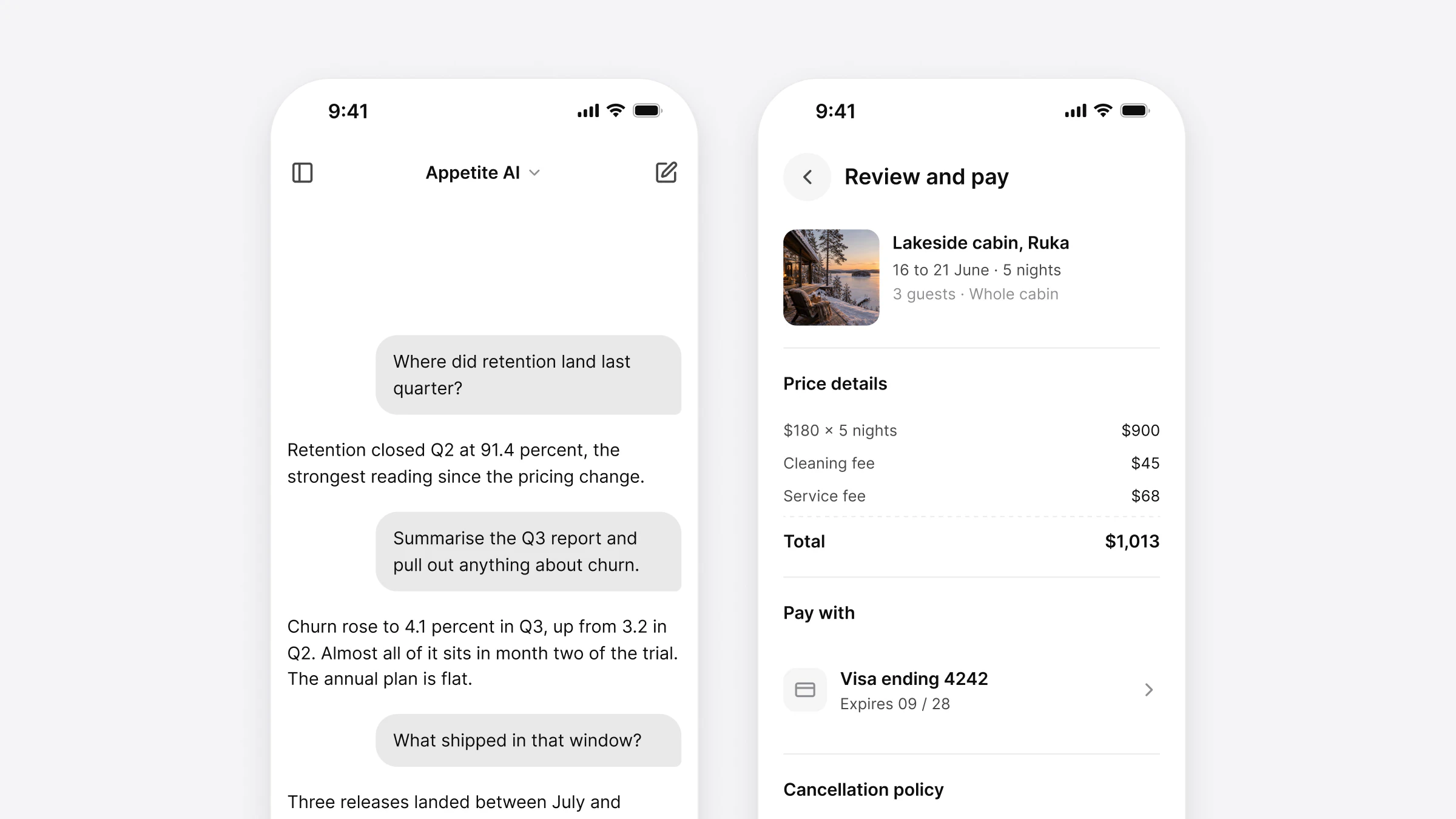
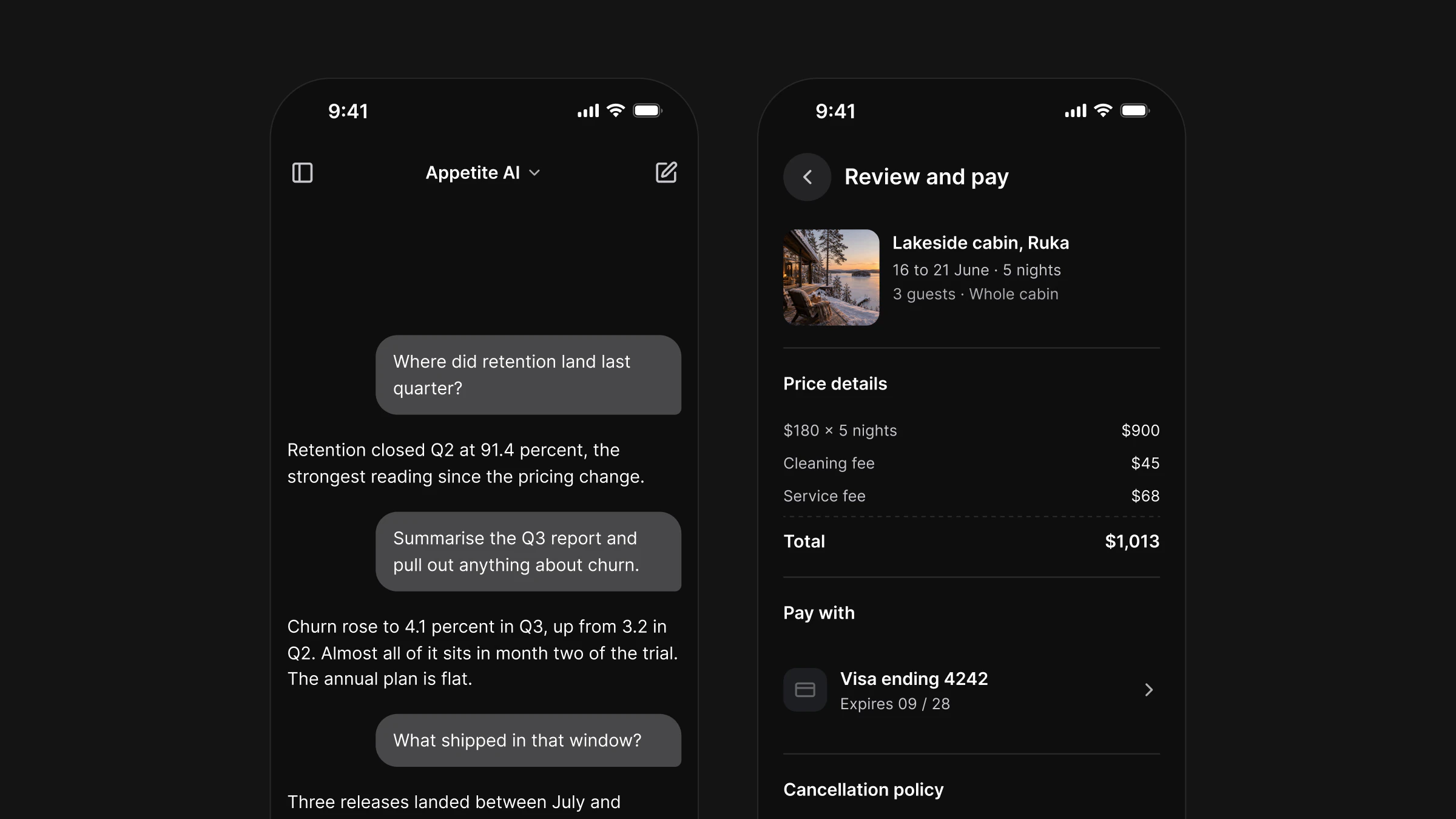
- Components. A settings row, a switch and a top bar that already exist, so the agent composes screens instead of inventing controls.
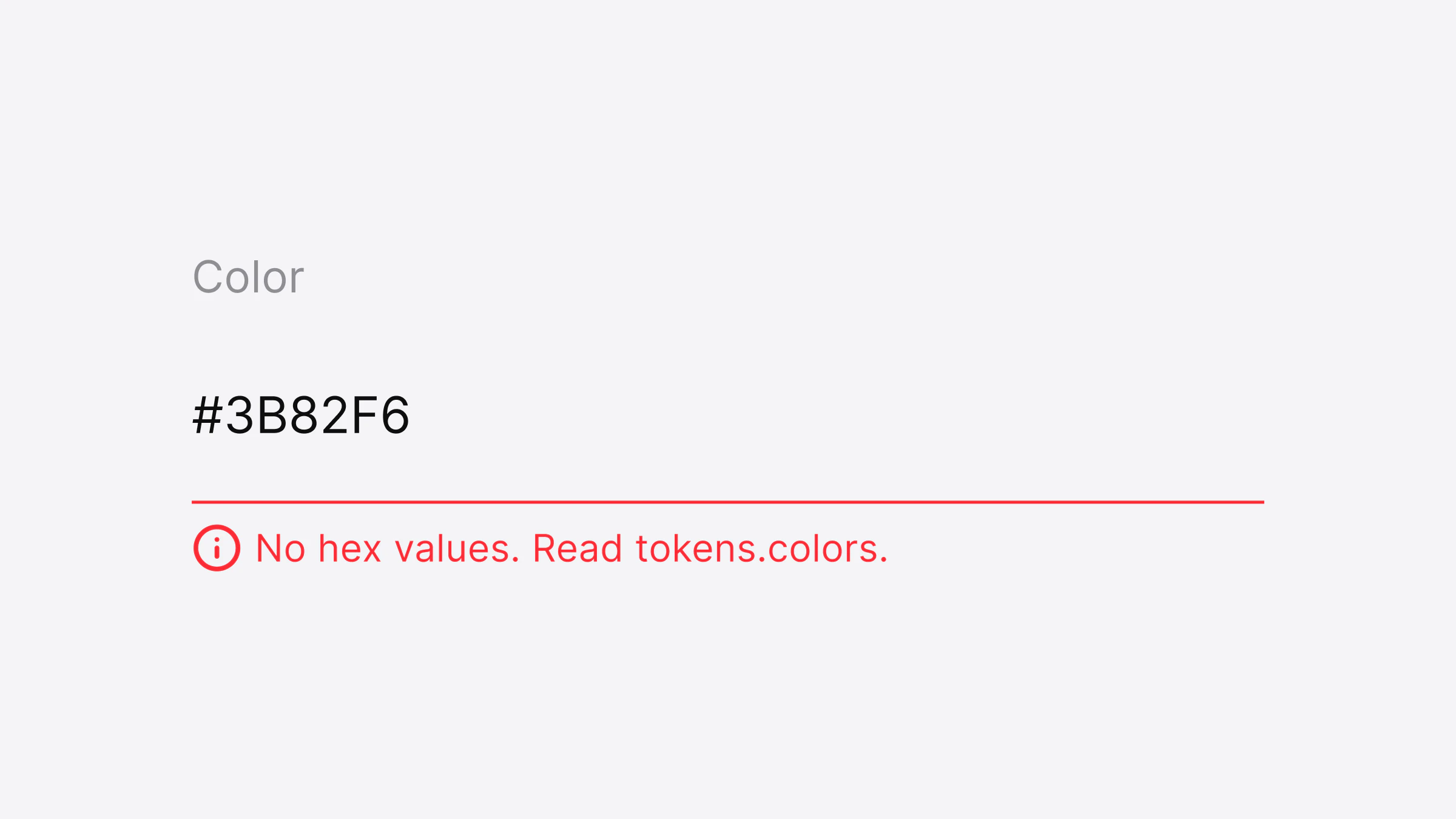
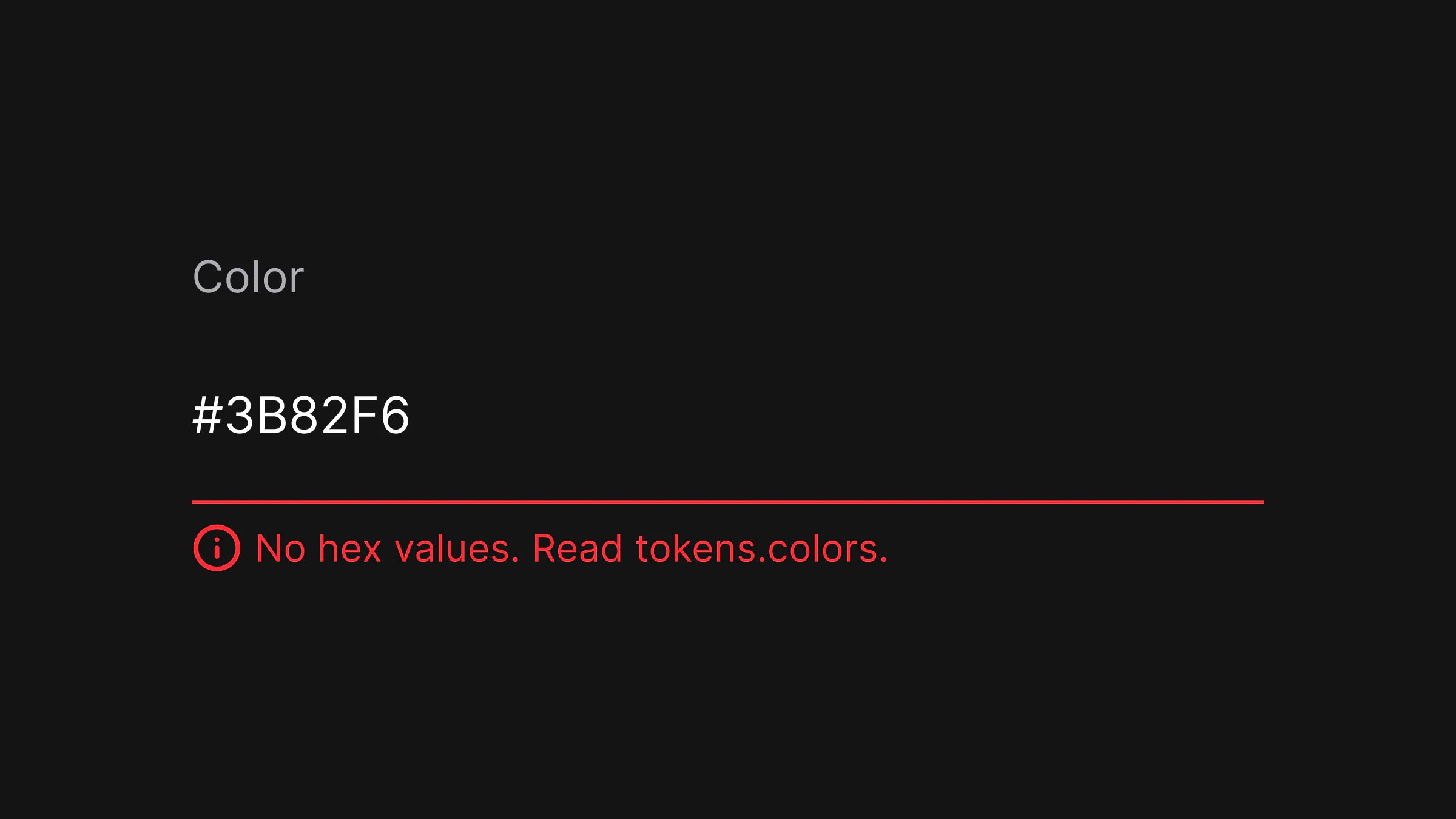
- Tokens. Colors, spacing, radius and type as named values, so the agent writes
tokenswhere it would otherwise write a hex value..colors .brandBase - Rules. An AGENTS.md or CLAUDE.md that says which components to use, where values come from and what to check before finishing.
Figma can hold the first two for a designer. It cannot hold them for the agent unless they also exist in code, or unless the agent reads them out of the file each time. That is why the answer turns on where your system lives, not on which tool you draw in.
When can you vibe code an app without Figma?
When the system is in the repository from the first prompt. If nobody on the project designs in Figma, a design file adds a step that nobody maintains. What you need instead is code that already made the visual decisions.
That is what Appetite UI Code is for. Every Appetite UI component of the Figma kit is in React Native, SwiftUI, Flutter and Jetpack Compose, with its own tokens, so it works without Figma. The Apple and Material 3 components map to each platform's own controls instead of being redrawn. React Native comes with an App Starter on Expo Router with Tasks, Foodie and AI flows, so the agent edits an app that already runs.
The agent kit is the rules layer: AGENTS.md, CLAUDE.md, a skill and Cursor rules for Claude Code and Cursor. It tells the agent to build from the library's components, to read every value from the theme and never to type a hex color, a font size or a radius by hand. Each component also ships a machine-readable spec, so the agent looks up props instead of guessing them.
The brand is one file. In React Native it is brand, and the color scale, dark mode, radii and fonts follow it:
import type { AppetiteBrand } from '@appetite-ui/core';

export const brand: AppetiteBrand = {
  color: '#155dfc',
  radiusScale: 1,
  fonts: { body: 'Inter', heading: 'Inter Display' },
};
The agent kit tells the agent to pick a brand color that fits the product and set it here before it builds screens. A rebrand later is the same edit. To check what the agent wrote, the starter runs npm run typecheck and npm run check; the second reports any color, font, padding, margin, gap or radius literal left in your screens.
If you want to try the method before you pay, the free Appetite UI base on GitHub has 10 of the React Native components for Expo, its tokens and an AGENTS.md, under the MIT licence. It is React Native only, and you copy it in from GitHub.
When does Figma earn its place?
When a person designs the app, not only the agent. Figma is where a designer tries three versions of a screen, shows a flow to a client before it is built and decides what a new component should look like. None of that is code, and an agent cannot do it for you.
Figma also helps when:
- A screen is new to the product. Drawing it once is faster than three rounds of prompts, and the frame becomes the brief.
- Someone has to approve the look. A client or a founder reviews a Figma link more easily than a build on a phone.
- The app grows past the kit. A designer adds a component in Figma first, with its variables, and the code follows the same names.
The risk with Figma is drift. The designer changes a color in the file, the agent keeps the old hex in the code, and after a month the two describe different apps. The fix is not more reviews. It is one source of names and values that both sides read.
How do a designer and an agent share one source?
By using the same names in the file and in the code. In Appetite UI every Figma variable stores its own code name for each platform it serves, the field Figma calls code syntax. The code layer is generated from the same file: one W3C design token source, exported from the Appetite UI Figma file, compiles into React Native, CSS, SwiftUI, Compose and Flutter. How one variable travels through that path is in How one Figma token becomes SwiftUI, Compose, Flutter and CSS.
| Who | Works in | Reads the brand color as |
|---|---|---|
| Designer | The Figma file, 599 variables in 6 collections | The brand base variable |
| Agent with a Figma selection | Figma's MCP server, then the code | The variable's code syntax, mapped to the token path |
| Agent without Figma | The code and the agent kit | tokens from the theme |
| Developer | The code | tokens, with the value set in the theme file |
When the agent gets a Figma selection through Figma's MCP server, the agent kit tells it to take the component name and its properties from the frame and each variable's code name from its code syntax. The names it reads in the file are the names it types in the code, so a designer saying Top Bar and an agent writing TopBar mean the same component. A count gate compares the Figma file with the code on every build, so a component in one layer and missing in the other fails the check instead of reaching your app.
Appetite UI Complete is this setup in one licence: the Figma file for the designer and the code for the agent and the developer. A rebrand is one edit in each layer, the brand variable in Figma and the theme file in code, with the same value in both. The Team licence covers one package for up to ten people, designers and developers together.
Can you vibe code from a Figma file alone?
Yes, with more review. The agent reads a frame through Figma's MCP server and writes the screen in your stack. The remote server runs at mcp.figma.com and needs no desktop app, and Figma lists Claude Code and Cursor among its clients.
What the agent gets from the file are frames, variables, components and their descriptions. What it does not get is code for those components, so it writes each one itself, every time, and you review that code. The cost also shows in Figma's limits: on a View or Collab seat the server allows up to 20 tool calls a month, and a Dev or Full seat on a Professional plan up to 200 a day. A screen built from a few frames uses several calls.
This path suits a designer who works in Appetite UI Figma and builds a prototype alongside it. The Figma file includes the Core Skill, so the agent reads the kit's rules with the frames. The setup is in Figma MCP for mobile: make your agent build with your components, and one screen built end to end in Claude Code and Figma: one screen from Appetite UI, step by step.
Which setup fits your app?
Pick by who works on the app, not by which tool you like.
| Who works on the app | Start with | Appetite UI product |
|---|---|---|
| You and an agent, no designer | Components, tokens and rules in code | Appetite UI Code |
| A designer, and an agent or a developer builds | The Figma file and the code on one token source | Appetite UI Complete |
| A designer who prototypes with an agent | The Figma file, read through Figma's MCP server | Appetite UI Figma |
| You want to test the method first | The free base on GitHub, React Native only | None yet |
The order of work follows from that. Without a designer, set the brand in the theme file first, then prompt for content and behavior and leave color, spacing and type to the system. With a designer, agree on the components in Figma, then let the agent build from the code that carries the same names. The rest of the setup, from the stack to the store checks, is in How to vibe code a mobile app in 2026: the complete setup for iOS and Android.
Questions
Do I need Figma to vibe code an app?
No. You need components, tokens and rules in the repository, because that is what the agent reads. Figma helps when a designer works on the app too, and then the file and the code should share names and values.
Can I vibe code an app without a designer?
Yes, if the visual decisions are already made in code. Start from coded components with their own tokens, set the brand in one theme file and give the agent written rules. Without them the agent picks the most common values, and the app looks like other generated apps.
Does Appetite UI Code work without the Figma file?
Yes. Appetite UI Code ships its own tokens, the theme file, the App Starter for React Native and the agent kit. The Figma file is a separate product; Appetite UI Complete is both.
Can an AI agent read my Figma file?
Yes, through Figma's MCP server. It reads frames, variables and components, and Figma lists Claude Code and Cursor as clients. Reading is limited per seat: up to 20 tool calls a month on a View or Collab seat, up to 200 a day on a Dev or Full seat on a Professional plan.
Should I design in Figma first or start in code?
Start where the people are. With no designer, start in code from a component kit and set the brand first. With a designer, agree on the components in Figma, and build from code that carries the same names, so nothing is translated twice.
Is there a free way to try this?
Yes. The free Appetite UI base on GitHub has React Native components for Expo, their tokens and an AGENTS.md, under the MIT licence. For the Figma side, the read-only preview of the Figma file is free to open.
Sources

Facts last verified .