Updated
Finance app transaction history
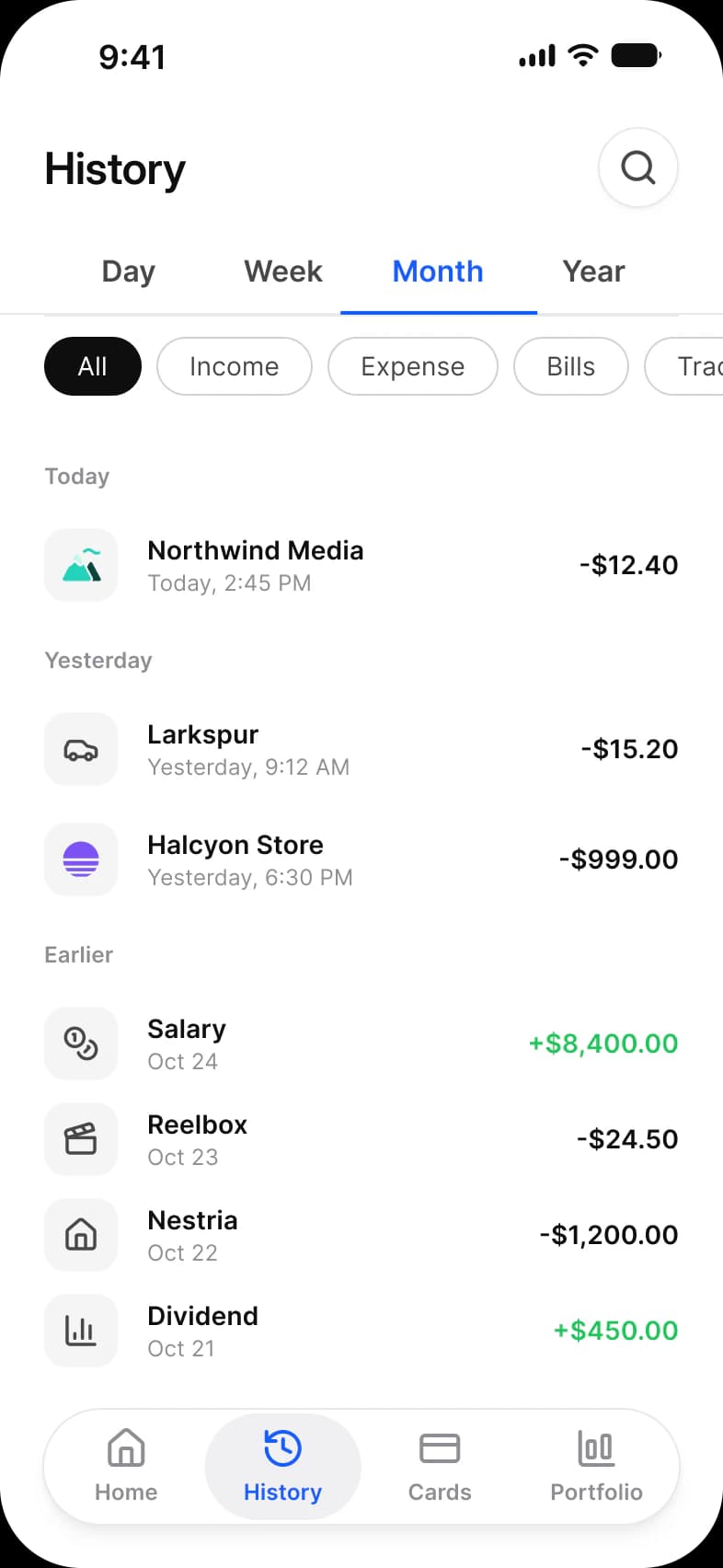
The list every banking app is opened for, drawn in Appetite UI, a Figma UI kit for iOS and Android apps built like a design system: a Day, Week, Month and Year switch, All, Income, Expense, Bills and Trading chips, and transactions under Today, Yesterday and Earlier.
Updated
Preview
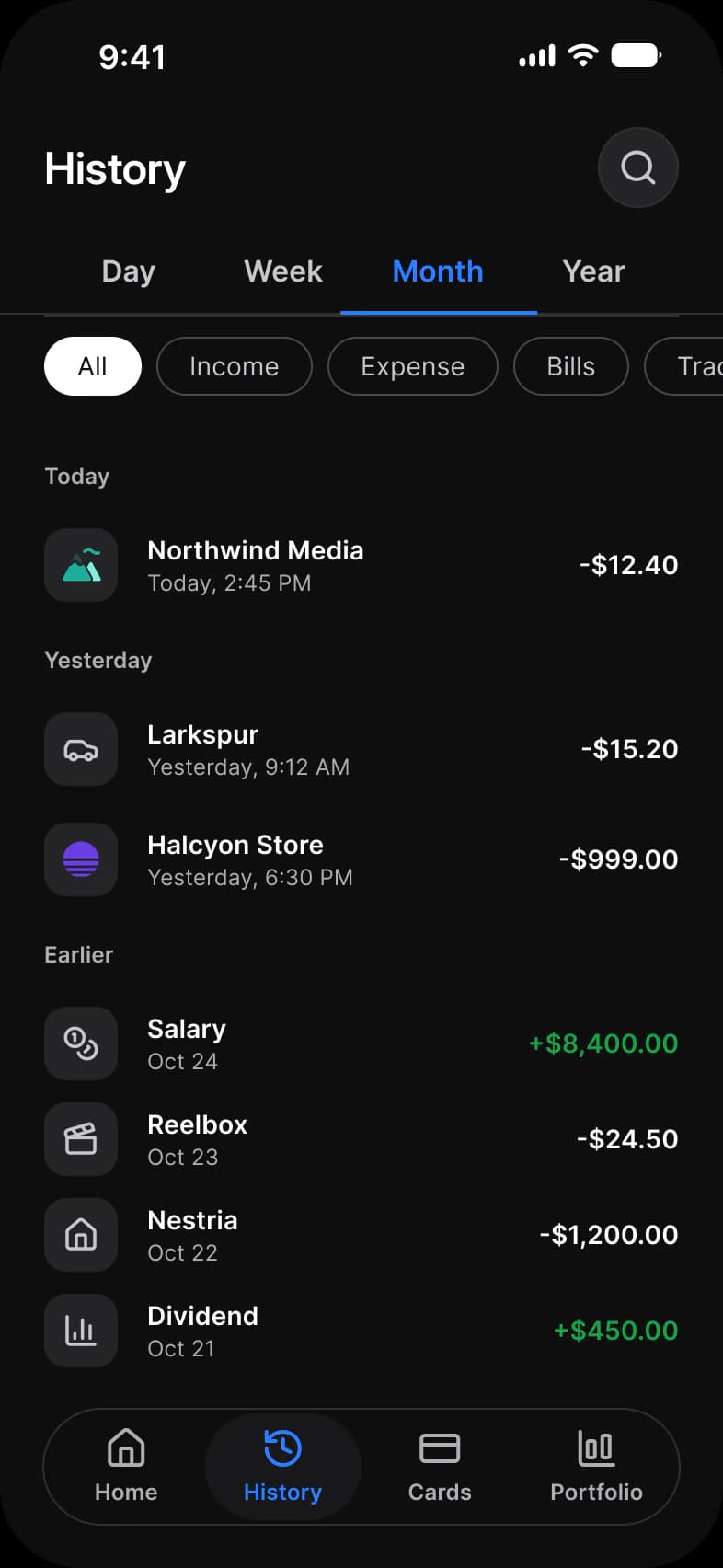
History, from the Finance page of the Appetite UI Figma file. The theme switch shows the dark frames.
| Screen | What it shows |
|---|---|
| History | Transactions by day, with a period switch and category chips |
Which components carry the history pattern?
The kit's components, drawn live from the same tokens as the frames. Tap them: they behave as the Figma prototype does.
Chip, categories
List, Price Row
How does this screen follow the history pattern?
The rules every history screen in the kit follows, and what this one does with each.
| Rule | On the finance app |
|---|---|
| Group by time | Rows are grouped under Today, Yesterday and Earlier rather than under dates, so the most recent money is found by reading, not by counting days. |
| Filter by kind | The period is a Tab set and the kind is a row of Chips, two separate controls, so a reader can ask for this month’s bills in two taps. |
| Amounts line up | Every amount is right aligned with two decimals, so the decimal points stack down the column; a credit differs from a debit by color alone, state/success/base-500. |
What is it built from?
Every control with a component is an instance of it, so one token change moves these screens with the rest of the file.
| Component | Screens |
|---|---|
| Top Bar | History |
| Tab | History |
| Chip | History |
| Navigation | History |
What changes between iOS and Material?
The frames are drawn in the ios-md Platform mode. Switch a frame to android and these variables take the Material values; the components below are where the two systems draw the same need differently.
| Variable | iOS (ios-md) | Android |
|---|---|---|
platform/list-row/min-height | 44 | 56 |
| Component | iOS | Material 3 | What differs |
|---|---|---|---|
| List | iOS / List with a 44 minimum row | M3 / List Item, 56, 72 or 88 high by Lines | Material sets the row height by lines of text, iOS sets only a minimum |
Start from these screens.
Every frame on this page is part of the Appetite UI file, drawn from its components and bound to its variables, so one brand edit moves every screen in light and dark.
The file holds 589 variables in 6 collections and exports its token values to SwiftUI, Jetpack Compose, Flutter and CSS. Solo covers one designer and Team up to ten people. You pay once and keep lifetime updates. Price goes up Nov 1
The read-only Figma preview opens the whole file, every screen and every variable, before you buy.