Skip to content

Detail screens

One item, all of it, drawn five ways in Appetite UI, a Figma UI kit for iOS and Android apps built like a design system. A detail screen opens on a picture or a title and closes on the one action the item exists for.

On this page
  1. Screens
  2. Live components
  3. The rules
  4. iOS and Material
  5. Related
  6. Get the file

Screens

Every screen of the Appetite UI Figma file that shows the pattern, light and dark. The theme switch shows the dark frames.
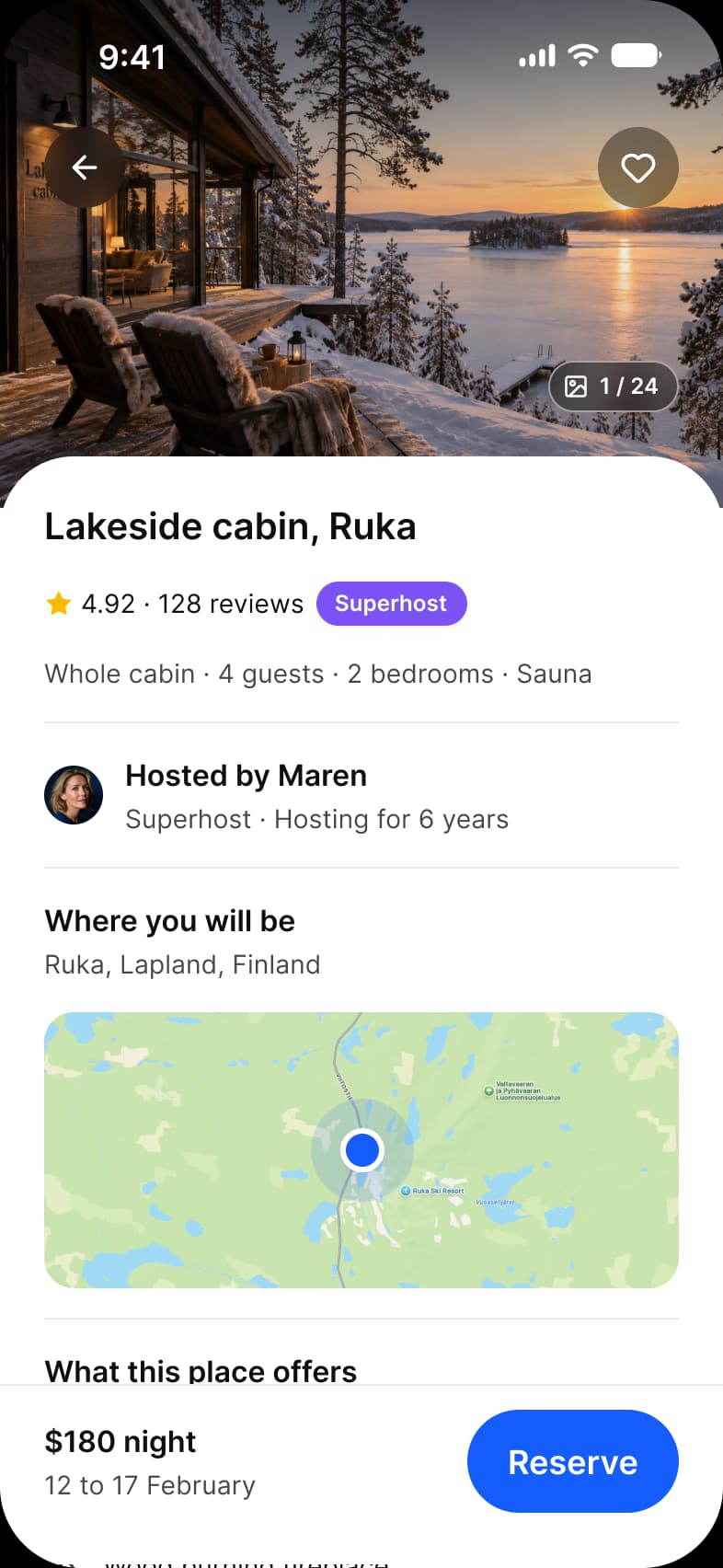
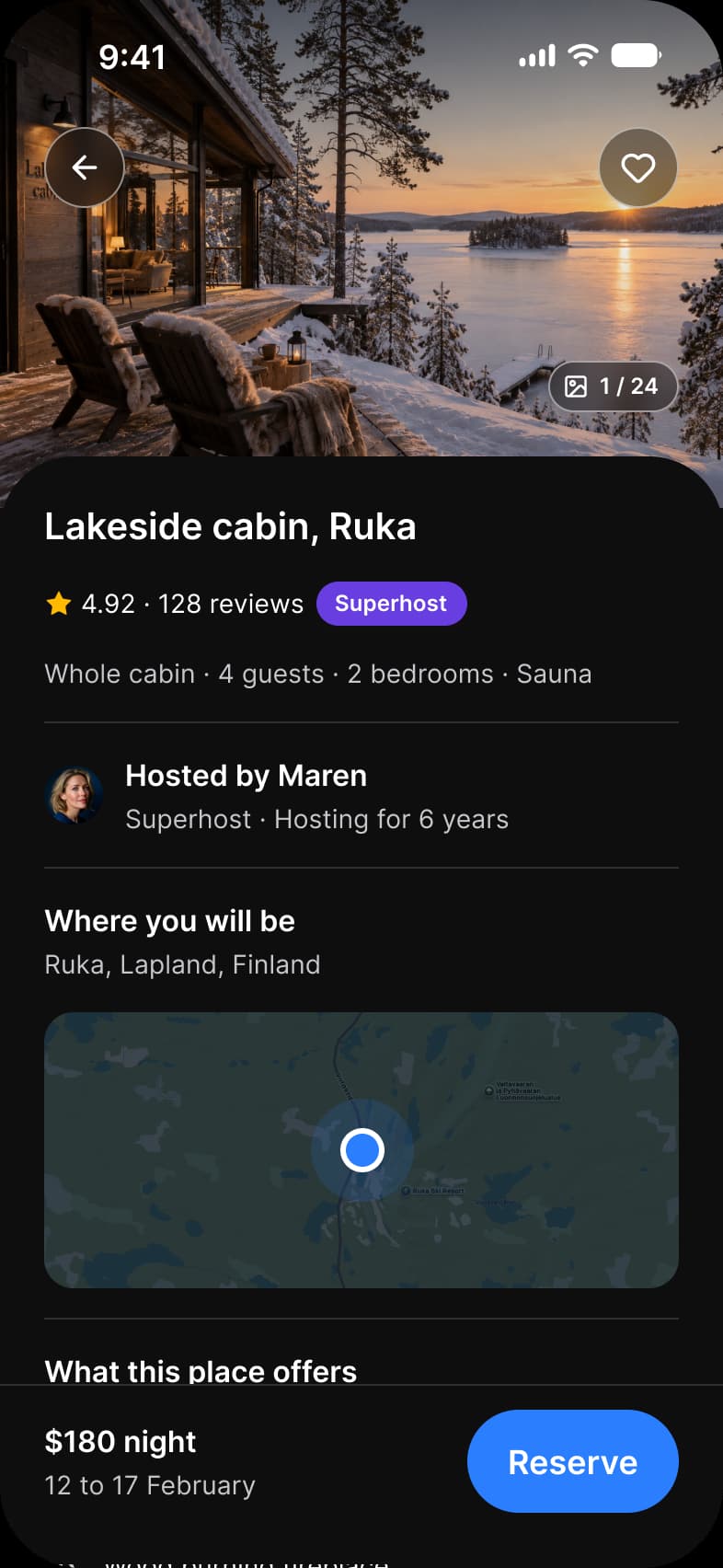
Detail screens393 x 852 each, Light and Dark
Booking app Listing screen: a full-bleed cabin photo with back and favorite buttons and a 1 of 24 count, Lakeside cabin in Ruka rated 4.92 from 128 reviews with a Superhost badge, host Maren, a map, amenities, and a bar with $180 night and a Reserve buttonBooking app Listing screen in dark mode: a full-bleed cabin photo with back and favorite buttons and a 1 of 24 count, Lakeside cabin in Ruka rated 4.92 from 128 reviews with a Superhost badge, host Maren, a map, amenities, and a bar with $180 night and a Reserve button
Booking app, Listing
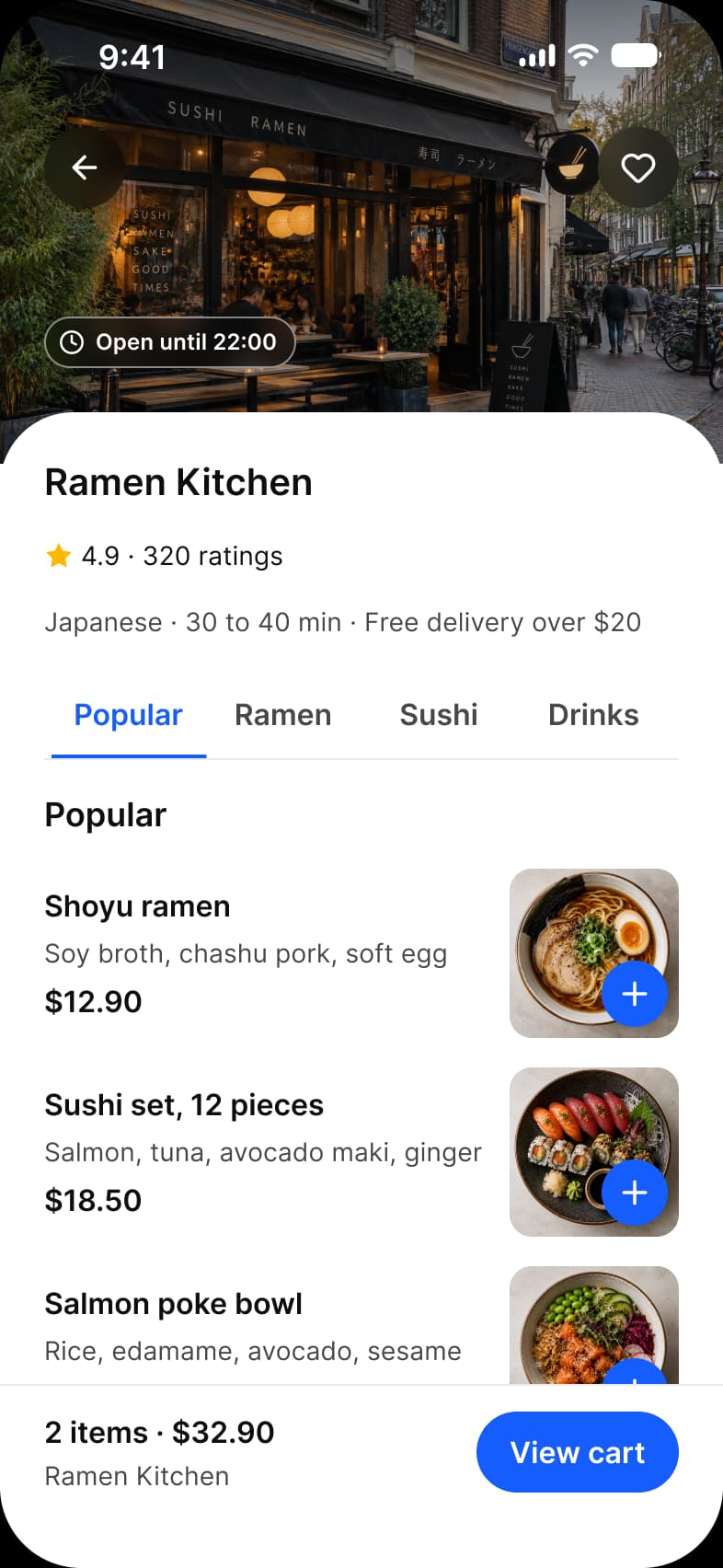
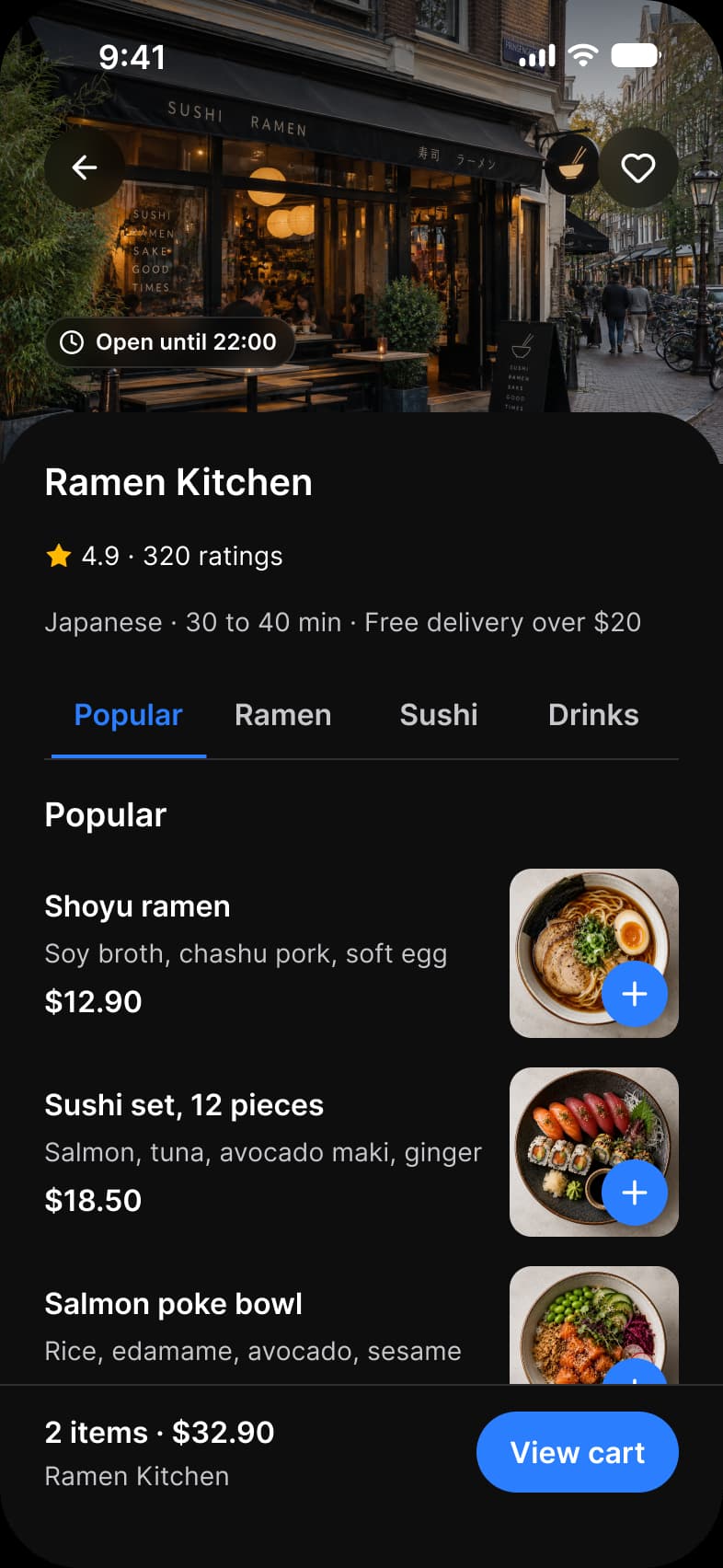
Foodie app Restaurant screen: the Ramen Kitchen storefront photo with back and favorite buttons and an Open until 22:00 label, a 4.9 rating from 320 ratings, Popular, Ramen, Sushi and Drinks tabs, dish rows with a price and a blue add button on each photo, and a View cart bar with 2 items and $32.90Foodie app Restaurant screen in dark mode: the Ramen Kitchen storefront photo with back and favorite buttons and an Open until 22:00 label, a 4.9 rating from 320 ratings, Popular, Ramen, Sushi and Drinks tabs, dish rows with a price and a blue add button on each photo, and a View cart bar with 2 items and $32.90
Food delivery app, Restaurant
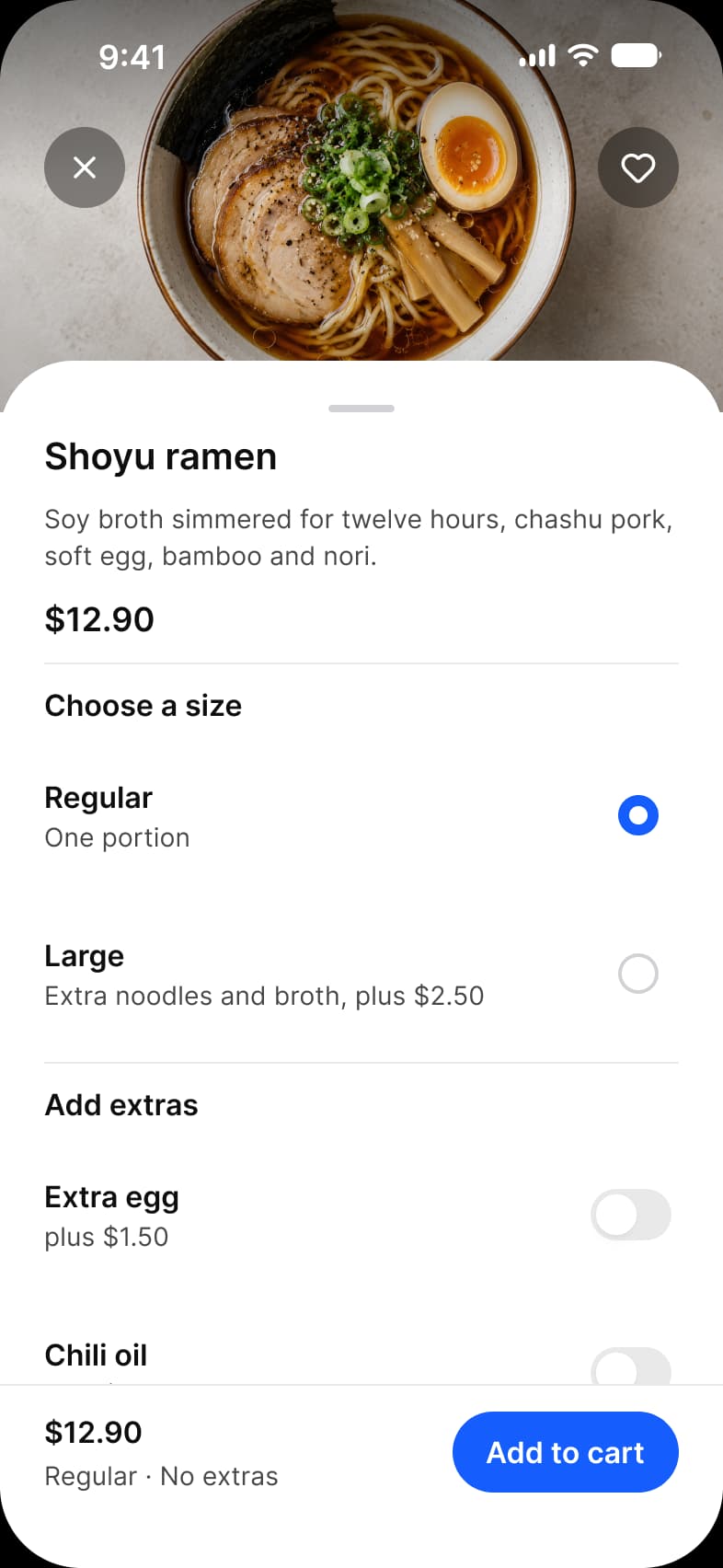
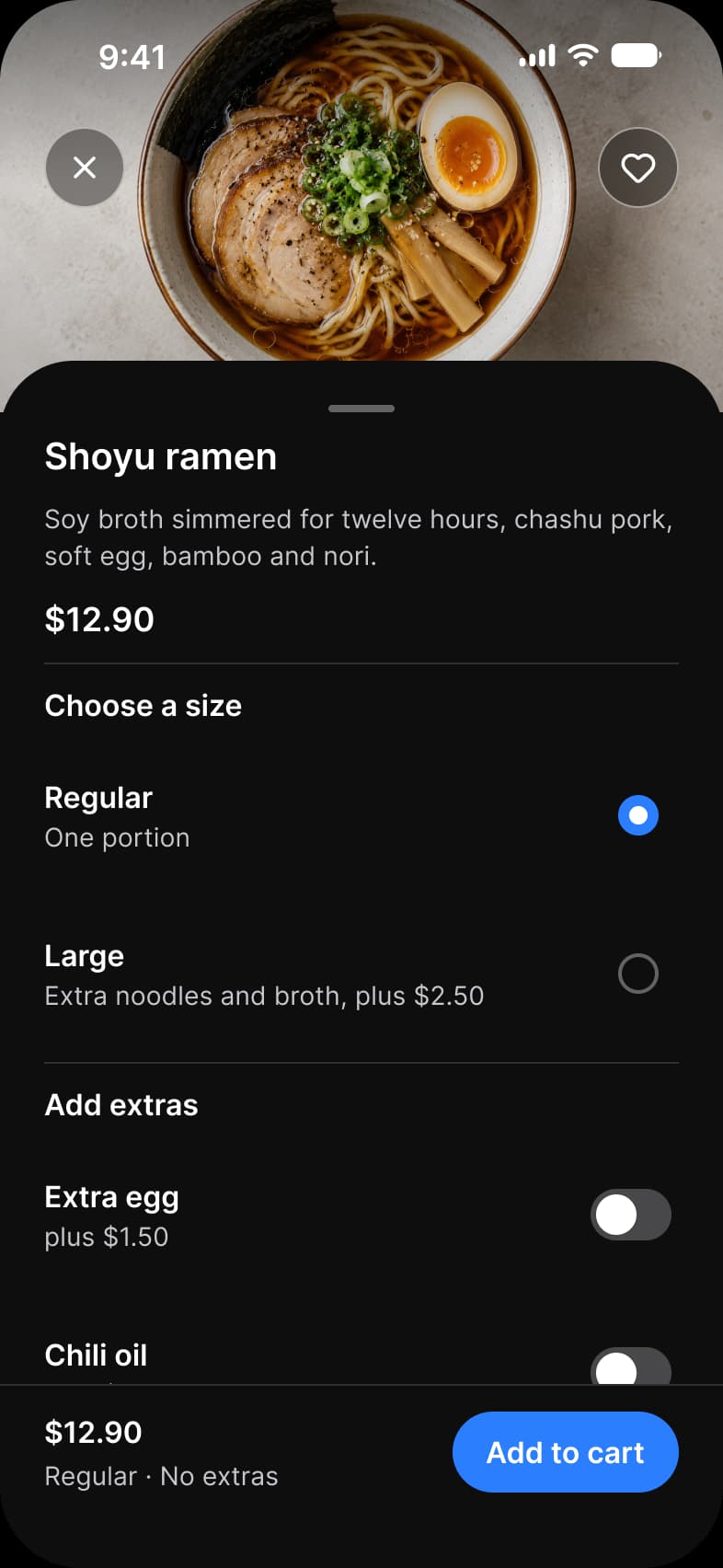
Foodie app Dish screen: a sheet over a bowl of shoyu ramen with a close and a favorite button, the description and the price $12.90, a Choose a size choice between Regular and Large, Add extras switches for Extra egg and Chili oil, and an Add to cart barFoodie app Dish screen in dark mode: a sheet over a bowl of shoyu ramen with a close and a favorite button, the description and the price $12.90, a Choose a size choice between Regular and Large, Add extras switches for Extra egg and Chili oil, and an Add to cart bar
Food delivery app, Dish
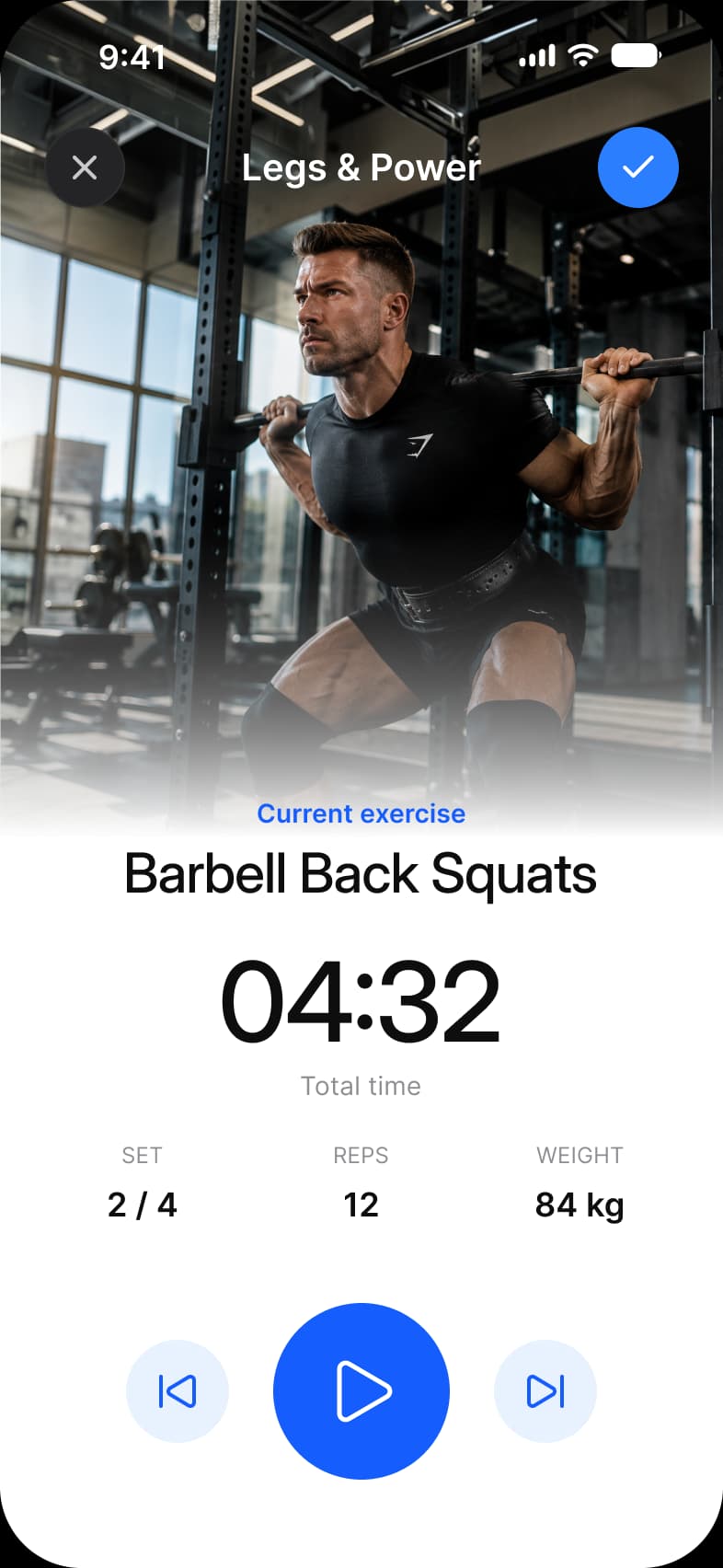
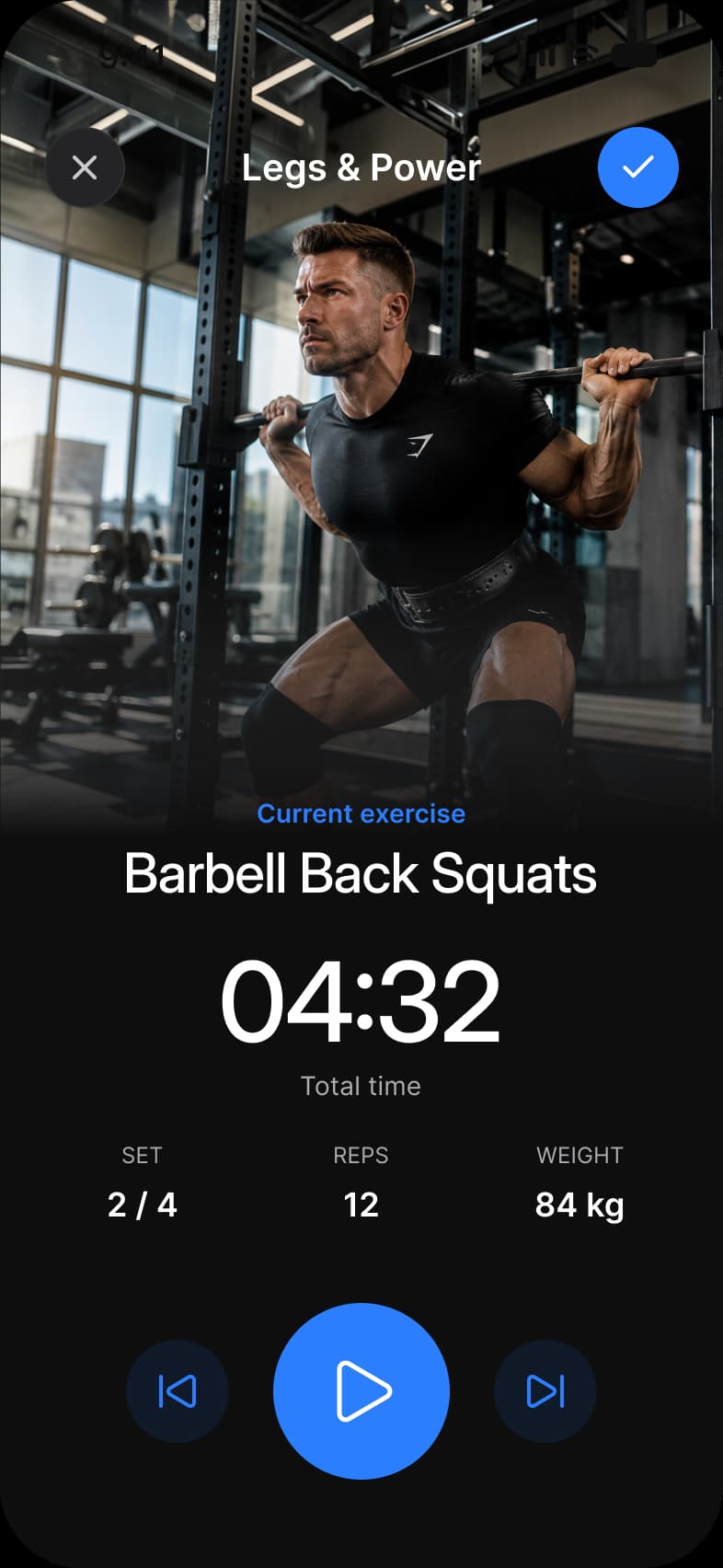
Fitness app Exercise screen: a full height photo of a barbell back squat under a Legs and Power title with close and confirm buttons, Barbell Back Squats as the current exercise, a 04:32 timer, set 2 of 4, 12 reps, 84 kg, and previous, play and next controlsFitness app Exercise screen in dark mode: a full height photo of a barbell back squat under a Legs and Power title with close and confirm buttons, Barbell Back Squats as the current exercise, a 04:32 timer, set 2 of 4, 12 reps, 84 kg, and previous, play and next controls
Fitness app, Exercise
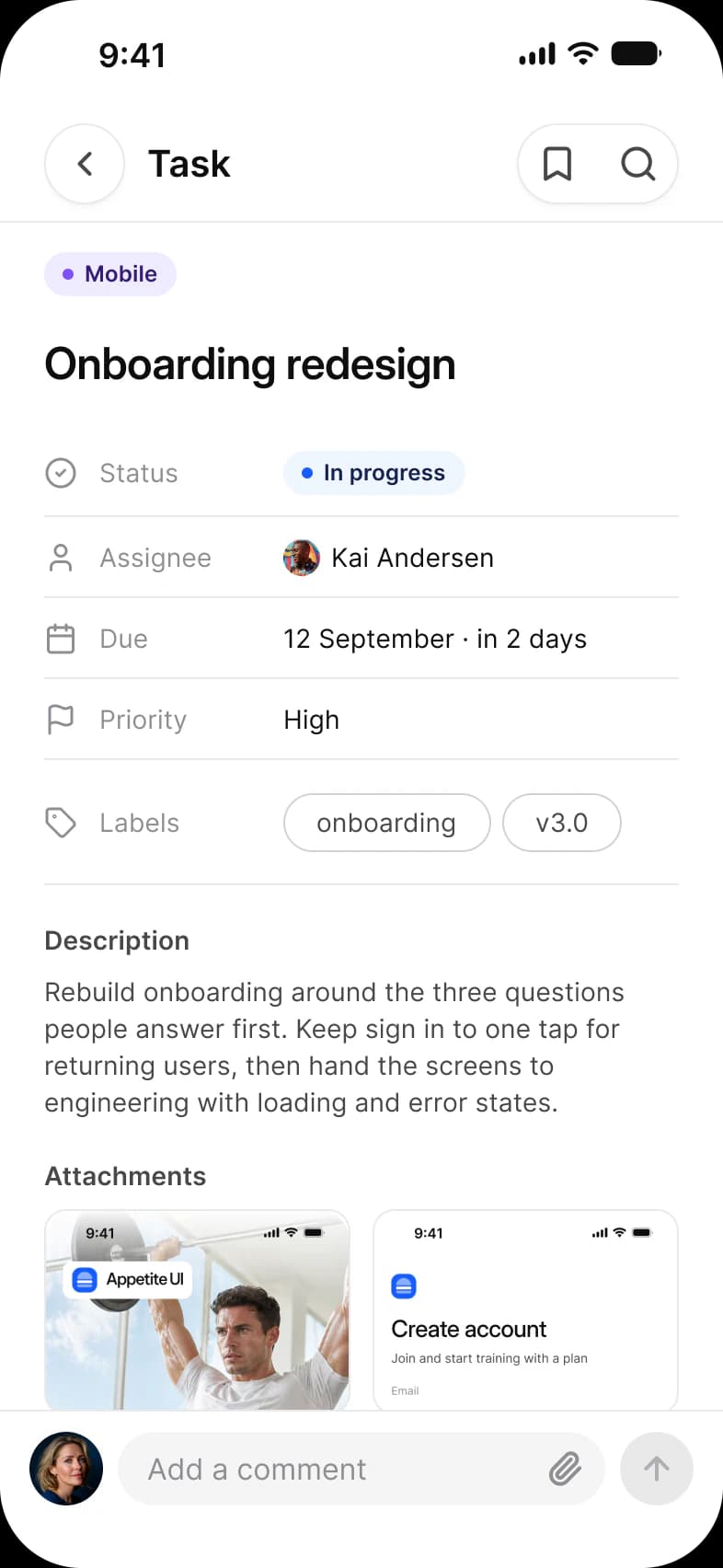
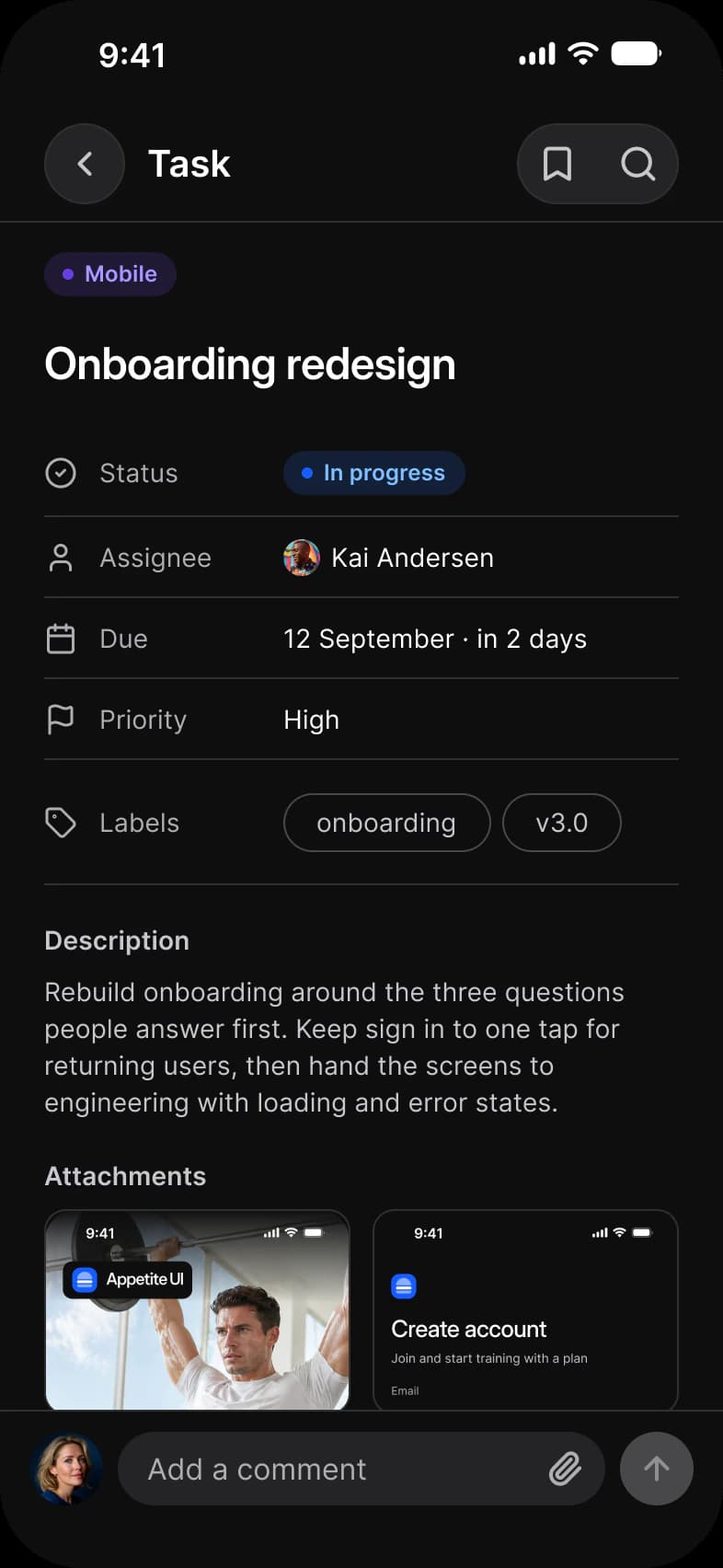
Tasks app Task screen: Onboarding redesign with status In progress, assignee Kai Andersen, due 12 September, priority High, onboarding and v3.0 labels, a description, two attachment previews and an Add a comment fieldTasks app Task screen in dark mode: Onboarding redesign with status In progress, assignee Kai Andersen, due 12 September, priority High, onboarding and v3.0 labels, a description, two attachment previews and an Add a comment field
Task manager app, Task
Screens, app, screen, what it shows, page
AppScreenWhat it showsPage
Booking appListingOne stay: photo, rating, host, map, amenities and a Reserve barDocs
Food delivery appRestaurantA storefront photo, rating, menu tabs and dish rows with an add buttonFood delivery app restaurant menu
Food delivery appDishOne dish with a size choice, extras and an Add to cart barFood delivery app restaurant menu
Fitness appExerciseA workout in progress with a timer, set, reps, weight and player controlsFitness app workout screen
Task manager appTaskOne task: fields, description, attachments, a comment fieldDocs

Which components carry the detail pattern?

Drawn live from the kit's tokens, at the kit's geometry. Tap them: they behave as the Figma prototype does.

Detail, live componentsKit geometry, light and dark

Rating, Score

4.9320

Badge, pill

Superhost

List, toggle rows

Button, Fill

What does every detail screen do?

The rules the screens above share. Each app's page says how its screen applies them.

Rules, rule, why
RuleWhy
The action rides alongReserve, Add to cart, View cart: the main action sits in a bar pinned to the bottom, so it is in reach however far the screen scrolls.
Proof before priceRating, host and reviews come before the price bar, so the decision is made on the item, then on the number.
Buttons on photos are overlay buttonsBack and favorite over a photo use the Overlay style of Button, which keeps its contrast on any picture.

What changes between iOS and Material?

The frames are drawn in the ios-md Platform mode. Switch a frame to android and these variables take the Material values.

Platform variables, variable, iOS, Android
VariableiOS (ios-md)Android
platform/min-touch-target4448
platform/list-row/min-height4456
Counterparts, component, iOS, Material 3, what differs
ComponentiOSMaterial 3What differs
ListiOS / List with a 44 minimum rowM3 / List Item, 56, 72 or 88 high by LinesMaterial sets the row height by lines of text, iOS sets only a minimum

Start from these screens.

Every frame on this page is part of the Appetite UI file, drawn from its components and bound to its variables, so one brand edit moves every screen in light and dark.

The file holds 589 variables in 6 collections and exports its token values to SwiftUI, Jetpack Compose, Flutter and CSS. Solo covers one designer and Team up to ten people. You pay once and keep lifetime updates. Price goes up Nov 1

The read-only Figma preview opens the whole file, every screen and every variable, before you buy.