Updated
M3 Segmented list
The Material 3 List has a Segmented type that puts every row in its own segment, the grouped look Material 3 uses for settings and inboxes.
Updated
Preview
The same four rows, Standard and Segmented.
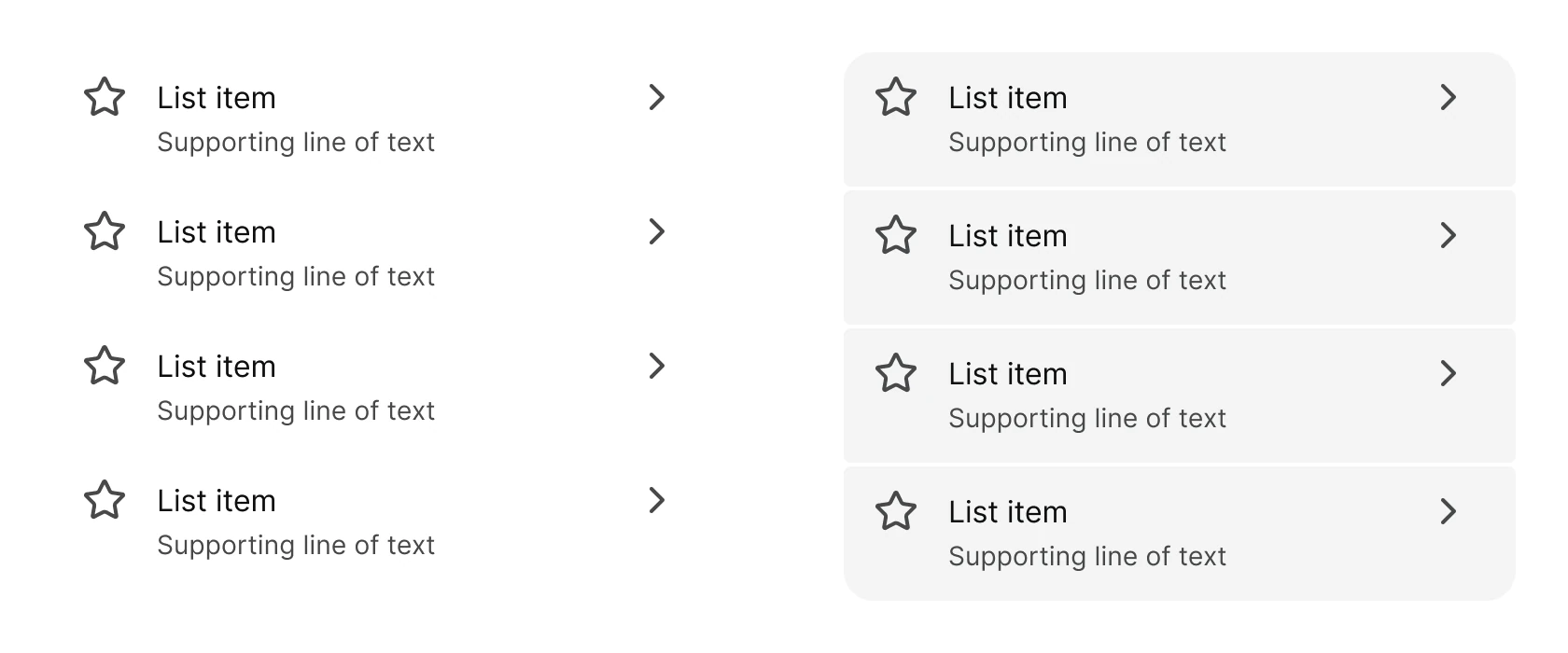
Source: M3 / List on the Material 3 List page of the Appetite UI Figma file, read on November 18, 2026.
When is a Material 3 List Segmented?
Standard runs the rows edge to edge on Surface. Segmented puts every row in its own Surface Container segment, for settings and inboxes.
Edit the rows through the nested M3 / List Item instances. The kit's own list, built on its tokens, is List, and the iOS grouped look is on the iOS page.
Properties
One variant axis. The rows are nested list items.
| Property | Type | Default |
|---|---|---|
Type | Standard, Segmented | Standard |
| Set | Variants | Size |
|---|---|---|
M3 / List | 2, Standard and Segmented | Standard 360 x 288, Segmented 360 x 294 |
Dimensions
In dp, for the Segmented type.
| Part | Value |
|---|---|
| Gap between segments | 2 |
| Outer corners | 16 |
| Inner corners | 4 |
| Segment fill | Surface Container |
What does Segmented list map to in Compose and on iOS?
ListItem and SegmentedListItem in Jetpack Compose. On iOS the grouped look is an inset grouped list.
| Platform | Counterpart |
|---|---|
| Android, Compose | ListItem, SegmentedListItem |
| iOS, SwiftUI | List with .insetGrouped style |
The kit has no prototype interaction on the Material List.
See M3 List in the kit.
The read-only Figma preview opens the Appetite UI file on M3 List, so you can check it before you buy.
The file holds 592 variables in 6 collections and exports its token values to SwiftUI, Jetpack Compose, Flutter and CSS. Solo covers one person and Team up to ten people. You pay once and keep lifetime updates.