Updated
A mail app UI kit for Figma, drawn as thirteen screens in light and dark: an inbox of three line rows, a message and a thread, compose, search and mailboxes, and the states a mail client has to handle, from swipe actions and multi-select to undo, offline and no results. Every control is an instance of an Appetite UI component, so one token change moves every screen.
Updated
Preview
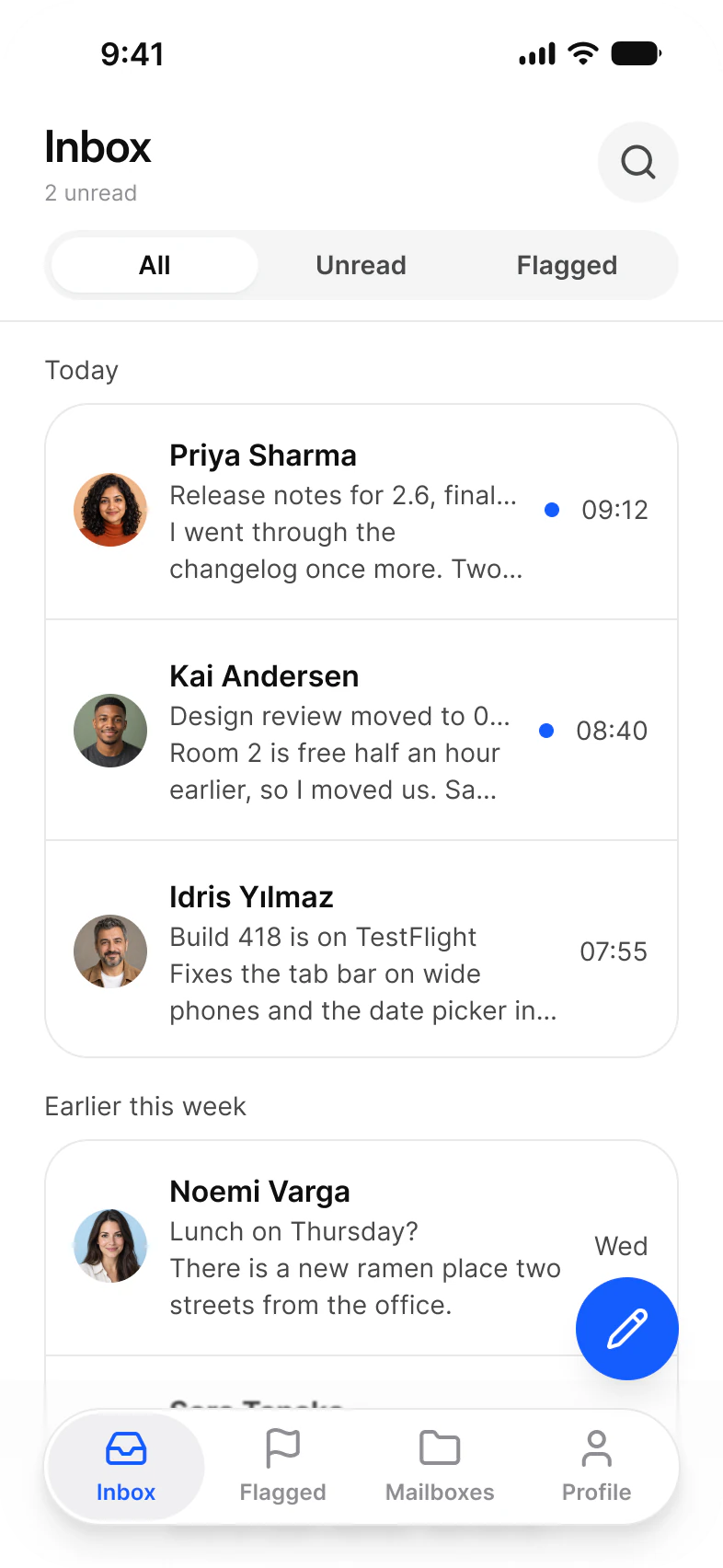
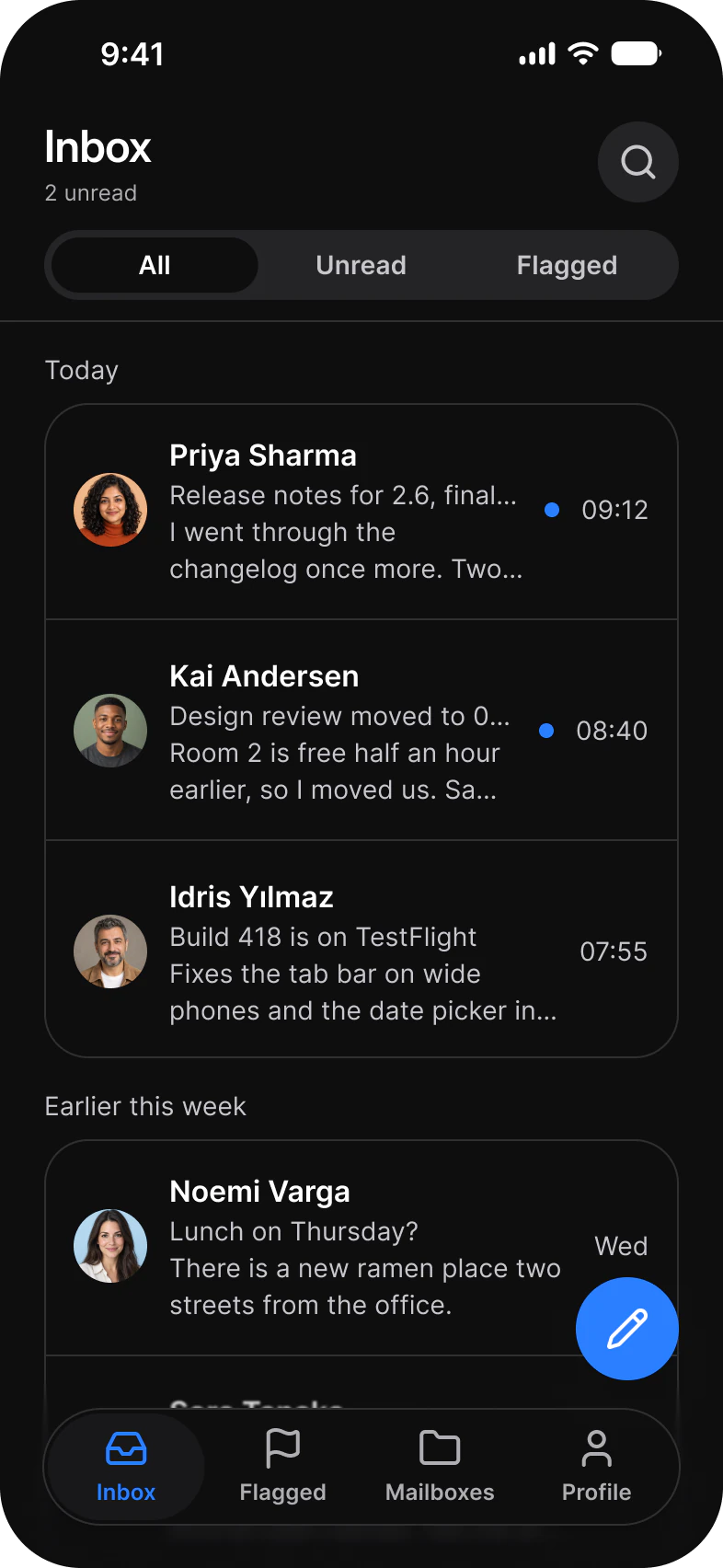
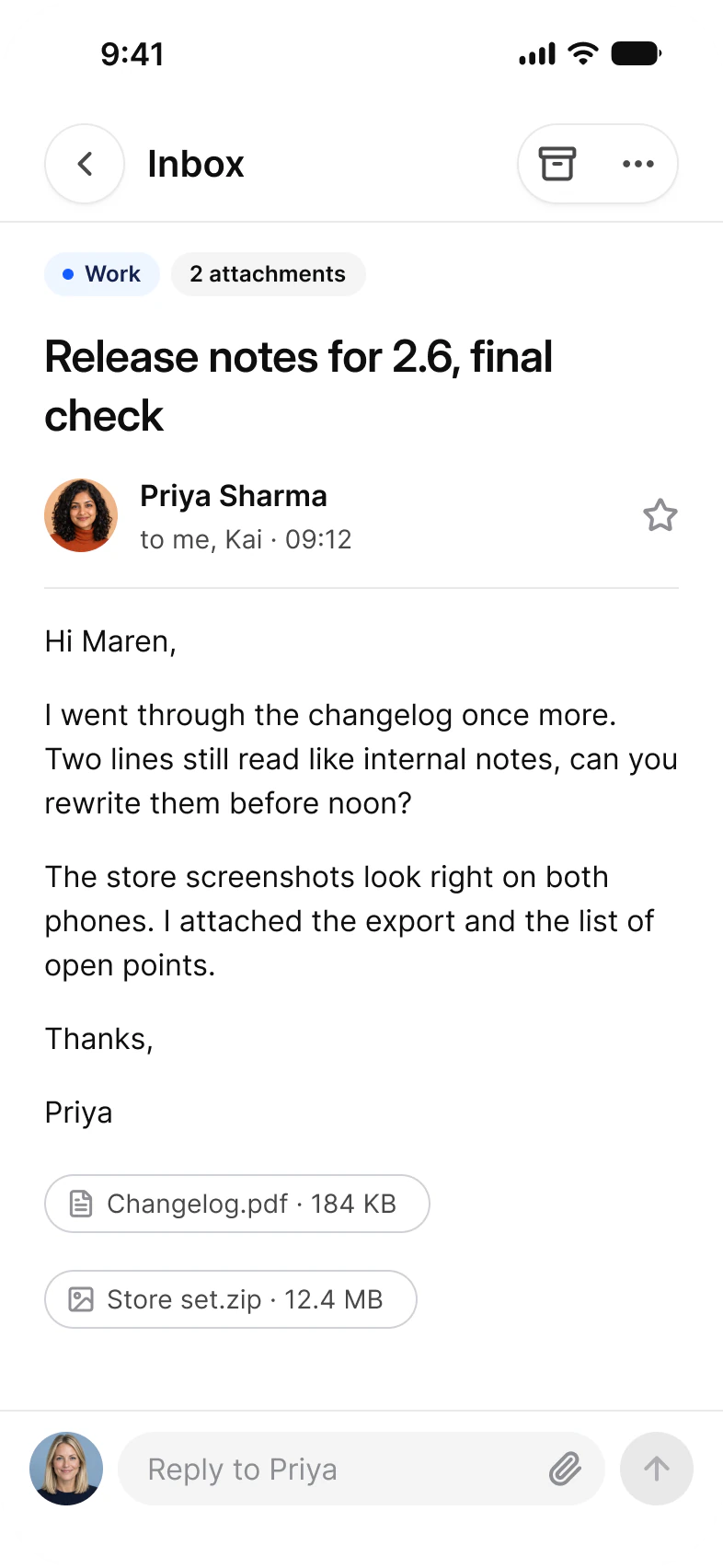
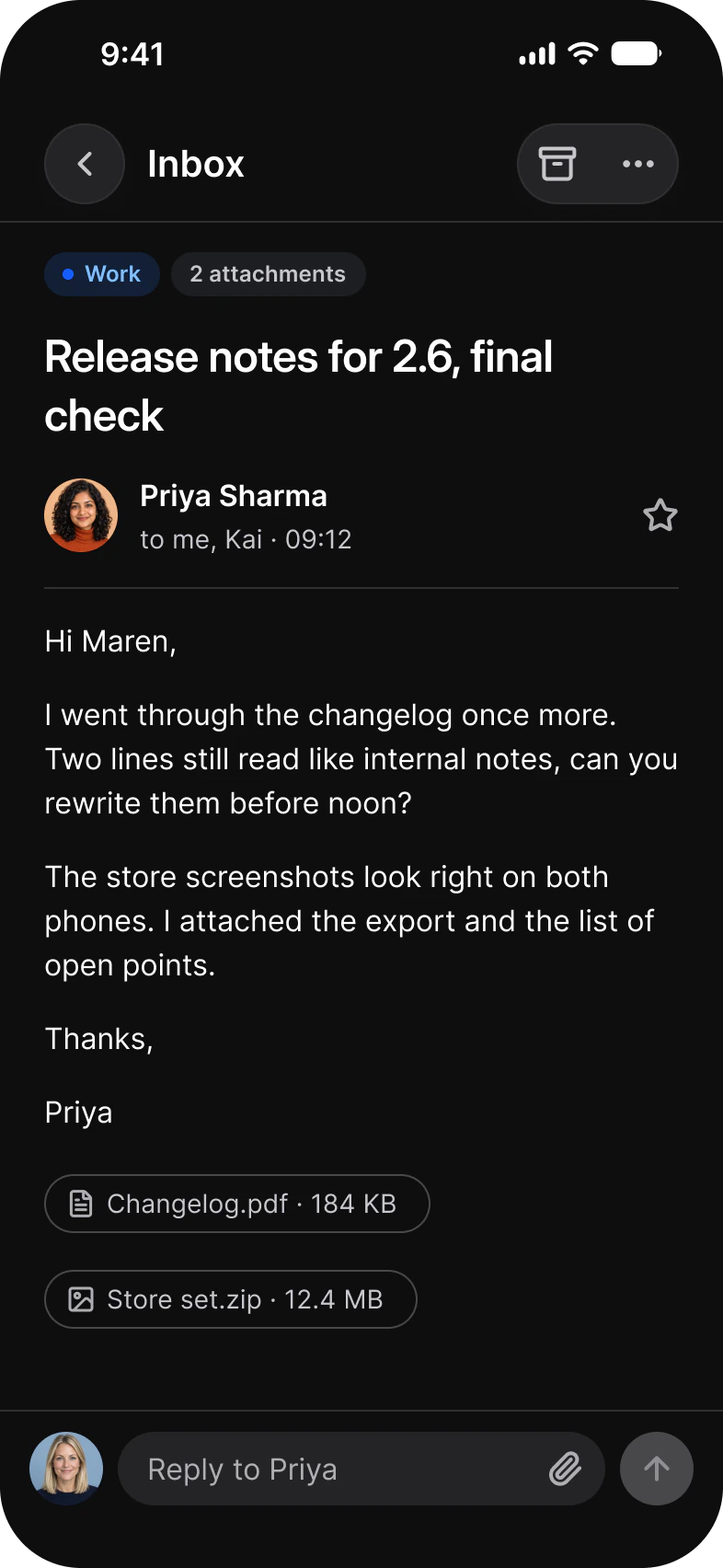
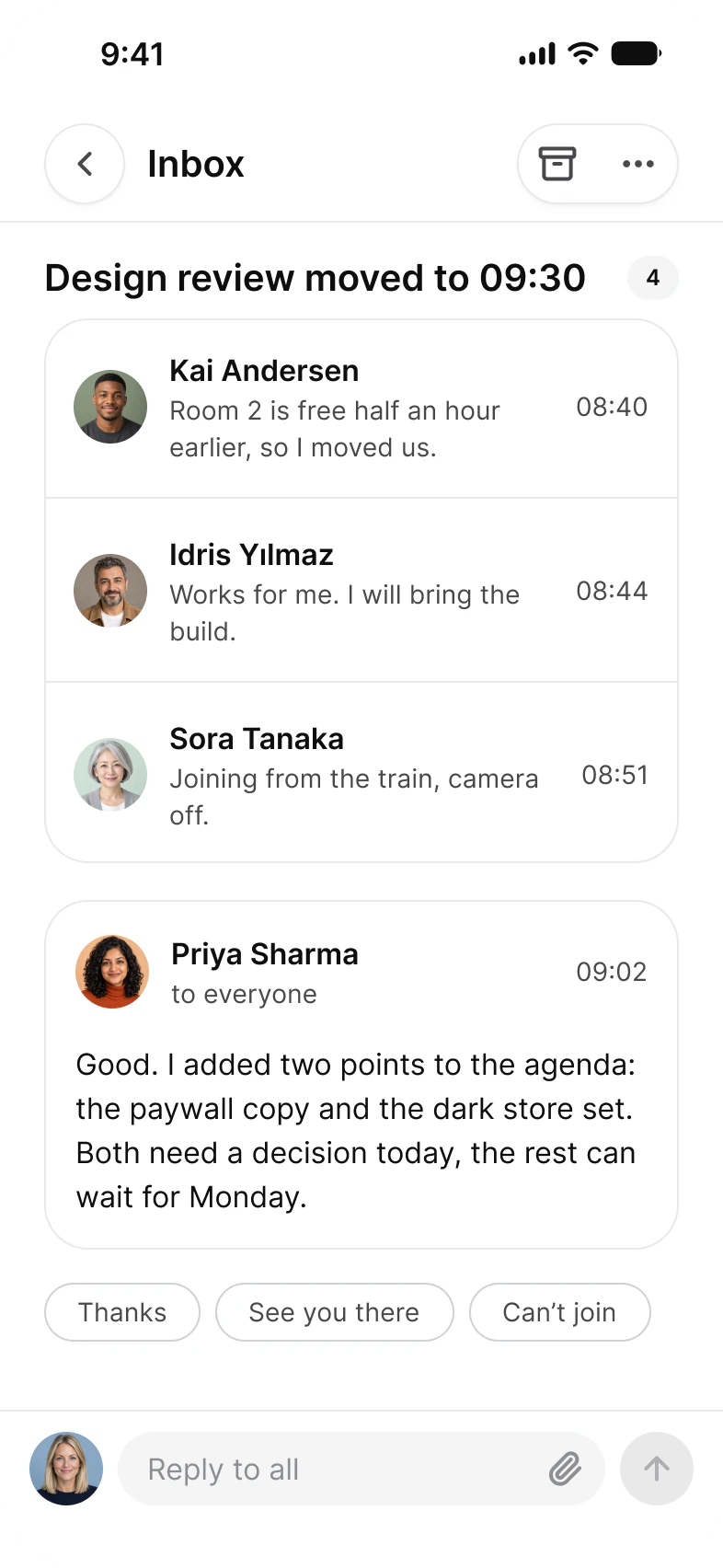
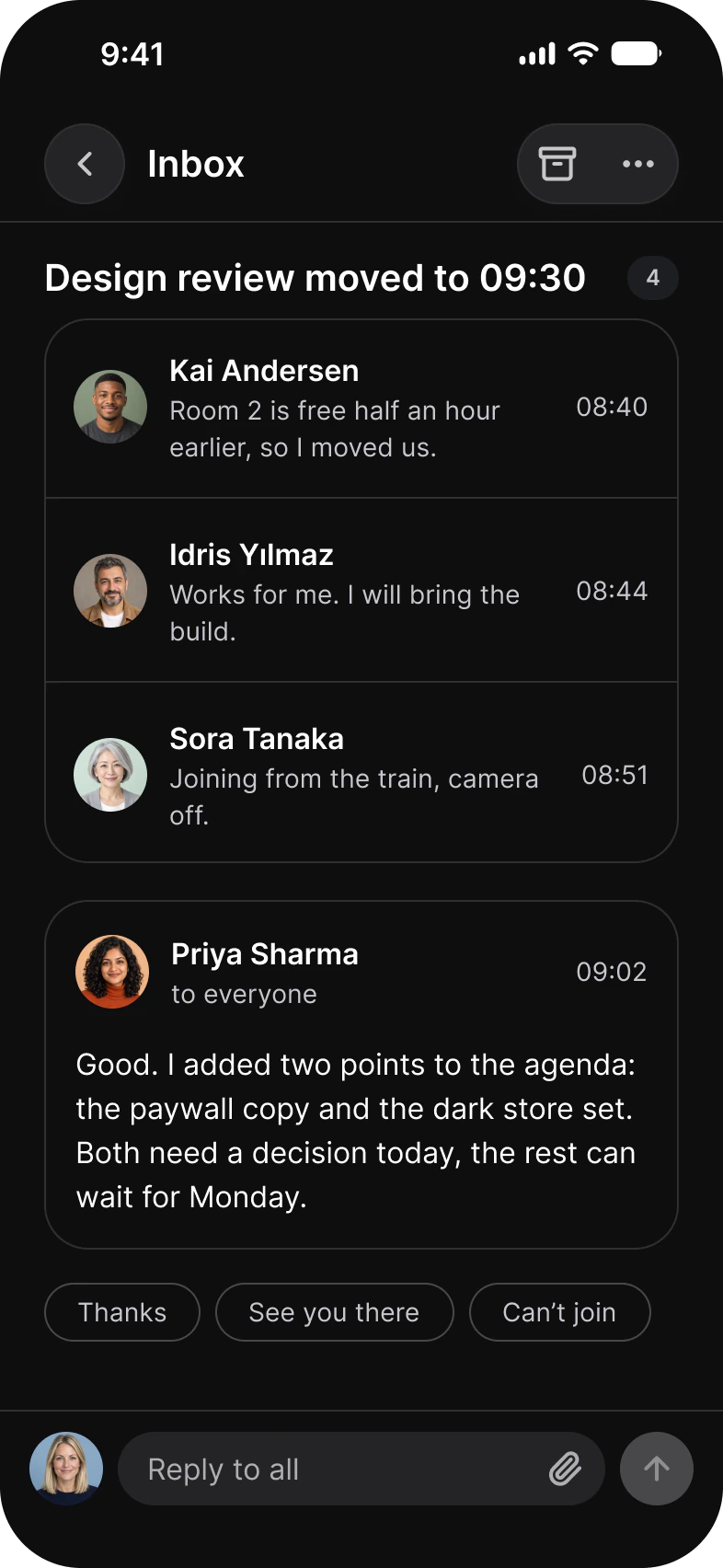
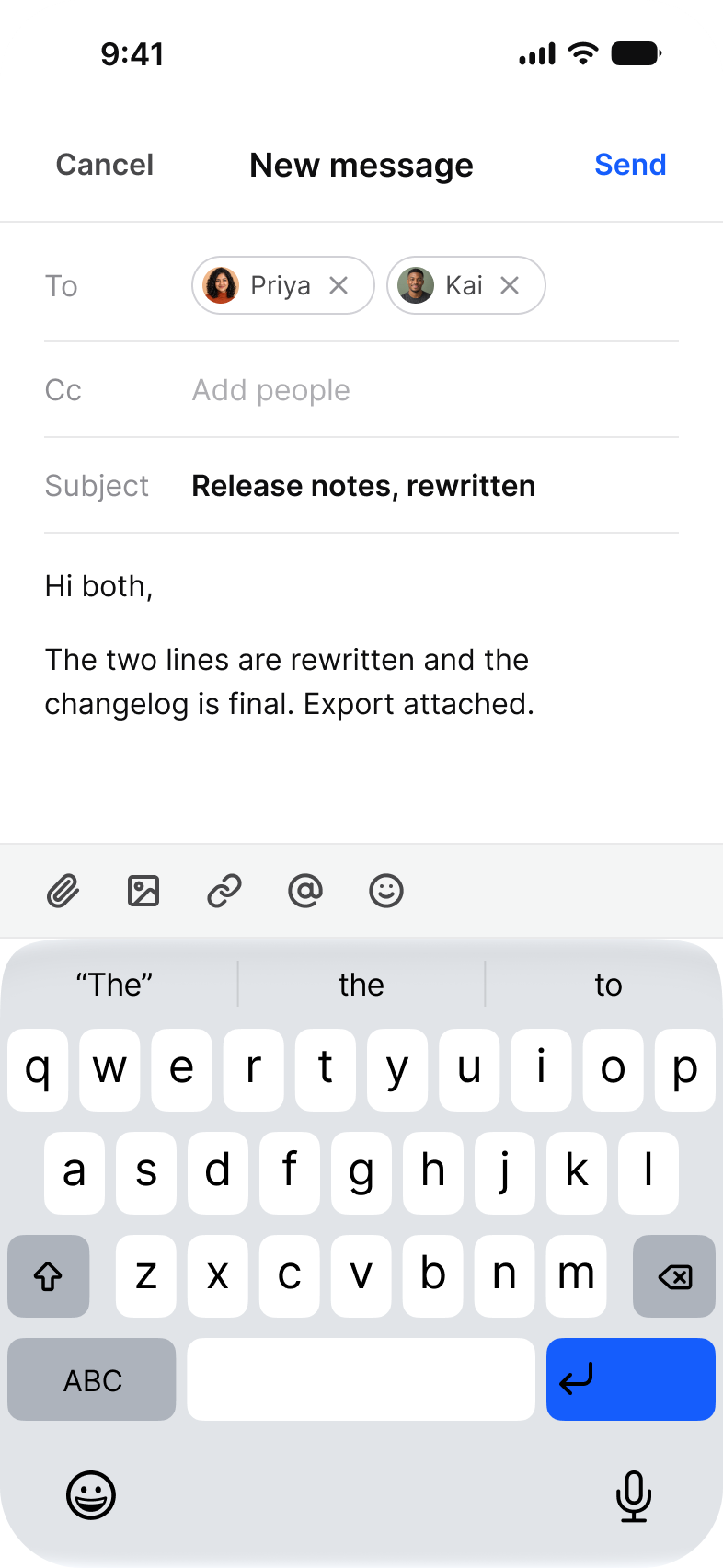
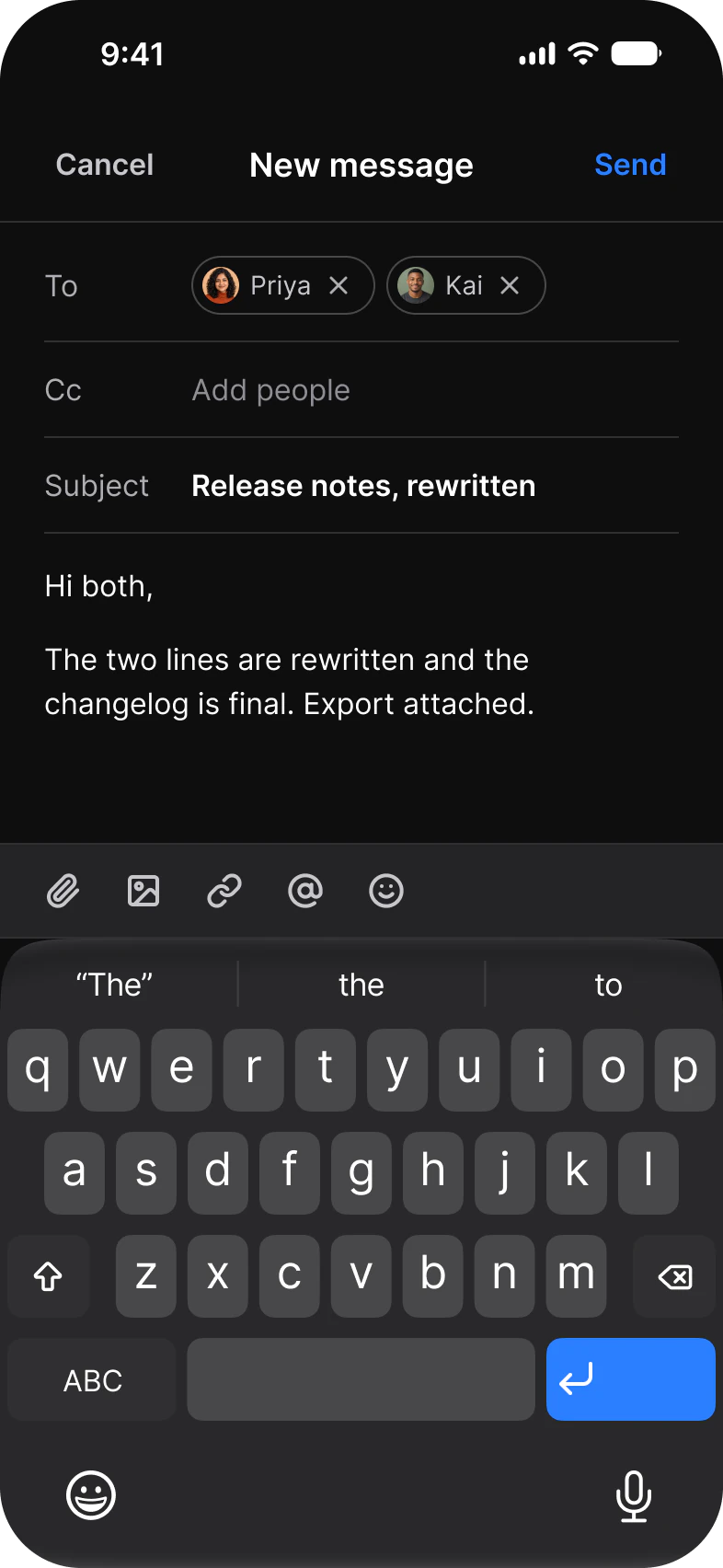
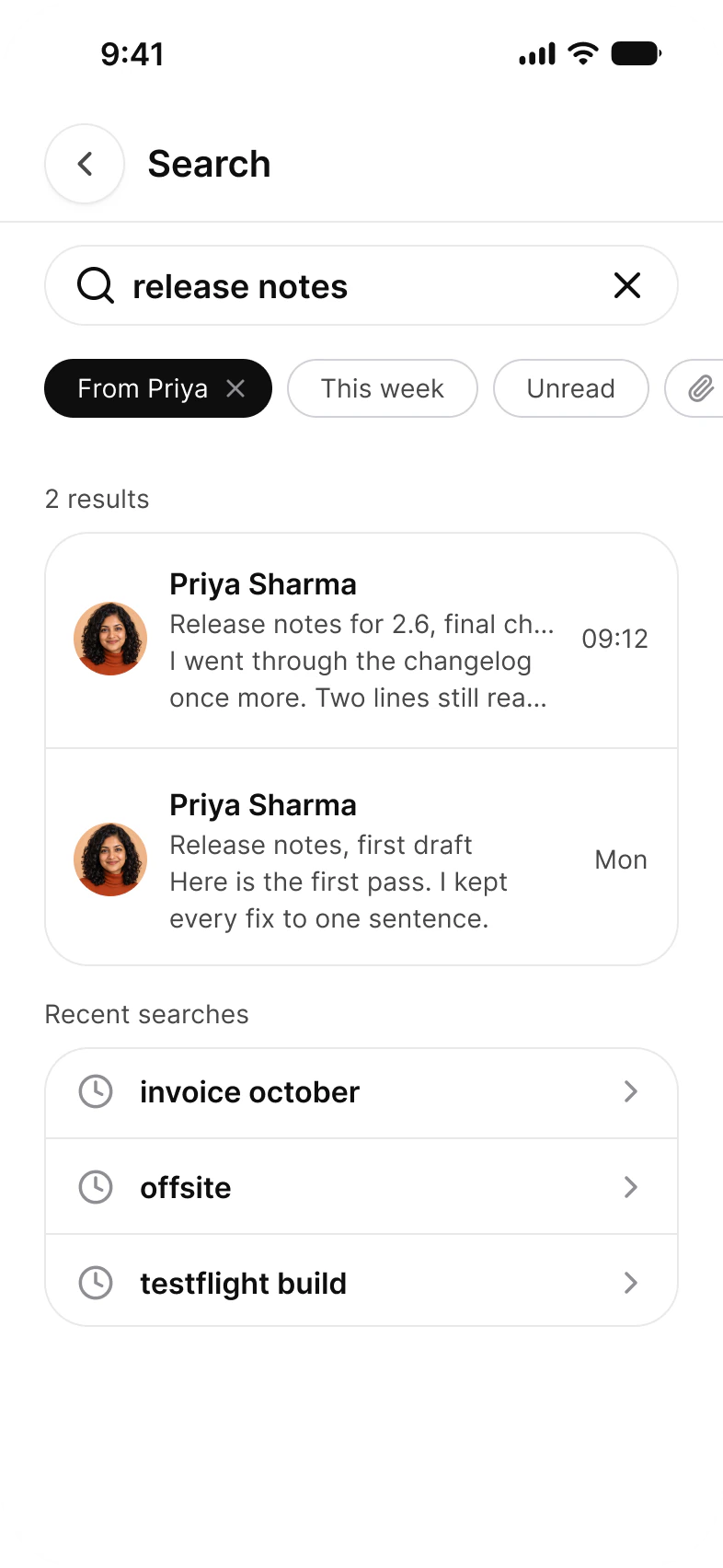
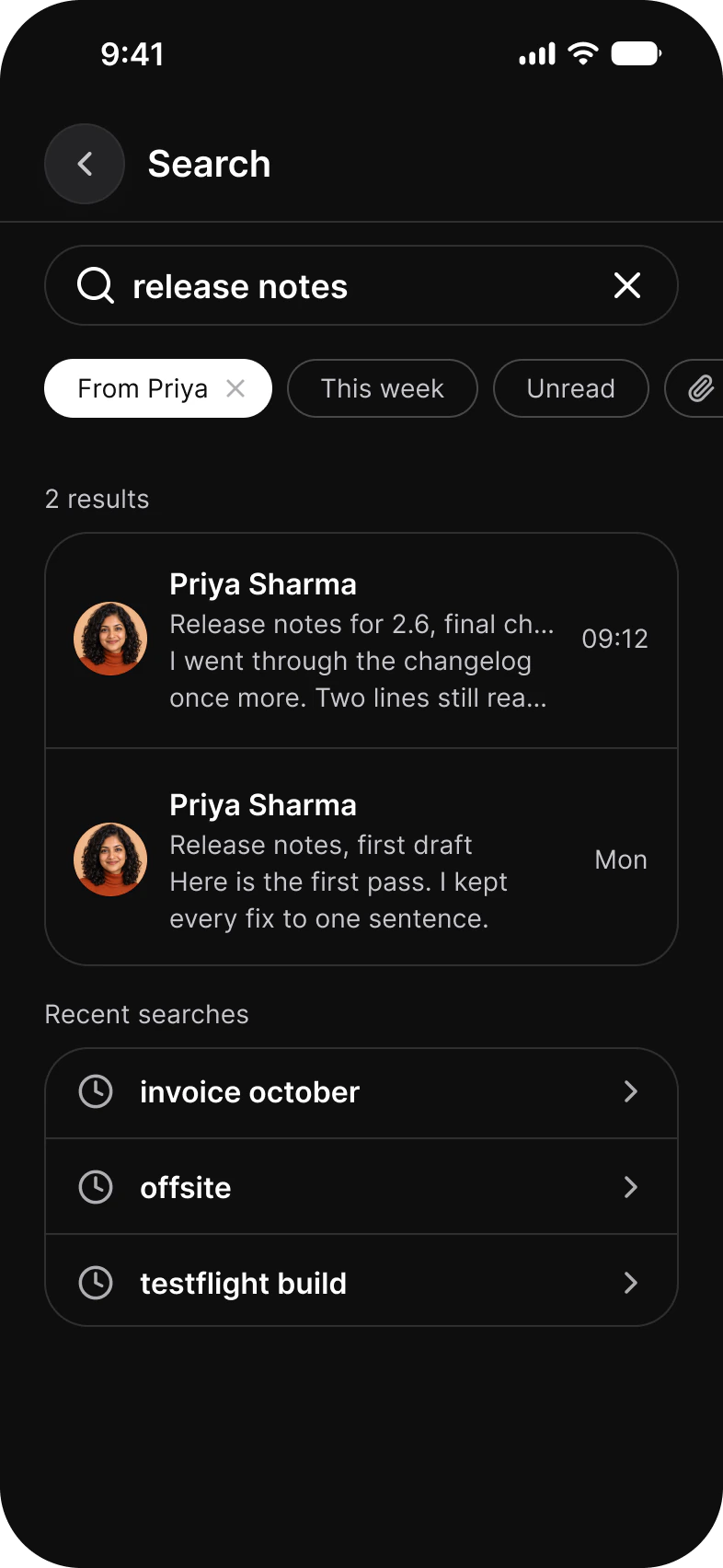
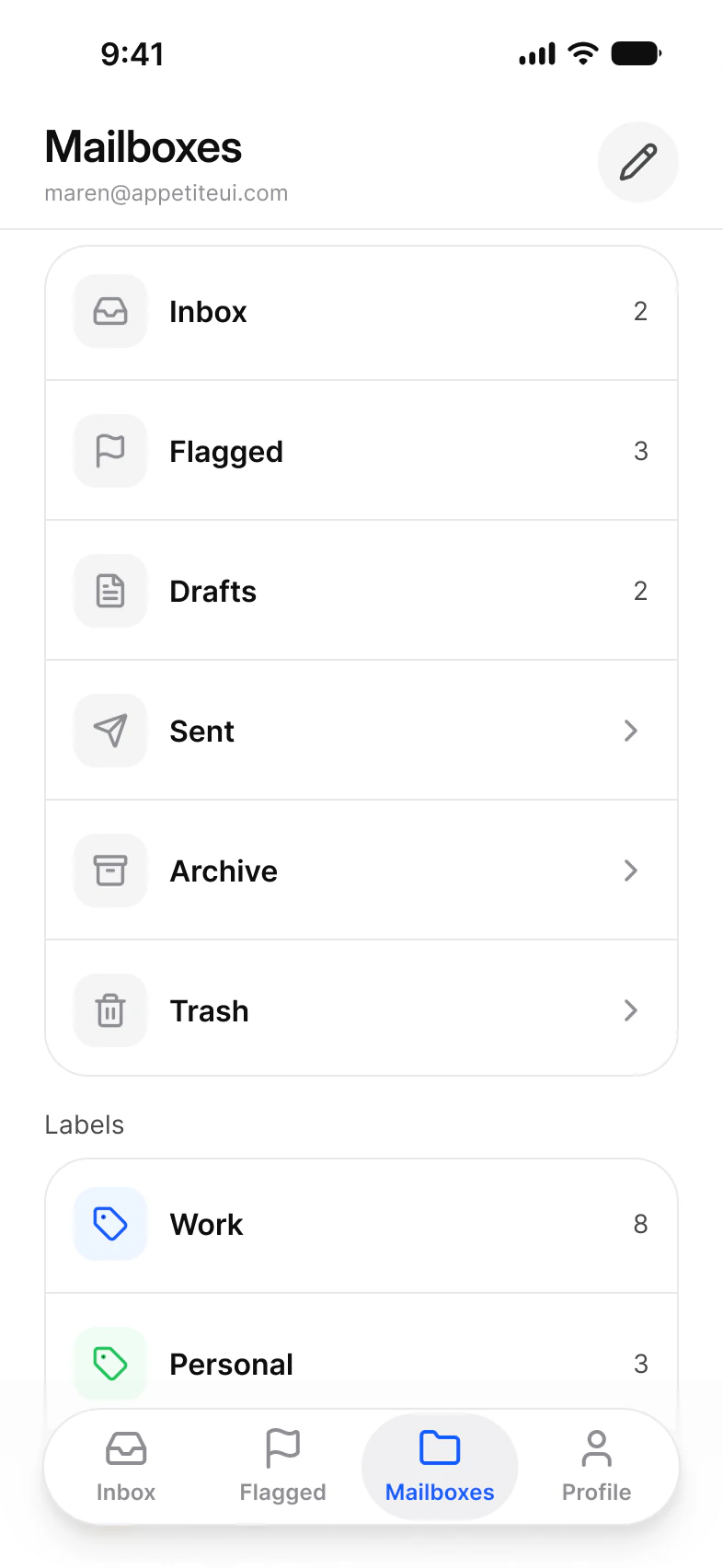
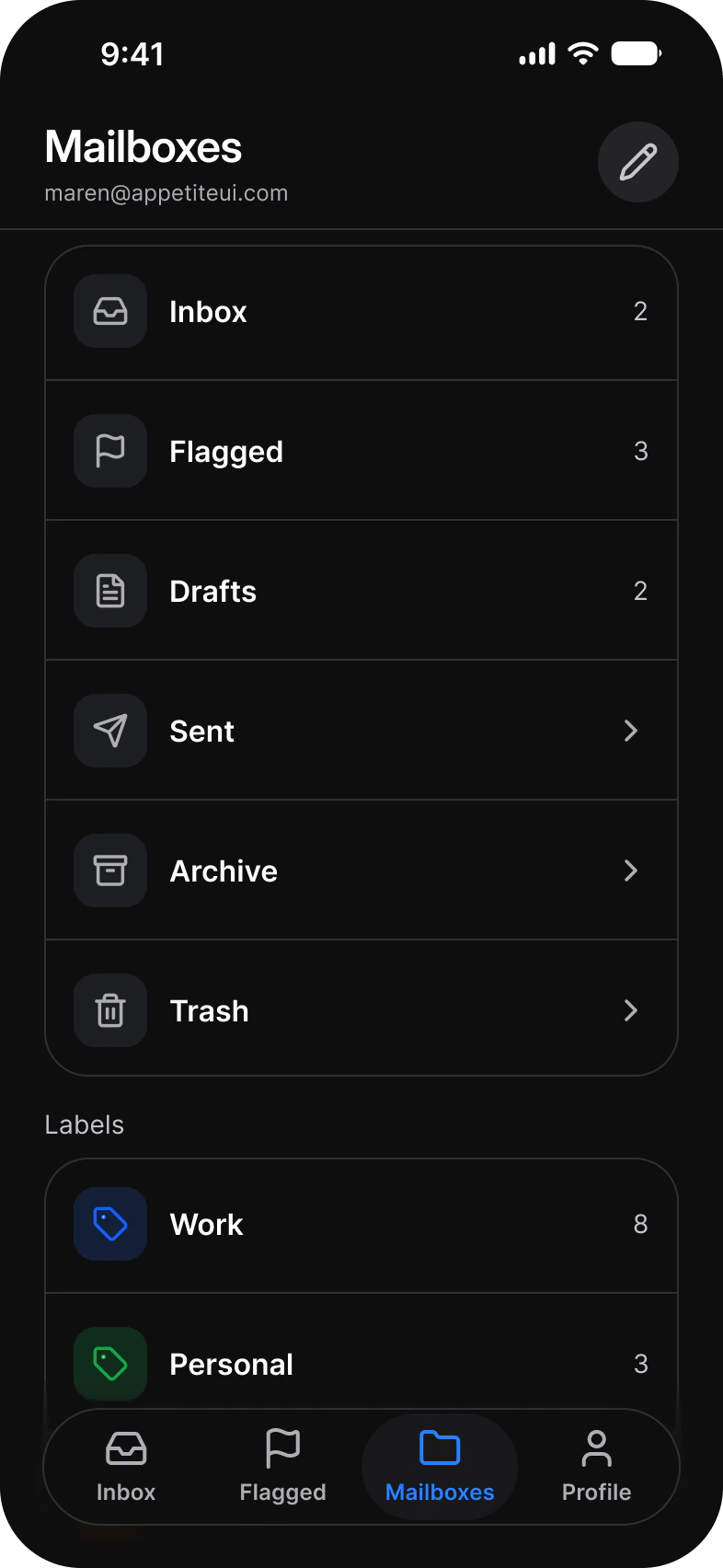
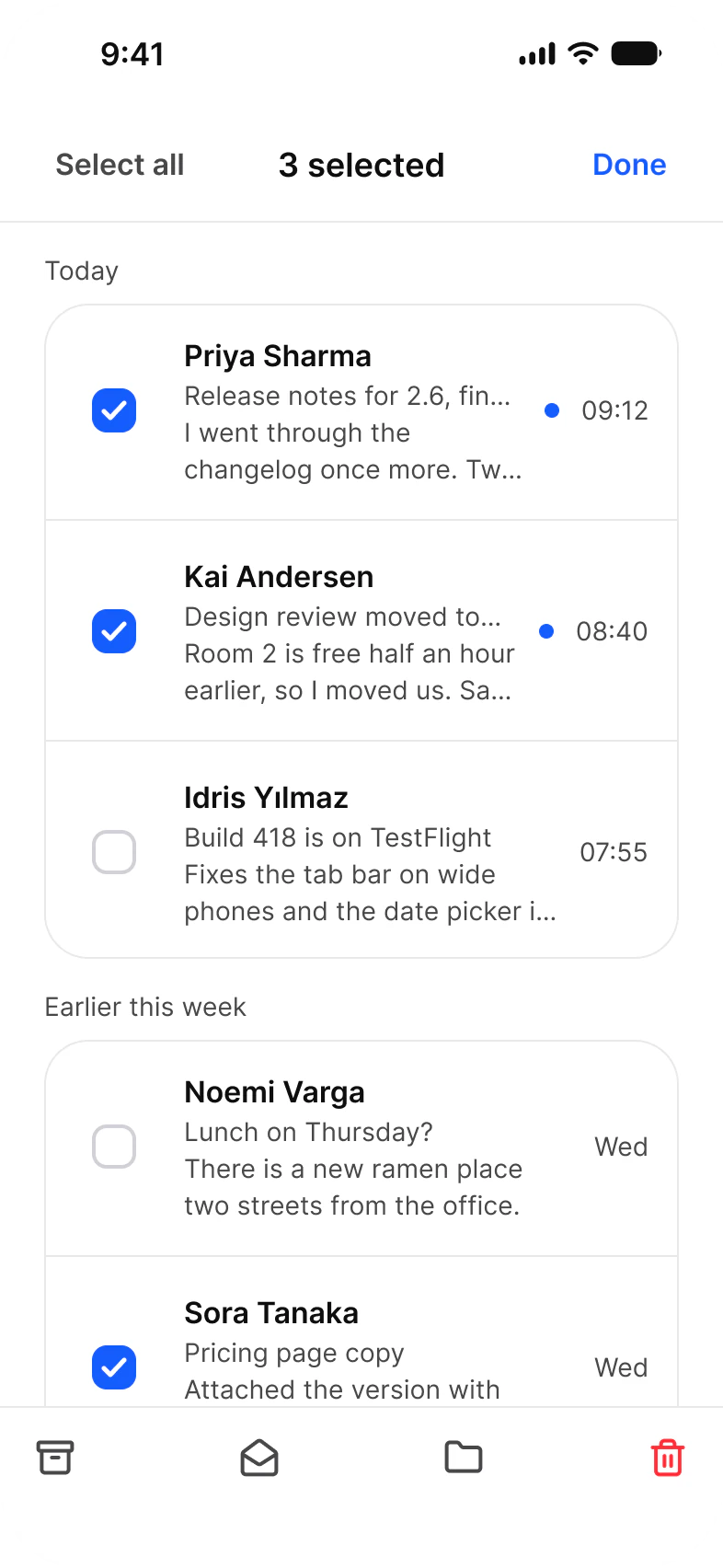
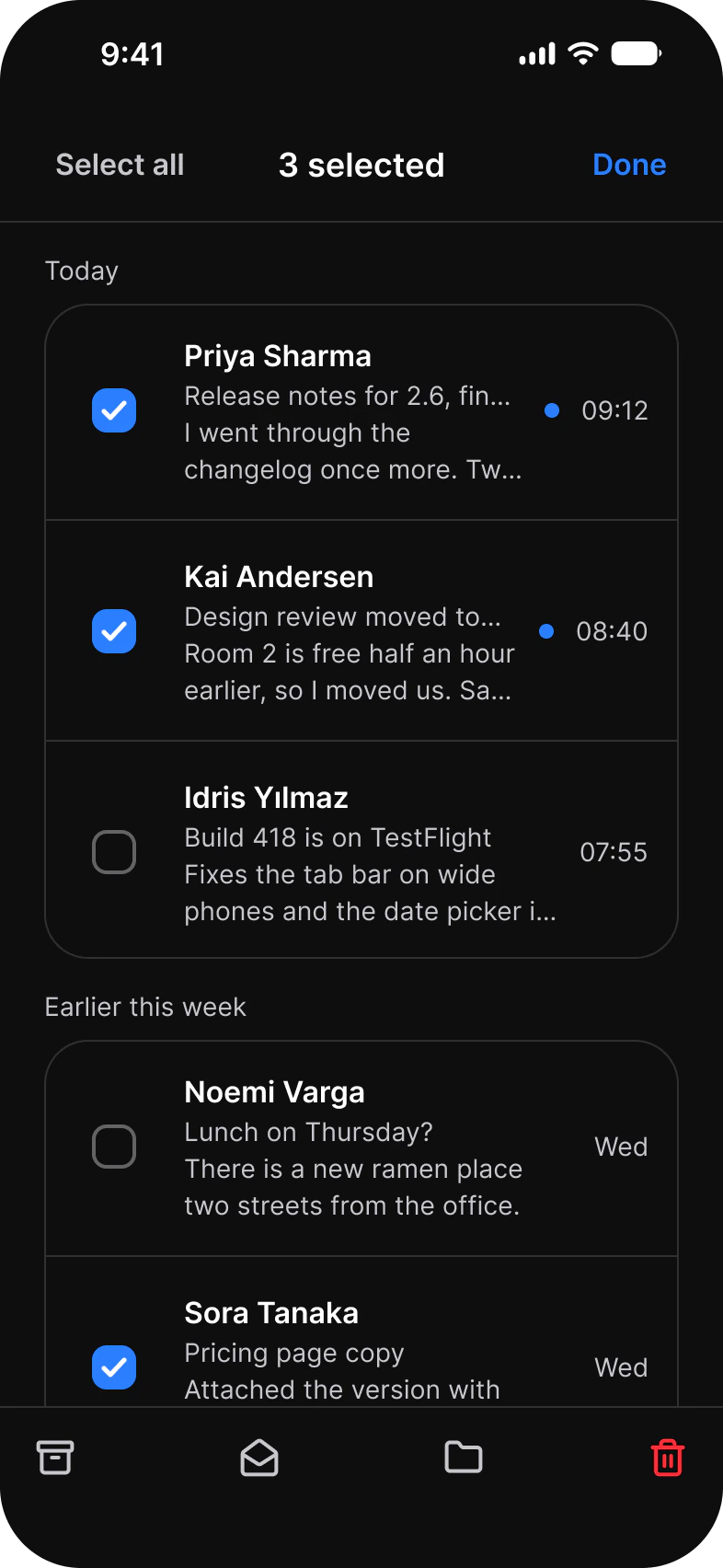
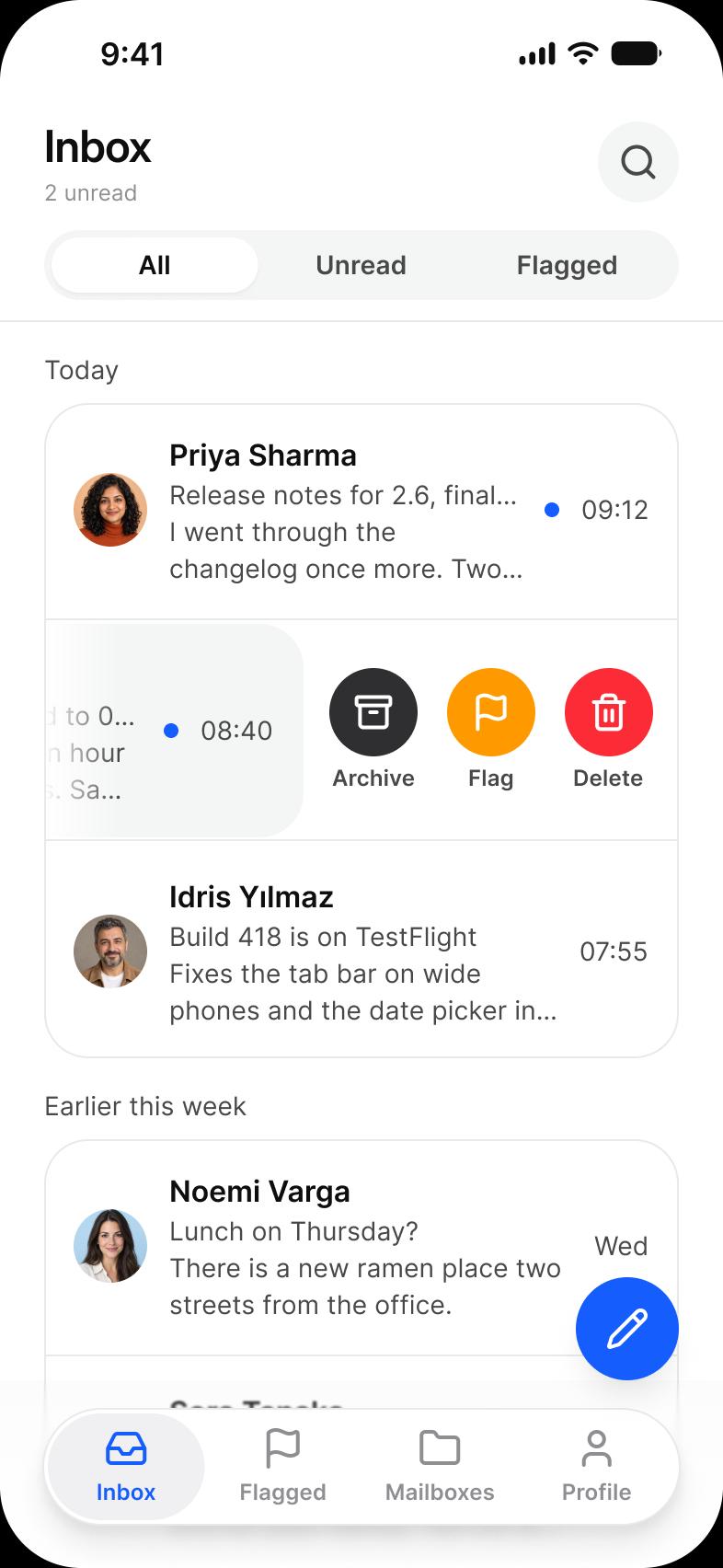
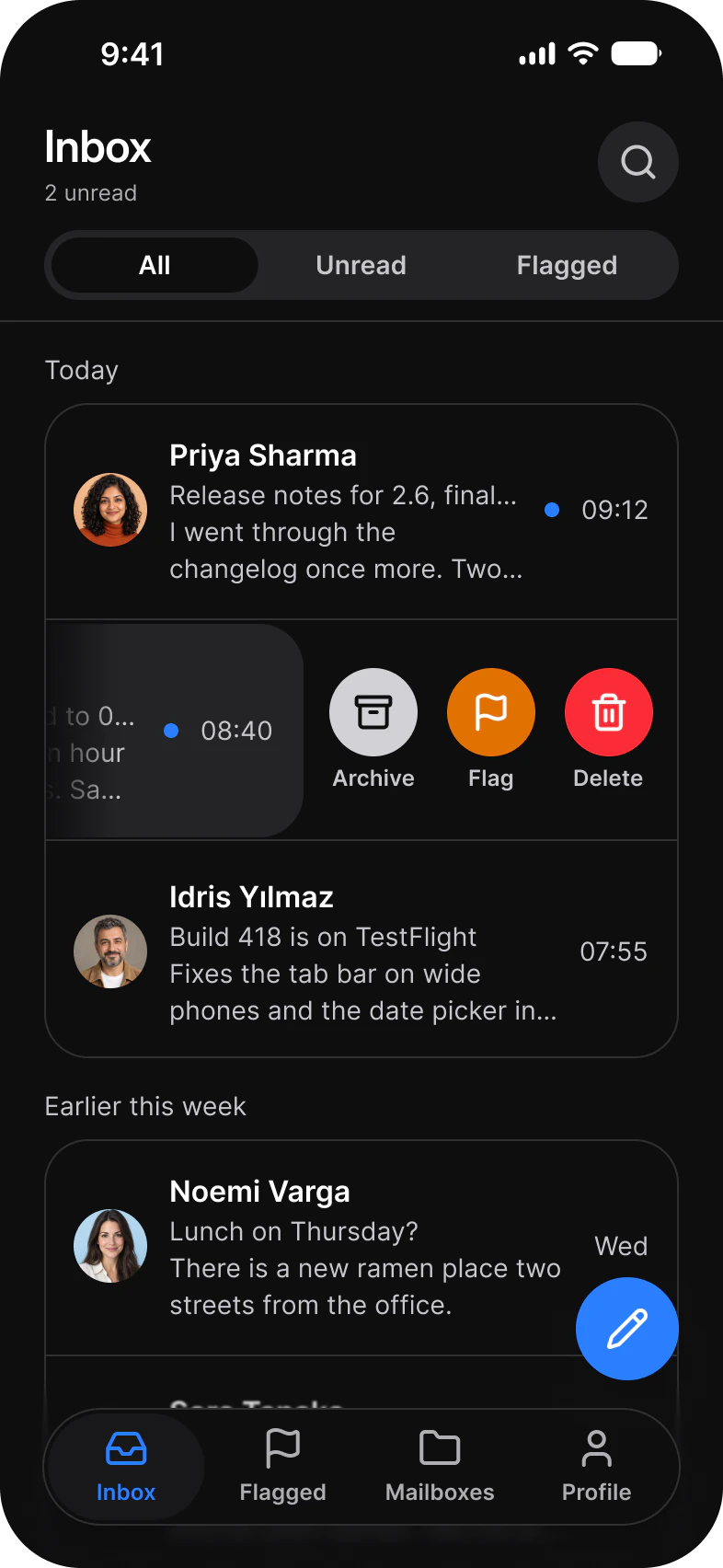
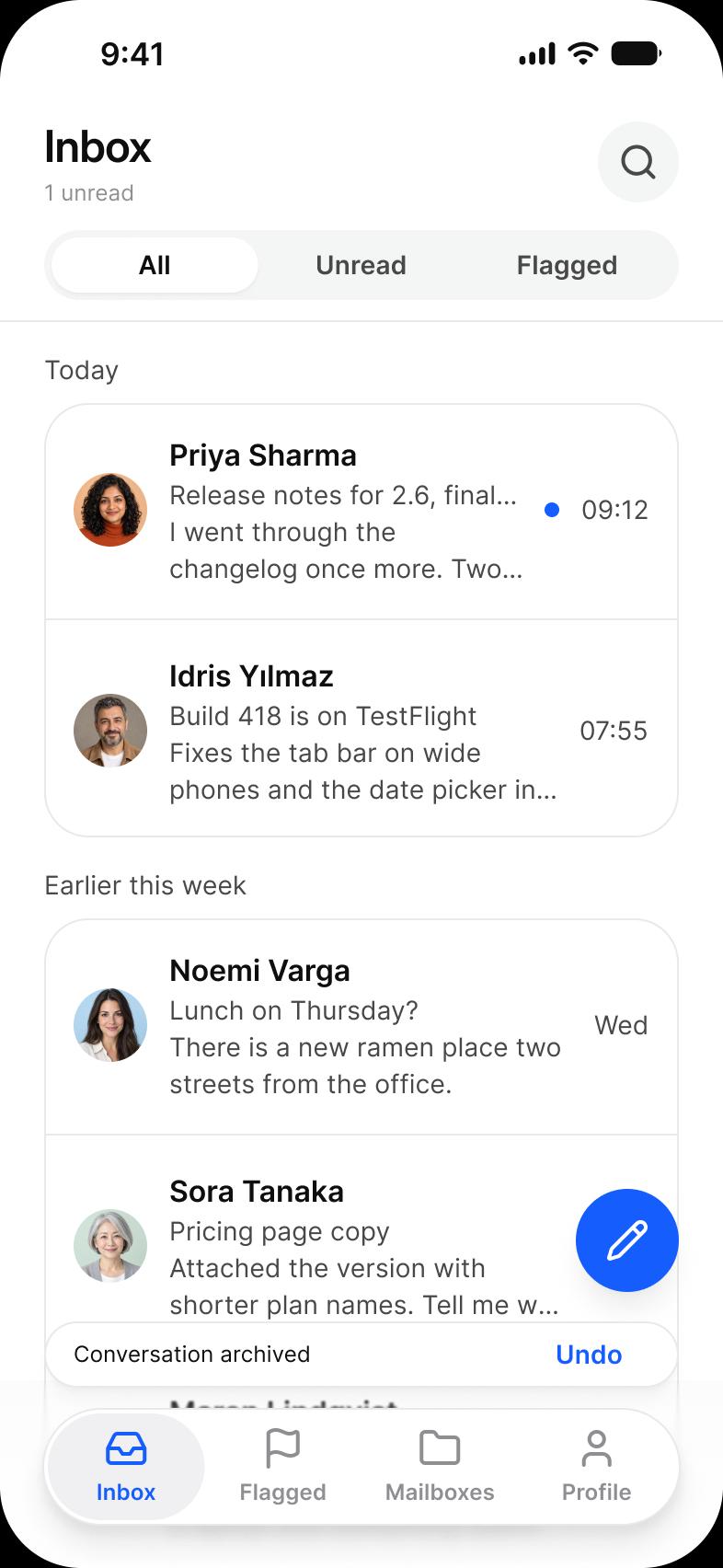
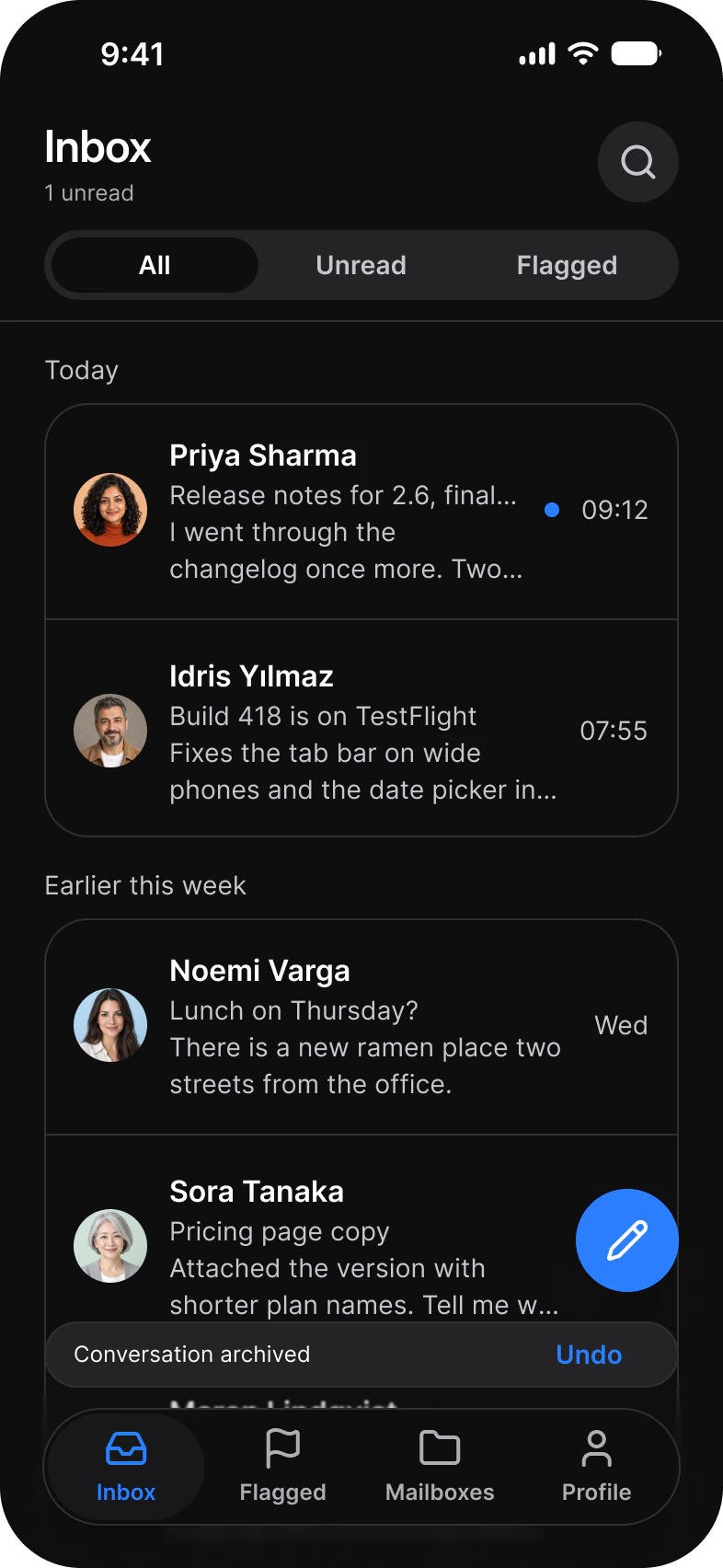
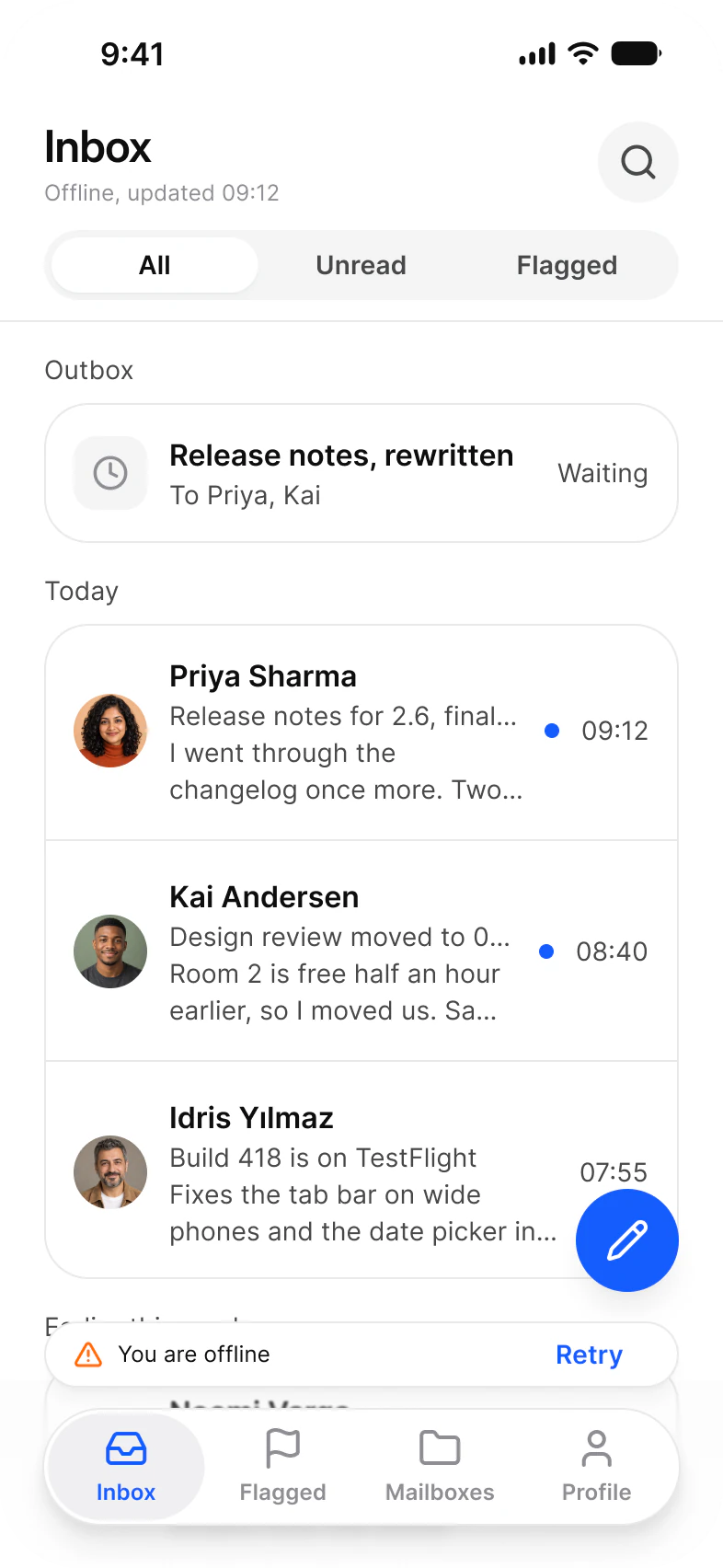
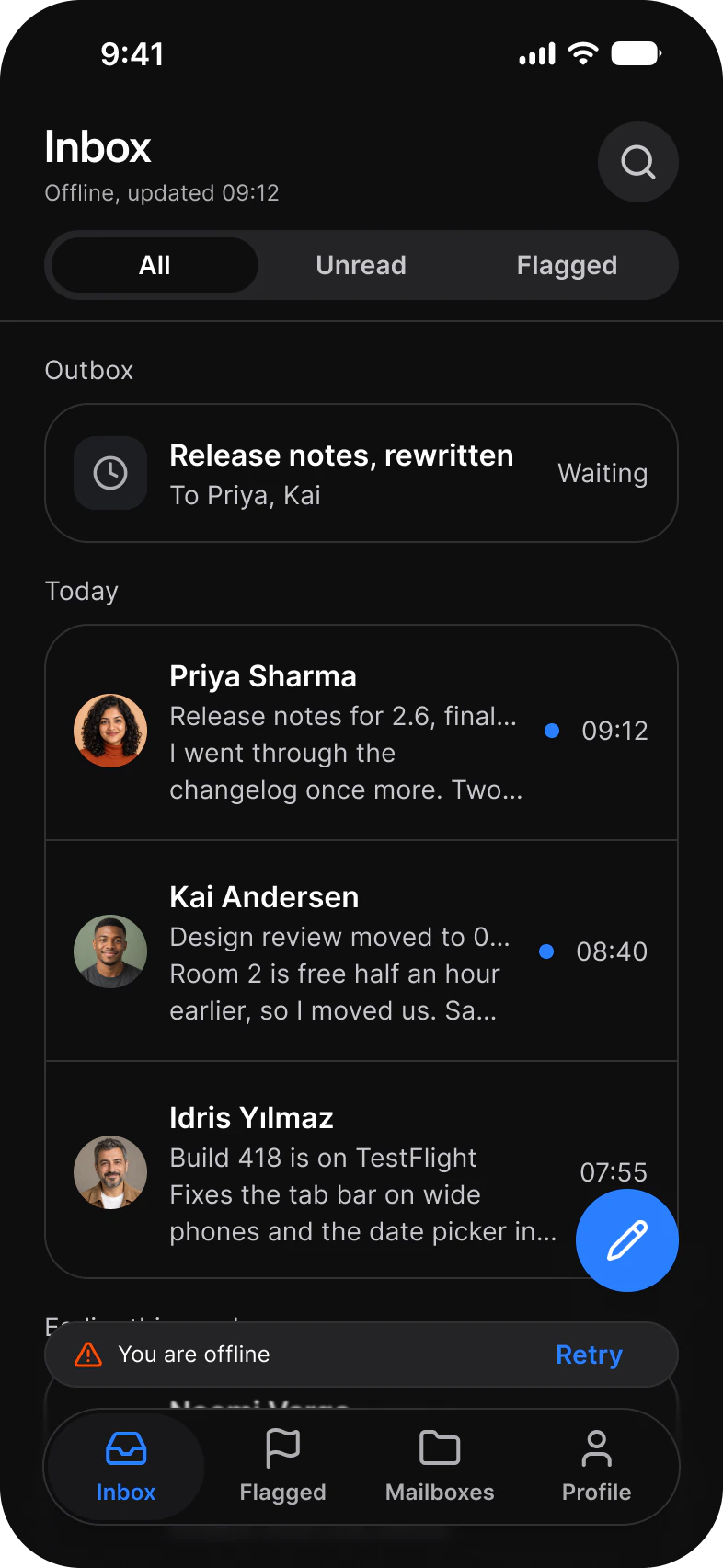
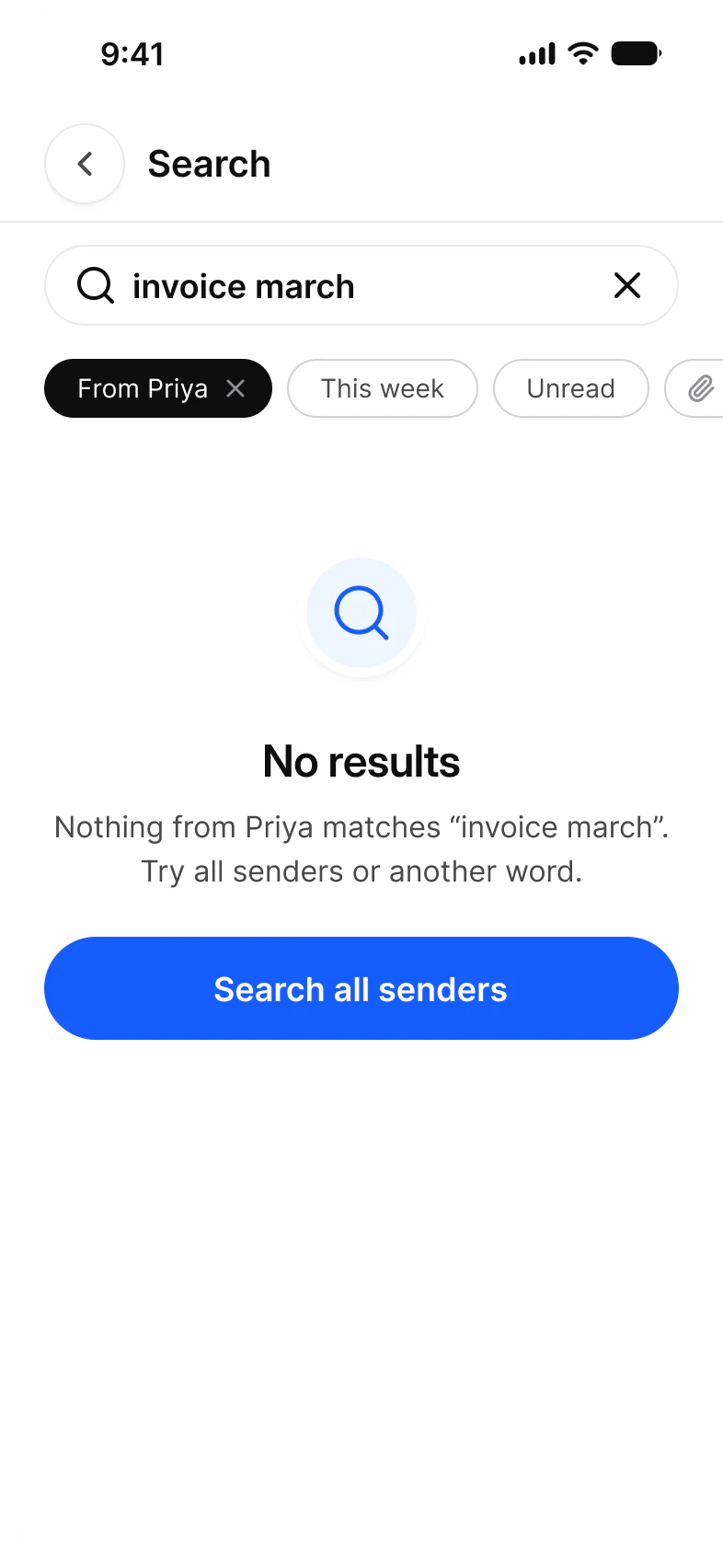
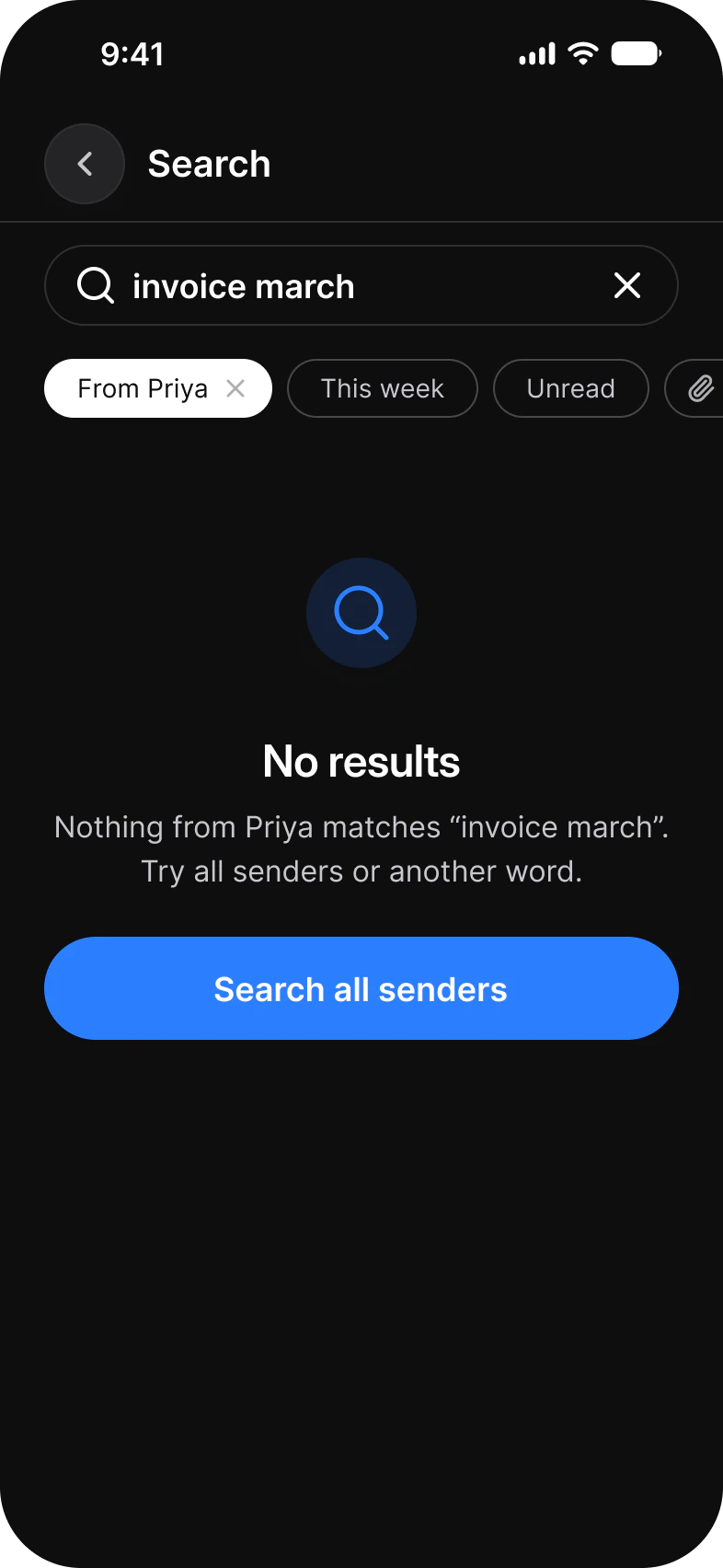
Thirteen screens for one mail app. Inbox, Message and Thread read mail, Compose, Search and Mailboxes write and find it, and Select, Swipe actions, Snooze, Archived, Offline, Empty and No results are the inbox in its other states. Each screen is drawn in Light and in Dark.
| Screen | What it shows | Built from |
|---|---|---|
| Inbox | Messages as three line rows with unread dots, grouped by day | List, Divider, Segmented Control, Floating Action Button, Navigation |
| Message | One message with labels, attachments and a reply field | Top Bars, Badge, Chip, Avatar, Composer |
| Thread | A conversation with collapsed replies and quick replies | Top Bars, List, Badge, Chip, Composer |
| Compose | Recipients, subject, body and the keyboard | Top Bars, Chip, Keyboard |
| Search | A query, filter chips, results and recent searches | Search, Chip, List, Divider |
| Mailboxes | System mailboxes with counts and labels | List, Divider, Navigation |
| Select | Rows with checkboxes and a toolbar for the selection | Checkbox, List, Top Bars, Toolbar |
| Swipe actions | One row swiped to reveal Archive, Flag and Delete | List, Segmented Control, Navigation |
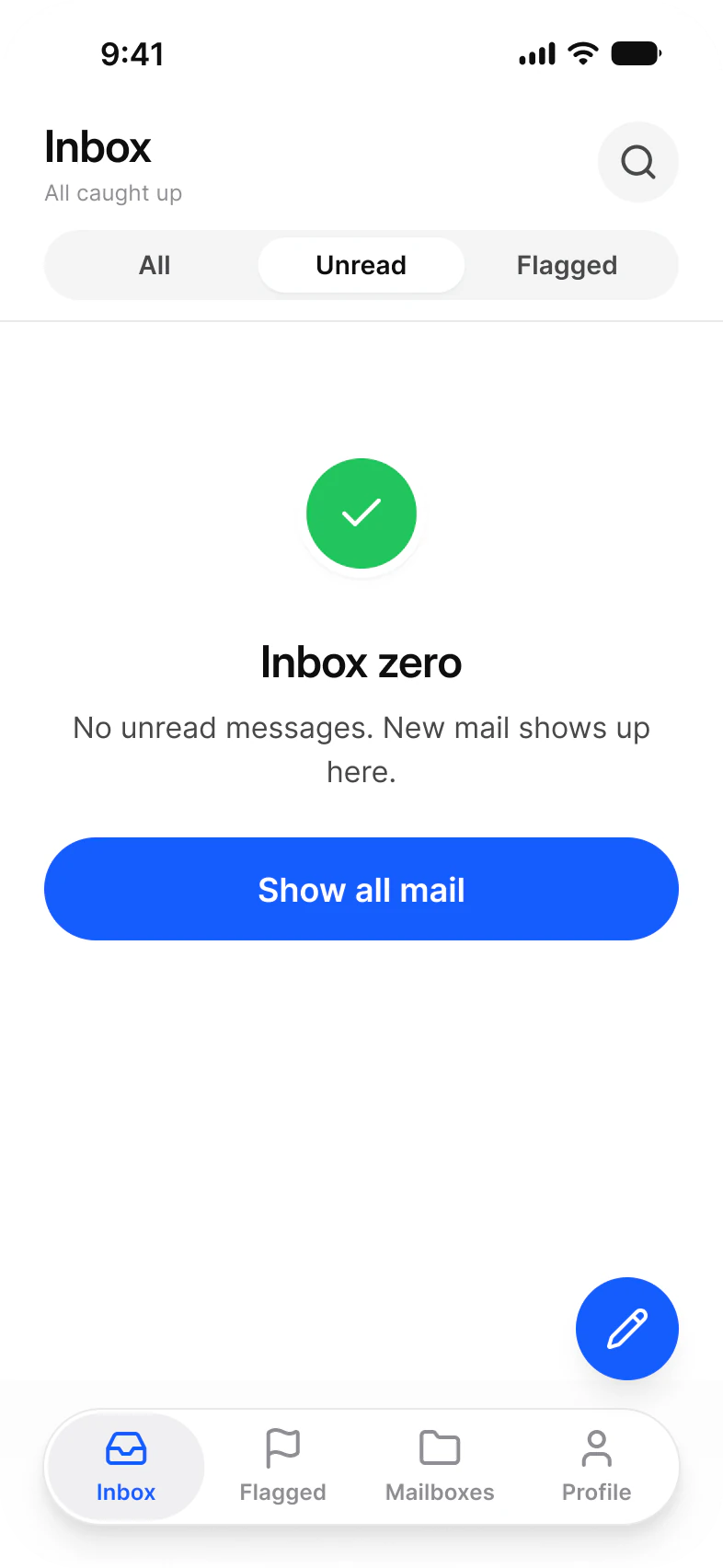
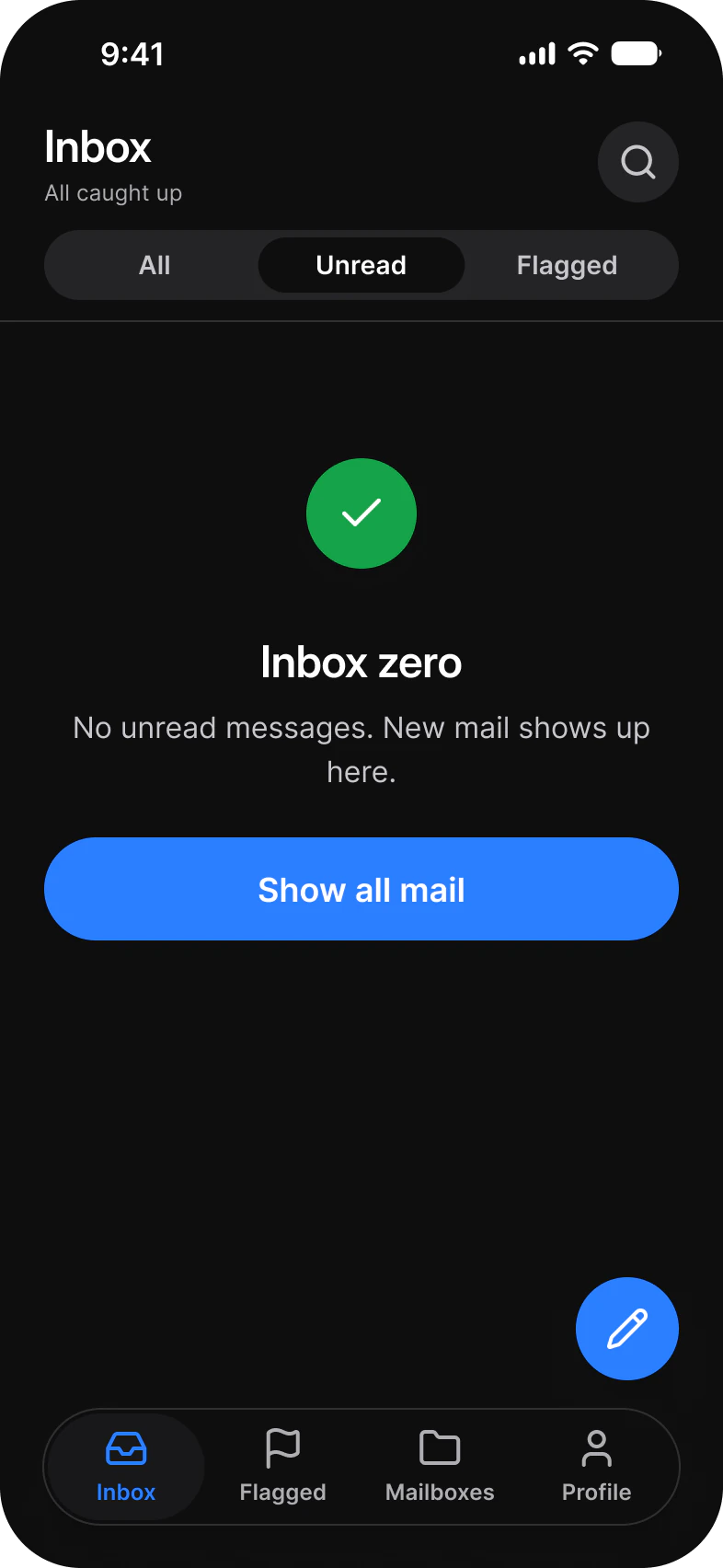
| Empty | Inbox zero on the Unread filter | Empty State, Segmented Control, Navigation |
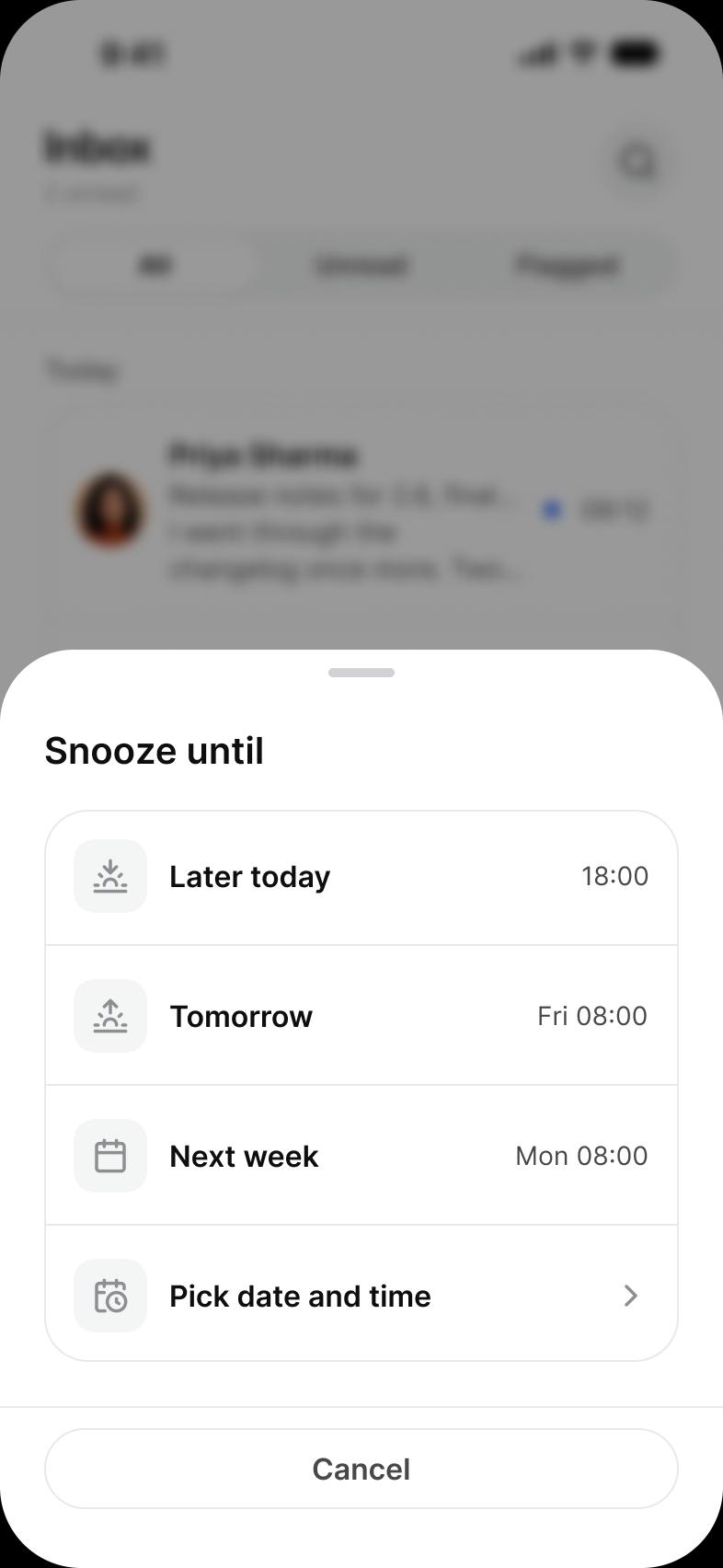
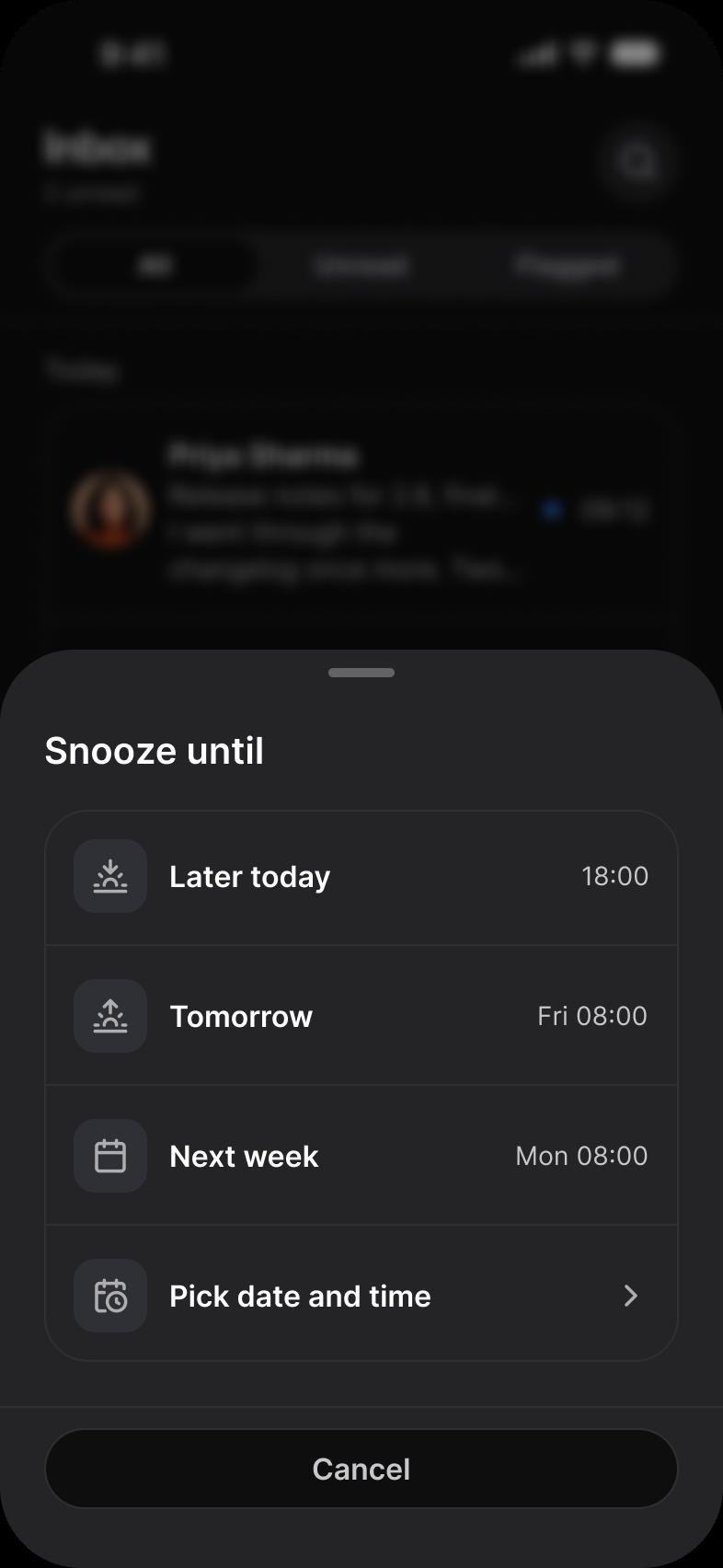
| Snooze | A sheet of times to bring a message back | List, Divider, Button |
| Archived | The inbox with an undo toast | List, Toast, Navigation |
| Offline | An outbox waiting to send and an offline toast | List, Toast, Navigation |
| No results | A search that found nothing and a way to widen it | Search, Chip, Empty State |
What does a mail flow need from a component library?
A list row dense enough for sender, subject and preview, ways to act on it, and a state for every time the inbox is not simply full.
A mail client needs a list row that carries sender, subject, a preview, a time and an unread mark, a way to act on one row and on many, a composer, search with filters, and a feedback line that can undo. In this set the row is the List component in its three line form, the swipe is a helper of the List row, and the feedback is a Toast.
| Need | Component | Where it appears |
|---|---|---|
| Show a message in one row | List | Inbox, Search, Select, Swipe actions, Archived, Offline |
| Filter the inbox | Segmented Control | Inbox, Swipe actions, Empty, Snooze, Archived, Offline |
| Act on one message | The List row's swipe actions | Swipe actions |
| Act on many messages | Checkbox, Toolbar | Select |
| Read and answer | Badge, Chip, Avatar, Composer | Message, Thread |
| Write a message | Chip, Keyboard | Compose |
| Find a message | Search, Chip | Search, No results |
| Undo or report a problem | Toast | Archived, Offline |
| Say there is nothing here | Empty State, Button | Empty, No results |
| Move around the app | Navigation, Top Bars | Six screens carry the tab bar, the rest a top bar |
Which states of the inbox does the flow draw?
Seven of the screens are the inbox or its search in a state other than full: selecting, swiping, snoozed, archived, offline, empty and without results.
The states keep the inbox header and its tab bar and change one thing. Swipe actions slides a single row to reveal its actions. Select replaces the header with a count and the tab bar with a toolbar. Archived and Offline add a Toast above the tab bar, one with Undo and one with Retry, and Offline adds an Outbox group with a message marked Waiting. Empty and No results use the same Empty State with a different icon, title and action.
| Screen | What changes | Built from |
|---|---|---|
| Select | Checkboxes on every row, a count in the header, a toolbar instead of the tab bar | Checkbox 6, List 6, Toolbar 1 |
| Swipe actions | One row moved left over Archive, Flag and Delete | List 5, the swipe row helper 1 |
| Snooze | A sheet of four times over the dimmed inbox | List 10, Divider 7, Button 2 |
| Archived | A Toast with Undo | List 5, Toast 1 |
| Offline | An Outbox group and a Toast with Retry | List 7, Toast 1 |
| Empty | No rows, a check mark and Show all mail | Empty State 1, Button 1 |
| No results | No rows, a search mark and Search all senders | Empty State 1, Chip 4 |
What are the Mail screens built from?
Every instance placed directly on the light frames, counted by the component it comes from. The dark row holds the same instances.
The light row holds 190 placed instances and 242 more nested inside them. A component is counted by its set name, so every Button variant is a Button, and an icon is any instance named in lowercase.
| Component | Placed | Where |
|---|---|---|
| List | 58 | Inbox 6, Thread 4, Search 5, Mailboxes 10, Select 6, Swipe actions 5, Snooze 10, Archived 5, Offline 7 |
| Divider | 39 | Inbox 4, Thread 2, Search 3, Mailboxes 8, Select 4, Swipe actions 4, Snooze 7, Archived 3, Offline 4 |
| Chip | 15 | Message 2, Thread 3, Compose 2, Search 4, No results 4 |
| Status Bar | 13 | Every screen |
| Button | 8 | Snooze 2, one each on Inbox, Mailboxes, Swipe actions, Empty, Archived and Offline |
| Top Bars | 7 | Message, Thread, Compose, Search, Select, Snooze, No results |
| Segmented Control | 6 | Inbox, Swipe actions, Empty, Snooze, Archived, Offline |
| Navigation | 6 | Inbox, Mailboxes, Swipe actions, Empty, Archived, Offline |
| Scroll Edge | 6 | Inbox, Mailboxes, Swipe actions, Empty, Archived, Offline |
| Checkbox | 6 | Select |
| Lucide icons | 6 | Compose 5, Message 1 |
| Floating Action Button | 5 | Inbox, Swipe actions, Empty, Archived, Offline |
| Badge | 3 | Message 2, Thread 1 |
| Composer | 2 | Message, Thread |
| Search | 2 | Search, No results |
| Empty State | 2 | Empty, No results |
| Toast | 2 | Archived, Offline |
| Avatar | 1 | Message |
| Keyboard | 1 | Compose |
| Toolbar | 1 | Select |
| List row swipe actions | 1 | Swipe actions |
Counted on November 18, 2026 with a read-only Plugin API script over the light frames of the Mail page in the Appetite UI 2.6 Figma file. Placed counts an instance that is not inside another instance. Hidden layers count.
Start from these screens.
Every frame on this page is part of the Appetite UI file, drawn from its components and bound to its variables, so one brand edit moves every screen in light and dark.
The file holds 592 variables in 6 collections and exports its token values to SwiftUI, Jetpack Compose, Flutter and CSS. Solo covers one person and Team up to ten people. You pay once and keep lifetime updates.
The read-only Figma preview opens the whole file, every screen and every variable, before you buy.