Updated
Week Strip
Week Strip is seven days in one row, for moving between days in a day or week view.
Updated
Preview
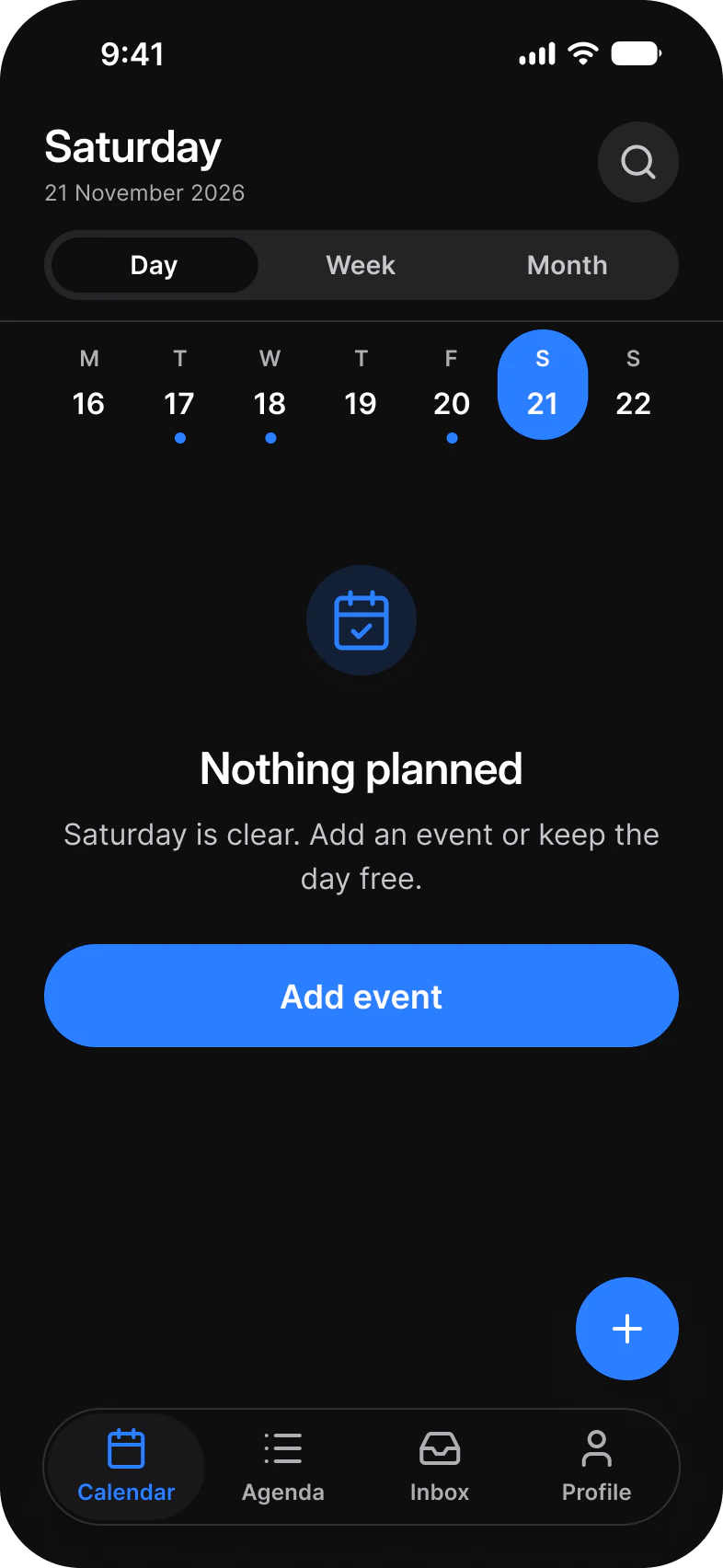
Seven days that share the width equally. One is Active, and a dot marks the days with events.
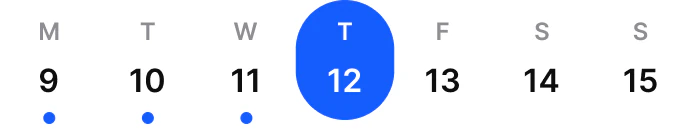
Source: Week Strip on the Calendar page of the Appetite UI Figma file, read on November 18, 2026.
Figma and code
Week Strip is in the Appetite UI Figma library. Appetite UI Code does not have it yet.
Build it from the tokens: every stack of Appetite UI Code ships them with the names and values of the Figma file. Add your stack's package first: Install the code.
What do Active, Today and the dot mean?
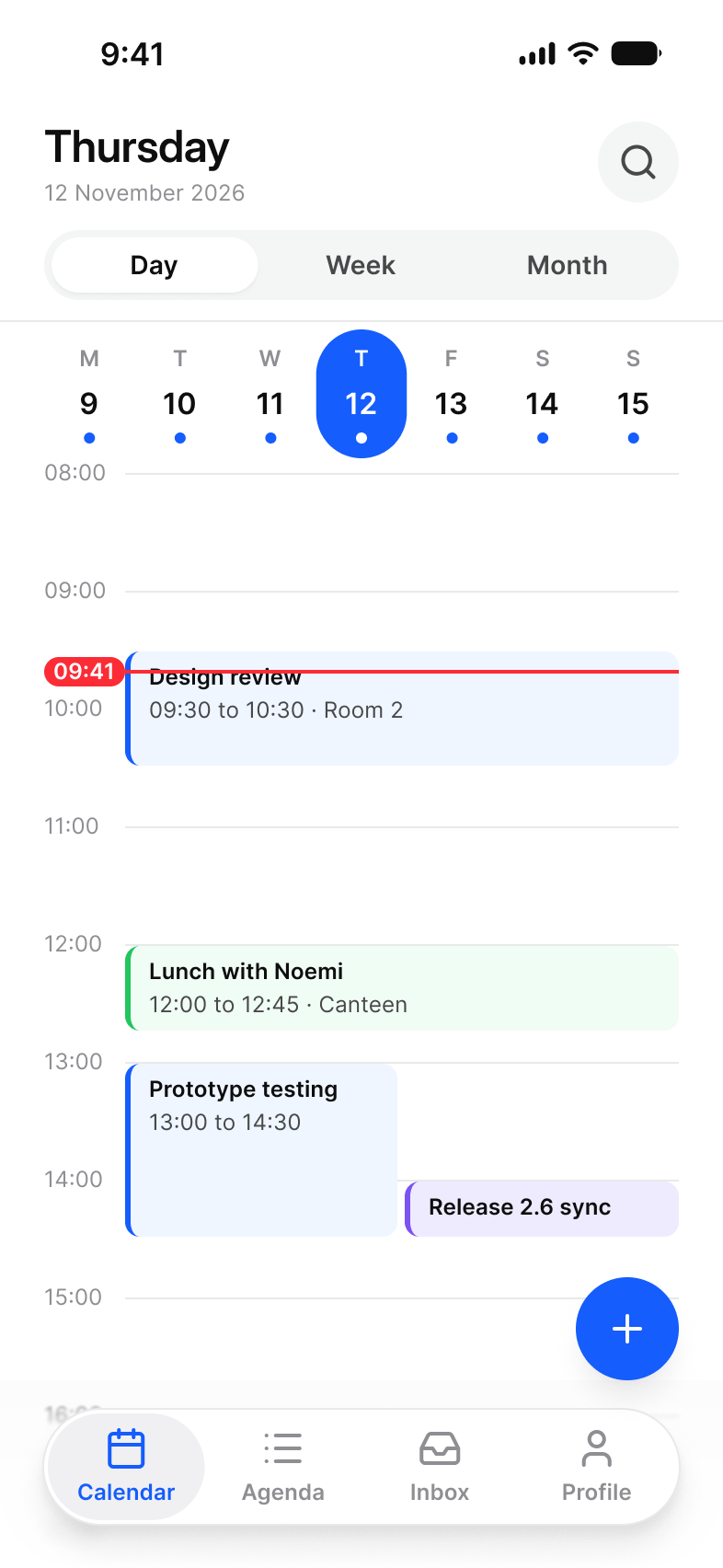
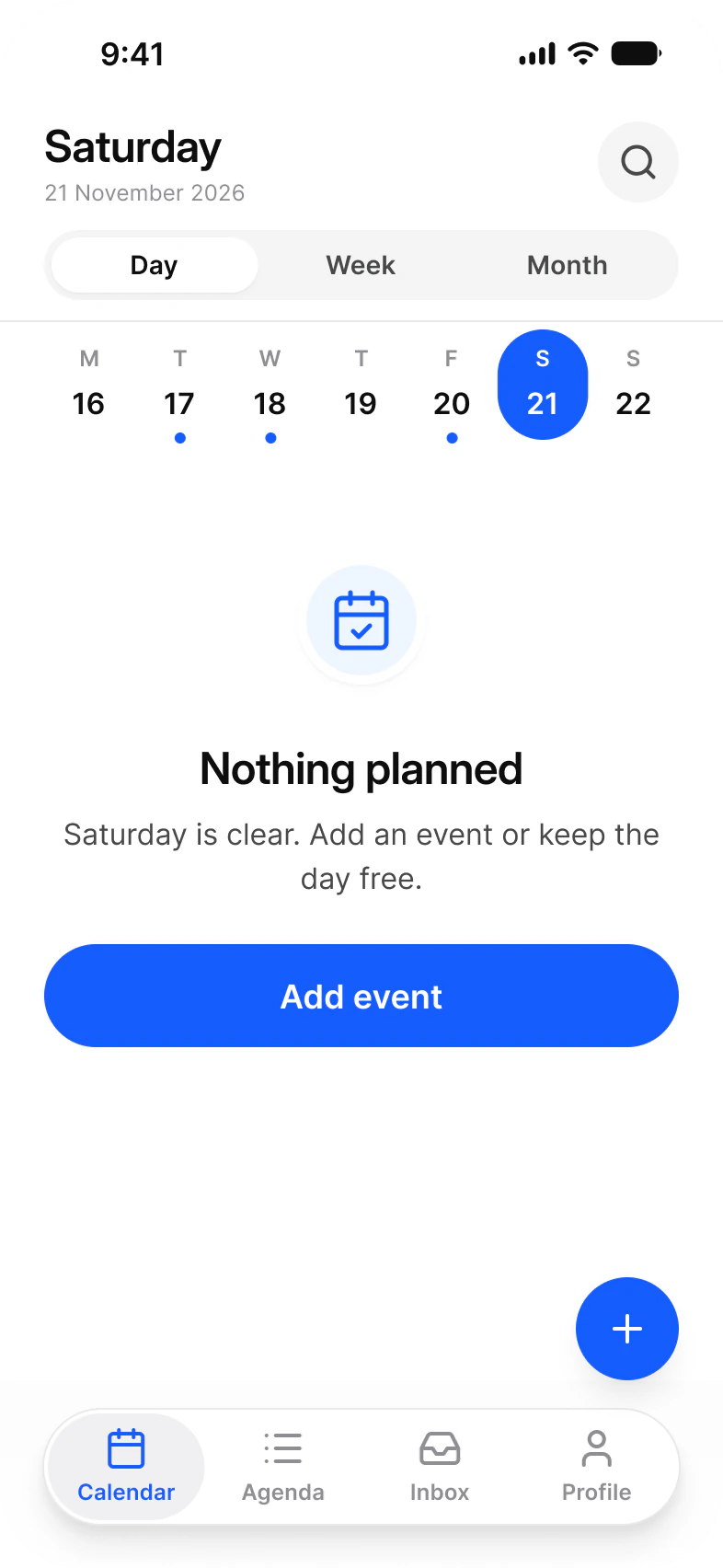
Active is the selected day. Today marks today when another day is selected. The dot marks a day with content.
| State | When | Look |
|---|---|---|
Active | The selected day, exactly one | Brand pill with the date in white |
Today | Today, while another day is selected | Weekday and date in brand, no pill |
Default | Every other day | Plain weekday and date |
Marked | A day with events, any state | A dot under the date |
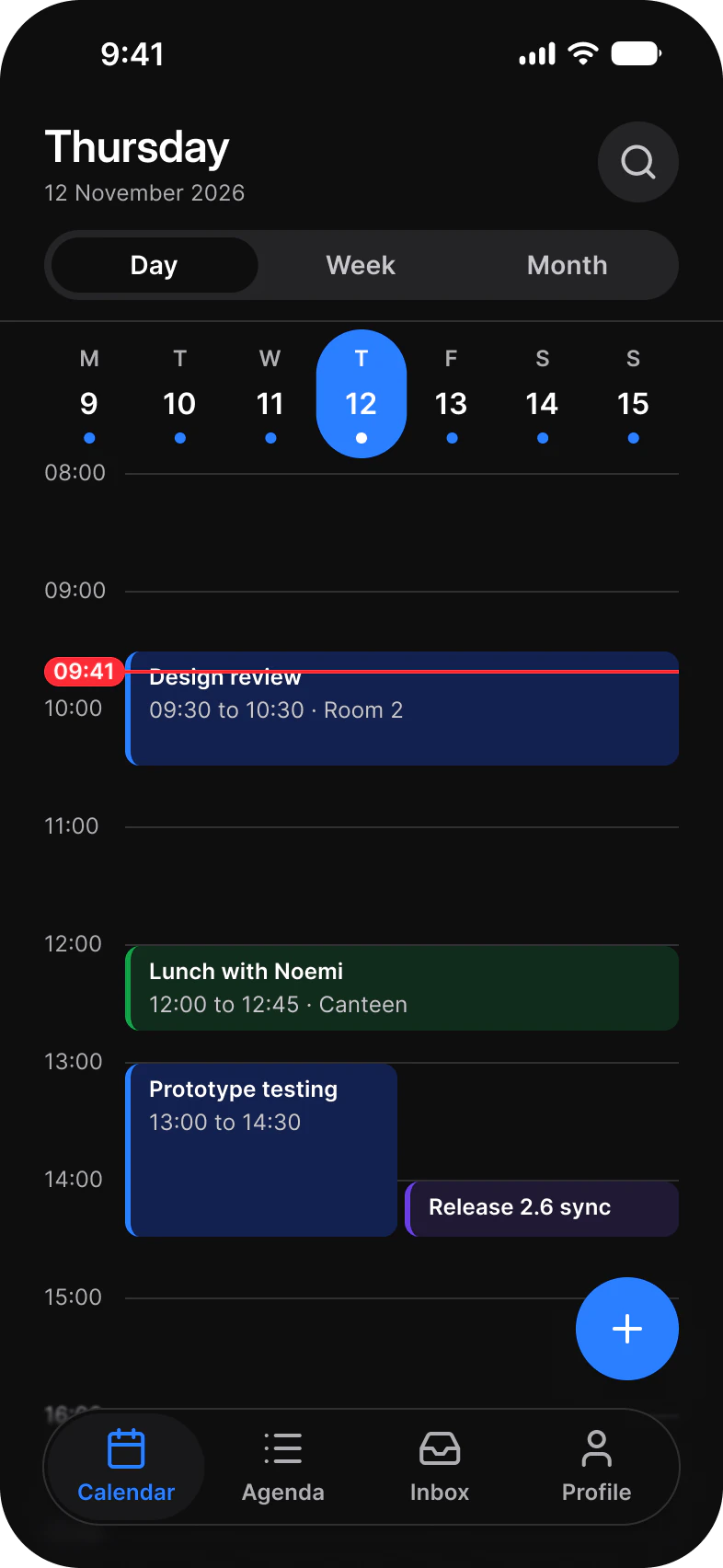
The dot sits inside a fixed 70 cell, so marking a day never changes the height of the strip. Days share the width equally, so the strip lines up with a seven column Time Grid below it. To pick a date across a month, use the Date Picker.
Properties
Set Weekday, Date, State and Marked on each of the seven nested days.
| Property | Type | Default |
|---|---|---|
State | Default, Active, Today | Default |
Weekday | Text | M |
Date | Text | 9 |
Marked | Boolean | false |
| Set | Variants | Size |
|---|---|---|
Week Strip | One component | 345 x 70 |
_Week Day | 3, one per State | 44 x 60 |
Dimensions
A fixed height, so marks and states never move the content under the strip.
| Part | Value |
|---|---|
| Strip | 345 x 70 |
| Day cell | One seventh of the width, 70 tall |
| Day | 44 x 60 |
Is there a native week strip on iOS or Android?
No. Both platforms pick dates with a calendar or wheel picker, and a week strip is a custom view.
| Platform | Counterpart | What differs |
|---|---|---|
| iOS | None. SwiftUI DatePicker shows a month or a wheel. | Week Strip moves a day view one day at a time inside the current week. |
| Android | None. Material 3 DatePicker shows a month. | Week Strip keeps the week on screen above the content. |
Prototype
Tap a day to make it Active in 200 ms on motion/easing/standard.
The prototype runs on the kit's Motion tokens, so the timing in Figma is the timing to build.
See Week Strip in the kit.
The read-only Figma preview opens the Appetite UI file on Week Strip, so you can check it before you buy.
The file holds 592 variables in 6 collections and exports its token values to SwiftUI, Jetpack Compose, Flutter and CSS. Solo covers one person and Team up to ten people. You pay once and keep lifetime updates.